Base
Hardened build
minimal ports, security patches applied at build time

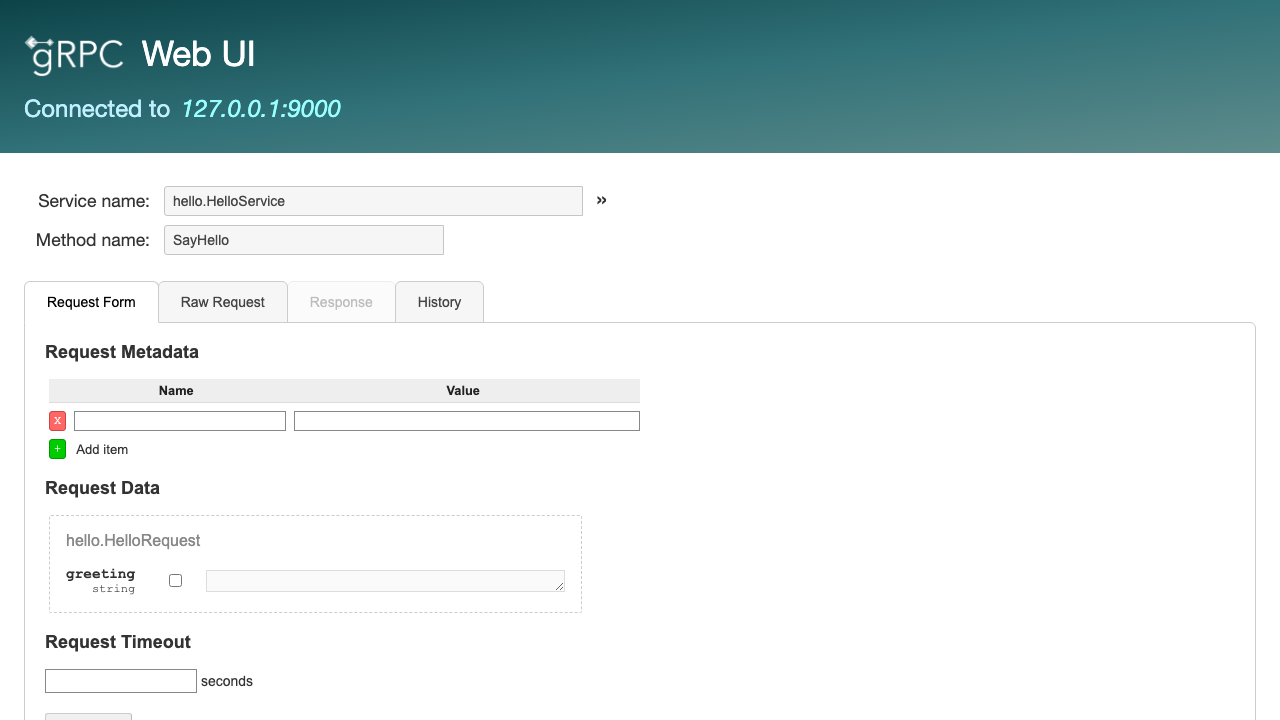
grpcUI, an interactive web console for exploring and calling gRPC services, a browser based way to browse a server's methods and invoke them by hand.
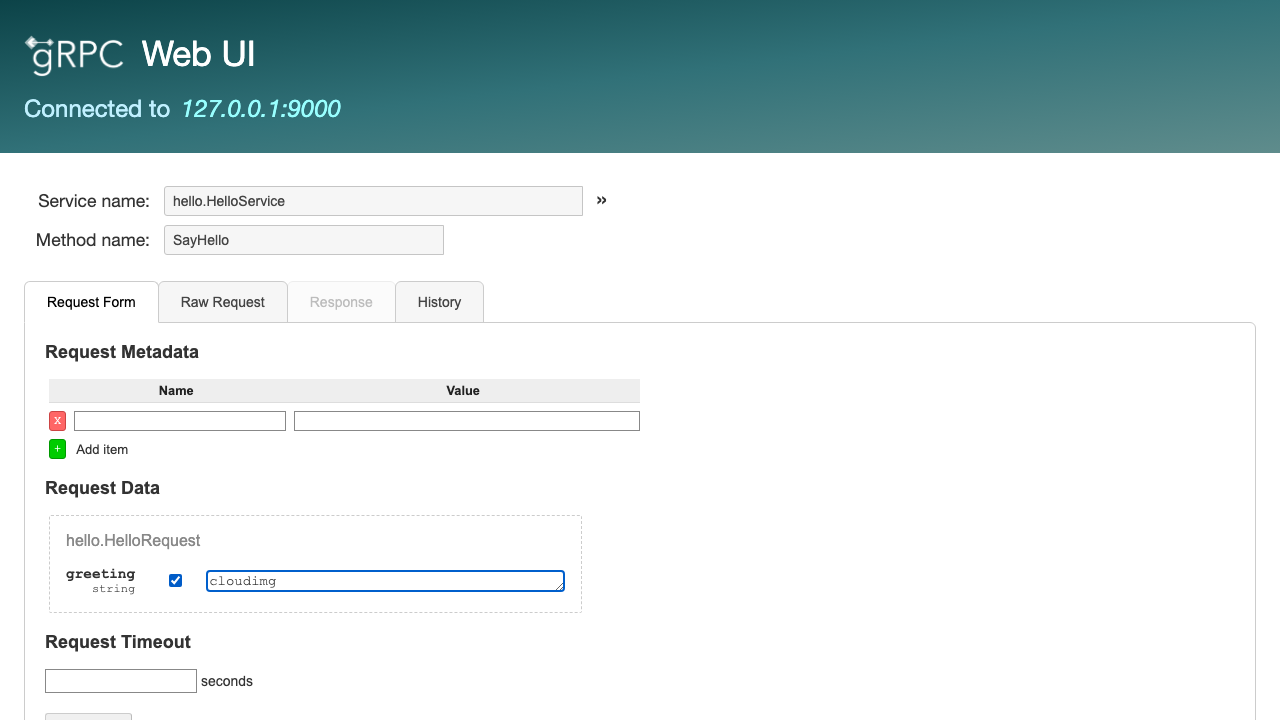
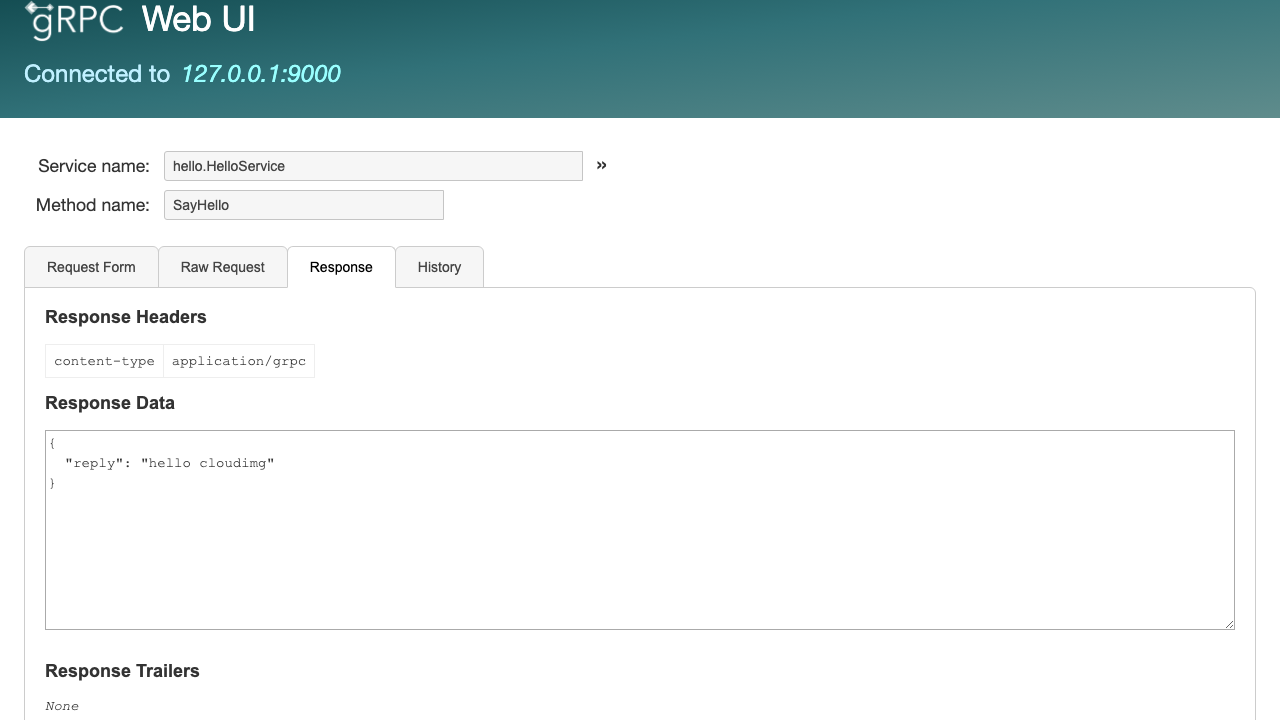
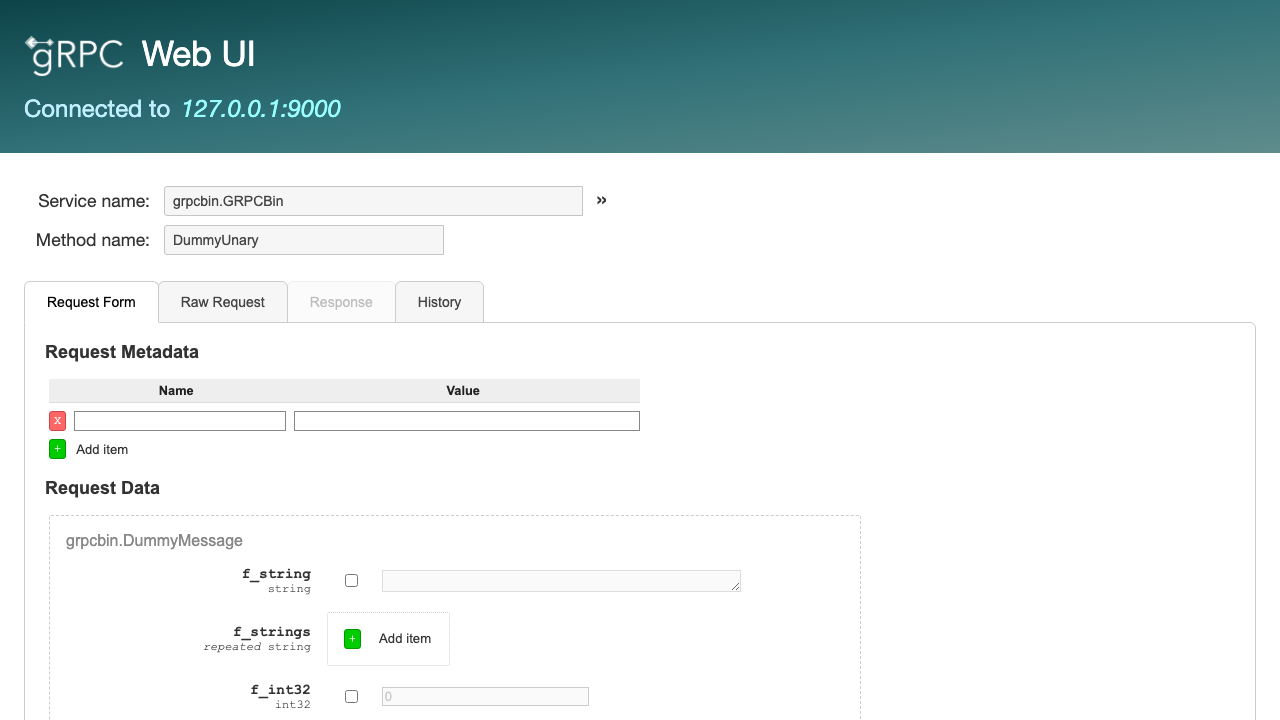
grpcUI is an interactive web user interface for gRPC servers, the graphical counterpart to command line tools like grpcurl. Point it at a running gRPC service and it discovers that service's methods, either automatically through gRPC server reflection or from the .proto or protoset files you supply, then renders an HTML form for each method. You fill in the request fields in the browser, invoke the method, and grpcUI performs the real gRPC call on the server side and shows you the response message, the status code and the response metadata. It is, in effect, a Postman for gRPC: a way to explore, test and debug gRPC APIs by hand without writing a throwaway client.
It suits developers and QA engineers building or integrating gRPC services who want to poke at endpoints interactively, confirm a method behaves as expected, or demonstrate an API to colleagues, all from a web page rather than a terminal.
cloudimg delivers grpcUI ready to use: it boots pre-pointed at a bundled demo gRPC server that has server reflection enabled, so the console immediately lists callable methods and you can invoke one and see a real response without any setup, and the guide shows how to repoint it at your own service. The image is secure by default: grpcUI has no authentication of its own, so the console is bound to the loopback interface and fronted by a reverse proxy, and on the first boot of every instance a unique console password is generated and written to a root only file, so the console is never exposed without a login and no two instances share a credential. The base is fully patched with unattended security upgrades enabled, and every deployment is paired with a step by step deploy guide and backed by 24/7 cloudimg support.
Real screenshots taken while testing this image against its deployment guide.

Docker Community Edition is the free, open source container runtime that allows you to package applications and their de...
Docker Community Edition preconfigured across several Linux variants, running containers within minutes of launch.

Around that core it adds a side by side editor with comments and a review state for each key, conflict detection when a ...
Apache Allura is the open source project hosting platform, or forge, that powers SourceForge.

This image runs Altair GraphQL Client 8.5.7, an open source GraphQL IDE, on Ubuntu 24.04 LTS.

A control node is the machine those playbooks actually run from. This image is that machine, and it ships ready rather t...