Base
Hardened build
minimal ports, security patches applied at build time

JumpServer, an open source privileged access management bastion that brokers, vaults and records every session, with per instance secrets generated on first boot.
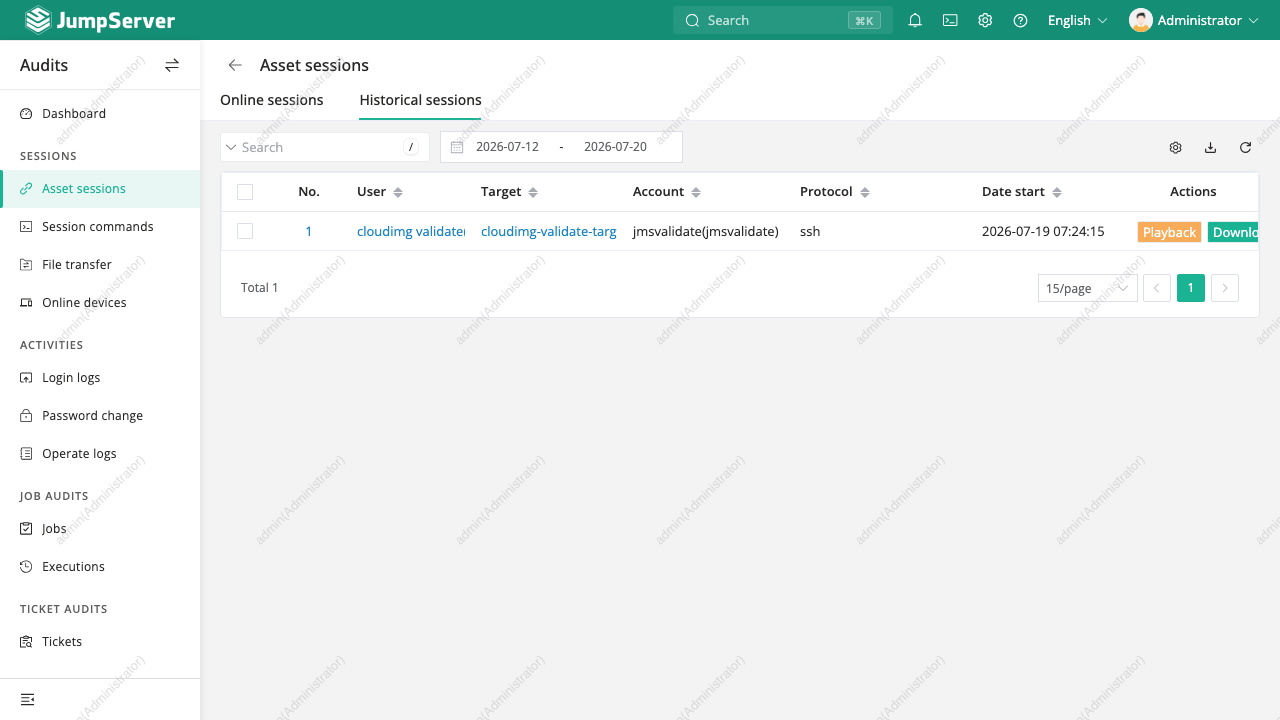
JumpServer is an open source privileged access management platform: a single audited doorway in front of the infrastructure that matters. Rather than handing engineers credentials and direct network access to production, teams give them an account on JumpServer, which holds the real credentials in an encrypted vault, injects them at connection time so they are never revealed, and records every session it brokers for later replay. One gateway covers SSH and SFTP, remote desktop, databases and Kubernetes, giving security and audit teams a complete, searchable trail of who reached what, when, and what they did.
A privileged access manager holds the keys to everything else, so a shared secret baked into the image would let anyone decrypt every deployment's vault. cloudimg ships none: the master encryption key, the component bootstrap token, the database and cache passwords, the administrator password and the API token are all generated on your own instance at first boot, before the console is reachable, and the database starts empty. The stack is open source throughout, with Valkey in place of a source available cache, and the vault, database and session recordings live on a dedicated data volume so audit history can be grown and backed up independently. Every image passes an automated gate that proves a real session is brokered through the bastion and recorded before it ships, and is backed by 24/7 cloudimg support with a paired deployment guide.
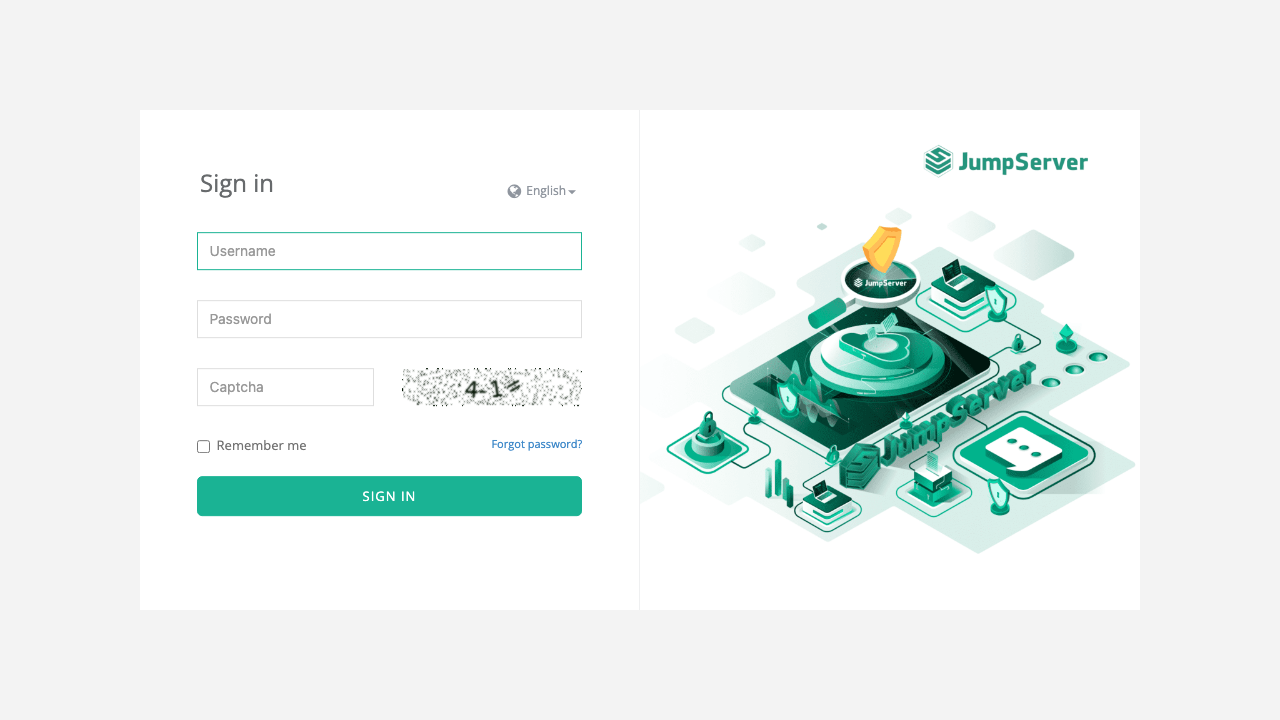
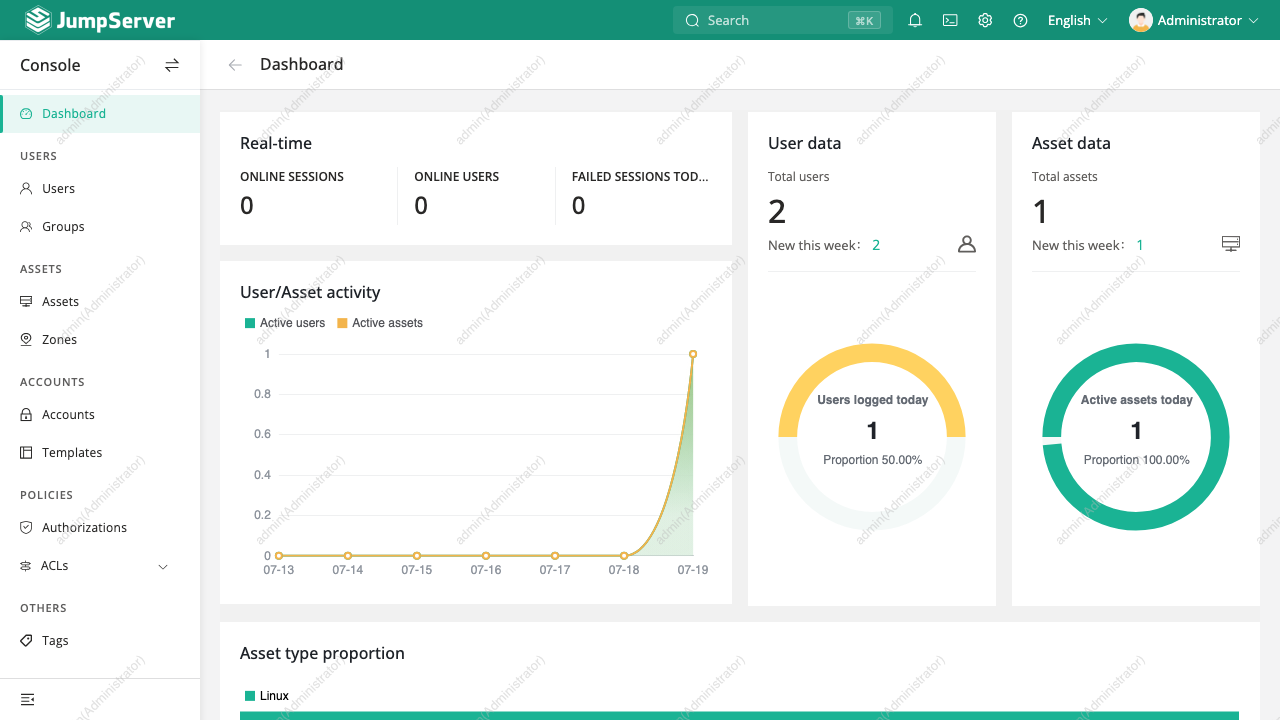
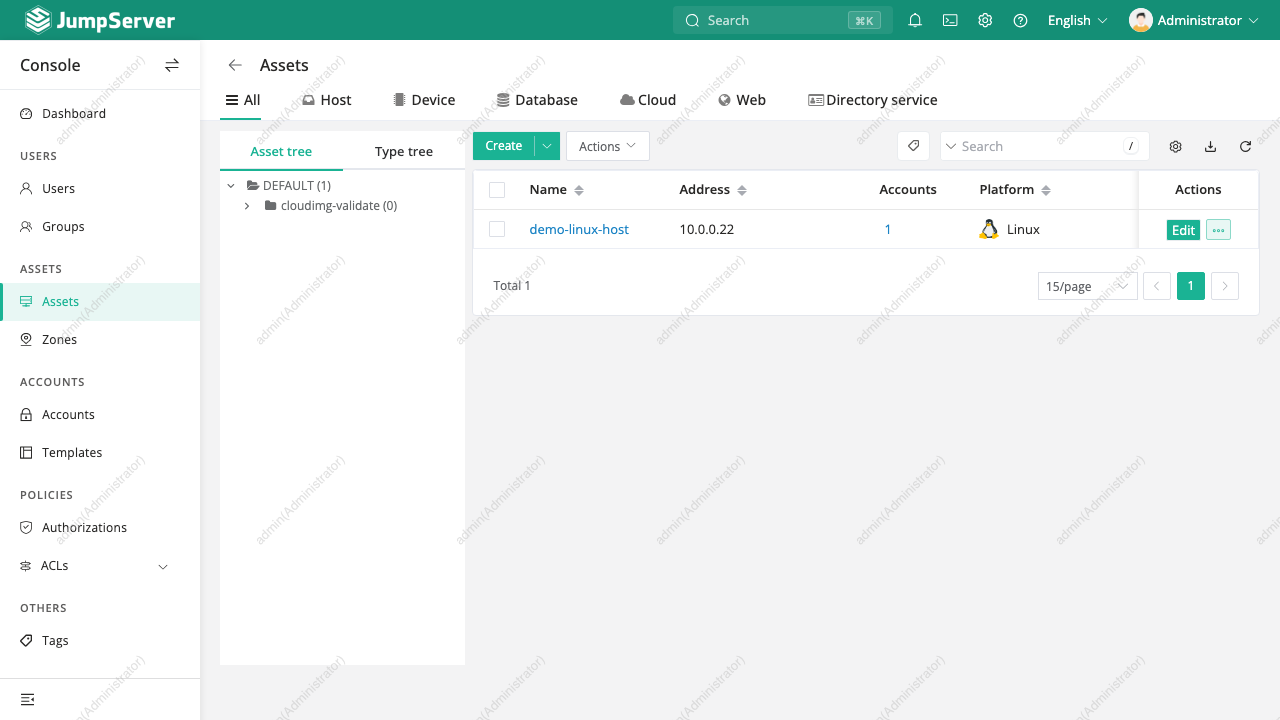
Real screenshots taken while testing this image against its deployment guide.
2FAuth is a free, open source, self hosted web app for managing your two factor authentication accounts.
The image installs acme-dns 2.0.2 from the official upstream release (github.com/acme-dns/acme-dns, the project formerly...

Mail sent to an alias is forwarded to your real inbox, and you can reply from the alias so the other side never learns w...

AliasVault is an open source, end to end encrypted password manager combined with a private email alias service that you...

This image runs Apache SpamAssassin, the long established open source anti spam platform, fully configured and security ...

Apache Syncope is an open source identity management and identity governance platform.