Base
Hardened build
minimal ports, security patches applied at build time

a private, browser based data science notebook, secured from first boot by cloudimg.
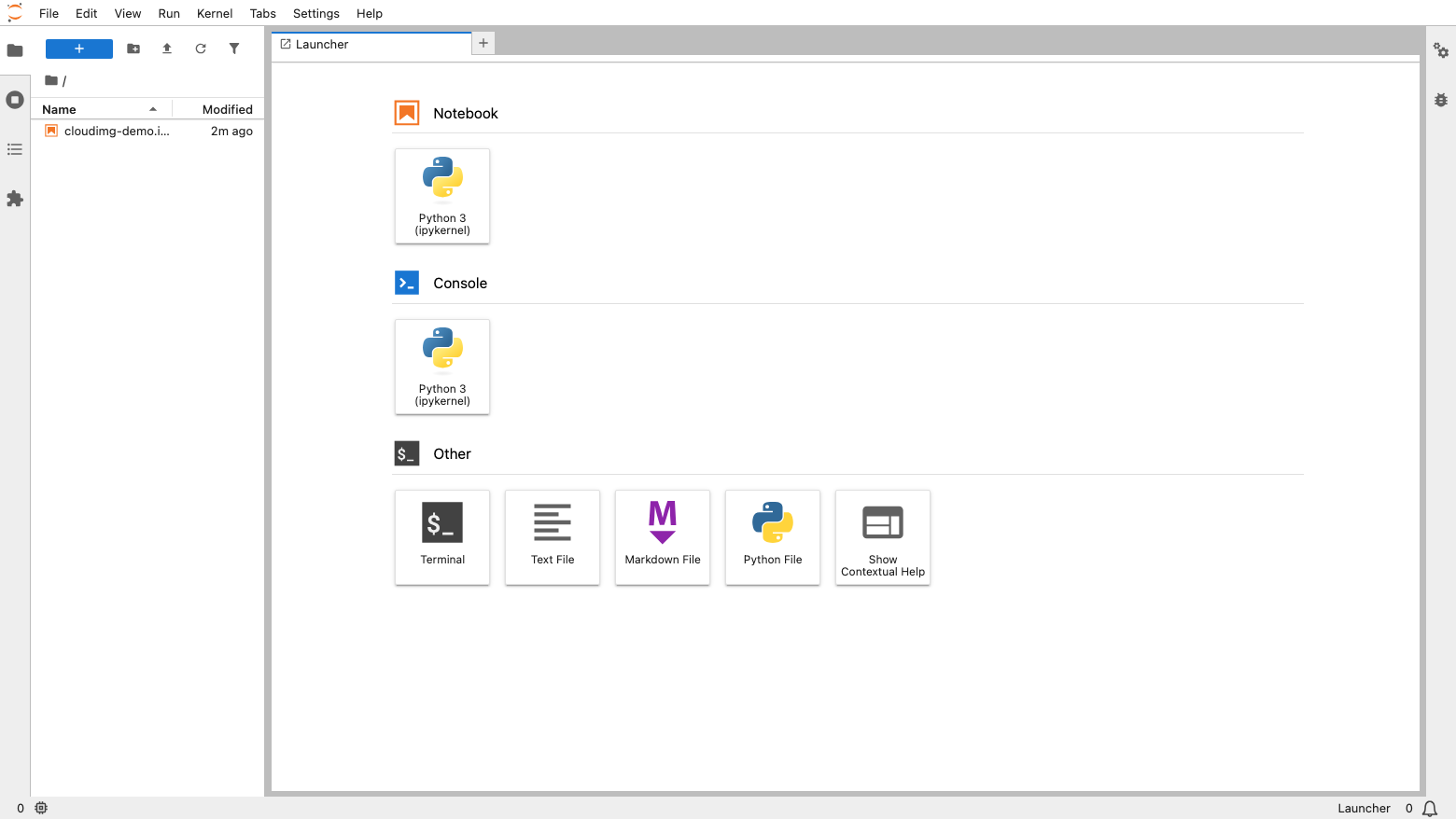
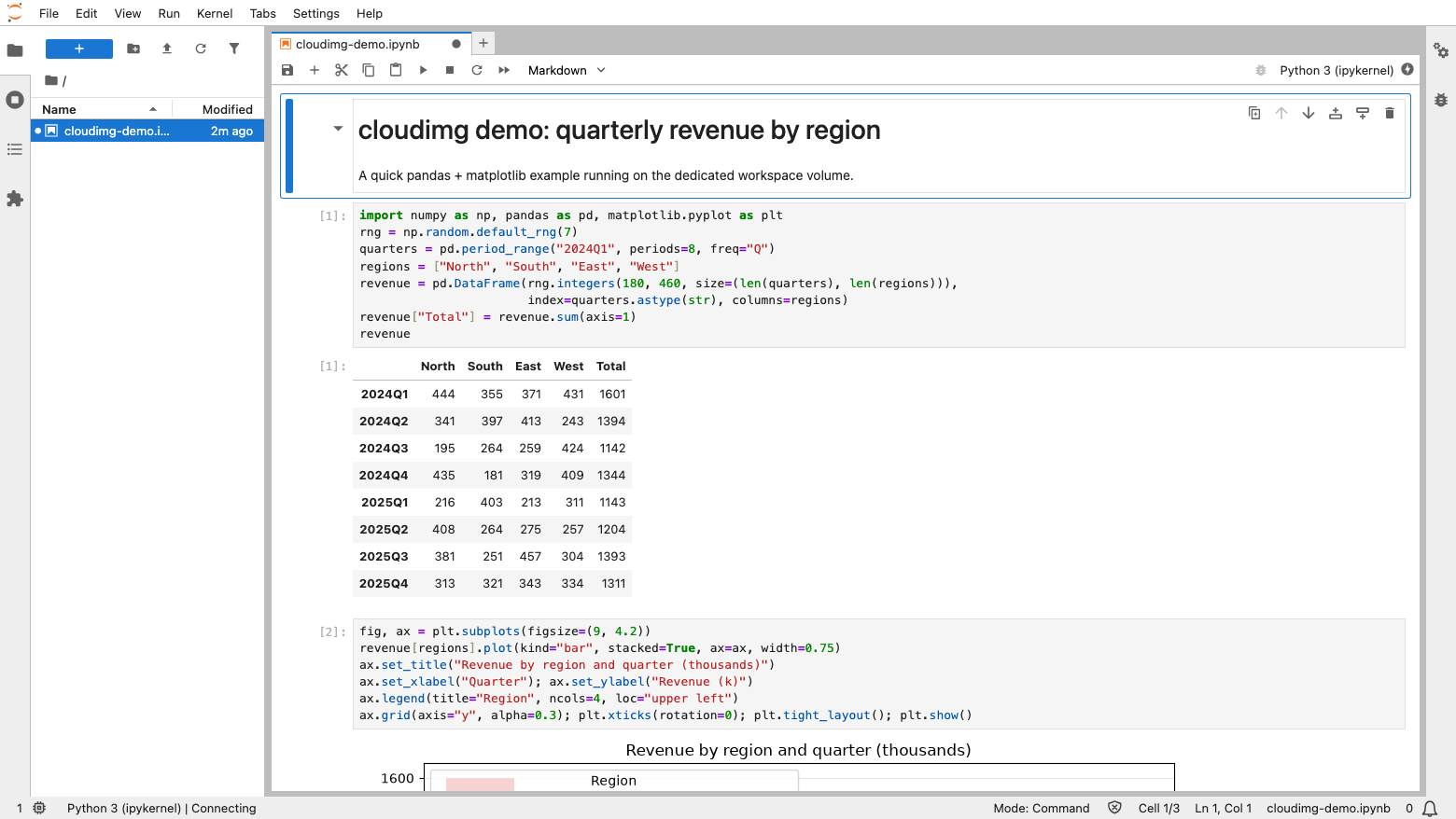
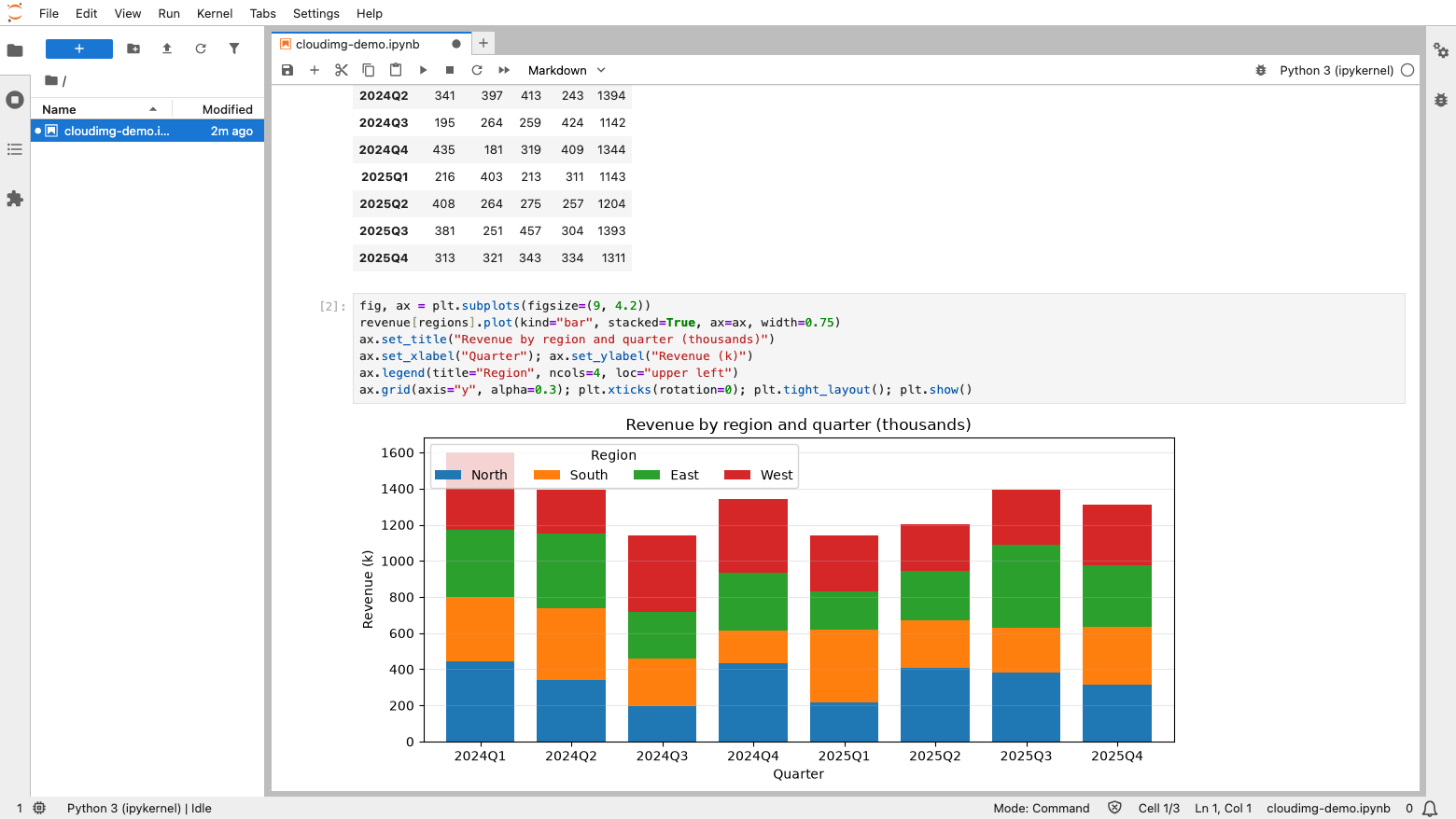
JupyterLab is the interactive development environment behind most of the world's data science and research computing. It gives you a browser based workspace with notebooks, a code console, a terminal and a file browser, running a Python kernel with the scientific stack (NumPy, pandas, Matplotlib, ipywidgets) already installed, so exploratory analysis, visualisation and reproducible notebooks are ready the moment the workspace loads.
cloudimg ships JupyterLab hardened rather than merely installed: the notebook server runs as an unprivileged account bound to loopback behind a TLS reverse proxy, URL bearing token auth is disabled, and every instance mints its own certificate and generates a unique administrator password on first boot, so no default login ever ships in the image. The server refuses to start unauthenticated, and notebooks, datasets and any packages you add live on a dedicated, resizable data volume separate from the operating system disk. Every deployment is paired with a step by step guide and backed by 24/7 cloudimg support.
Real screenshots taken while testing this image against its deployment guide.

Upstream ships Agent Zero as a Docker image. This VM runs that official image, pinned by its digest, as a systemd manage...

This image runs Argilla 2.8.0, the open source data annotation and curation platform for building high quality datasets ...

Because the endpoint is OpenAI compatible, existing application code usually needs only a base URL change.

A web interface lets you add data to "brains" (datasets), explore the extracted graph as a mind map and ask questions.

ContextForge MCP Gateway is IBM's open-source gateway, registry and proxy for the Model Context Protocol (MCP), the stan...

Crawl4AI is a fast, open source web crawler and scraper that converts web pages into clean, LLM ready Markdown and struc...