Base
Hardened build
minimal ports, security patches applied at build time

A directory and an identity provider in one small binary, with no default password to change.
Kanidm is an open source identity management platform: the directory that holds your people, groups and service accounts, and the identity provider those accounts authenticate against. Most self hosted identity software is one or the other, so a working deployment usually means running a directory alongside a federation front end and keeping the two in step. Kanidm is both. One server gives you a web interface for administration and self service, a REST API, a read only LDAP endpoint for applications that only speak LDAP, an OAuth2 and OpenID Connect provider for applications that speak modern federation, RADIUS secrets for network authentication, and POSIX attributes for Unix login.
Kanidm ships its administrator accounts with no credential at all, and the cloudimg image keeps it that way rather than generating one for you. There is no vendor default to change and no password written to a file at first boot, so there is no window between an instance starting and being secured in which anyone could sign in: the first credential is one you mint yourself from a root shell, and it is printed once. Everything that must be unique to an instance is created on that instance at first boot, including its certificate authority and its TLS certificate, and two instances were compared before release with no key material or host identity in common. The server terminates TLS itself with no proxy in front of it, the open port set is asserted by equality against every socket the machine opens, and every deployment is paired with a step by step deploy guide and backed by 24/7 cloudimg support.
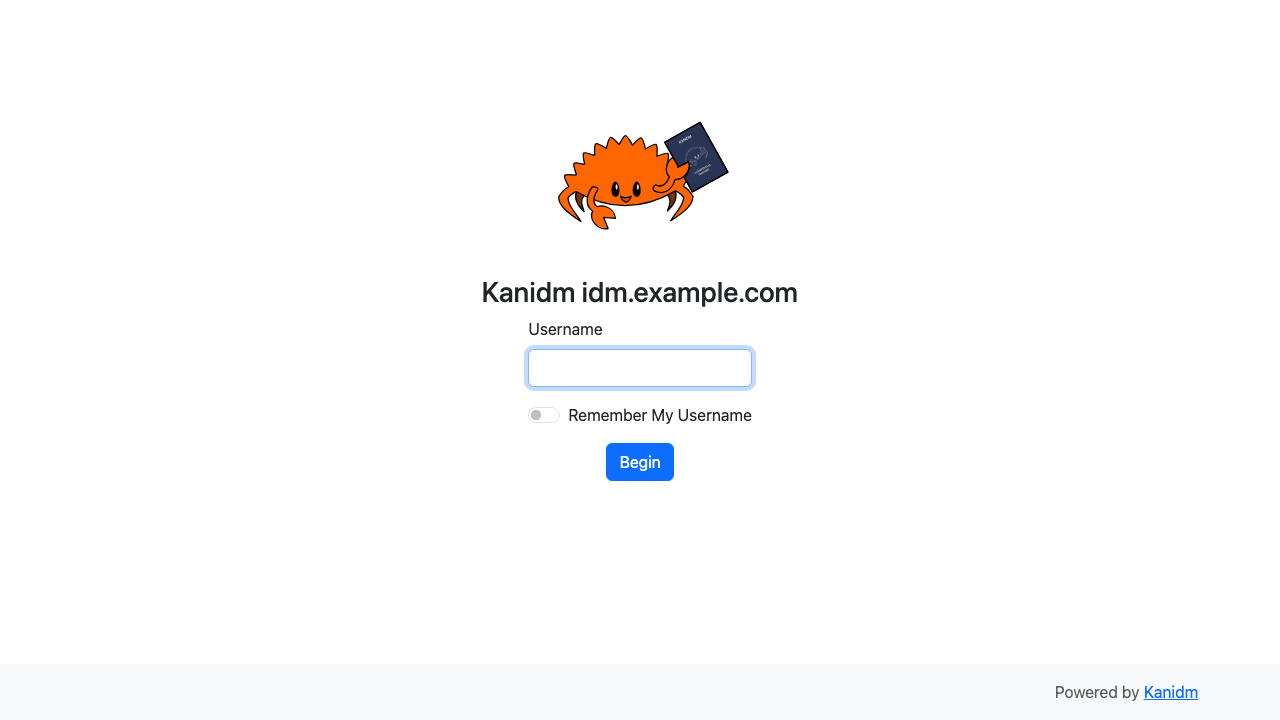
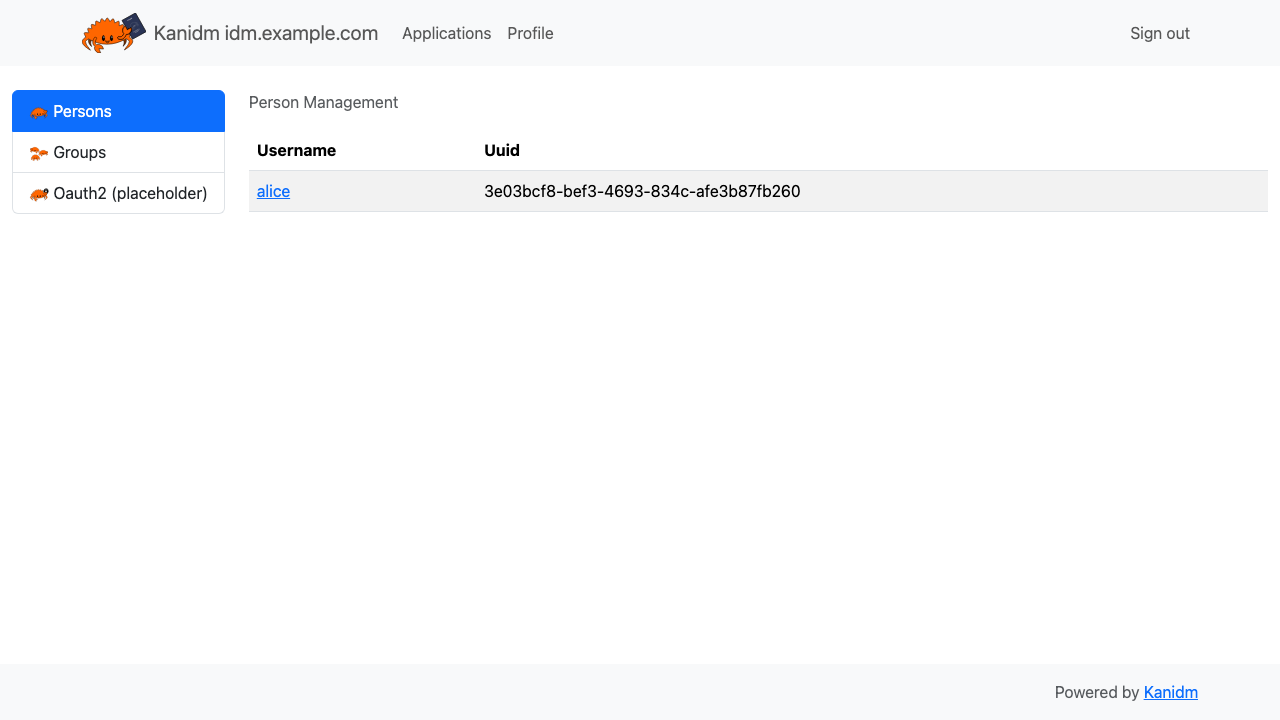
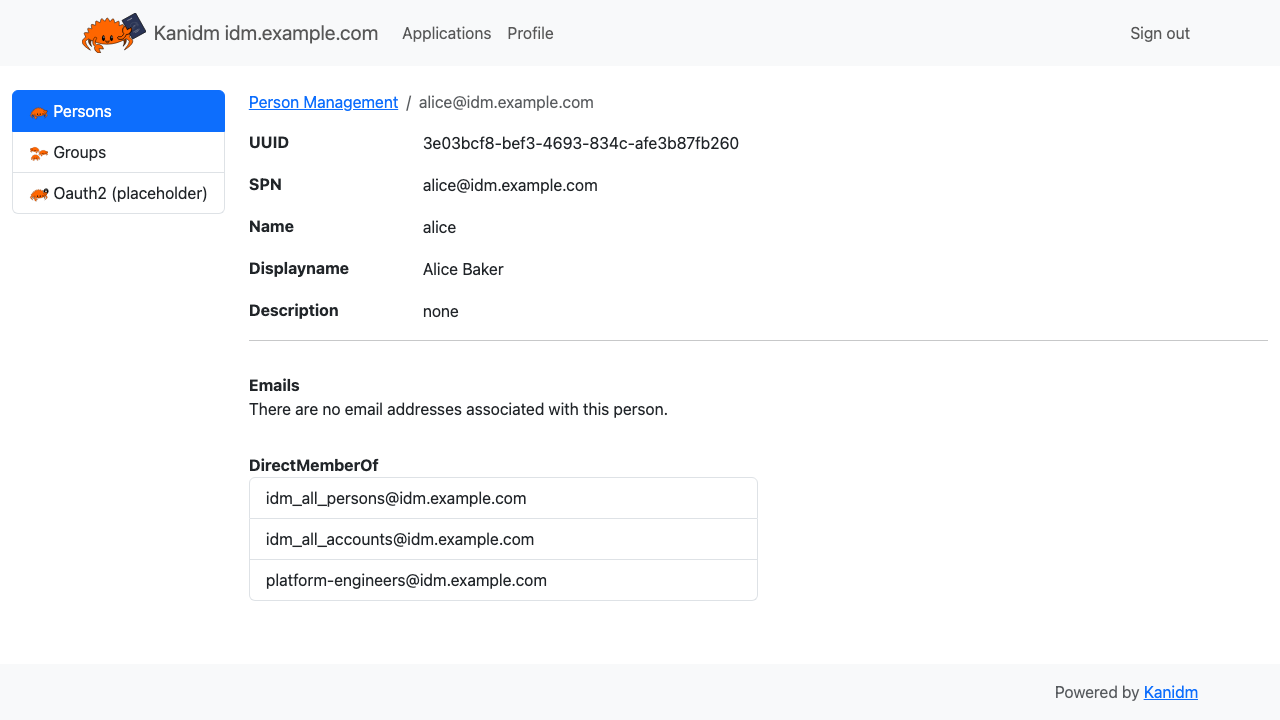
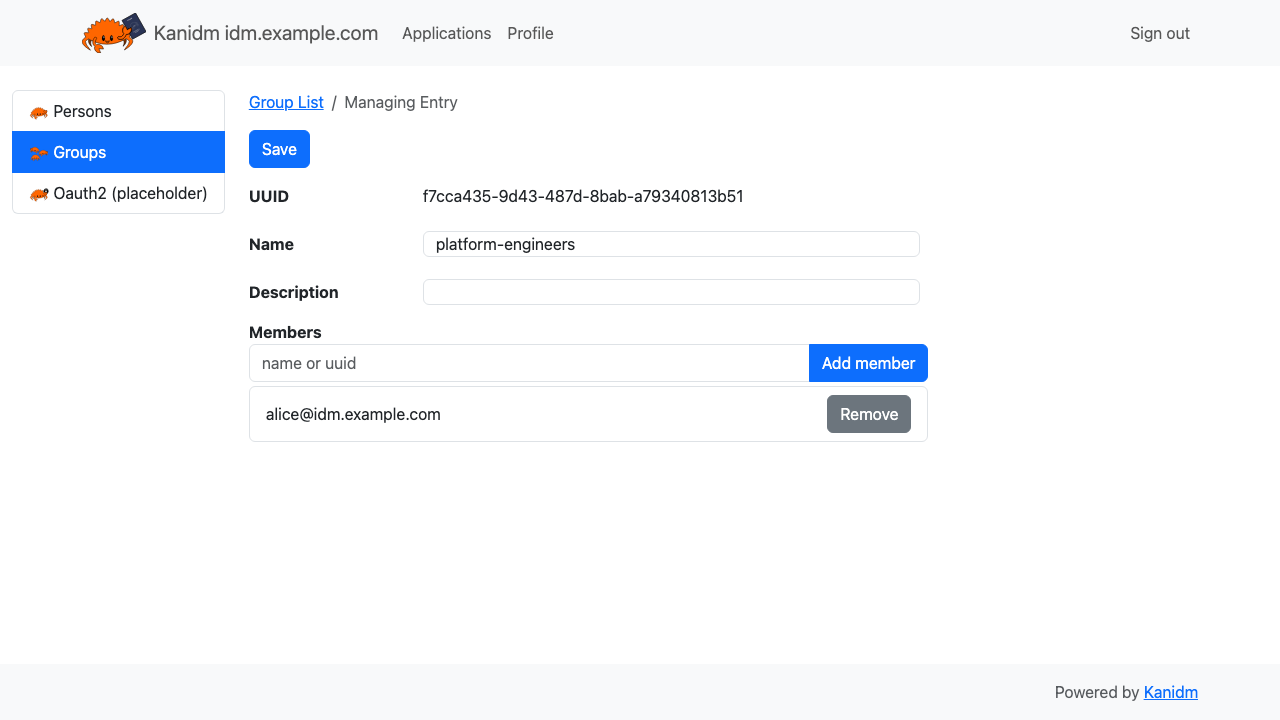
Real screenshots taken while testing this image against its deployment guide.

What cloudimg adds to every version - Every image is built by cloudimg on a fully patched base with the latest security ...

What cloudimg adds to every version - Every image is built by cloudimg on a fully patched base with the latest security ...

What cloudimg adds to every version - Every image is built by cloudimg on a fully patched base with the latest security ...

What cloudimg adds to every version - Every image is built by cloudimg on a fully patched base with the latest security ...

What cloudimg adds to every version - Every image is built by cloudimg on a fully patched base with the latest security ...
2FAuth is a free, open source, self hosted web app for managing your two factor authentication accounts.