Base
Hardened build
minimal ports, security patches applied at build time

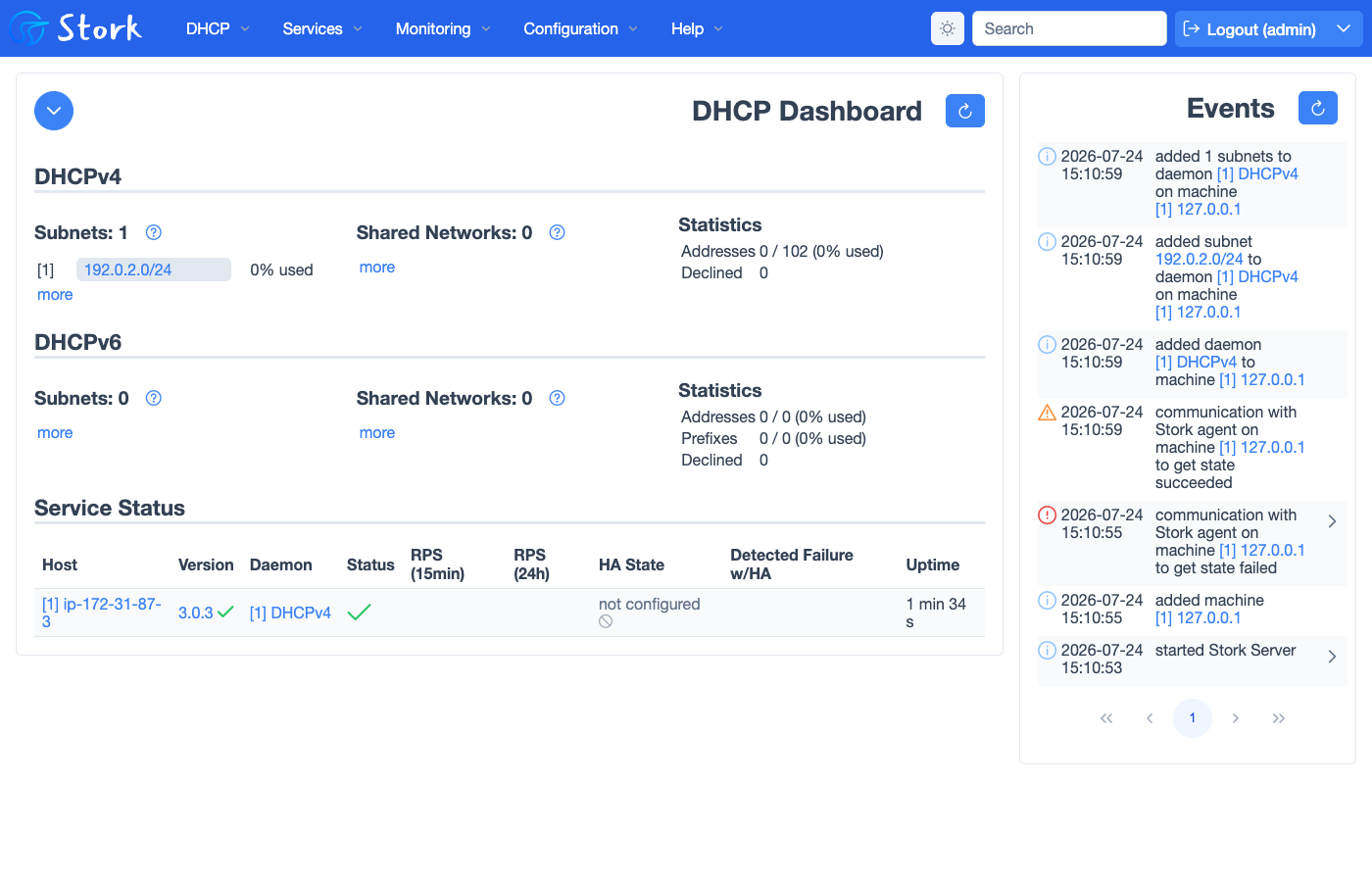
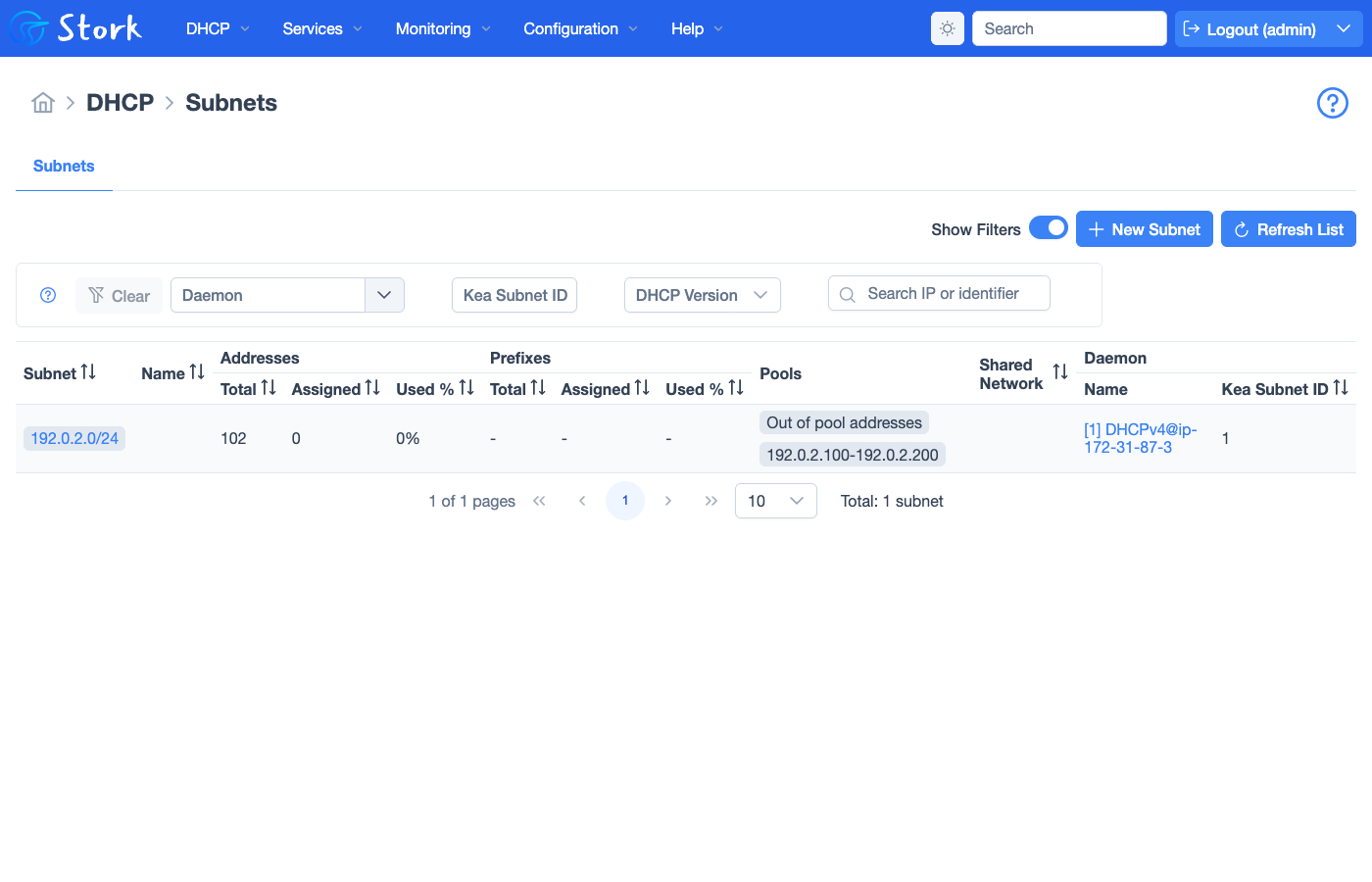
Kea DHCP with the Stork web dashboard for subnets, address pools, host reservations and lease usage, ready on first boot.
Kea is a modern, high throughput open source DHCPv4 and DHCPv6 server maintained by ISC, with a clean JSON configuration, a full management API and pluggable back ends. Stork is its companion web dashboard: it monitors one or more Kea servers, surfaces their daemons, subnets, shared networks, address pools, host reservations and pool utilisation, and gives operators an at a glance view of DHCP health from a single screen. Together they turn Kea into an approachable, observable DHCP service rather than a config file you edit blind.
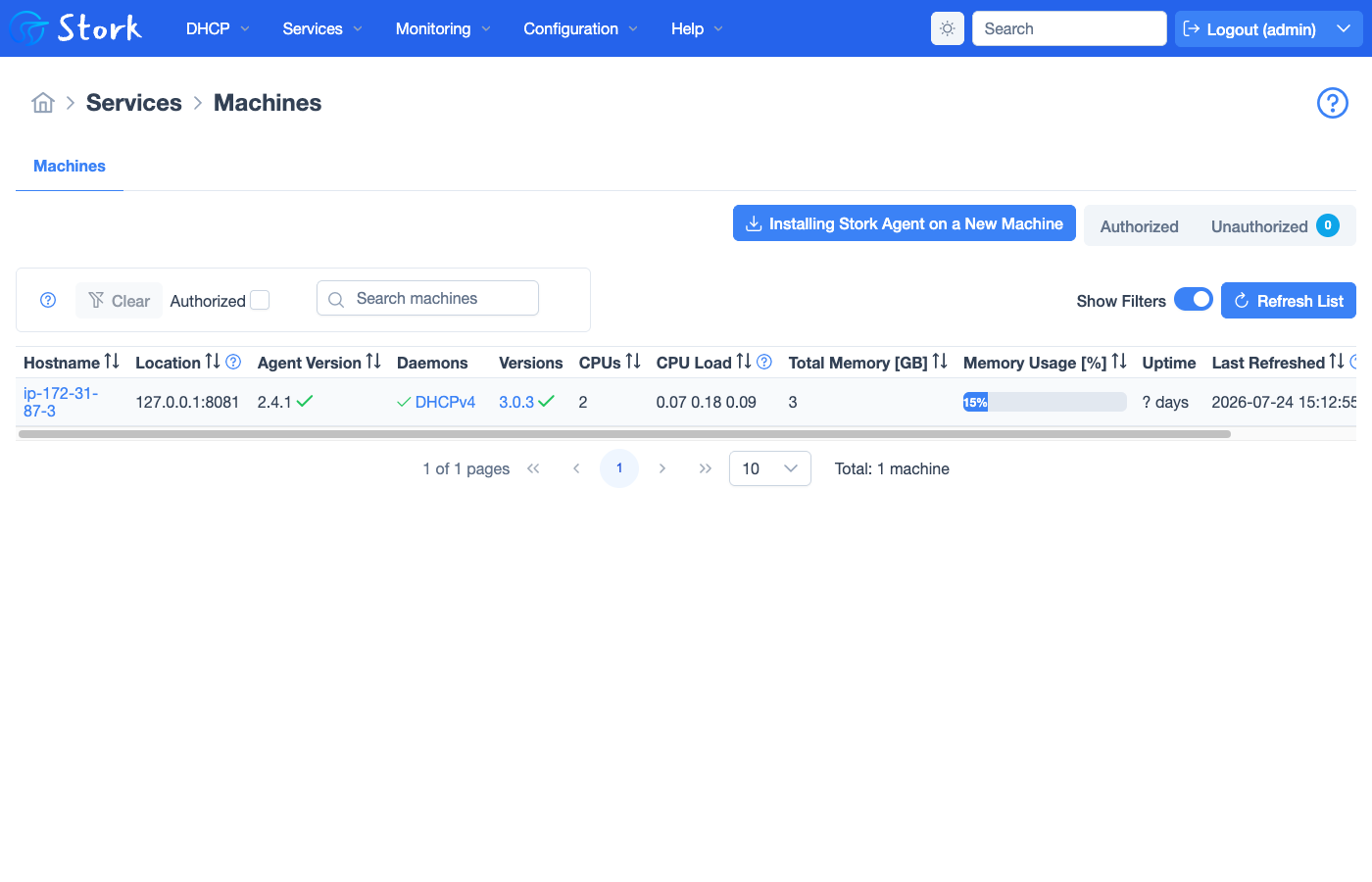
cloudimg ships Kea, Stork and their PostgreSQL back end fully patched and preconfigured on one VM, ready on first boot. A unique Stork admin password, a per instance database password and a Kea control API credential are generated on first boot so no default login ships, the Kea control channel is bound to loopback, and the local Kea server is already registered and authorised in the dashboard with a sample subnet to explore. It comes with a paired deployment guide and 24/7 cloudimg support.
Real screenshots taken while testing this image against its deployment guide.
This is a repackaged open source software product wherein additional charges apply for cloudimg support services.
## Overview
Kea is a modern, high-performance open-source DHCPv4 and DHCPv6 server maintained by ISC, with a clean JSON configuration, a full management API, and pluggable back ends. Stork is its companion web dashboard: it monitors one or more Kea servers and surfaces daemons, subnets, shared networks, address pools, host reservations, and lease utilisation from a single screen. This AMI delivers Kea, Stork, the Stork agent, and their PostgreSQL back end installed, wired together, and secured - so an observable DHCP service is operational within minutes of launch.
## Why This AMI
Standing up Kea with Stork by hand means installing pinned ISC packages from two repositories, configuring PostgreSQL, wiring the Kea control channel, seeding the Stork schema, rotating the default admin password, registering the Stork agent, and terminating TLS in front of the dashboard. This image completes every one of those steps at build time. It generates unique per-instance secrets on first boot and ships with a dedicated resizable data volume for the monitoring database.
## Security Hardening
## Concrete Use Cases
## AWS Integration
Deploy on any EC2 instance type; the recommended size is m5.large. Terminate TLS at an Application Load Balancer with your own certificate, or keep the per-instance self-signed certificate. Back up the Stork monitoring database using EBS snapshots or AWS Backup, and resize the dedicated data volume independently as the estate of monitored Kea servers grows.
## Quick-Start Deployment
1. Launch the AMI on m5.large (or larger) with a security group allowing TCP 443 inbound for the dashboard and, if you bind Kea to serve your network, UDP 67-68 for DHCP clients
2. Wait approximately 2 minutes for first-boot secret generation to complete
3. SSH into the instance and retrieve the generated admin credentials from the root-only secrets file
4. Browse to https://
5. Bind Kea to your target network interface and configure your subnets via the JSON config or API
## Kea Open-Source Ecosystem
Kea is developed by ISC and widely adopted by ISPs, enterprises, and universities worldwide. The open-source community actively contributes to its development, and Stork provides the graphical management layer that makes Kea accessible to operations teams who prefer browser-based administration over CLI configuration.
## cloudimg Support
24/7 technical support by email and chat. Help with deployment, binding Kea to your own network interfaces and subnets, adding further Kea servers to the Stork dashboard, reverse-proxy termination with your own domain and certificate, and backup planning for the monitoring database.
The image builds the official 3proxy binary (pinned at build from the upstream release) and runs it under systemd as the...

This image runs AdGuard Home, the open source network-wide DNS server that blocks ads, trackers and malicious domains fo...
The image installs the latest stable Anubis release, resolved at build time from the official GitHub release package and...

This image runs Apache Guacamole, the open source clientless remote desktop gateway.

The image installs the official BGPalerter binary at /usr/local/bin/bgpalerter, running as the bgpalerter service with i...
The image installs Chrony from the official Ubuntu package and runs it under systemd as the standard chronyd service, so...