Base
Hardened build
minimal ports, security patches applied at build time

LibreNMS and Oxidized on one machine: auto discovering network monitoring and git versioned device configuration backup, already wired to each other so one device list drives both.
LibreNMS is an auto discovering network monitoring system. Point it at a switch, router, firewall, server or PDU and it finds the interfaces, sensors and services itself, keeps the history and draws the graphs, covering interface throughput and errors, BGP and OSPF sessions, VLANs, wireless clients, temperature and power across several hundred device families. Oxidized is its natural counterpart: it logs into each device, retrieves the running configuration and commits it to a git repository, so every change is visible as a diff and any previous version can be restored.
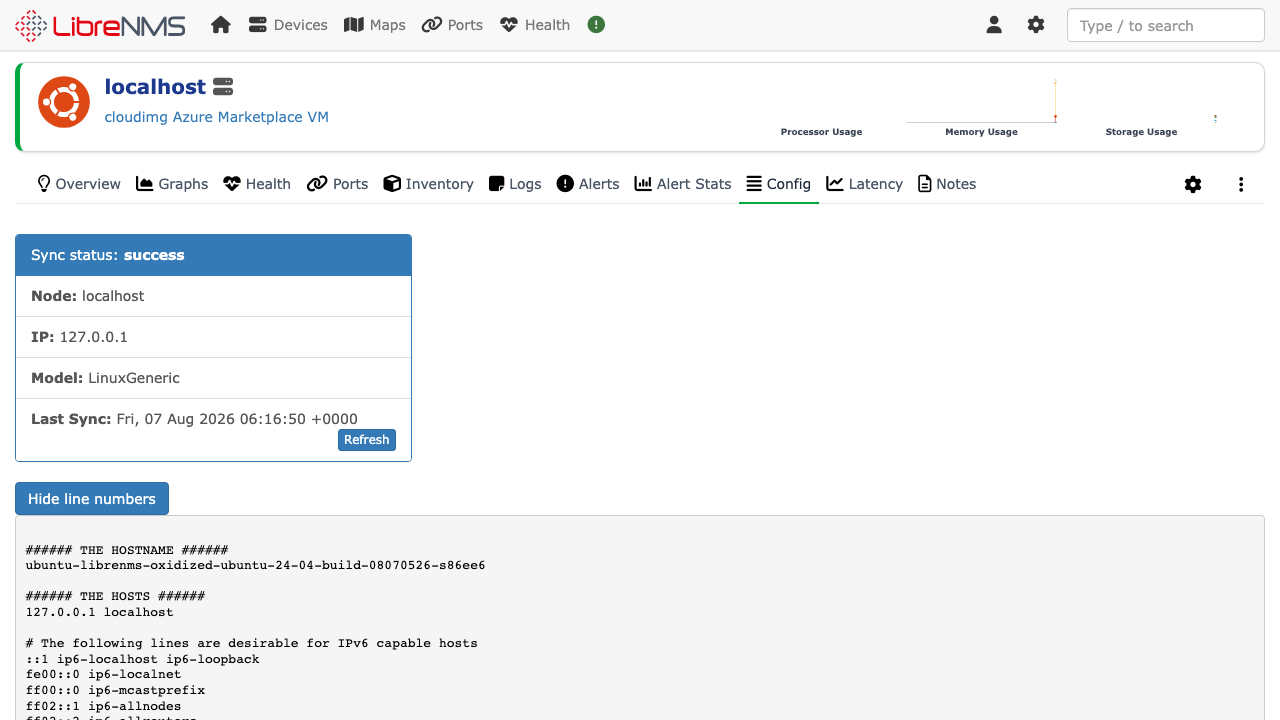
This is the pair run as one product rather than two. Oxidized takes its entire device list from the LibreNMS API, so the devices you already monitor are the devices that get backed up and there is no second inventory to keep in step. In the other direction LibreNMS reads from Oxidized, so each device's stored configuration and its full version history appear on that device's Config tab in the monitoring interface. You add a device once, in one place, and both jobs start.
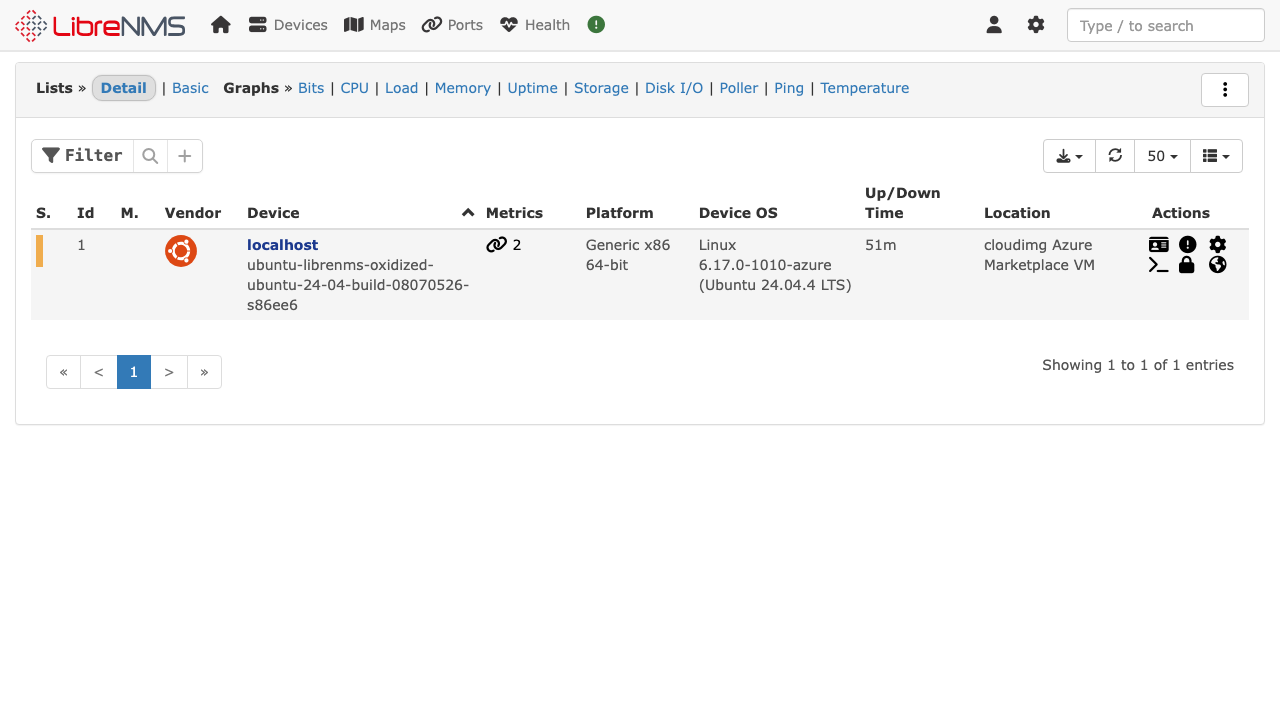
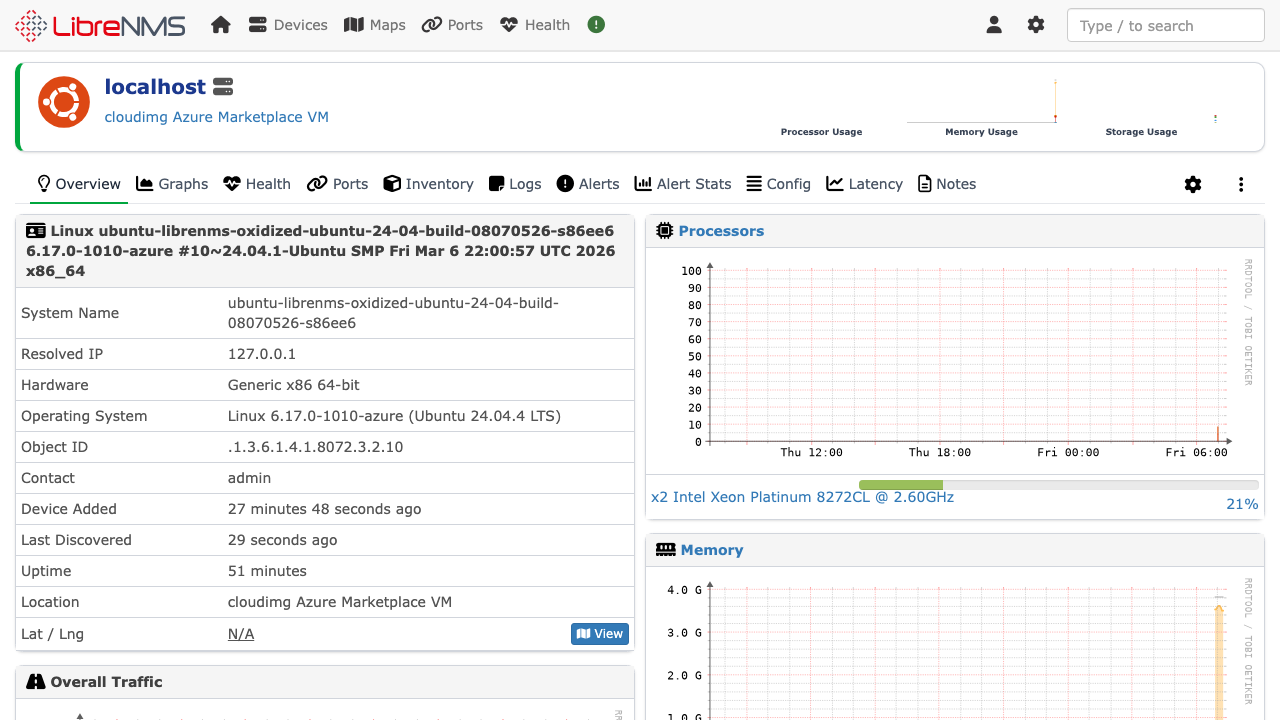
cloudimg ships both products already integrated, with the whole stack, web server, PHP runtime, database, round robin database cache and SNMP agent, configured and tuned, so there is nothing to wire together after boot. The image also proves itself: it monitors itself out of the box, registering the machine as its own first monitored device and taking a real configuration backup of it during first boot, so the first page you sign in to shows live graphs and a stored configuration rather than an empty setup screen. Secure by default, every secret is generated per machine on first boot, the database password, the application key, the administrator password, the SNMP community, the API token the two products authenticate with and the key pair used for configuration collection, written to a root only file, so no usable credential exists in the image. The SNMP agent and the configuration backup API are bound to the loopback interface and never exposed, leaving the authenticated web interface as the only front door. Every image is paired with a step by step deployment guide and backed by 24/7 cloudimg support.
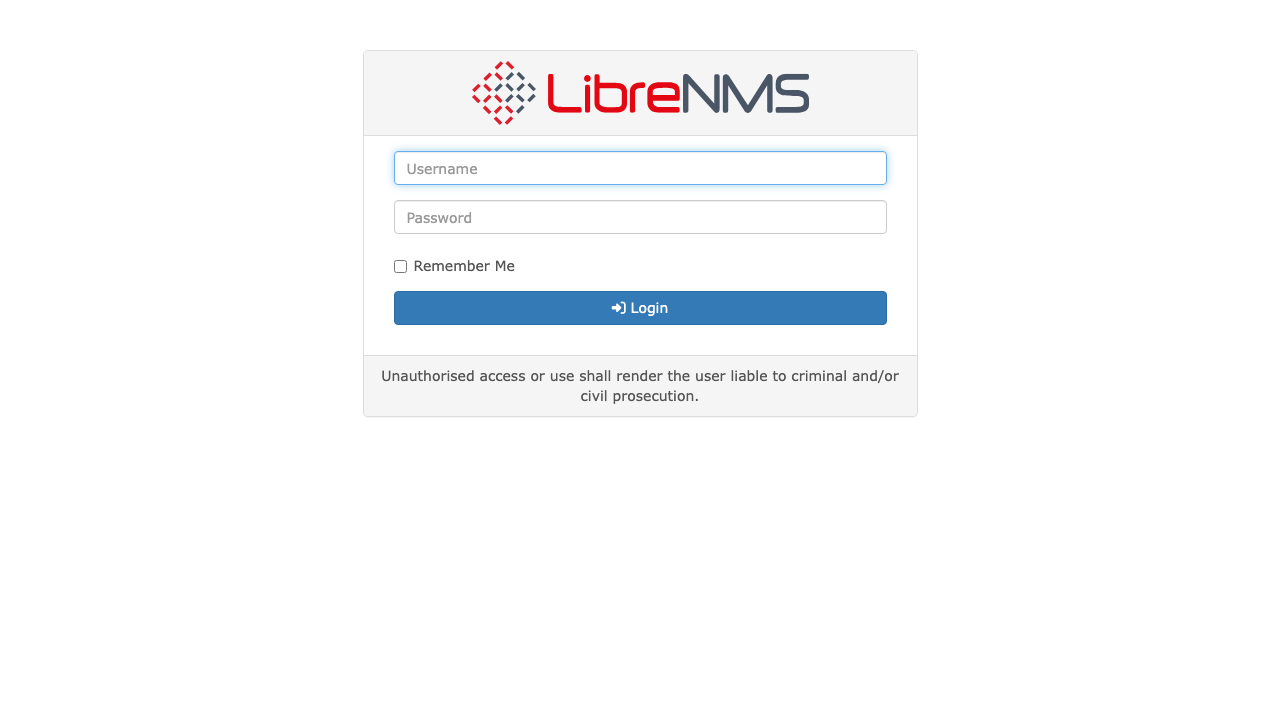
Real screenshots taken while testing this image against its deployment guide.

What cloudimg adds to every version - Every image is built by cloudimg on a fully patched base with the latest security ...

What cloudimg adds to every version - Every image is built by cloudimg on a fully patched base with the latest security ...

What cloudimg adds to every version - Every image is built by cloudimg on a fully patched base with the latest security ...

What cloudimg adds to every version - Every image is built by cloudimg on a fully patched base with the latest security ...
The image builds 3proxy 0.9.7 from the pinned upstream source (github.com/z3APA3A/3proxy tag 0.9.7), so the exact versio...
The image builds accel-ppp 1.14.0 from the upstream source tag (commit 048d31cb, dated 25 January 2026), verified agains...