Base
Hardened build
minimal ports, security patches applied at build time

a graph based retrieval augmented generation server for questions over your own documents
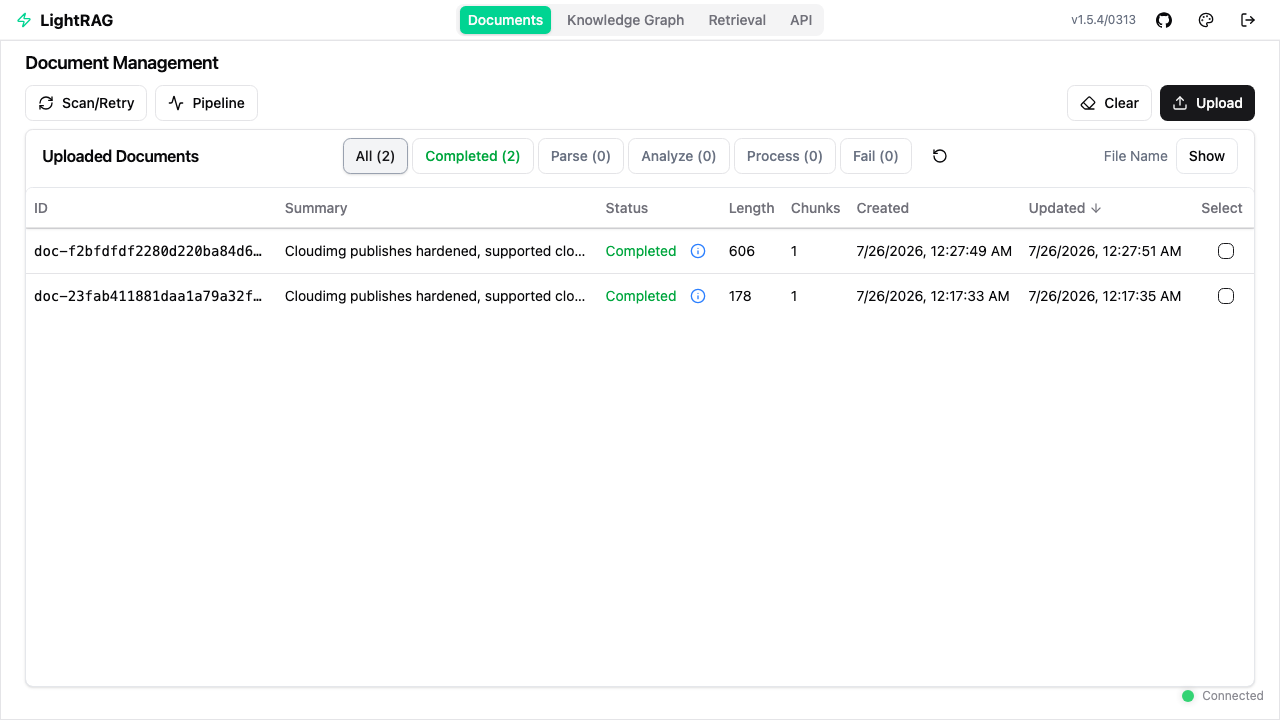
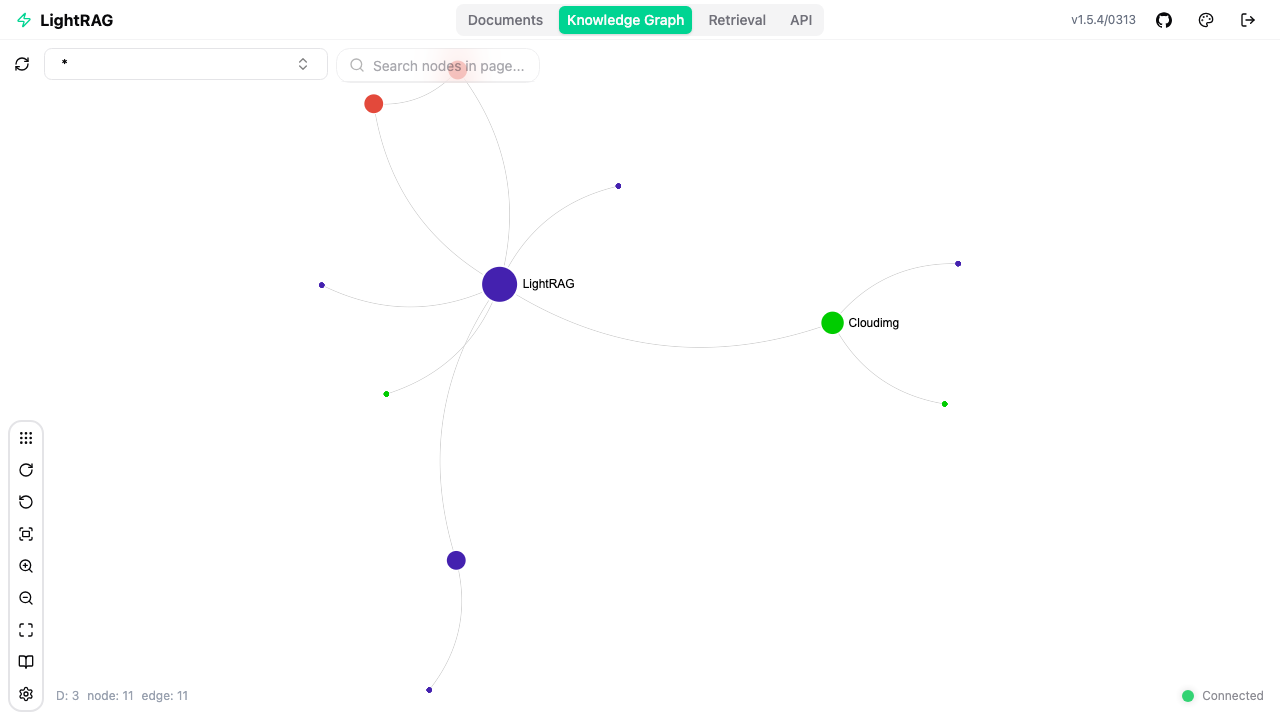
LightRAG is an open source retrieval augmented generation server from the HKU Data Intelligence Lab. You upload your own documents - PDFs, Word files, PowerPoint decks, spreadsheets, markdown or plain text - and it uses your chosen language model to pull the entities and the relationships between them into a knowledge graph, while embedding the same text into a vector index. Questions are then answered from both at once, so an answer is grounded in how the facts in your corpus connect rather than in whichever paragraphs merely looked similar. The web interface lets you upload and track documents, watch the indexing pipeline, explore the extracted graph visually, edit entities and relationships by hand, and query in naive, local, global, hybrid or mix modes; everything is also available over a documented REST API and an Ollama compatible chat endpoint. LightRAG is a front end to your models rather than a model host, so it runs comfortably on a small CPU only VM with no GPU: you point it at OpenAI, Azure OpenAI, Gemini, Bedrock, Anthropic or a private Ollama, vLLM or LM Studio endpoint and keep control of the model and what it costs.
The cloudimg image is the appliance rather than the application alone: the upstream release pinned by container digest so the version never drifts, Docker from the official repository, and an nginx gateway kept patched by unattended security upgrades. It is secure by default rather than open on arrival: LightRAG's own login is optional upstream, and left unconfigured it accepts every request including the routes that spend your model provider credit. Every launch instead generates its own 32 character access credential, enforces it at a default deny gateway and configures LightRAG's own account authentication with the same credential hashed plus a per VM signing secret - and the gateway refuses to start until first boot has proved, against a throwaway internal listener, that an unauthenticated request is answered with 401. No model provider key is ever baked into the image; you add your own and it stays on your VM. Storage is file based under a root only directory with no database server to secure or licence, so backing up one directory backs up the whole knowledge base. A dependency licence inventory ships on the instance, and 24/7 cloudimg support is included.
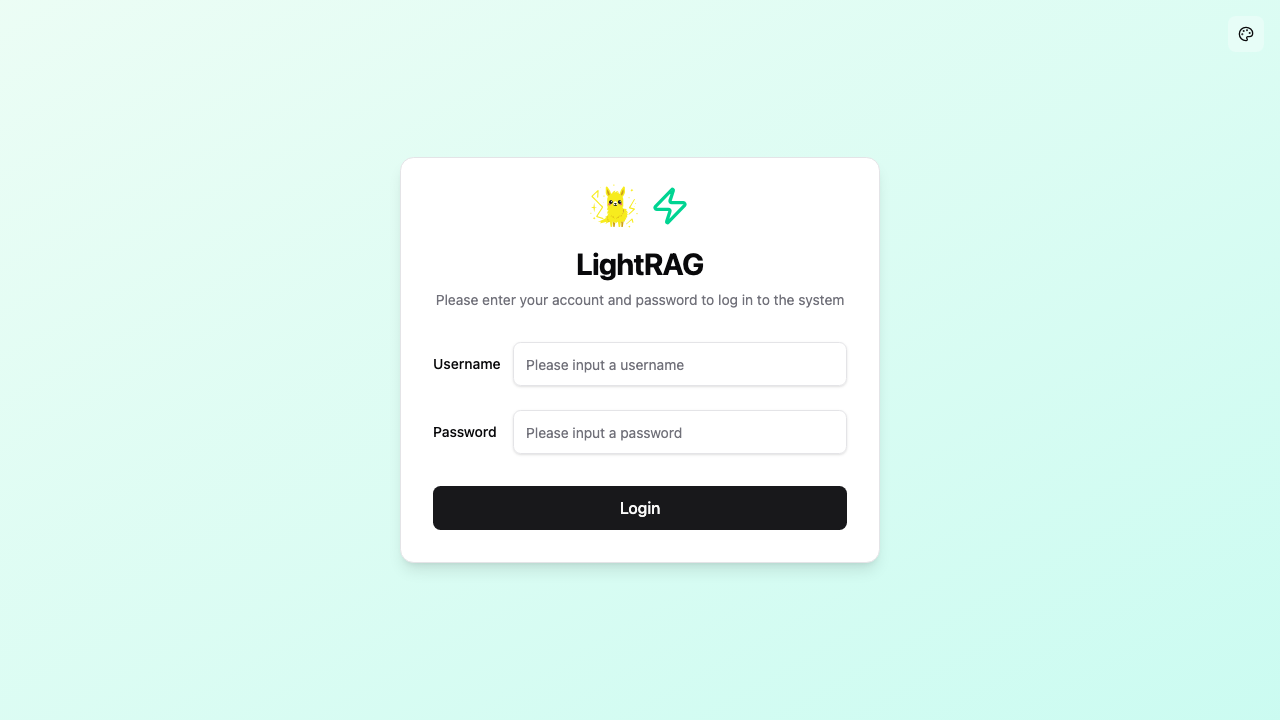
Real screenshots taken while testing this image against its deployment guide.

Upstream ships Agent Zero as a Docker image. This VM runs that official image, pinned by its digest, as a systemd manage...

This image runs Argilla 2.8.0, the open source data annotation and curation platform for building high quality datasets ...

Because the endpoint is OpenAI compatible, existing application code usually needs only a base URL change.

A web interface lets you add data to "brains" (datasets), explore the extracted graph as a mind map and ask questions.

ContextForge MCP Gateway is IBM's open-source gateway, registry and proxy for the Model Context Protocol (MCP), the stan...

Crawl4AI is a fast, open source web crawler and scraper that converts web pages into clean, LLM ready Markdown and struc...