Base
Hardened build
minimal ports, security patches applied at build time

MaxKey, an enterprise grade identity and access management server that gives your people one secure sign in to every application they use.
MaxKey is an open source, enterprise grade IAM and single sign on server. It provides a central place to manage who your users are and what they can reach: users authenticate once against MaxKey and then move between connected applications without signing in again. It speaks the standard protocols the rest of your estate already understands, including OAuth 2.x and OpenID Connect, SAML 2.0, CAS, JWT and SCIM 2.0, so both modern and legacy applications can delegate their login to it.
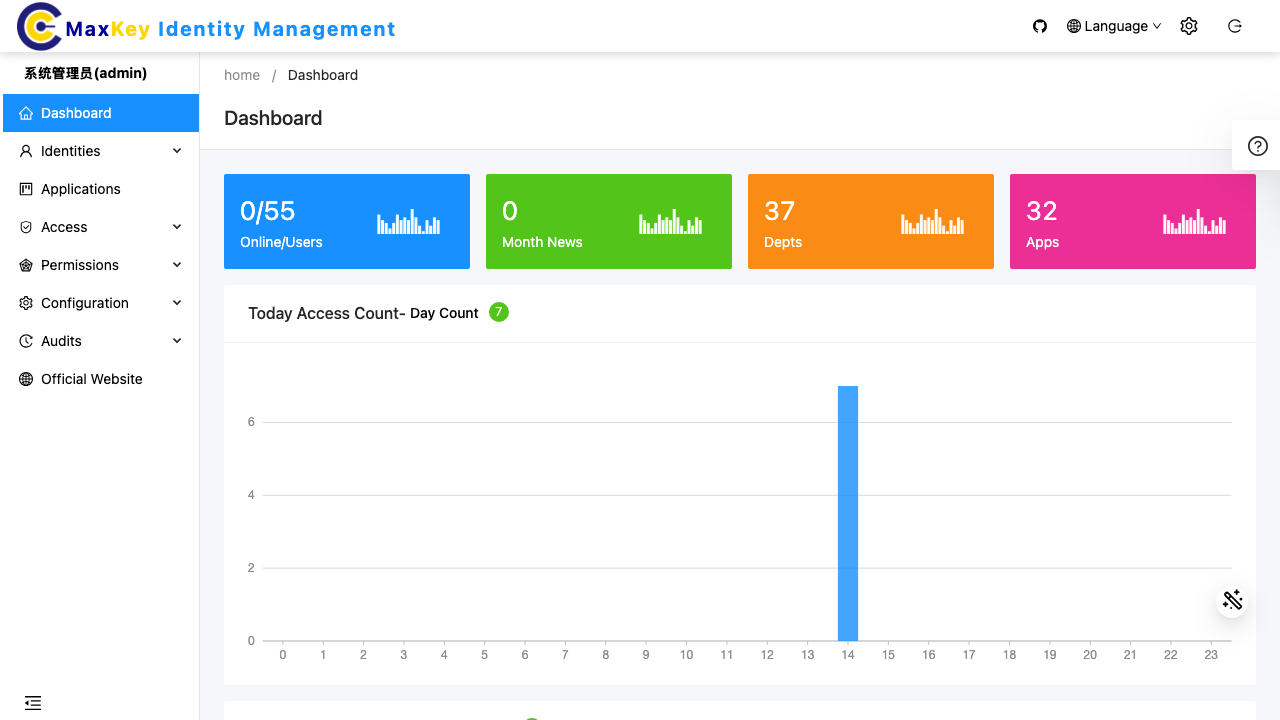
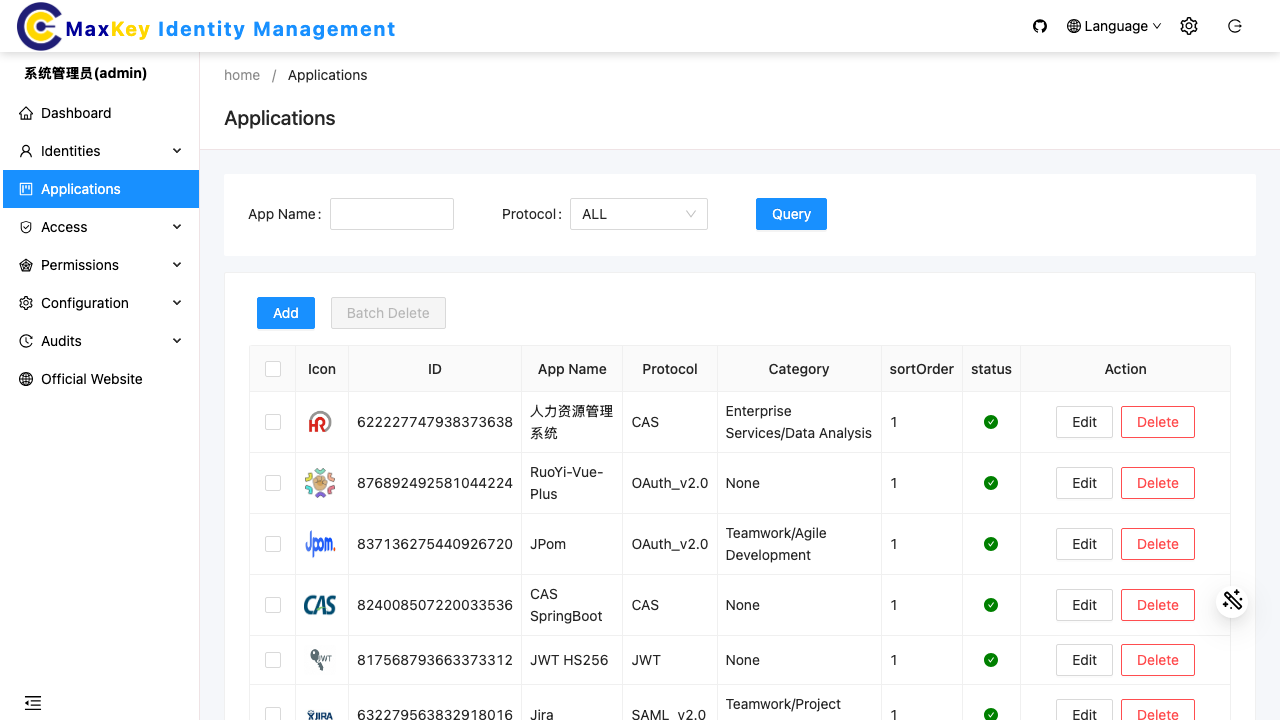
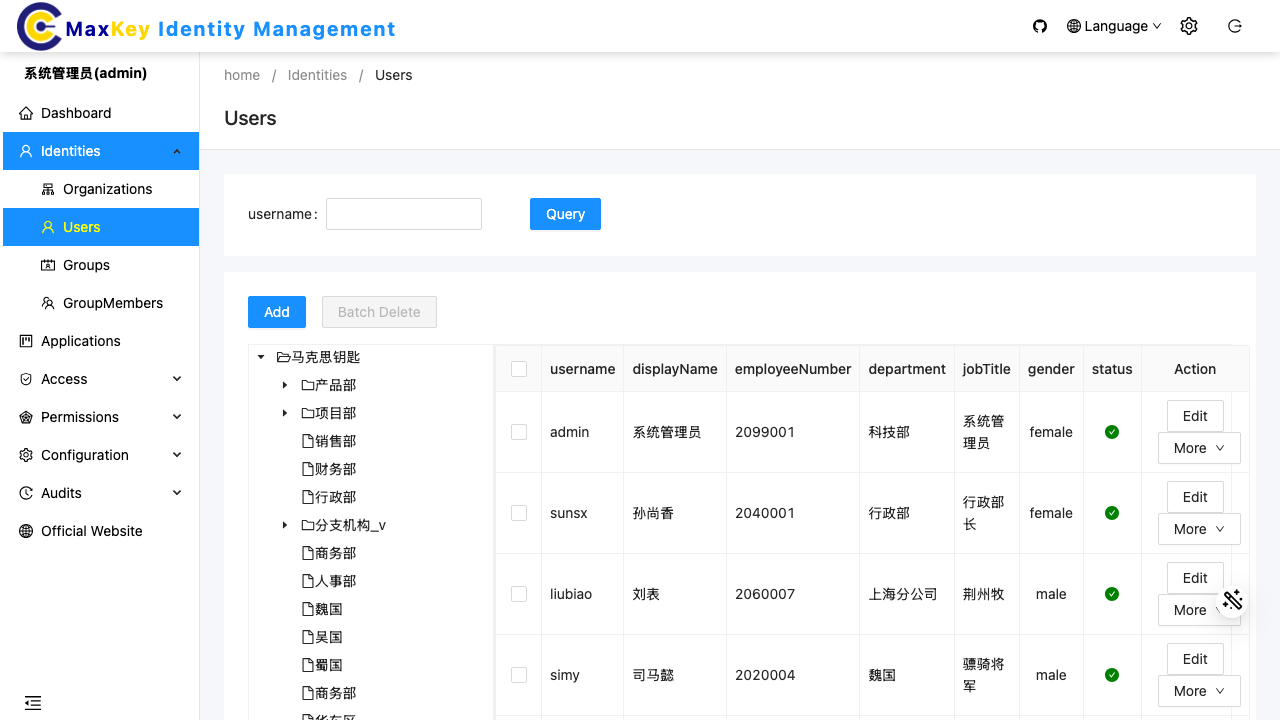
Alongside single sign on, MaxKey covers the wider identity lifecycle: a web management console for administering organisations, users, groups, roles and connected applications, and an end user portal that presents each person with the applications they are entitled to. It supports multi factor authentication, one time passwords, social and LDAP or Active Directory sources, and detailed access auditing, making it a self hosted alternative to hosted identity platforms for teams that need to keep identity data under their own control.
Every cloudimg MaxKey instance rotates all of its secrets on first boot: the built in administrator password, the MySQL database password and the JSON Web Token signing key are each regenerated uniquely per instance, and every seeded demo account is disabled, so no shared or default credential is ever live. The full stack runs as the vendor's official pinned container topology behind a single reverse proxy, the identity database stays on a dedicated data volume, and each build ships with a paired deployment guide and 24/7 cloudimg support.
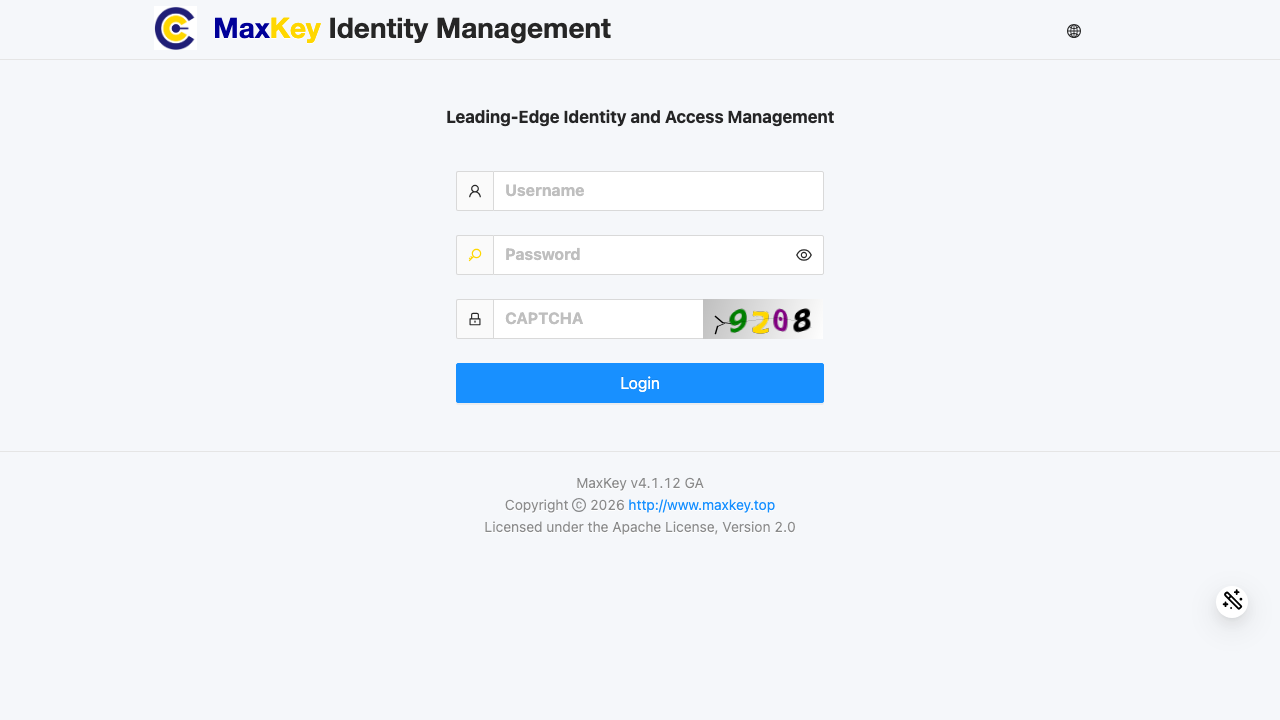
Real screenshots taken while testing this image against its deployment guide.

What cloudimg adds to every version - Every image is built by cloudimg on a fully patched base with the latest security ...

What cloudimg adds to every version - Every image is built by cloudimg on a fully patched base with the latest security ...

What cloudimg adds to every version - Every image is built by cloudimg on a fully patched base with the latest security ...

What cloudimg adds to every version - Every image is built by cloudimg on a fully patched base with the latest security ...

What cloudimg adds to every version - Every image is built by cloudimg on a fully patched base with the latest security ...
2FAuth is a free, open source, self hosted web app for managing your two factor authentication accounts.