Base
Hardened build
minimal ports, security patches applied at build time

map your whole information system in one place: applications, servers, networks, data and risks, rendered as cartography diagrams
Mercator is an open source application for mapping the cartography of an information system, following the approach published by ANSSI. Security, risk and architecture teams use it as a single place to describe what a system is made of and how the parts relate: business processes and the applications that support them, application modules and services, logical and physical servers, databases and the information they hold, networks and network equipment, sites and buildings, and the security controls and risks attached to each. Those relationships are rendered as cartography diagrams, so a complex estate becomes something a team can see, review and keep current, and a maturity model turns the picture into measurable posture.
cloudimg ships the full Mercator application assembled and hardened, served by nginx and PHP with MariaDB and Graphviz already wired together, so a working cartography instance answers within minutes of launch. There is no shared credential in the image: it carries no environment file, no application encryption key and no database schema, so the documented default administrator account does not exist in the image. On first boot each instance mints its own encryption key, database password and administrator password, rotates the seeded administrator to that per instance password and writes the credentials to a root only file, with the web server gated behind a bootstrap marker so an unprovisioned instance is never reachable. Every deployment is paired with a step by step guide and backed by 24/7 cloudimg support.
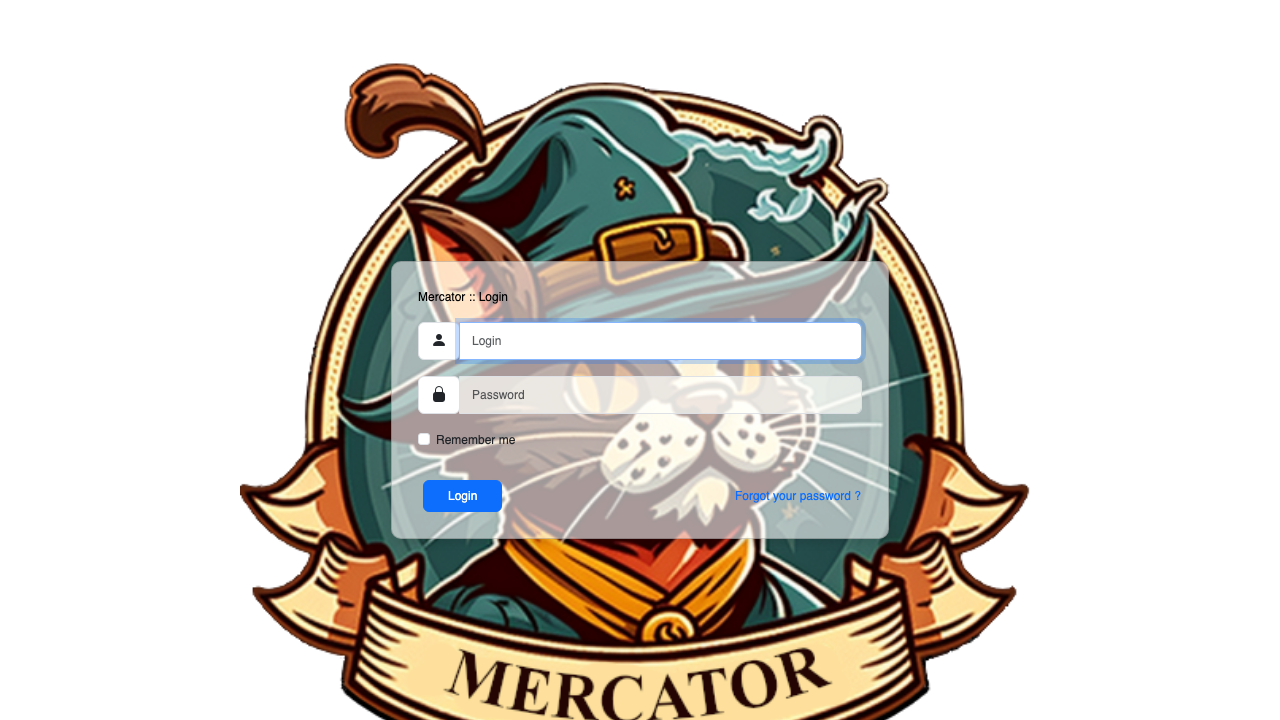
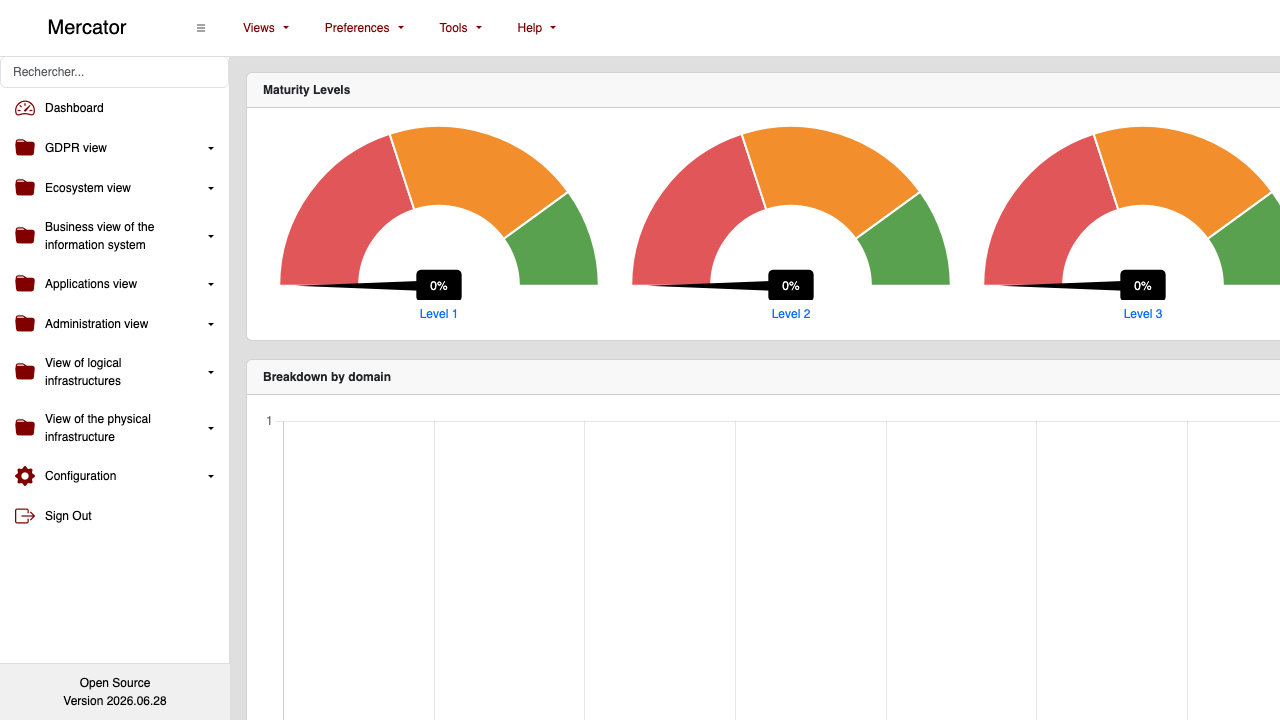
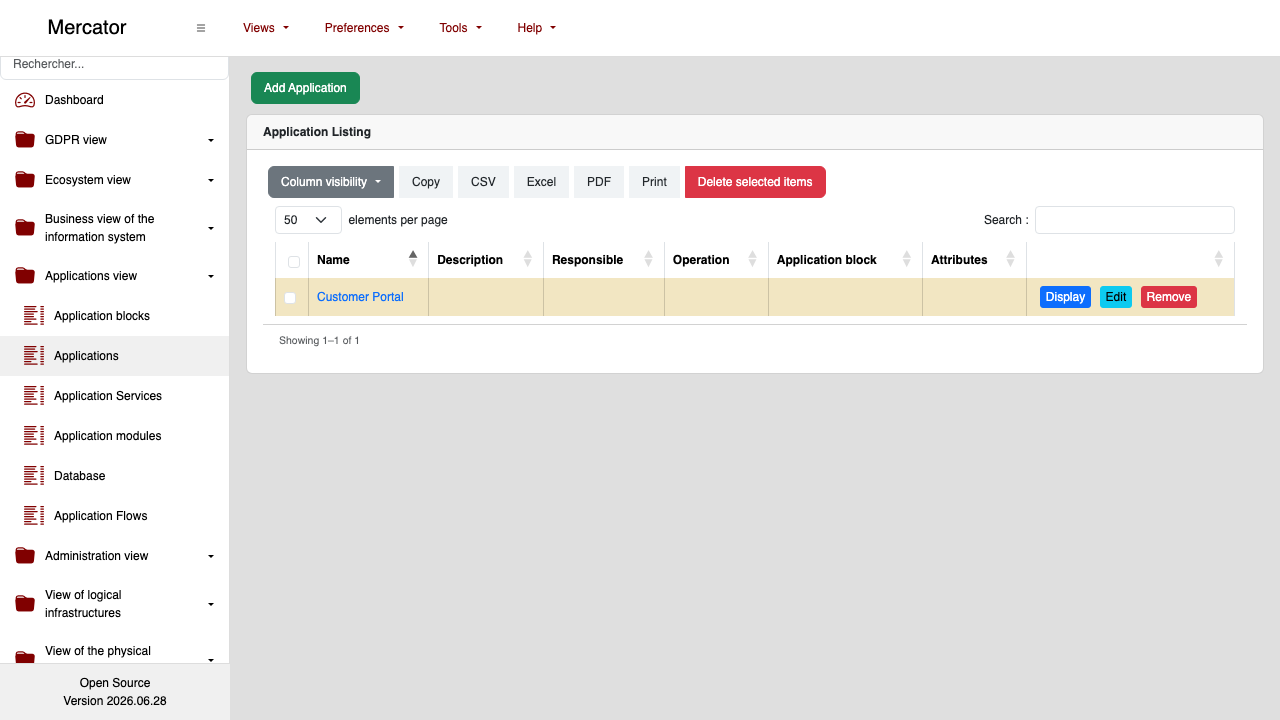
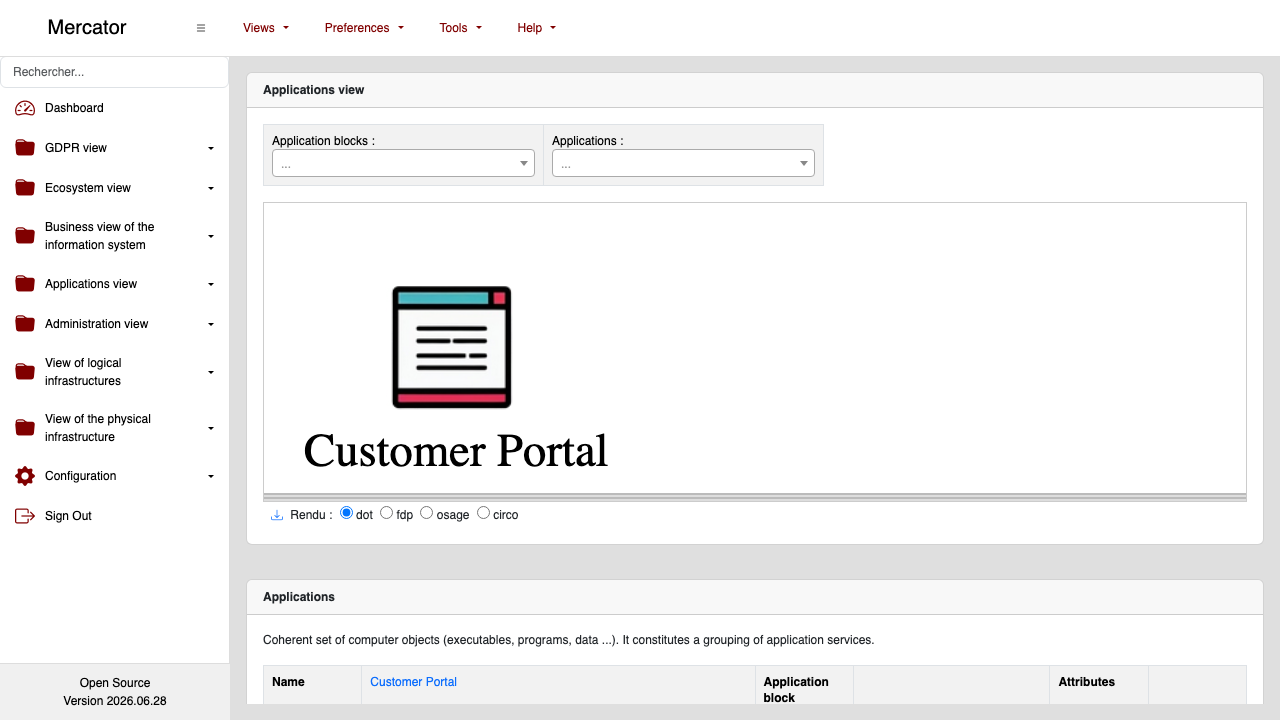
Real screenshots taken while testing this image against its deployment guide.
2FAuth is a free, open source, self hosted web app for managing your two factor authentication accounts.
The image installs acme-dns 2.0.2 from the official upstream release (github.com/acme-dns/acme-dns, the project formerly...

Mail sent to an alias is forwarded to your real inbox, and you can reply from the alias so the other side never learns w...

AliasVault is an open source, end to end encrypted password manager combined with a private email alias service that you...

This image runs Apache SpamAssassin, the long established open source anti spam platform, fully configured and security ...

Apache Syncope is an open source identity management and identity governance platform.