Base
Hardened build
minimal ports, security patches applied at build time

an AI powered answer engine that searches the web and writes you a cited answer
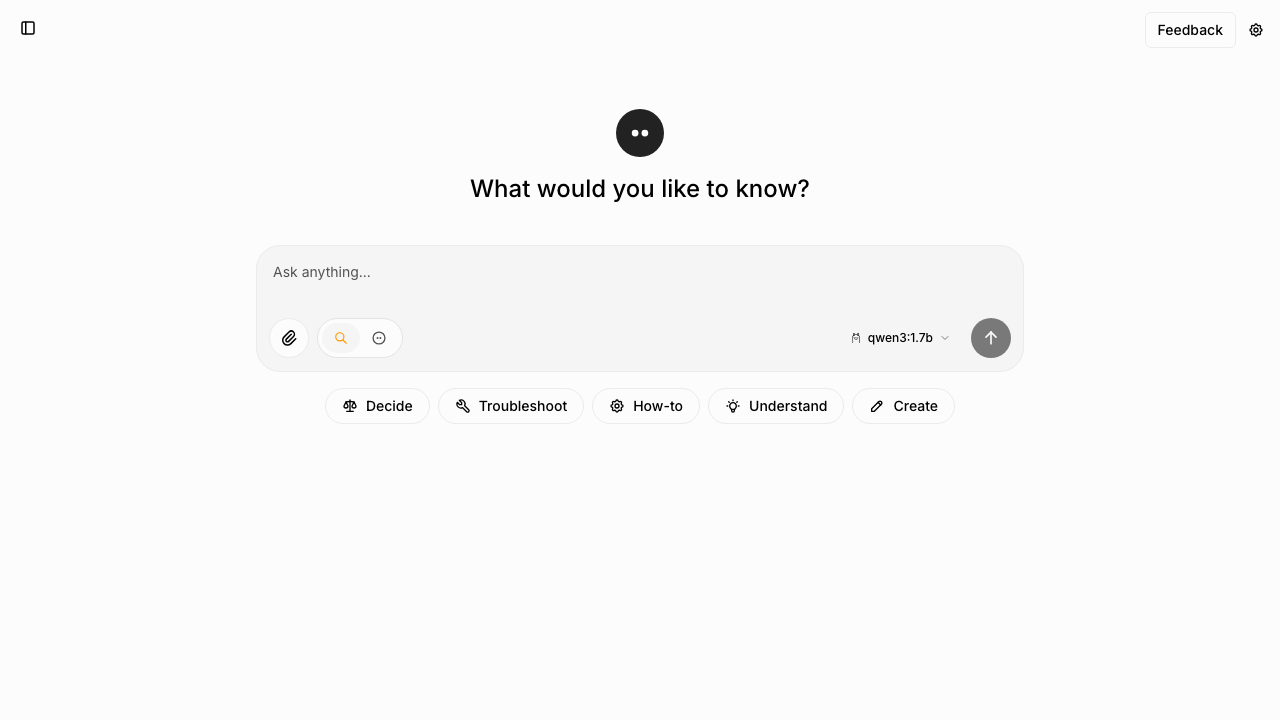
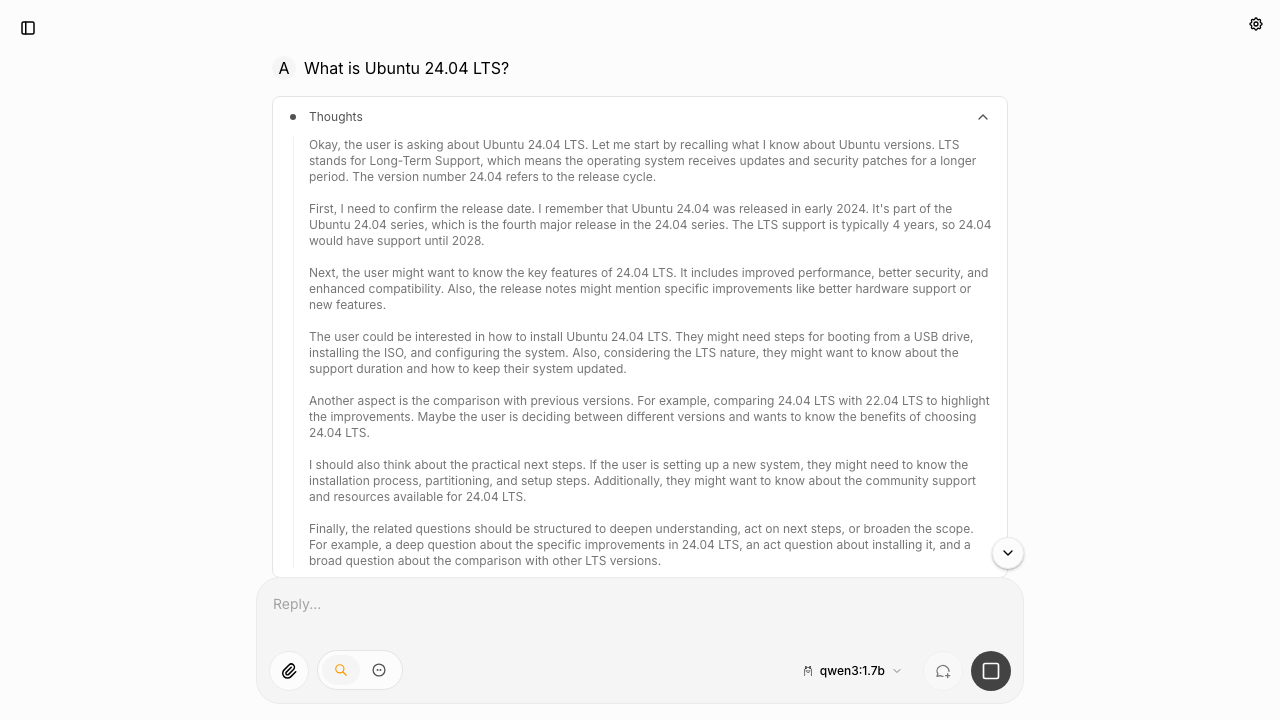
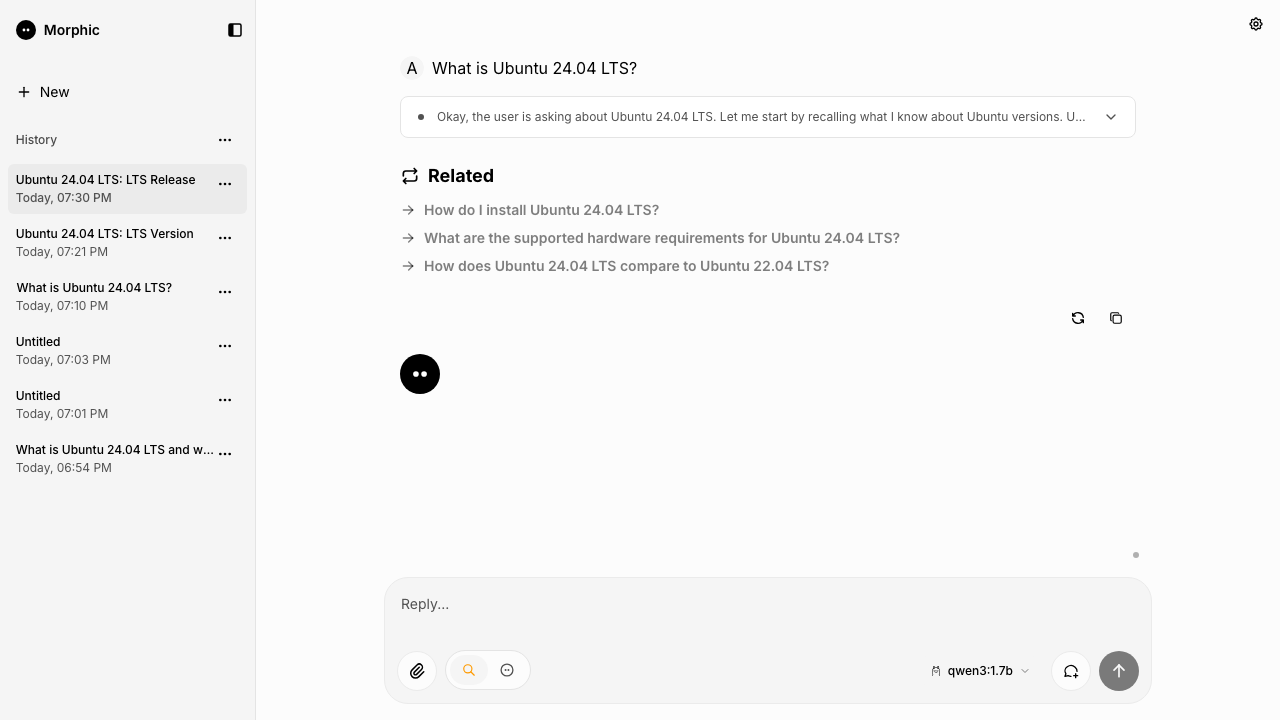
Morphic is an open source, AI powered answer engine. You ask a question in plain language and it searches the web, reads what it finds, and streams back a written answer alongside the sources it drew on, laying results out in a generated interface rather than a list of links. Conversations are kept so a line of enquiry can be picked up later, and each answer comes with suggested follow up questions. Morphic calls an AI provider rather than hosting a model of its own, so it needs no specialist hardware: you supply a key for whichever provider you prefer and keep full control of the model in use and what it costs. It suits anyone who wants the convenience of a conversational research tool without handing their questions to somebody else's service.
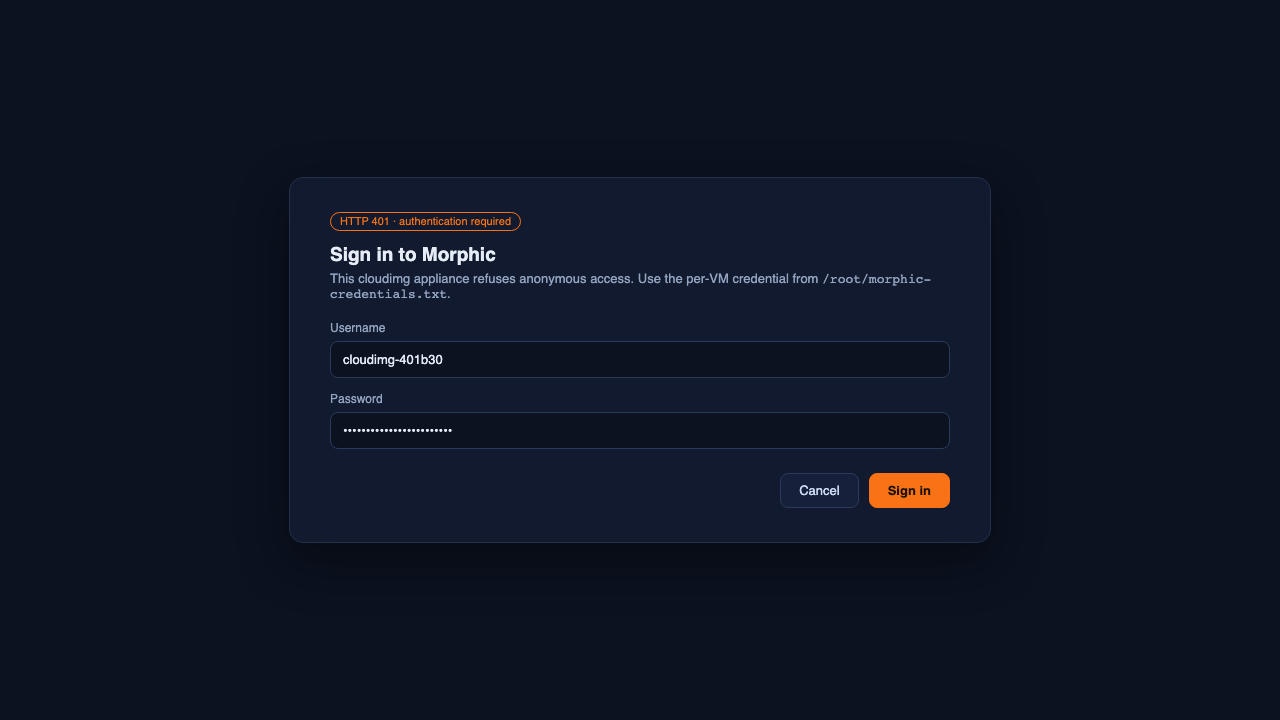
The cloudimg image is the whole appliance rather than the application alone: the upstream release pinned to an immutable image digest so the version never drifts, a private search engine already running on the machine so web search works without any search subscription, and a database and cache co hosted and bound to the local interface only. It is secure by default rather than open on arrival: upstream Morphic has no sign in of its own, so an instance left on a public address would let any passer by spend your AI provider credit. Instead every launch generates its own username and password on first boot, writes them to a root only file on the machine, and keeps the web front door shut until that lock down has completed and been proved. No provider key is ever built into the image; you add exactly one after launch. Every image comes with a step by step deployment guide written and executed against the running product, and 24/7 support from cloudimg.
Real screenshots taken while testing this image against its deployment guide.

Upstream ships Agent Zero as a Docker image. This VM runs that official image, pinned by its digest, as a systemd manage...

This image runs Argilla 2.8.0, the open source data annotation and curation platform for building high quality datasets ...

Because the endpoint is OpenAI compatible, existing application code usually needs only a base URL change.

A web interface lets you add data to "brains" (datasets), explore the extracted graph as a mind map and ask questions.

ContextForge MCP Gateway is IBM's open-source gateway, registry and proxy for the Model Context Protocol (MCP), the stan...

Crawl4AI is a fast, open source web crawler and scraper that converts web pages into clean, LLM ready Markdown and struc...