Base
Hardened build
minimal ports, security patches applied at build time
multiOTP, an OATH certified open source strong authentication server for TOTP and HOTP one time passwords, with a per instance admin password generated on first boot.
multiOTP is an open source, OATH certified strong two factor authentication server. It issues and validates time based and counter based one time passwords (TOTP and HOTP) as well as Mobile OTP, provisions users to authenticator apps with QR codes, and keeps its users and tokens in a simple local store, all driven from a command line utility and a bundled web administration interface. It gives teams a self hosted second factor they own inside their own cloud account, ready to plug into VPNs, RADIUS front ends and login flows.
A default administrator login turns an authentication server into a liability, so cloudimg makes multiOTP secure by default. On the first boot of every instance a unique administrator password is generated and applied to two gates in lock step, the web administration interface and the reverse proxy that fronts it, then written to a file only the root user can read, so no default credential is ever reachable and no two instances share one. The image ships the open source LGPL edition only, never the commercial appliance, fully patched with unattended security upgrades enabled and the admin interface behind an authenticated reverse proxy. It comes with a paired deployment guide and 24/7 cloudimg support.
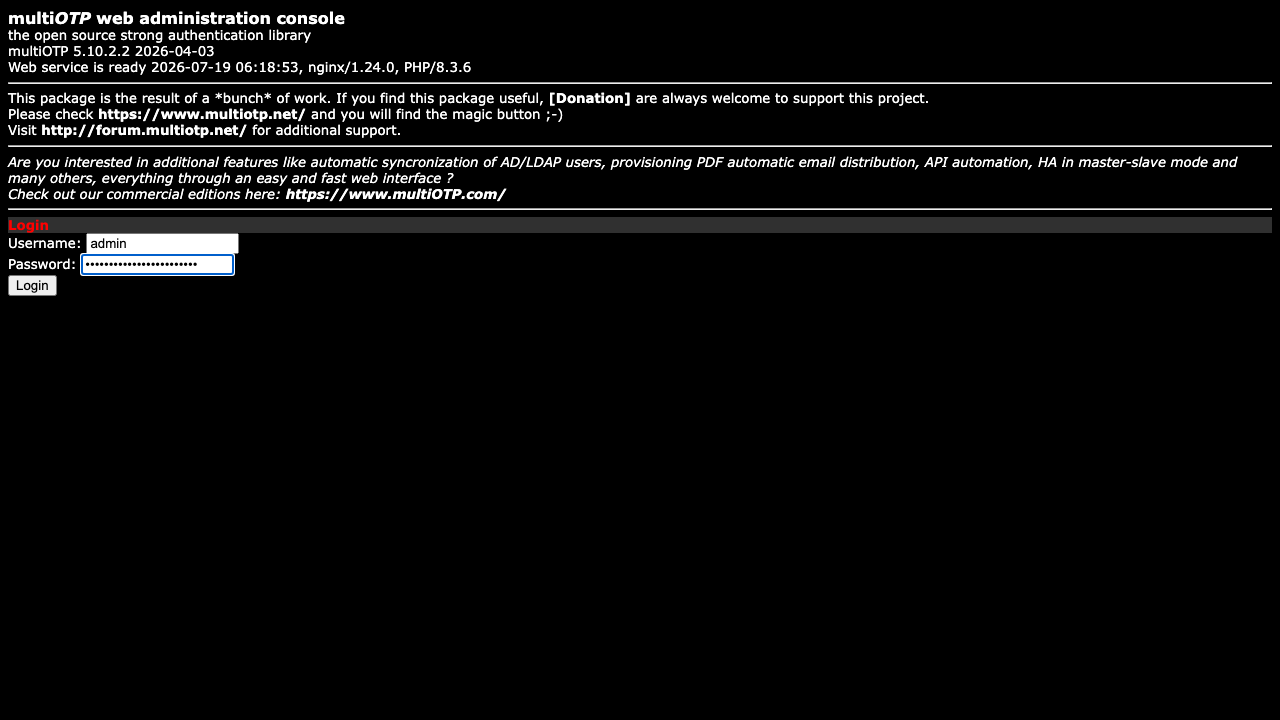
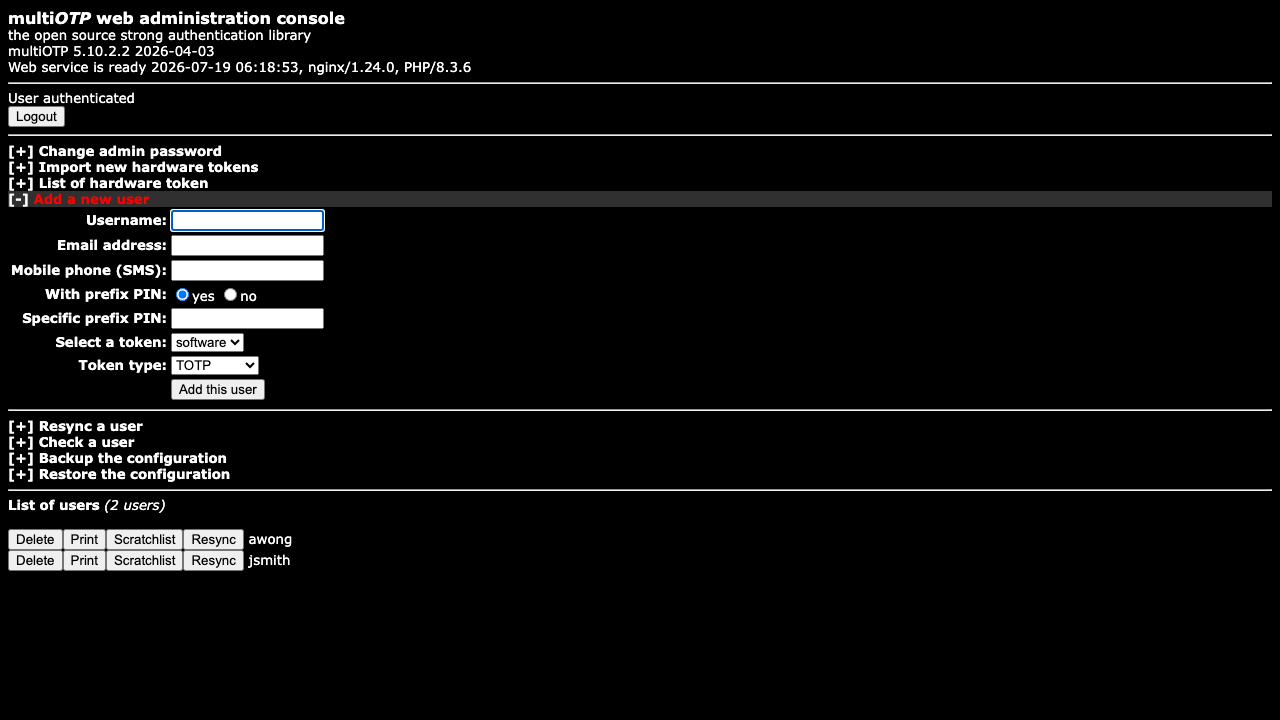
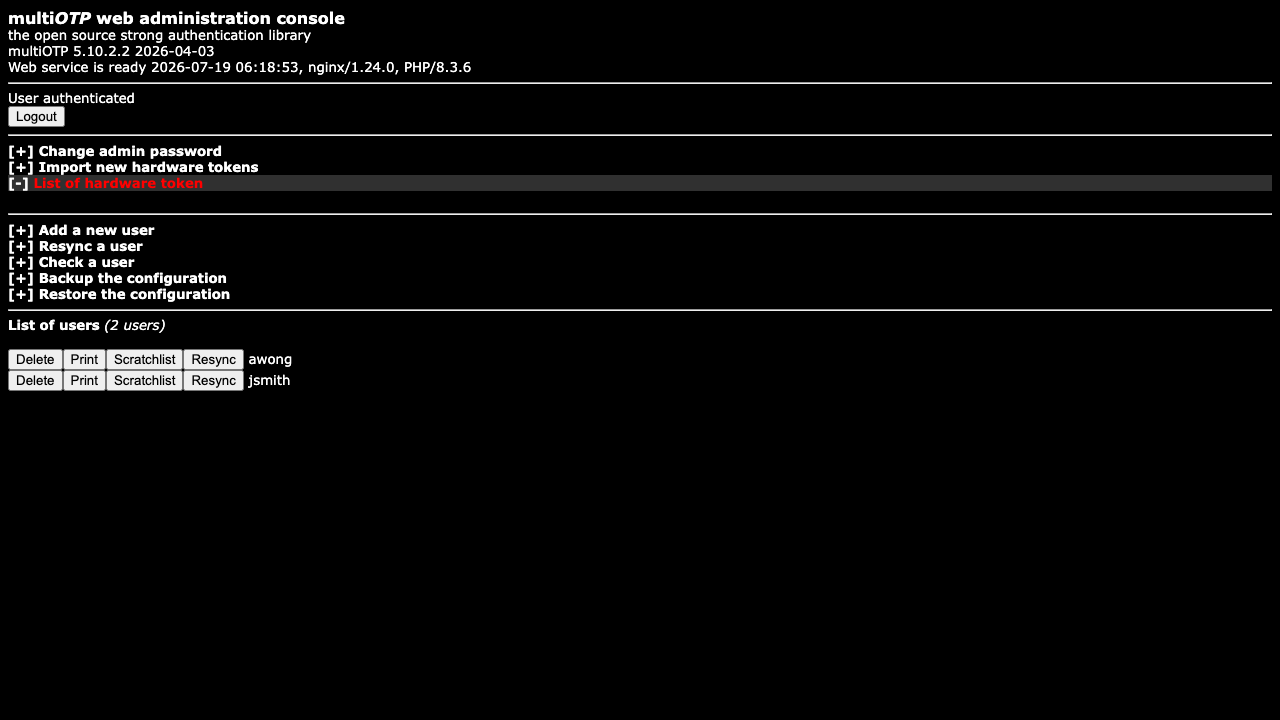
Real screenshots taken while testing this image against its deployment guide.
2FAuth is a free, open source, self hosted web app for managing your two factor authentication accounts.
The image installs acme-dns 2.0.2 from the official upstream release (github.com/acme-dns/acme-dns, the project formerly...

Mail sent to an alias is forwarded to your real inbox, and you can reply from the alias so the other side never learns w...

AliasVault is an open source, end to end encrypted password manager combined with a private email alias service that you...

This image runs Apache SpamAssassin, the long established open source anti spam platform, fully configured and security ...

Apache Syncope is an open source identity management and identity governance platform.