Base
Hardened build
minimal ports, security patches applied at build time

netboot.xyz, a network boot toolkit that serves iPXE boot menus so any machine on your network can run or install an operating system with no USB media.
netboot.xyz is an open source network boot toolkit. It pairs an iPXE bootloader with a curated, continuously maintained menu tree covering well over a hundred operating systems and utilities, so a machine anywhere on your network can power on and boot straight into a live desktop, a rescue shell, a disk utility or a full OS installer, entirely over the network and without anyone walking a USB stick to it. Point your DHCP server at the instance, boot a client, and the menu appears.
Running it yourself, rather than booting from the public netboot.xyz service, gives you three things: your machines boot from infrastructure you control, they keep working when the internet does not, and you can mirror the images you care about locally so that provisioning runs at local network speed instead of pulling gigabytes across the internet for every machine. A browser based admin interface lets you browse the menu tree, edit your own local menu overrides and download images into the local mirror. It suits anyone who provisions bare metal or virtual machines at any scale: system administrators building a lab, technicians who need a rescue and diagnostics environment always on tap, and teams who want repeatable network installs instead of hand carried media.
cloudimg delivers netboot.xyz as the official upstream release with every artifact, the menu tree, the boot loaders and the admin application, verified against a pinned checksum at build time, so a working boot server answers the moment the instance starts. The image is secure by default, which matters here because the admin interface ships with no login of its own upstream and it is the interface that decides what your machines boot: cloudimg binds it to the loopback interface so it cannot be reached directly, fronts it with an authenticating reverse proxy, and generates a fresh password unique to each instance on its first boot, written to a file only the root user can read. No shared or default login exists anywhere in the image. The image is hardened and fully patched, and every deployment is paired with a step by step deploy guide and backed by 24/7 cloudimg support.
Real screenshots taken while testing this image against its deployment guide.
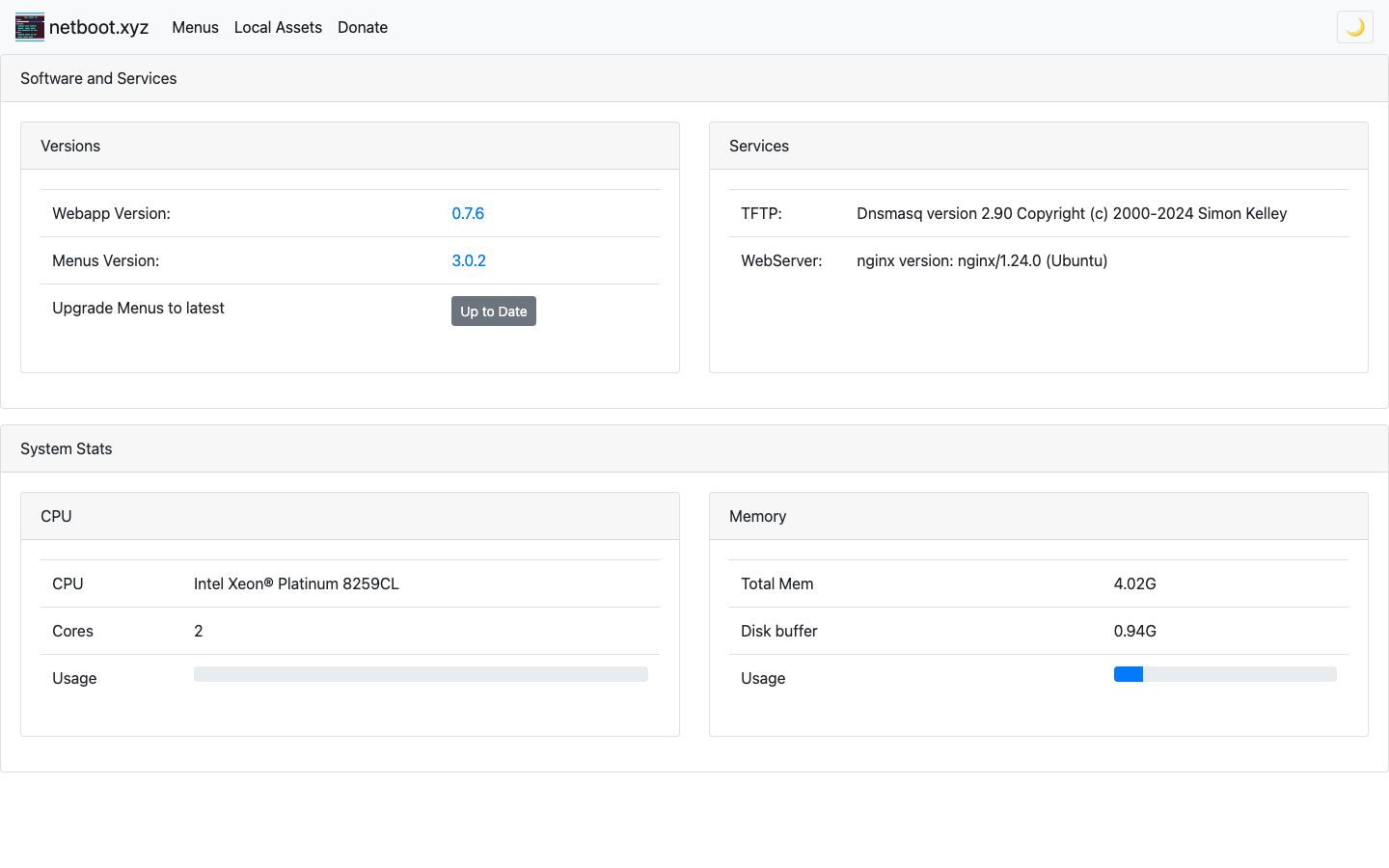
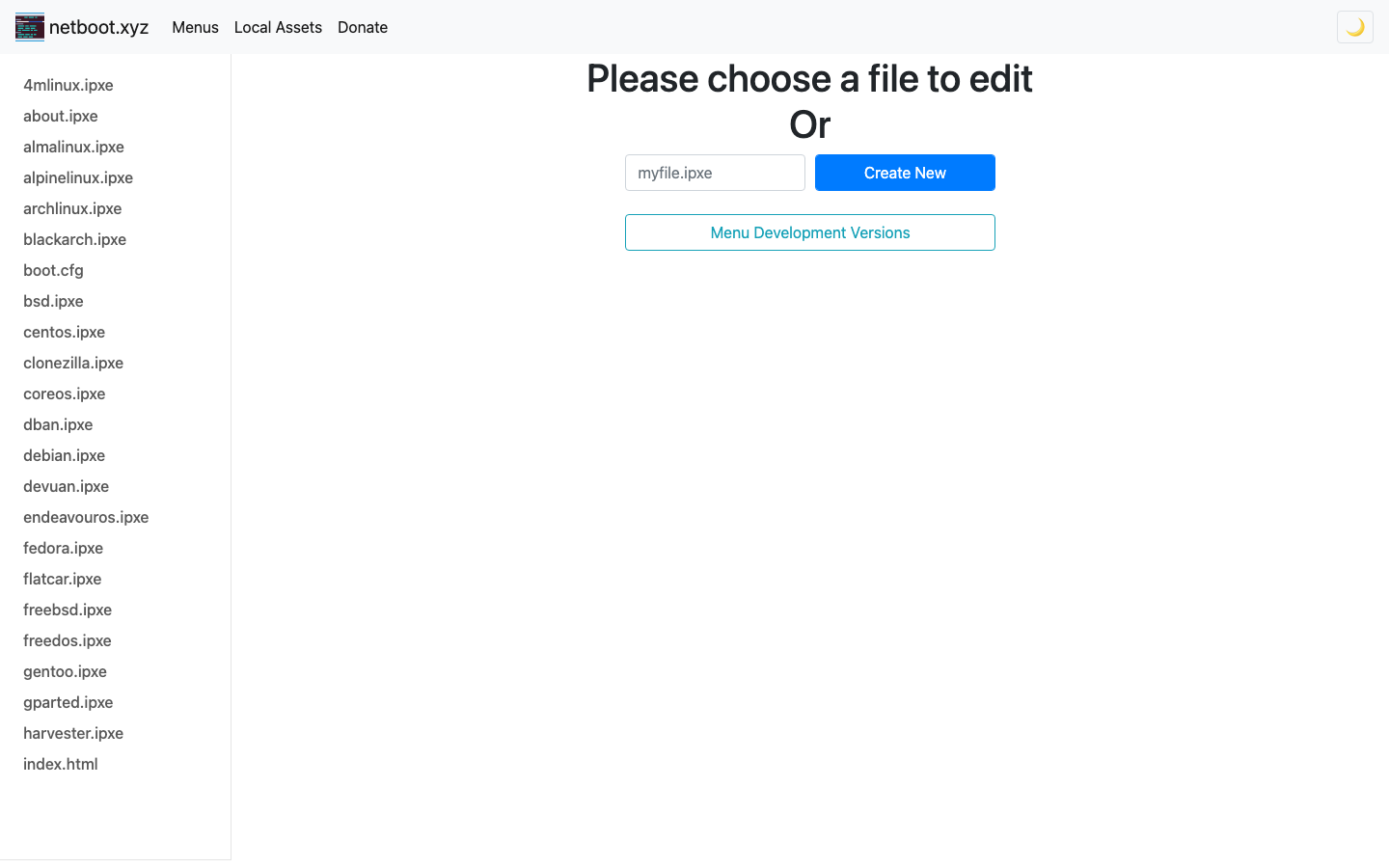
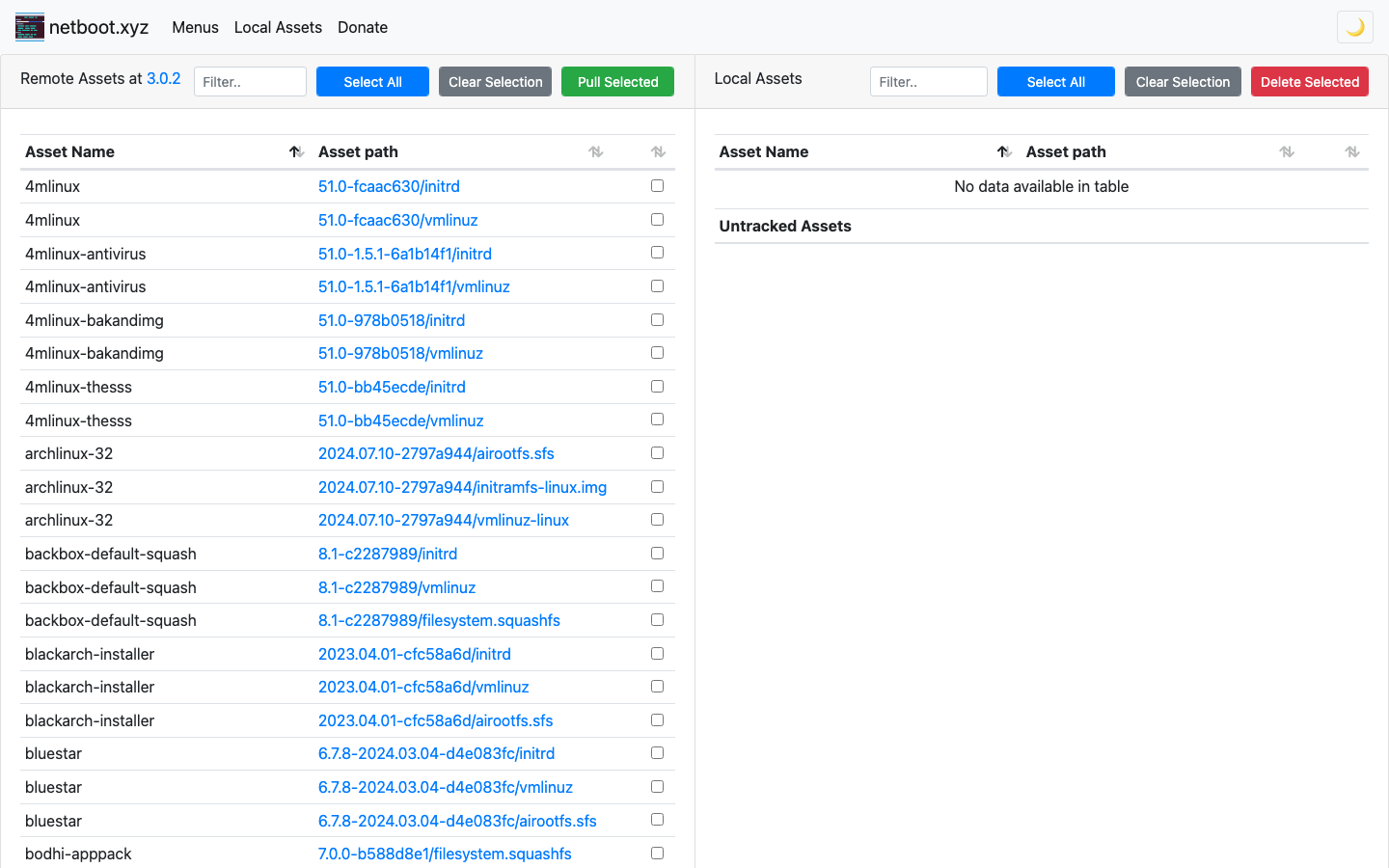
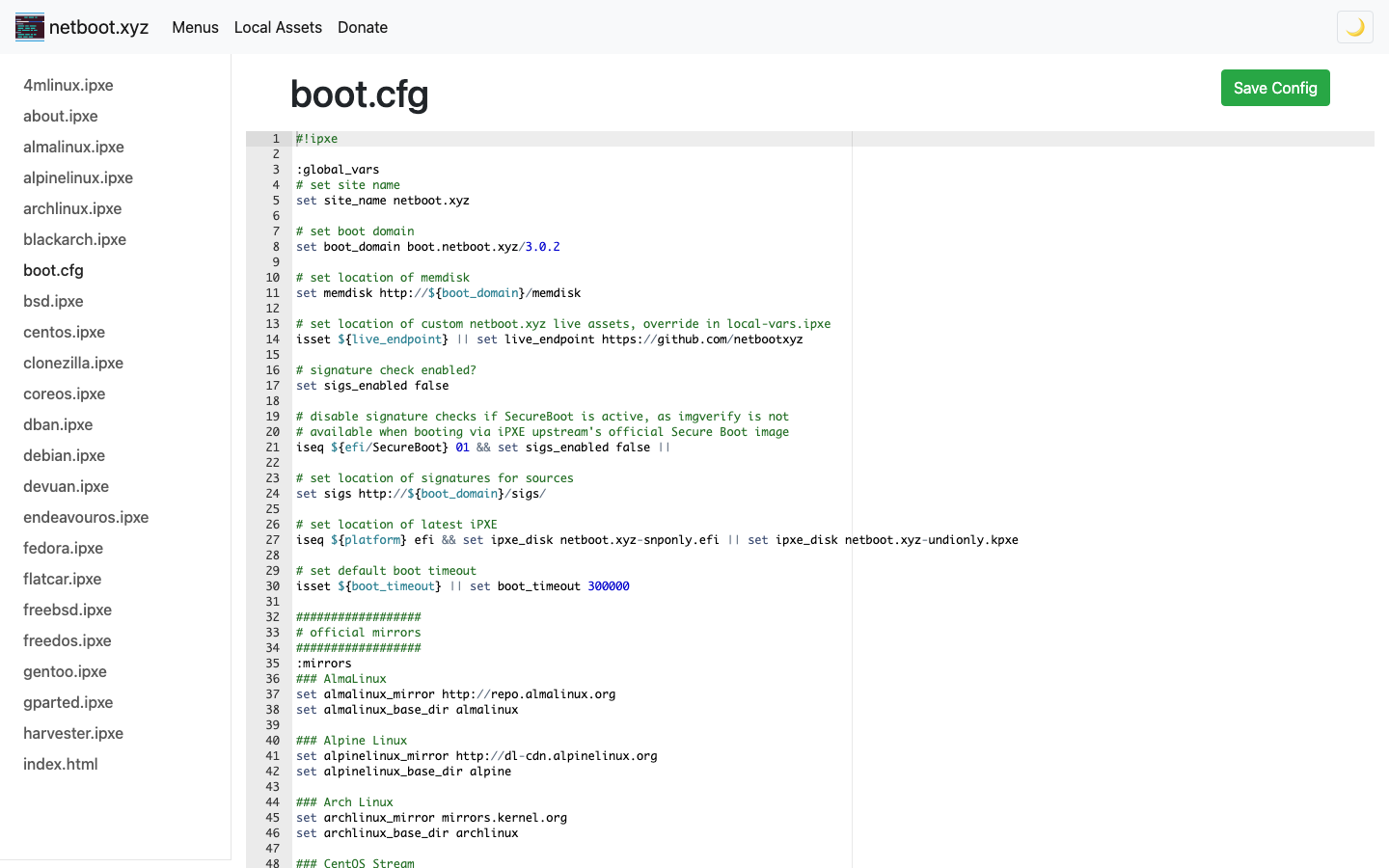
This is a repackaged open source software product wherein additional charges apply for cloudimg support services.
## netboot.xyz - Self-Hosted Network Boot Server
netboot.xyz is an open-source network boot toolkit that pairs an iPXE bootloader with a curated, continuously maintained menu tree covering well over a hundred operating systems and utilities. Machines on your network power on and boot straight into a live desktop, a rescue shell, a disk utility, or a full OS installer - entirely over the network, without carrying a USB stick to the rack.
This AMI delivers the official netboot.xyz 3.0.2 local instance packaged natively with real systemd services and no container layer, ready to serve boot menus within minutes of launch.
## What This Is (and What It Is Not)
This is a self-hosted boot menu and asset server for machines that can reach it on the network: a lab, an on-premises network connected over VPN or AWS Direct Connect, or other instances in the same VPC. You point a client machine's network boot (or your DHCP server's next-server option) at this instance and it serves the iPXE menu over TFTP and HTTP.
It is not a way to PXE-boot arbitrary hosts across the public internet. TFTP over the open internet is unusual and boot clients cannot authenticate, so the boot plane is meant to run on a network you control.
Running your own instance means:
## Two Planes, Two Security Postures
Management plane (authenticated): The netboot.xyz web admin UI decides what your machines boot. Upstream ships this UI with no login of its own, so this image binds it to the loopback interface, fronts it with an authenticating reverse proxy, and generates a fresh admin password unique to each instance on first boot - written to a root-only file. No shared or default credential exists anywhere in the image.
Boot plane (anonymous): TFTP on 69/udp plus menus and mirrored assets over HTTP. A machine powering on has no way to present credentials, so scope the boot plane to your own subnets with the instance security group.
## Application Stack
Every upstream artifact - the menu tree, boot loaders, endpoints file, and admin application - is verified against a pinned checksum at build time. The image is hardened and fully patched.
## Getting Started
1. Launch the instance in your VPC
2. Read the per-instance admin password from the credentials file over SSH
3. Open the admin UI in a browser to browse the menu tree, add local menu overrides, and mirror installer images
4. Point a client's network boot at the instance - the menu appears
For a detailed walkthrough including recommended security-group rules (TFTP 69/udp and HTTP 80/tcp scoped to internal subnets), see the paired deploy guide.
## Use Cases
## Open-Source Community
netboot.xyz is a well-established open-source project with an active contributor community. This AMI packages the upstream release as a production-ready appliance so you benefit from community-driven updates without maintaining the build pipeline yourself.
## cloudimg Support
24/7 technical support by email and chat. Our engineers help with deployment, scoping the boot plane with security groups, connecting on-premises networks over VPN or Direct Connect, mirroring assets, and upgrade planning.
All product and company names are trademarks or registered trademarks of their respective holders. netboot.xyz is published under the Apache License 2.0. Use of the name identifies the software and does not imply affiliation with or endorsement by the netboot.xyz project.
The image builds the official 3proxy binary (pinned at build from the upstream release) and runs it under systemd as the...

This image runs AdGuard Home, the open source network-wide DNS server that blocks ads, trackers and malicious domains fo...
The image installs the latest stable Anubis release, resolved at build time from the official GitHub release package and...

This image runs Apache Guacamole, the open source clientless remote desktop gateway.

The image installs the official BGPalerter binary at /usr/local/bin/bgpalerter, running as the bgpalerter service with i...
The image installs Chrony from the official Ubuntu package and runs it under systemd as the standard chronyd service, so...