Base
Hardened build
minimal ports, security patches applied at build time

A browser based gateway for SSH, RDP, VNC and SFTP, giving your team audited remote access to servers with an encrypted credential vault.
Nexterm is an open source, self hosted server management gateway. It gives your team a single browser based console for connecting to servers over SSH, RDP, VNC and Telnet, transferring files with an SFTP manager, and organising everything with organizations, folders and an encrypted credential vault. Your own browser is the client, so there is no desktop software to install on each workstation.
Nexterm comes preinstalled from the vendor's official container and reverse proxied behind nginx, published only on the loopback interface so nothing but the console is exposed. The image ships with no default administrator, so you create your own at first run, and a unique at rest encryption key that protects stored credentials is generated on first boot for every instance and written to a root only file. The SQLite datastore and encrypted vault live on a dedicated, independently resizable data volume, and a paired deployment guide plus 24/7 cloudimg support are included.
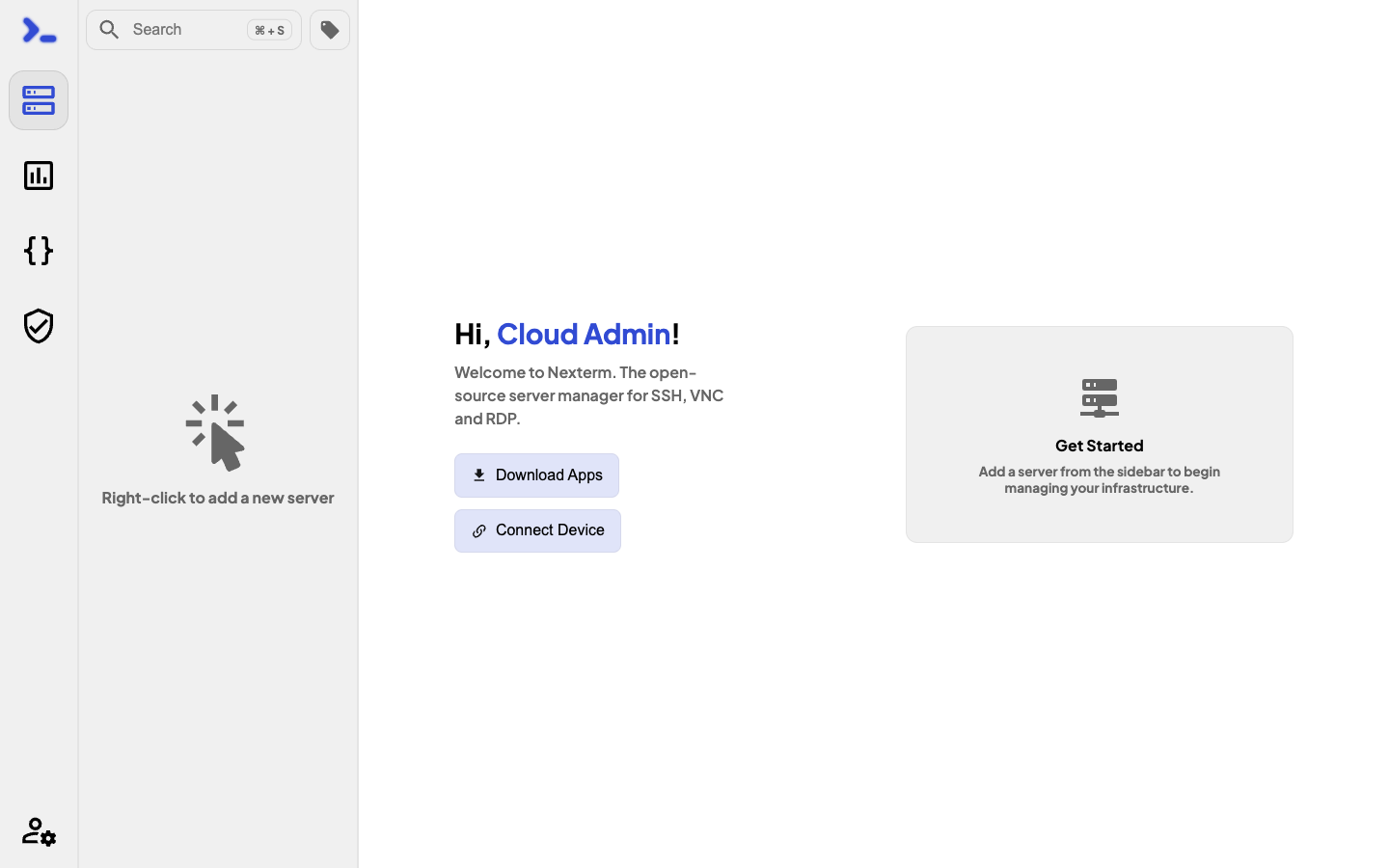
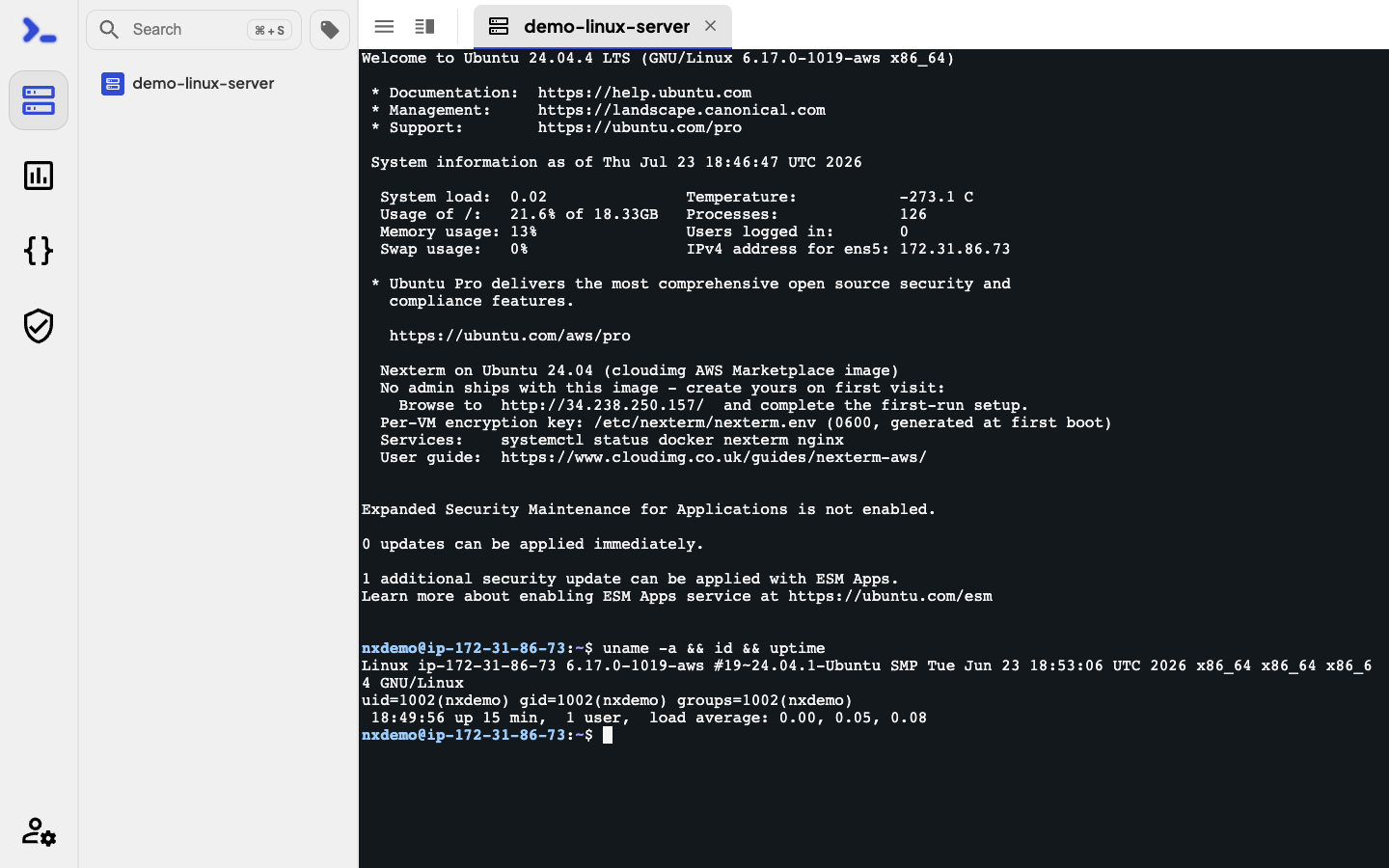
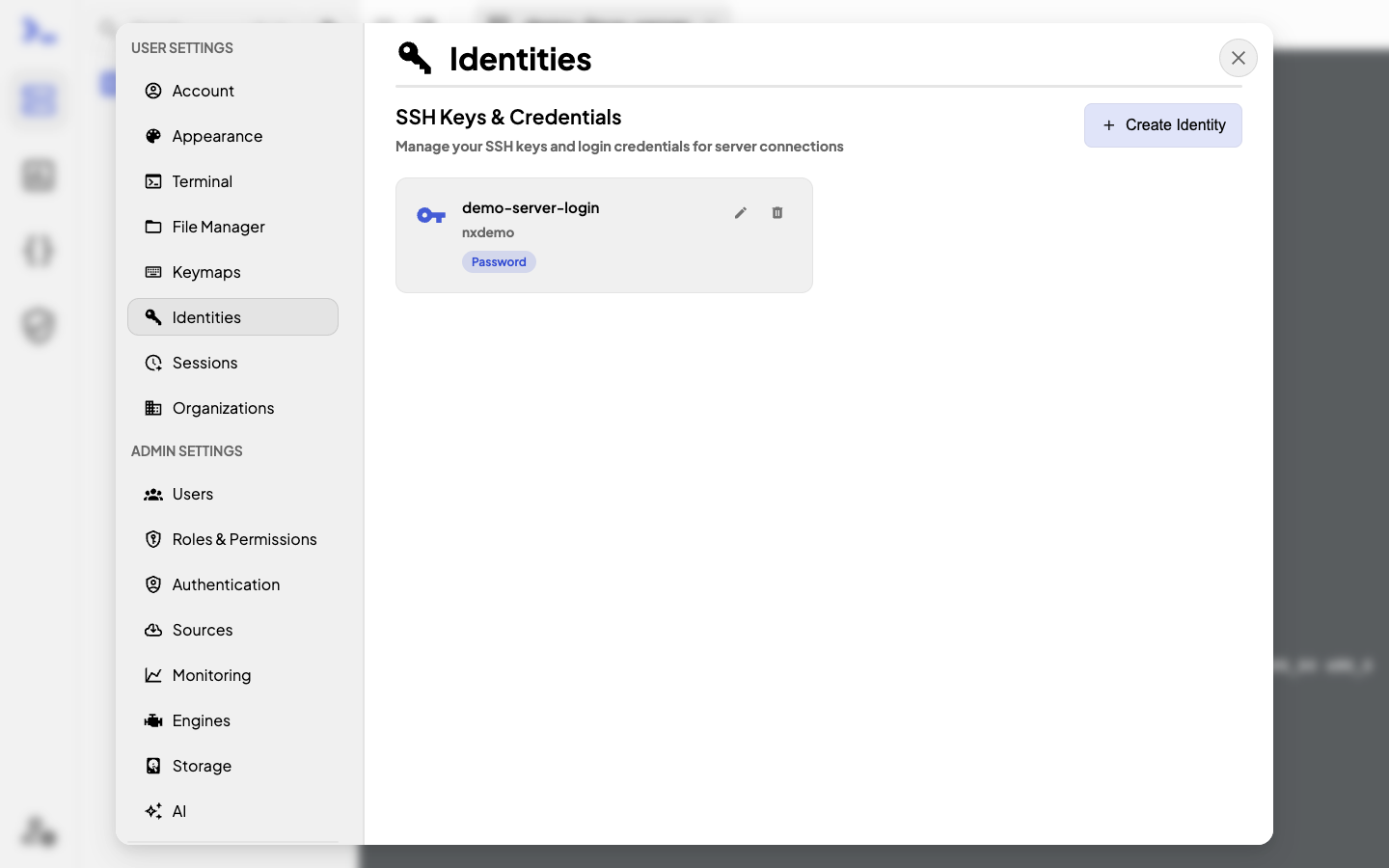
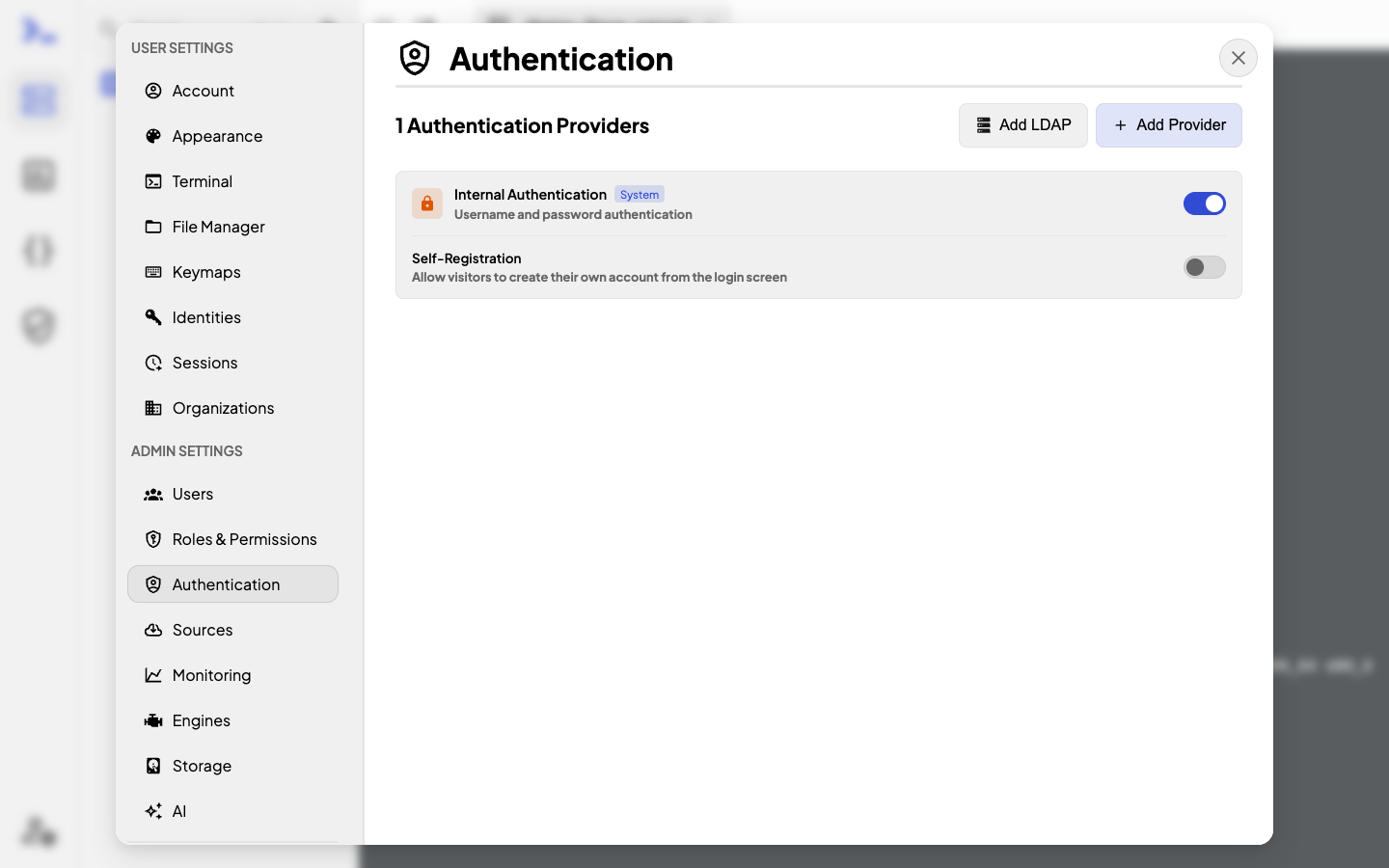
Real screenshots taken while testing this image against its deployment guide.
This is a repackaged open source software product wherein additional charges apply for cloudimg support services.
## Overview
Nexterm is an open source, self-hosted server-management gateway: a clean browser-based console that lets your team connect to servers over SSH, RDP, VNC and Telnet, transfer files with an SFTP manager, and organise everything with organizations, folders and an encrypted credential vault - all from a web browser, with no client software to install on each workstation. This AMI runs it fully installed and reverse-proxied behind nginx, so your private management console is operational within minutes of launch with no manual container wiring, no dependency troubleshooting and no WebSocket proxy configuration required.
## Why This Image vs a Manual Install
This image eliminates the container orchestration, reverse-proxy configuration, WebSocket plumbing and credential hardening a manual deployment requires. Nexterm stores server credentials and brokers remote access, so an exposed or unauthenticated instance is especially dangerous - this image is secure by default and never ships an open privileged surface. Launch the instance, browse to it, create your own administrator, and start adding servers.
## Application Stack
Nexterm is deployed from the vendor's official all-in-one container, pinned by digest, running the Node.js server published only on the loopback interface and fronted by an nginx reverse proxy on port 80. The instance security group opens only SSH (22) and the console (80); connections to your managed servers are brokered outbound by the gateway. The datastore - the SQLite database and the encrypted credential vault - lives on a dedicated, independently resizable data volume, separate from the OS disk. systemd starts the container and the web server on boot and restarts them on failure.
## Security Hardening
This image follows a defence-in-depth approach:
Buyers requiring formal compliance documentation should contact cloudimg to discuss specific requirements.
## Concrete Use Cases
## AWS Integration
Deploy on any EC2 instance type. Put the instance behind an Application Load Balancer and terminate TLS with AWS Certificate Manager, or enable HTTPS on the instance with your own certificate. Back up the datastore with EBS snapshots or AWS Backup, and resize the dedicated data volume independently of the OS disk as your estate grows.
## Getting Started
The full feature set is available immediately - there is no feature gating or time limit. Browse to the instance, complete the one-screen first-run setup to create your administrator, then add your first server and open a browser terminal or remote-desktop session. Read the root-only instance note for the location of your per-instance encryption key.
## Deployment Resources
A deployment and hardening guide is available as an additional resource with this listing, covering the steps from launch through TLS termination, SSO integration and backup configuration.
## cloudimg Support
24/7 technical support by email and chat. Help with deployment, reverse-proxy termination with your own domain and certificate, protocol and credential-vault configuration, single sign-on, and backup planning for your datastore.
The image builds the official 3proxy binary (pinned at build from the upstream release) and runs it under systemd as the...

This image runs AdGuard Home, the open source network-wide DNS server that blocks ads, trackers and malicious domains fo...
The image installs the latest stable Anubis release, resolved at build time from the official GitHub release package and...

This image runs Apache Guacamole, the open source clientless remote desktop gateway.

The image installs the official BGPalerter binary at /usr/local/bin/bgpalerter, running as the bgpalerter service with i...
The image installs Chrony from the official Ubuntu package and runs it under systemd as the standard chronyd service, so...