Base
Hardened build
minimal ports, security patches applied at build time

self hosted file sync and share, built on the go native rewrite of ownCloud
ownCloud Infinite Scale (oCIS) is a modern, self hosted file sync and share platform. A single Go binary runs the full microservice suite in one process: a fast web interface for files, Spaces and sharing, a built in OpenID Connect identity provider, and the OCS and WebDAV APIs the official desktop and mobile sync clients use. It replaces the legacy folder share model with Spaces, permissioned areas for teams and projects, and stores data on the local filesystem.
Every deployment rotates its own secrets on first boot: fresh oCIS service secrets and a unique administrator password, written to a root only file, so no shared or default credential ever ships. oCIS runs behind an nginx reverse proxy that terminates TLS with a per instance certificate, and all identity and user data live on a dedicated, independently resizable data volume kept off the OS disk. A paired step by step deploy guide and 24/7 support from cloudimg round it out.
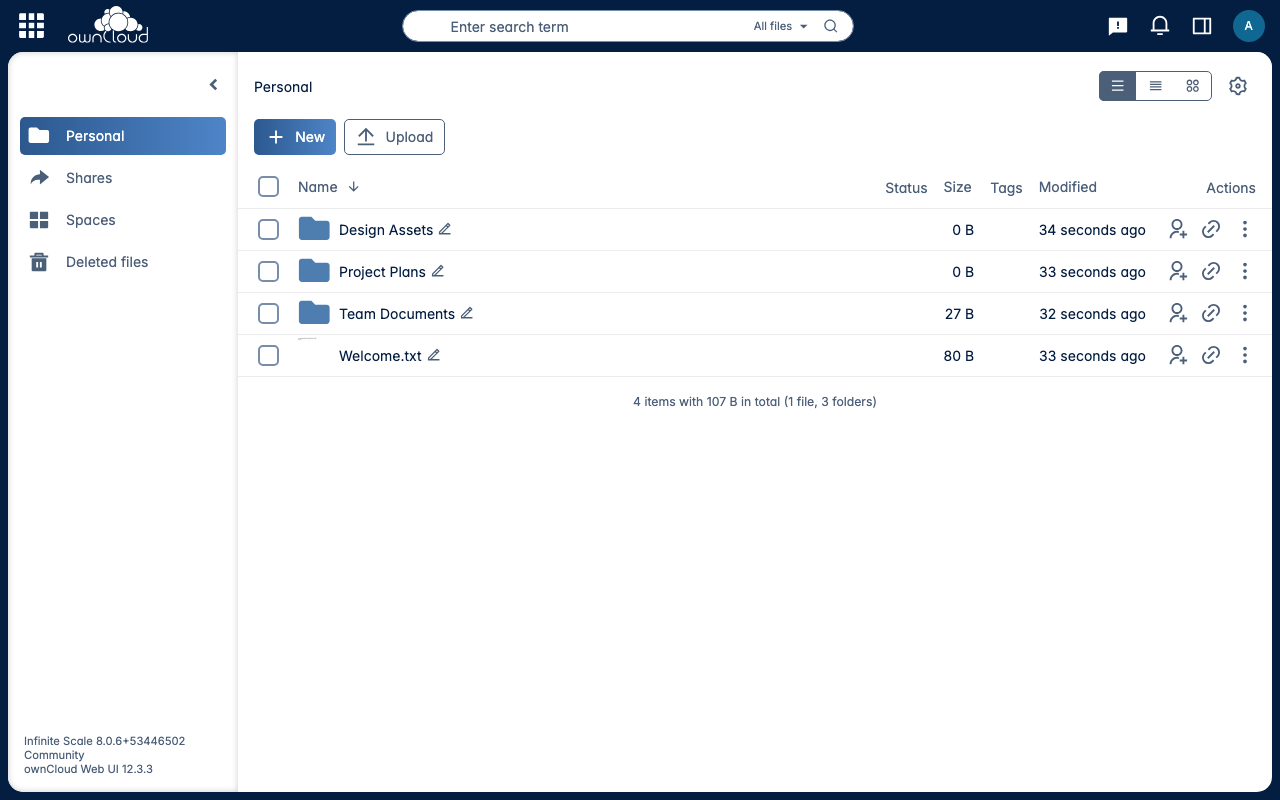
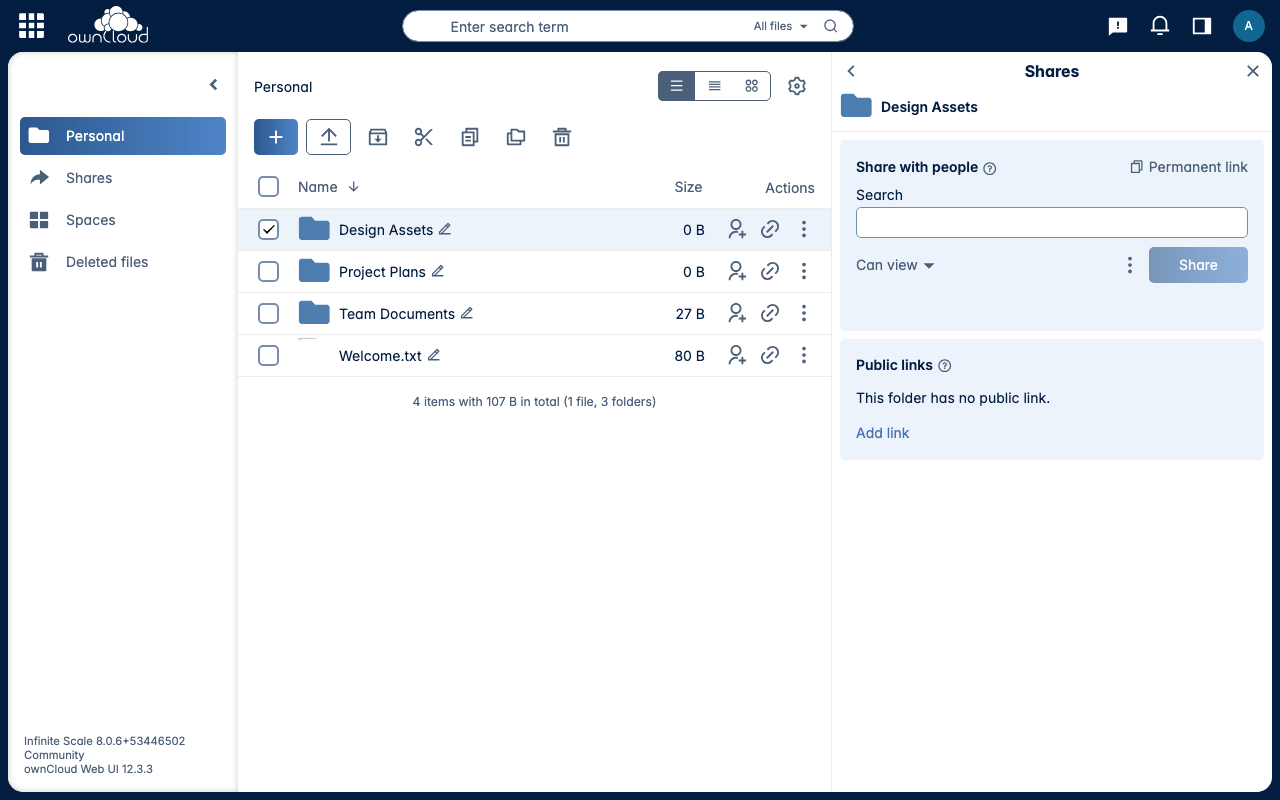
Real screenshots taken while testing this image against its deployment guide.
This is a repackaged open source software product wherein additional charges apply for cloudimg support services.
## ownCloud Infinite Scale - Production-Ready File Sync and Share by cloudimg
Deploy a private, self-hosted file sync and share platform on your own AWS infrastructure in minutes - no manual installation, no shared credentials, no third-party SaaS dependency. This AMI delivers ownCloud Infinite Scale (oCIS) fully installed, hardened, and reverse-proxied behind nginx with TLS so your team can browse, upload, sync, and share files through a fast, modern web UI immediately after launch.
## Why This AMI Instead of Manual Installation
oCIS is the Go-based, cloud-native rewrite of ownCloud - a single binary that runs the full microservice suite in one process. Deploying it by hand means configuring the service, a reverse proxy, TLS certificates, an identity provider, and hardened credentials. This AMI eliminates that operational burden:
## Use Case: Team File Sync and Share Without Third-Party SaaS
An engineering or operations team needs to sync and share documents, design assets, and project files internally without uploading sensitive data to an external cloud. With this AMI, an administrator launches an instance, retrieves the generated admin password, creates users and Spaces, and the team is syncing files through the oCIS Web UI and the ownCloud desktop and mobile clients - all within their own VPC. The Spaces model gives each team its own shared area, while per-user permissions keep private data isolated.
## Application Stack
The oCIS server - a single Go binary serving the web UI, the OpenID Connect identity provider, and the OCS and WebDAV APIs - binds to the loopback interface and runs behind nginx, which terminates TLS on port 443 with a per-instance self-signed certificate. Port 80 redirects to 443. The storage backend is the local filesystem on a dedicated EBS volume.
## Secure By Default
Authentication is required from the first moment. On first boot, a one-shot service runs oCIS initialization to generate fresh random service secrets and creates the built-in identity provider admin user with a unique password written to a root-only file. No shared or default credentials ship in the image, and the OCS and WebDAV APIs reject unauthenticated requests. This eliminates the common risk of deploying an appliance with a well-known default credential.
## Spaces, Identity and Clients
oCIS replaces the legacy folder-share concept with Spaces - dedicated, permissioned areas for projects and teams. Identity is provided by the built-in OpenID Connect provider, and you can point oCIS at an external identity provider such as Keycloak for single sign-on. The official ownCloud desktop and mobile clients connect for two-way sync.
## Getting Started
1. Launch the AMI on your chosen EC2 instance type (m5.large or larger recommended)
2. Retrieve the generated administrator password from the root-only file on the instance
3. Browse to the instance over HTTPS and accept the per-instance self-signed certificate
4. Sign in as administrator, create Spaces and users, and connect the sync clients
## cloudimg Support
24/7 technical support by email and live chat covers deployment, upgrades, TLS, identity integration, and storage configuration. Critical issues receive a one-hour average response time.
ownCloud and ownCloud Infinite Scale are trademarks of their respective owner. All product and company names are trademarks or registered trademarks of their respective holders. Use of them does not imply any affiliation with or endorsement by them.

Apache Ozone is the scalable, distributed object store for Hadoop and cloud-native workloads. It exposes both an S3-comp...

Backrest is a popular open source web interface and orchestrator for restic, the fast, secure, deduplicating backup prog...

This image runs Barman (Backup and Recovery Manager), the open source disaster-recovery manager for PostgreSQL from Ente...
Cyberduck is a libre file transfer client for FTP, SFTP, WebDAV, Amazon S3, Google Cloud Storage, Microsoft Azure, OpenS...

This image runs File Browser, the open source, self-hosted web file manager - browse, upload, download, edit, preview an...
This image runs a production ready network file server built on the operating system's own kernel NFS server, the file s...