Base
Hardened build
minimal ports, security patches applied at build time

phpLDAPadmin, a schema aware web interface for browsing and editing an OpenLDAP directory, ready to sign in the moment it boots.
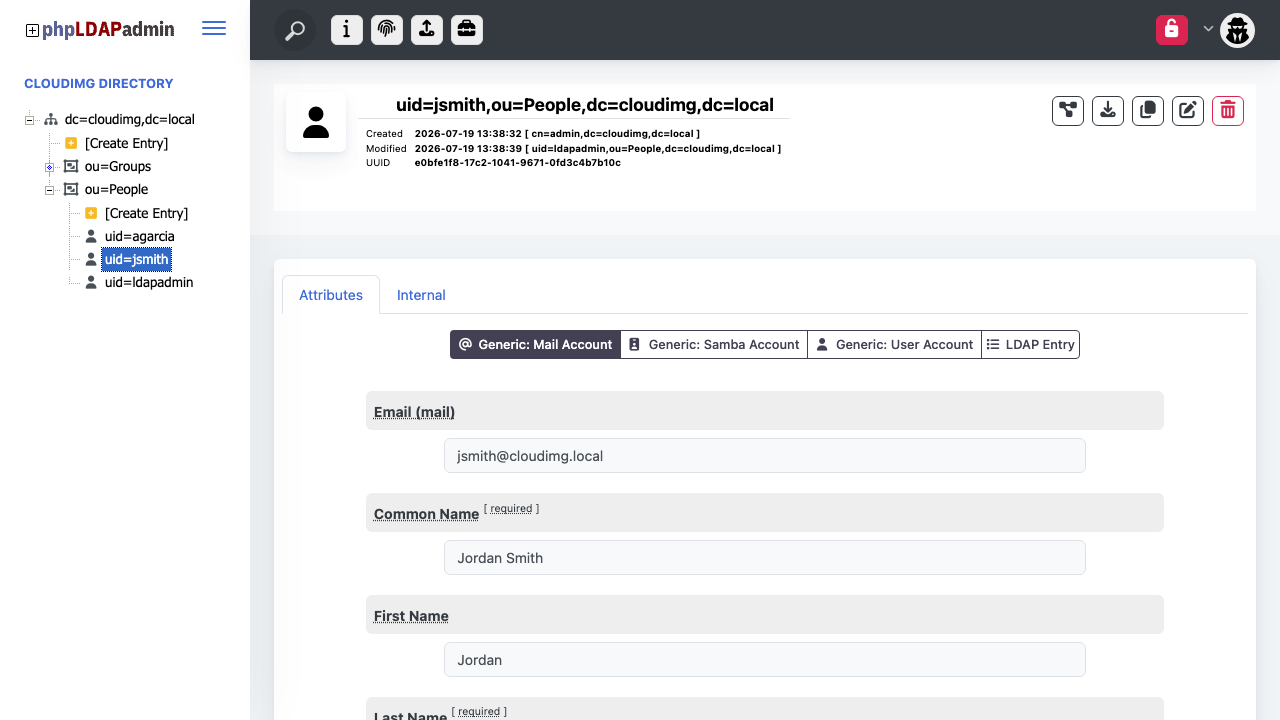
phpLDAPadmin is the long established open source web interface for administering an LDAP directory. Instead of hand editing LDIF files or working through command line tools, administrators browse the directory as a tree, create and edit entries and attributes against the live schema, import and export LDIF, run searches and manage passwords, all from a browser. This release is the modern rewrite of the application, rebuilt on a current PHP framework with a refreshed interface while keeping the direct, schema aware editing that made the original a standard tool for directory administrators.
This is a self contained directory appliance: OpenLDAP runs on the instance as the directory backend and phpLDAPadmin sits in front of it, so a single instance gives you a working, browsable directory. It suits teams that want a self hosted identity store they fully control, a central place to manage POSIX and organisational accounts, or a direct, low level editor over an existing OpenLDAP schema.
The cloudimg image ships the directory backend and the web interface already wired together, fully patched and hardened, so there is no OpenLDAP install, no base DN planning and no web server configuration to do first. Every instance generates its own secrets on first boot, the directory administrator password, the OpenLDAP manager password and the application session encryption key, written to a root only file, so no default login ships and no two instances share a secret. Every page requires an authenticated session and the directory service is bound to the loopback interface, so the directory is never reachable off the instance. A paired deploy guide walks the whole process, and every instance is backed by 24/7 cloudimg support.
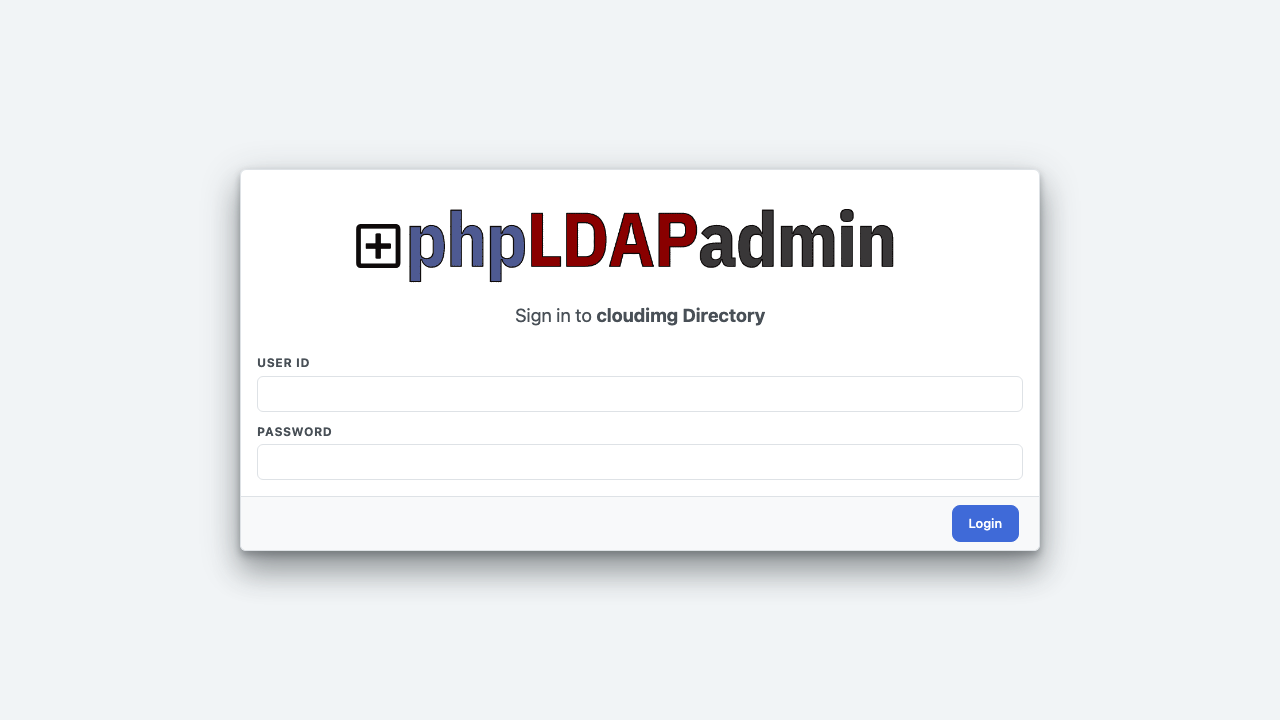
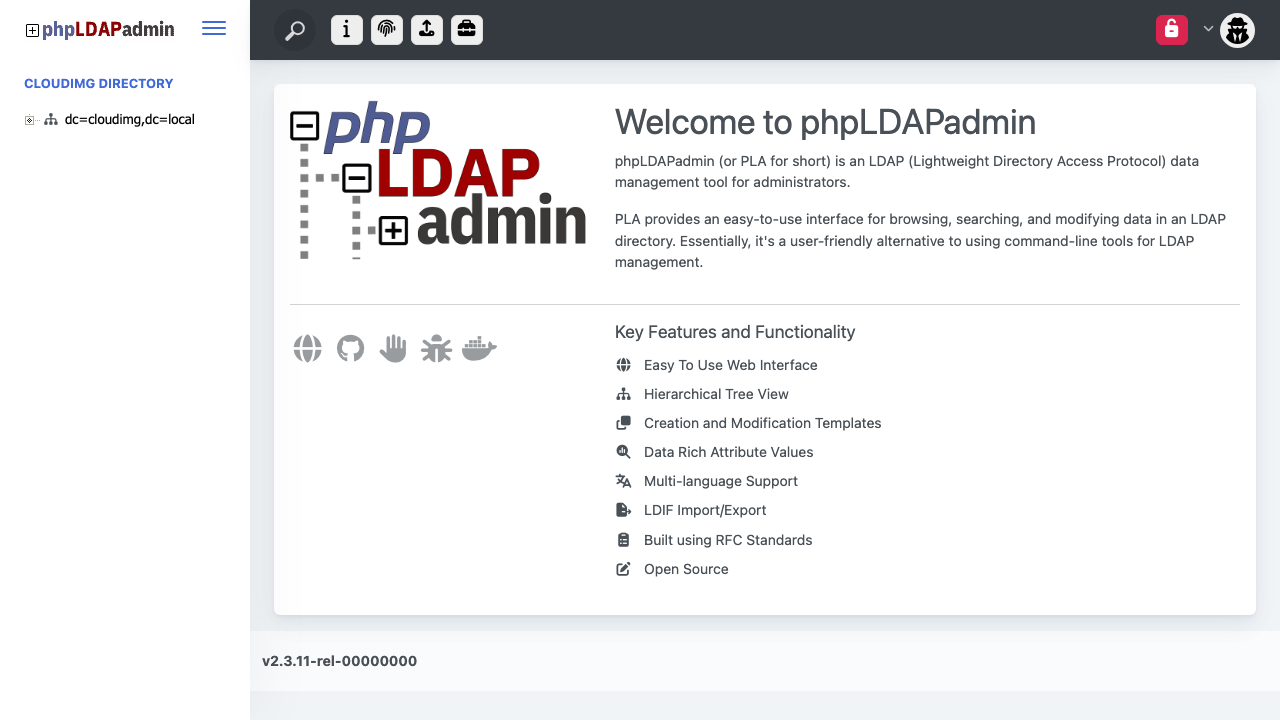
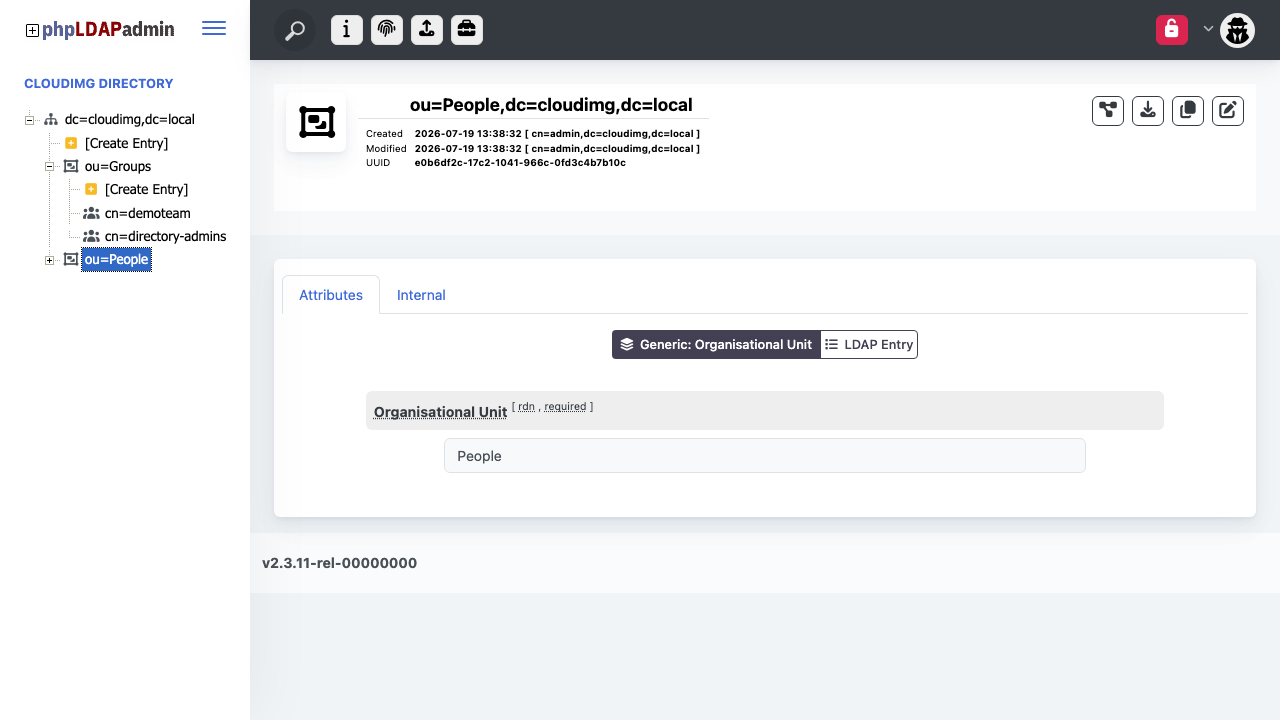
Real screenshots taken while testing this image against its deployment guide.
2FAuth is a free, open source, self hosted web app for managing your two factor authentication accounts.
The image installs acme-dns 2.0.2 from the official upstream release (github.com/acme-dns/acme-dns, the project formerly...

Mail sent to an alias is forwarded to your real inbox, and you can reply from the alias so the other side never learns w...

AliasVault is an open source, end to end encrypted password manager combined with a private email alias service that you...

This image runs Apache SpamAssassin, the long established open source anti spam platform, fully configured and security ...

Apache Syncope is an open source identity management and identity governance platform.