Base
Hardened build
minimal ports, security patches applied at build time
Unlike public transfer services, Plik keeps files in your VPC with auto-expiring links. This deploys a secure, authenticated file-sharing server in minutes - no manual setup required. Includes 24/7 cloudimg support.
This image arrives installed, configured and hardened, so there is no manual setup before you can use it. It is built on a patched base, runs with credentials generated uniquely for your instance on first boot, and passes an automated health check before every release. Every deployment is backed by 24/7 support from cloudimg engineers.
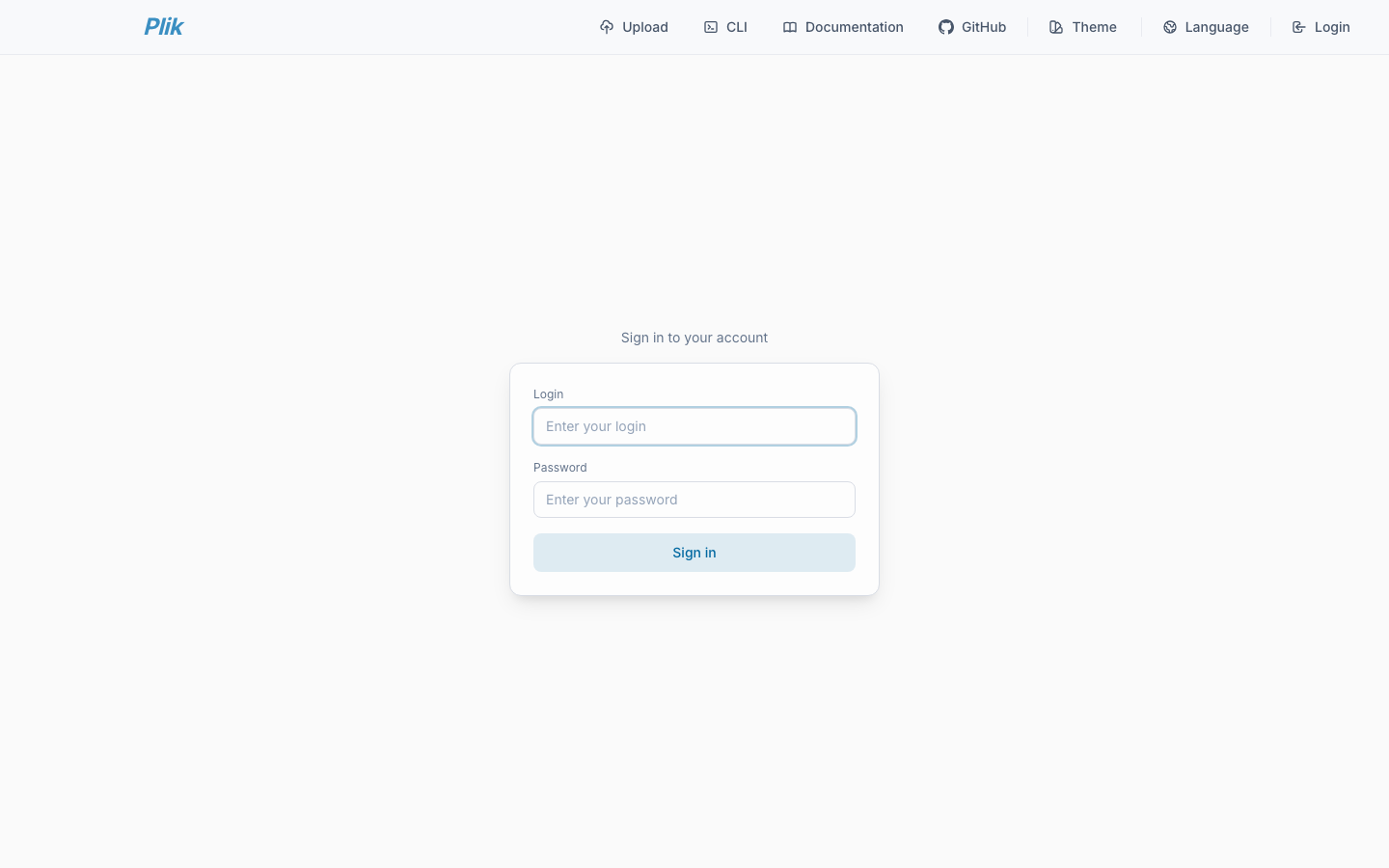
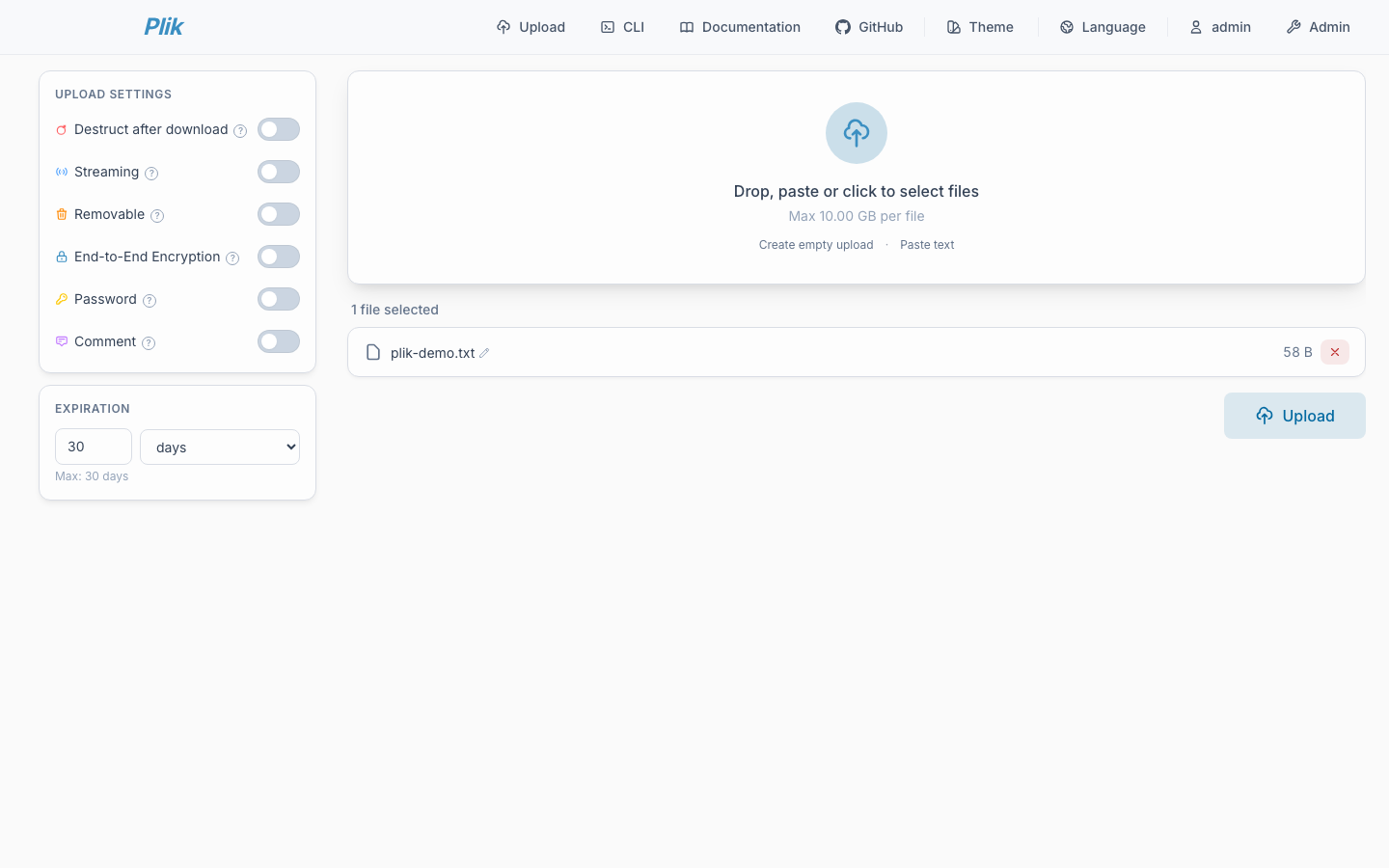
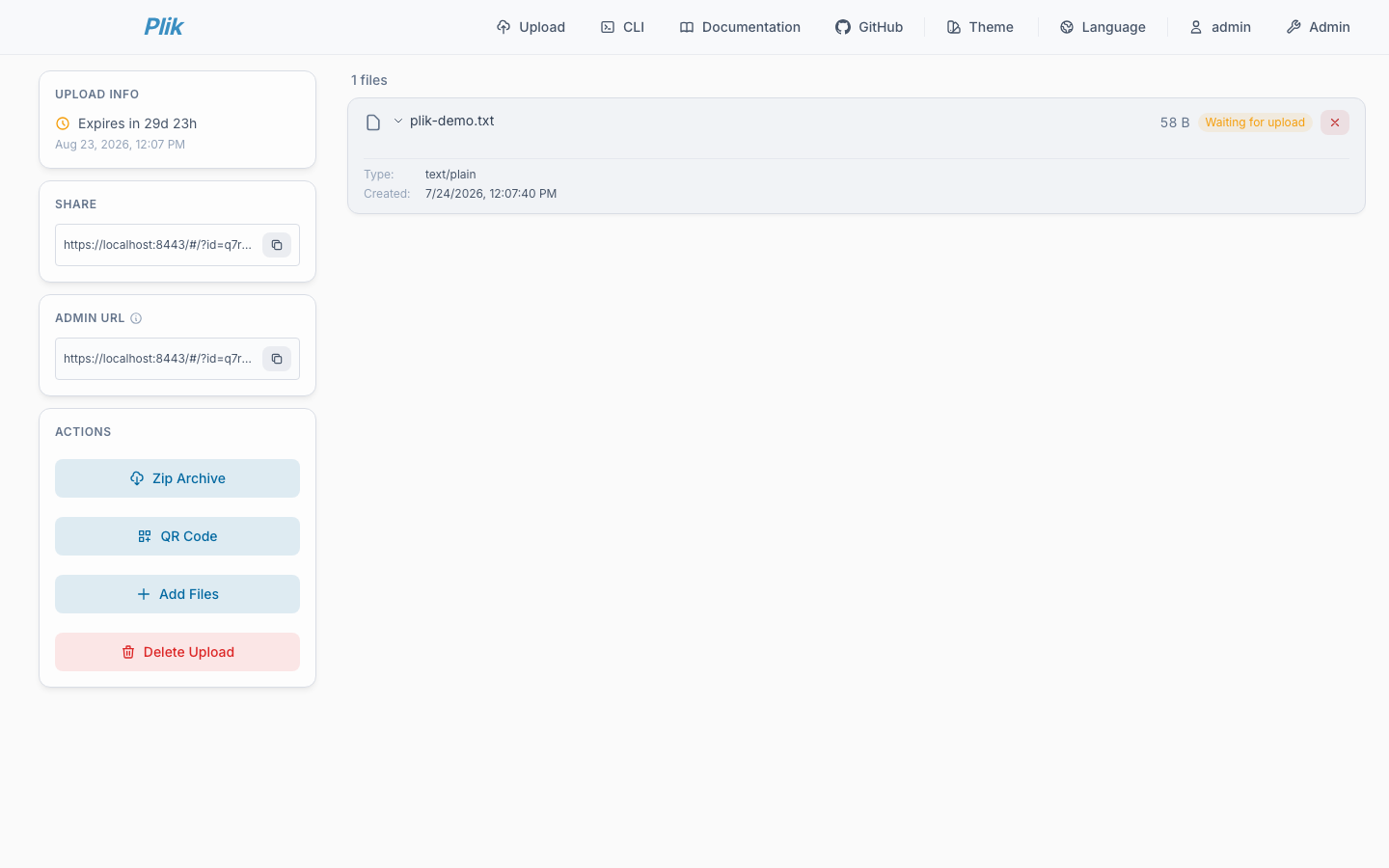
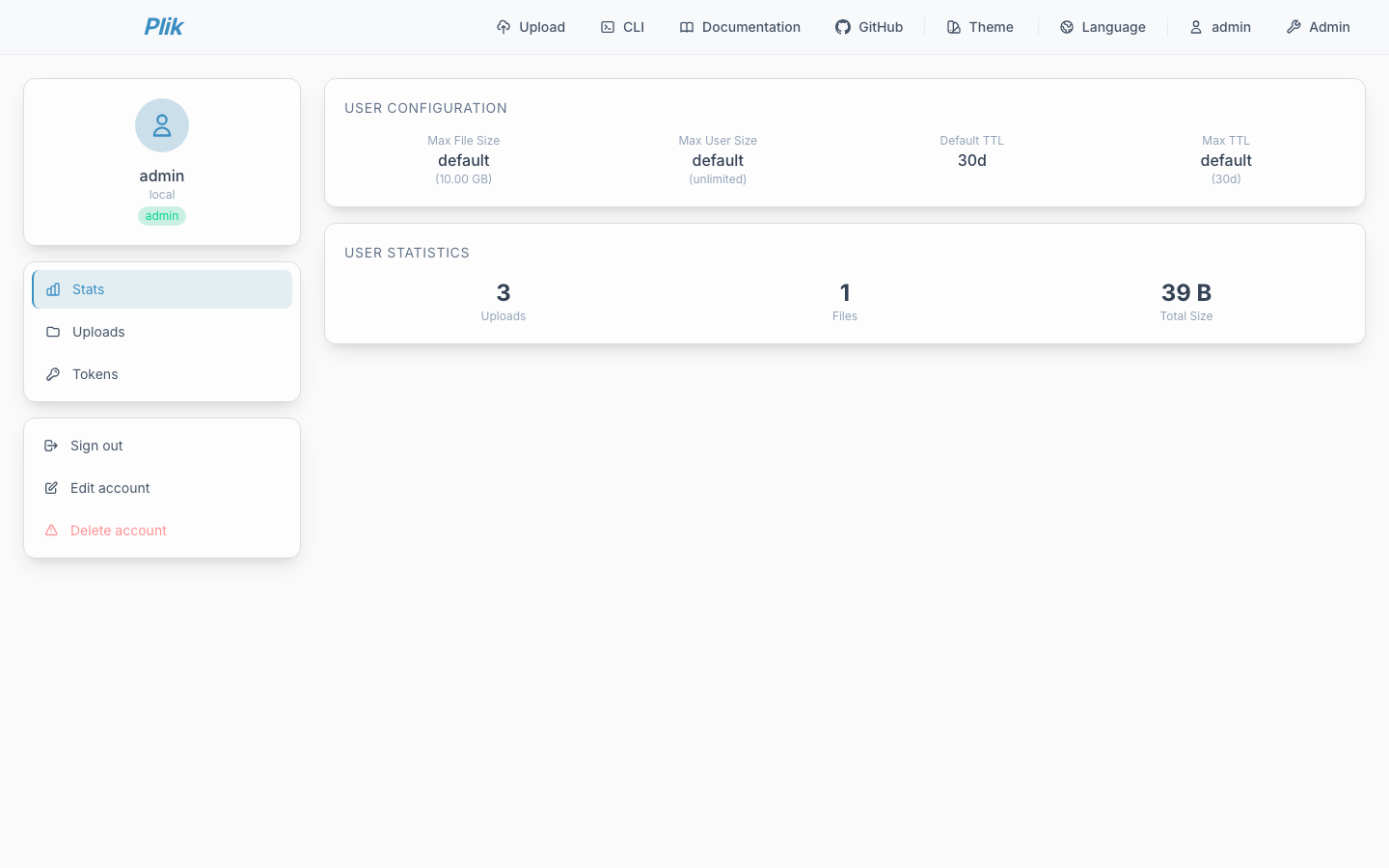
Real screenshots taken while testing this image against its deployment guide.
This is a repackaged open source software product wherein additional charges apply for cloudimg support services.
## Deploy a Private Temporary File-Sharing Server in Minutes
Plik is a scalable, open source, self-hosted temporary file upload and sharing service. Users upload one or more files through a clean web interface or the HTTP API, choose how long they should live, and receive short shareable links that expire automatically. Optional one-shot links that self-destruct after a single download, password-protected uploads, streaming uploads that are never written to disk, and markdown comments make Plik a flexible replacement for emailing large attachments or standing up ad hoc file drops. This AMI delivers Plik fully installed and reverse-proxied behind nginx with TLS, so a production-ready file-sharing service is operational within minutes of launch, with no manual package installation, no dependency troubleshooting and no proxy configuration required.
## Why This AMI vs. Self-Deploying From GitHub
Deploying Plik from source means installing and configuring the server, wiring up nginx as a TLS reverse proxy, hardening authentication, provisioning storage and managing systemd services - typically several hours of work for an experienced engineer. This AMI handles all of that for you:
## Application Architecture
Plik stores metadata in an embedded SQLite database and files on the attached data volume, supports configurable default and maximum time to live, per-upload size limits, and a bundled command line client for scripted uploads. The server binds to loopback and is fronted by nginx, which is the sole network-facing surface and terminates TLS. It is a strong foundation for teams that need quick, expiring, authenticated file sharing without depending on a third-party service.
## Use Cases
## Evaluation Path
To evaluate the product at minimal cost, launch the AMI on a t3.micro or t3.small instance with a small data volume. This lets you explore the web interface, test API uploads, and validate the security model before scaling to a production instance type.
## 24/7 cloudimg Support
Every subscription includes around-the-clock technical support from cloudimg engineers via email and live chat. We help with:
Critical issues receive a one-hour average response time. Unlike deploying Plik from GitHub on your own, you have dedicated engineering support for the full lifecycle of your deployment.
## Getting Started
1. Launch the AMI from AWS Marketplace in your preferred Region.
2. Once the instance is running, retrieve the administrator password and API token from the root-only credentials file.
3. Browse to the instance public address over HTTPS and sign in as the generated admin, or use the API token to upload from scripts.
4. Set default and maximum time-to-live, configure a real domain and CA certificate, and start sharing.

This image runs AnythingLLM, the all-in-one open source application for chatting with your documents using any large lan...

Apache BifroMQ (Incubating) is a distributed MQTT broker written in Java, built around native multi tenancy.

Apache RocketMQ is an open-source distributed messaging and streaming platform built for low-latency, high-throughput, f...
This image runs Bluesky PDS, the reference Personal Data Server for the AT Protocol (atproto) - the open, federated soci...

This image runs the full ELK Stack as a single node deployment. Elasticsearch is the distributed search and analytics en...
A preconfigured Elasticsearch, Logstash and Kibana stack with coordinated versions, ready for log analytics on launch.