
PostgreSQL with pgAdmin 4 Relational Database
Overview
Launch a production-ready PostgreSQL database with pgAdmin 4 web management in minutes. Unique credentials generated per instance - no manual setup required. 24/7 cloudimg support included.
See it running
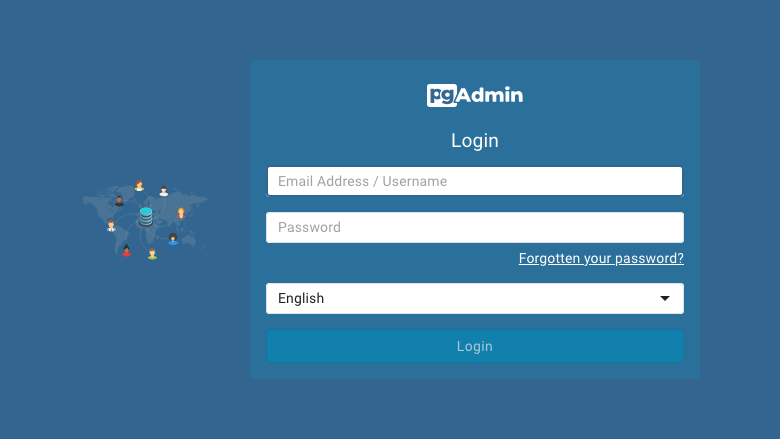
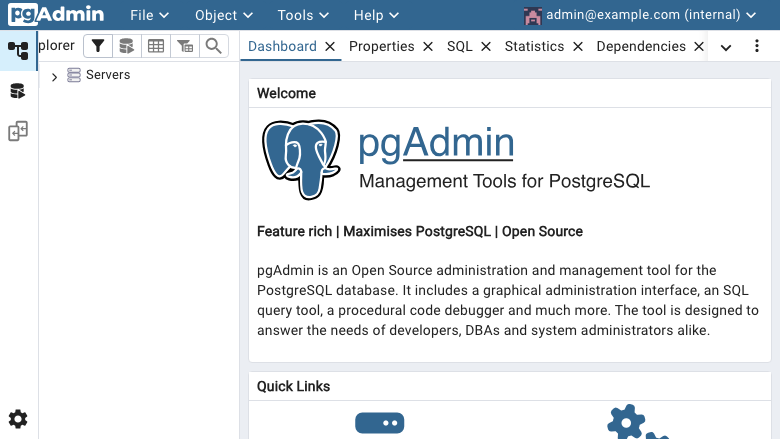
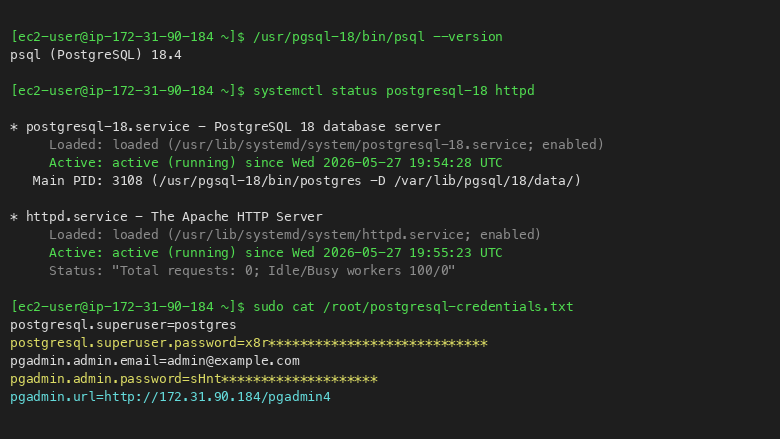
Real screenshots of this software running on the cloudimg image, taken while testing the deployment guide.
Description
This is a repackaged open source software product wherein additional charges apply for cloudimg support services.
## PostgreSQL with pgAdmin 4 - Ready in Minutes, Backed by Expert Support
This AMI delivers a fully configured PostgreSQL database server paired with the pgAdmin 4 browser-based administration interface. Unlike a vanilla PostgreSQL installation that requires manual security hardening, user creation, and tool configuration, this image launches with unique per-instance credentials, pre-integrated web management, and a dedicated data volume - eliminating hours of setup work.
This is a repackaged open source software product. A software fee applies on top of standard EC2 infrastructure costs for cloudimg's 24/7 expert support services.
## Who This Is For
Development teams and solo engineers who need a production-ready PostgreSQL environment on AWS without dedicated DBA resources. Ideal for startups prototyping applications, teams running CI/CD staging databases, or small organizations that want expert database support without hiring in-house.
## Database Stack
- PostgreSQL from official PGDG repository with contrib extensions package included
- Dedicated EBS data volume - resize your database storage independently from the OS disk without downtime risk
- scram-sha-256 authentication pre-configured in pg_hba.conf for secure local connections
- Unlike self-managed installs, there are no default passwords or shared credentials in the image
## pgAdmin 4 Web Interface
pgAdmin 4 is served by Apache httpd at the /pgadmin4/ path. Navigate to your instance IP in any browser to reach the pgAdmin login page. From there you can:
- Create and manage databases, schemas, and tables
- Run SQL queries with syntax highlighting
- Inspect execution plans and optimize queries
- Monitor server activity and active connections
- Manage users and permissions visually
The local PostgreSQL server is pre-registered as a named connection in pgAdmin, so you can start running queries immediately after login - no connection string configuration needed.
## Secure First Boot
Every instance launch triggers a one-shot service that generates:
- A fresh PostgreSQL superuser password (unique to that instance)
- A fresh pgAdmin administrator password (unique to that instance)
The pgAdmin database is recreated from scratch so no build-time credentials persist. Both passwords are written to /root/postgresql-credentials.txt (readable only by root) and displayed at SSH login via MOTD. This eliminates the security risk of shared default credentials found in many community AMIs.
## Getting Started
1. Launch the AMI on your chosen EC2 instance type
2. SSH into the instance and note the credentials displayed in the MOTD
3. Open your browser and navigate to http://[instance-ip]/pgadmin4/
4. Log in with the generated pgAdmin credentials
5. The local PostgreSQL server is already registered - start creating databases immediately
## Use Cases
- SaaS application backends - Spin up isolated PostgreSQL instances for each microservice or per-developer staging environments in a CI/CD pipeline
- Analytics and reporting - Leverage extensions like pg_stat_statements and pg_trgm for query performance analysis
- Document storage - Use JSONB columns for flexible schema-less data alongside relational tables
- Full-text search - Built-in tsvector support for search without external dependencies
- Geographic data - Add PostGIS for spatial queries and location-based applications
- Development and staging - Quickly provision throwaway databases for testing with zero configuration overhead
## cloudimg Support
24/7 technical support from cloudimg engineers covering PostgreSQL deployment, upgrades, performance tuning, replication configuration, backup strategy, pgAdmin configuration, and database administration. Critical issues receive a one-hour average response time.
All product and company names are trademarks or registered trademarks of their respective holders. Use of them does not imply any affiliation with or endorsement by them.
Key Features
- PostgreSQL and pgAdmin 4 preinstalled with no manual setup, with the pgAdmin web interface served by Apache httpd at /pgadmin4/ and the local PostgreSQL server pre-registered for immediate use
- Secure first boot generates a fresh PostgreSQL superuser password and pgAdmin admin password for every instance, stored in a root-only file, with no shared or default credentials in the image
- 24/7 technical support from cloudimg for PostgreSQL deployment, replication, backup, performance tuning and pgAdmin administration
Related Technologies
Related Products

Apache Cassandra NoSQL Database
This image runs Apache Cassandra, the open source distributed NoSQL database built for scalability and high availability...

Apache CouchDB NoSQL Database
This image runs Apache CouchDB, the open source document oriented NoSQL database, on a single node.
Chroma Vector Database for AI
This image runs Chroma 1.5, the open source vector database for AI - store embeddings and run fast similarity search for...

ClickHouse Analytics Database
This image runs ClickHouse, the open source column oriented analytics database, on a single node.
Apache Cassandra NoSQL Database
Once your instance is running and has passed both status checks (2/2), connect using SSH:

Elasticsearch Single-Node Search and Analytics
This image runs Elasticsearch 8.x, the open source distributed search and analytics engine, fully installed and configur...