Base
Hardened build
minimal ports, security patches applied at build time
Project Quay, the open source container image registry that powers Quay.io, giving your team private image repositories with fine grained access control and a per instance admin credential.
Project Quay is the upstream open source community project of Red Hat Quay: a container native image registry for building, storing and distributing container images. It provides private repositories with fine grained access control across users, organizations, teams and robot accounts, a standards compliant OCI and Docker v2 registry API, tag lifecycle management with expiration, auto pruning and immutable tags, and a complete REST API for automation. It is the same codebase that powers the public Quay.io service.
This image runs the full upstream service topology natively as system services: the web, registry and security scanning application servers, the complete set of background workers for garbage collection, notifications, quota management and auto pruning, with PostgreSQL and Redis alongside. Registry storage lives on the instance disk under a single well known path, and large image pushes work out of the box. It suits teams that want a private registry under their own control: platform engineering groups hosting internal images, CI/CD pipelines that need a fast nearby push target, and organizations that prefer their build artifacts never leave their own network.
cloudimg delivers Project Quay fully installed behind an nginx reverse proxy, so a working registry answers the moment the instance boots. The image is secure by default and carries no usable login: no administrator account and no shared secret ship in the image. On the first boot of every instance a two stage service generates fresh secret keys and a fresh database password, initialises the database empty, then creates a unique administrator account plus a scoped API access token and writes them to a file only the root user can read. Anonymous access and open self registration are disabled, the database and cache listen only on loopback, the base is fully patched with unattended security upgrades enabled, and every deployment is paired with a step by step deploy guide and backed by 24/7 cloudimg support.
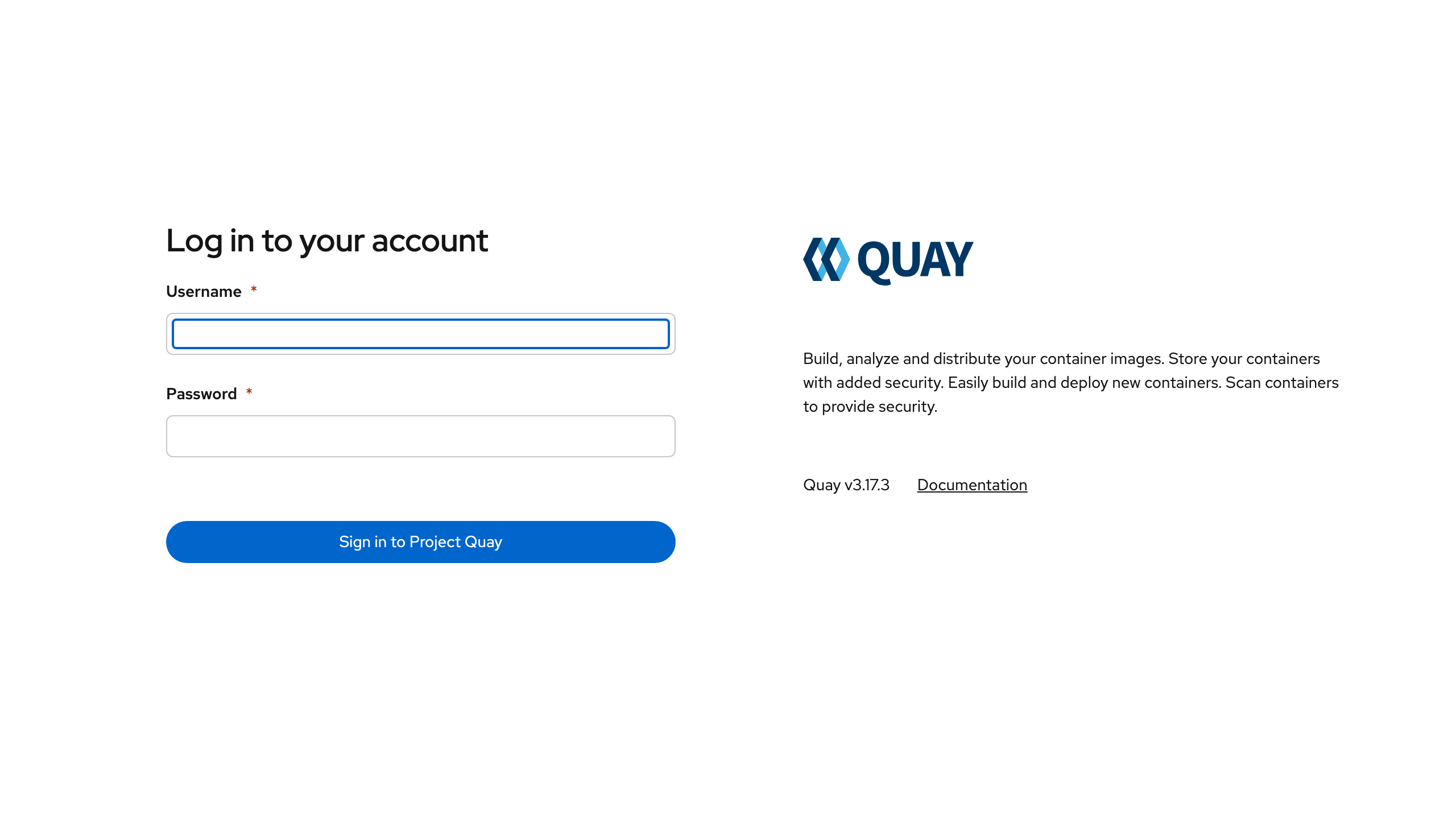
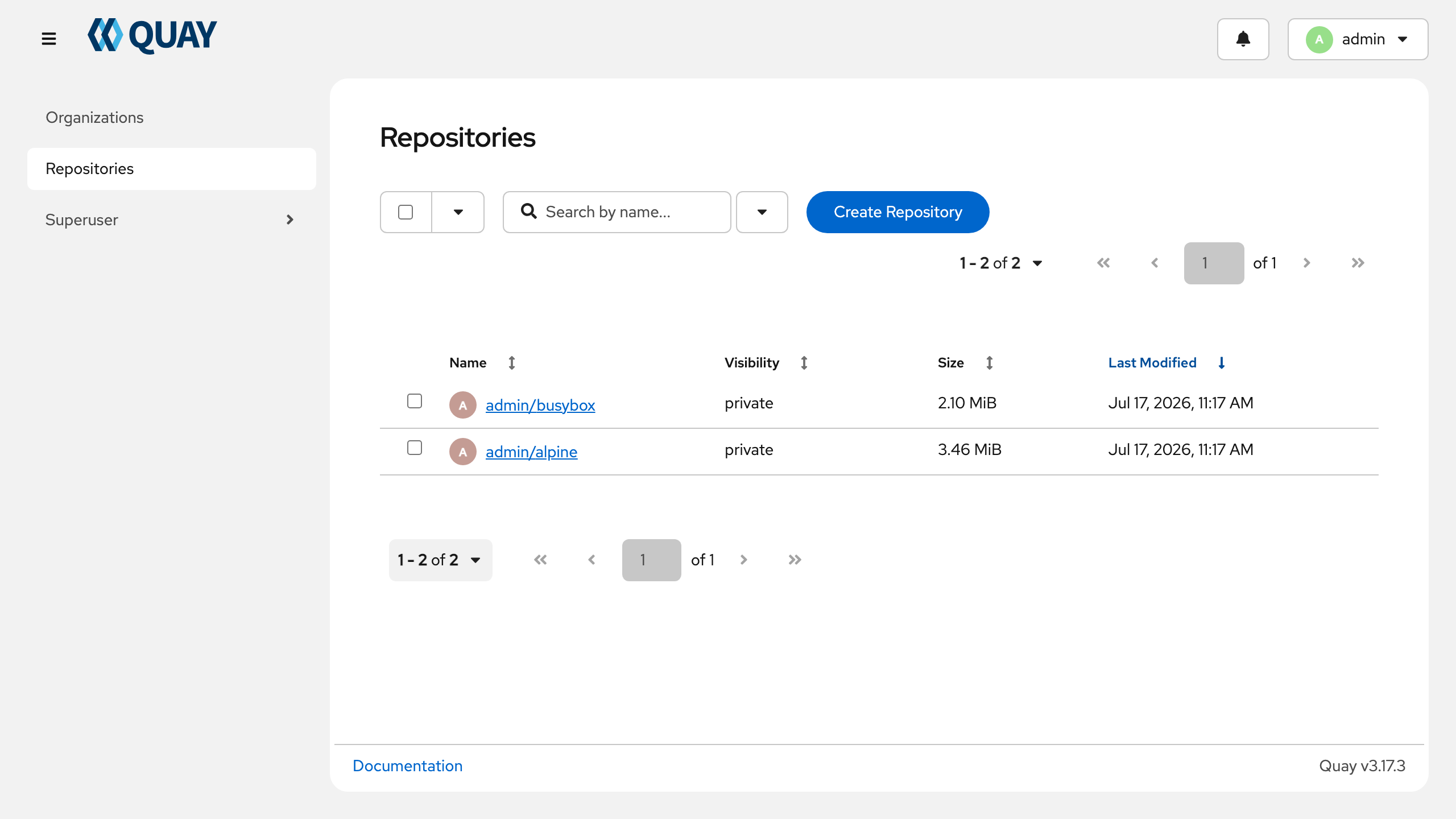
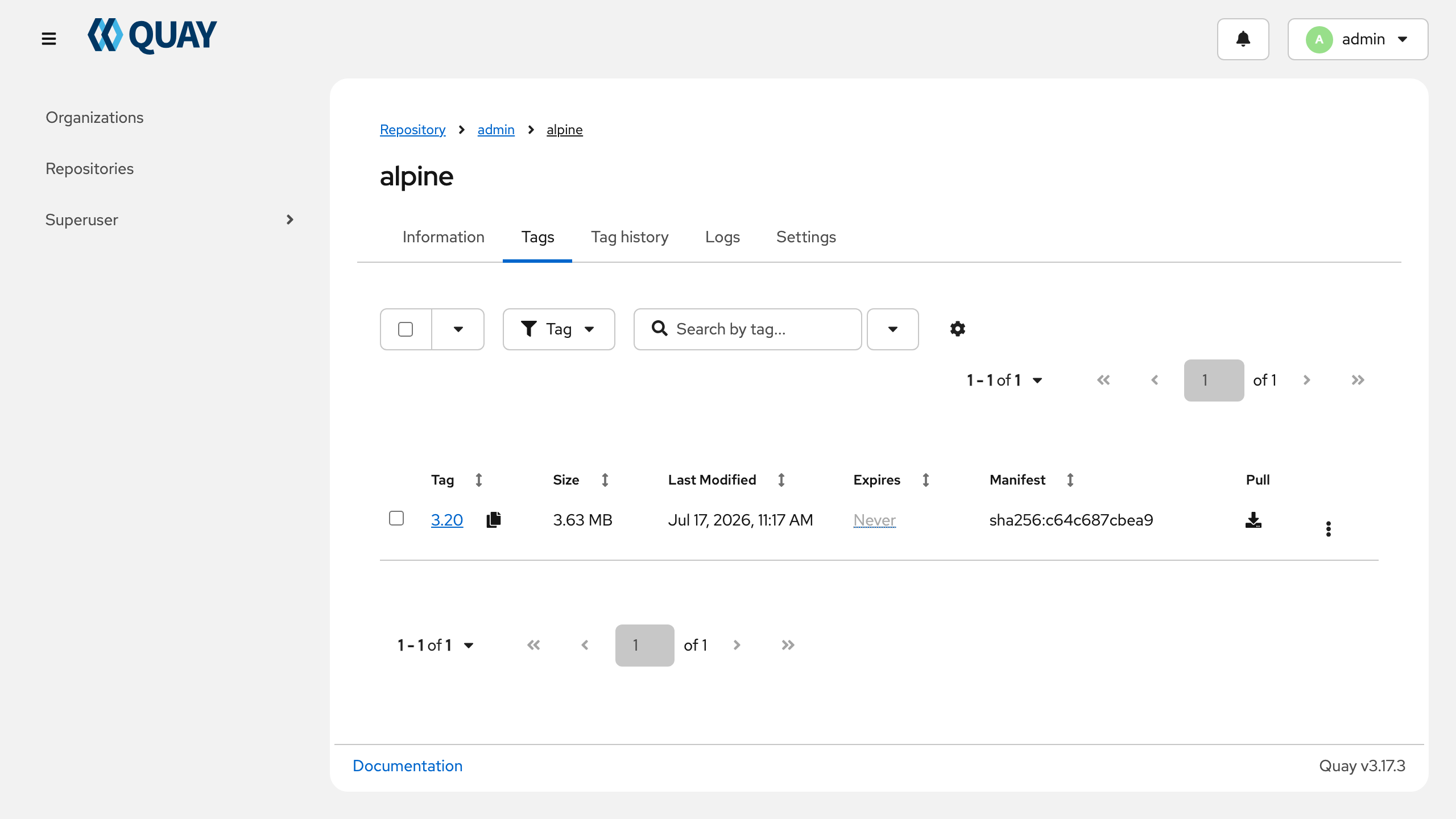
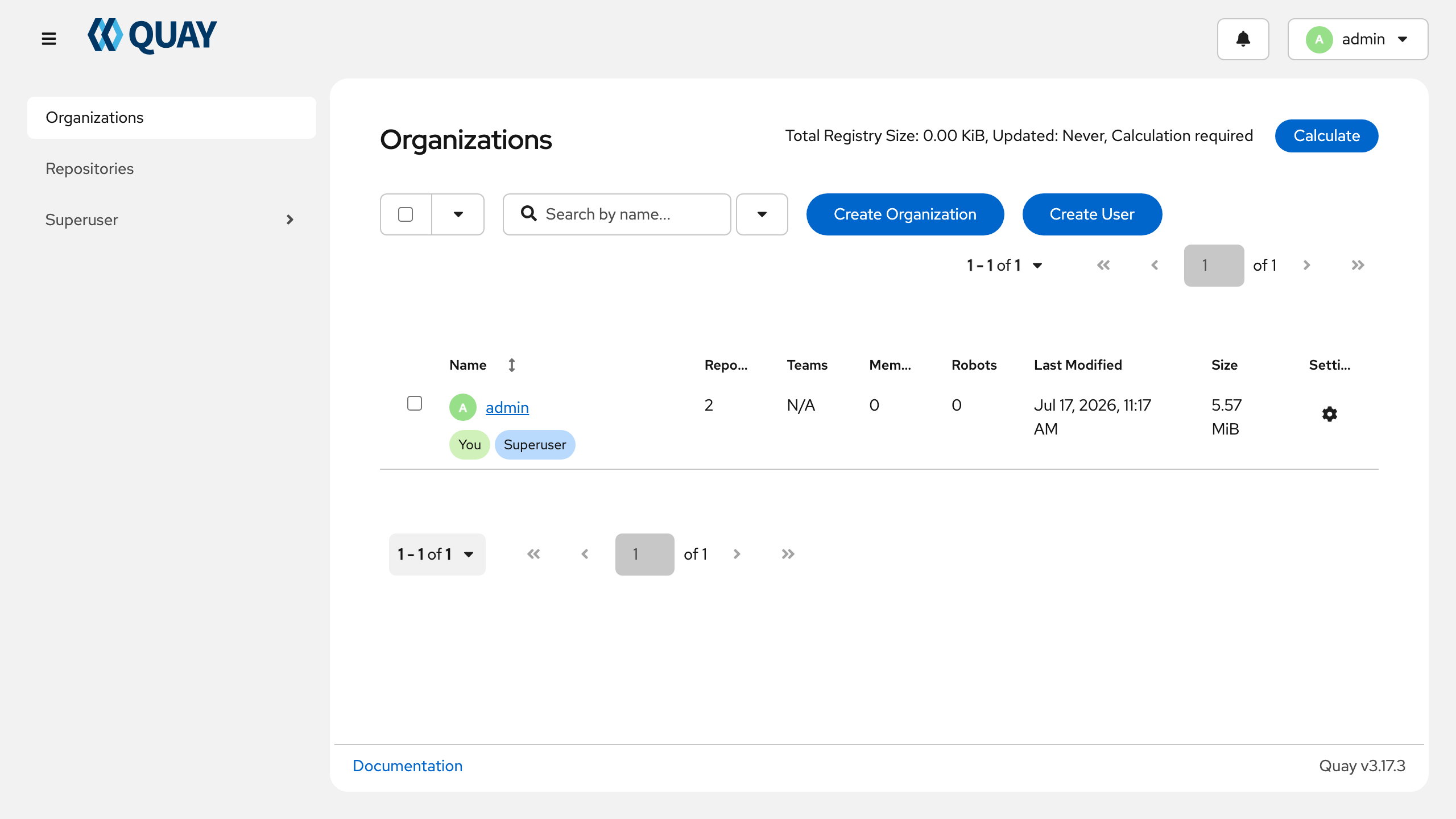
Real screenshots taken while testing this image against its deployment guide.

Docker Community Edition is the free, open source container runtime that allows you to package applications and their de...
Docker Community Edition preconfigured across several Linux variants, running containers within minutes of launch.

Around that core it adds a side by side editor with comments and a review state for each key, conflict detection when a ...
Apache Allura is the open source project hosting platform, or forge, that powers SourceForge.

This image runs Altair GraphQL Client 8.5.7, an open source GraphQL IDE, on Ubuntu 24.04 LTS.

A control node is the machine those playbooks actually run from. This image is that machine, and it ships ready rather t...