Base
Hardened build
minimal ports, security patches applied at build time

qBittorrent, a free and open source BitTorrent client, running headless with a full featured web interface for adding, managing and monitoring torrents from any browser.
qBittorrent is a free, open source BitTorrent client that aims to be a lightweight alternative to heavier clients while still offering the features power users expect. This appliance runs qbittorrent nox, the headless daemon, and exposes its full functionality through a browser based web interface: add torrents by file, URL or magnet link, organise them into categories, control bandwidth and scheduling, use the integrated search, subscribe to RSS feeds with automatic downloading, and watch transfer progress in real time. It suits anyone who wants a private, self hosted download manager they run and control themselves rather than a desktop application tied to a single machine.
The cloudimg image runs qbittorrent nox behind an nginx reverse proxy that binds the web interface to loopback, so it answers securely the moment the instance boots. Security is enforced from the first request: the web interface forces authentication with no default password, and a unique administrator password is generated on each instance's first boot and written to a root only file, so no shared credential is ever baked into the image. The qBittorrent profile and the download library live on a dedicated data disk, and every deployment carries a paired deployment guide and 24/7 support.
Real screenshots taken while testing this image against its deployment guide.
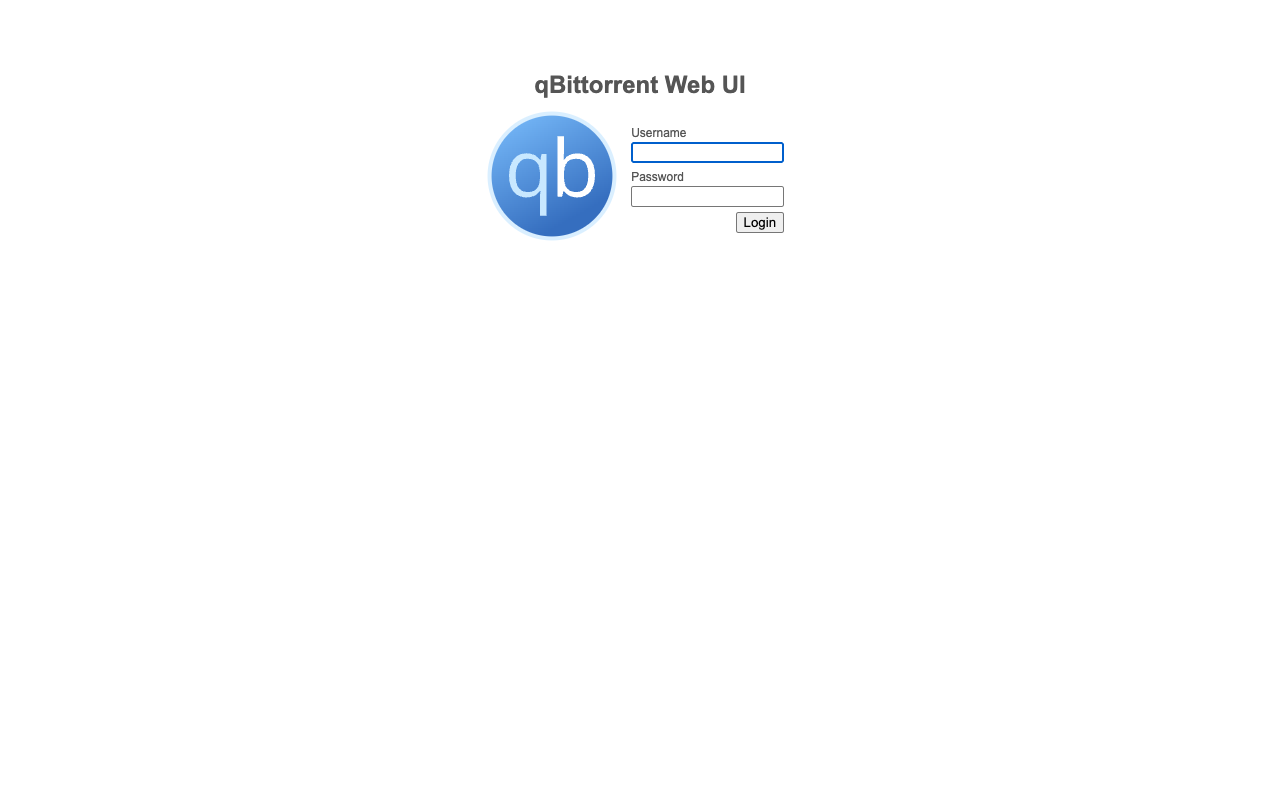
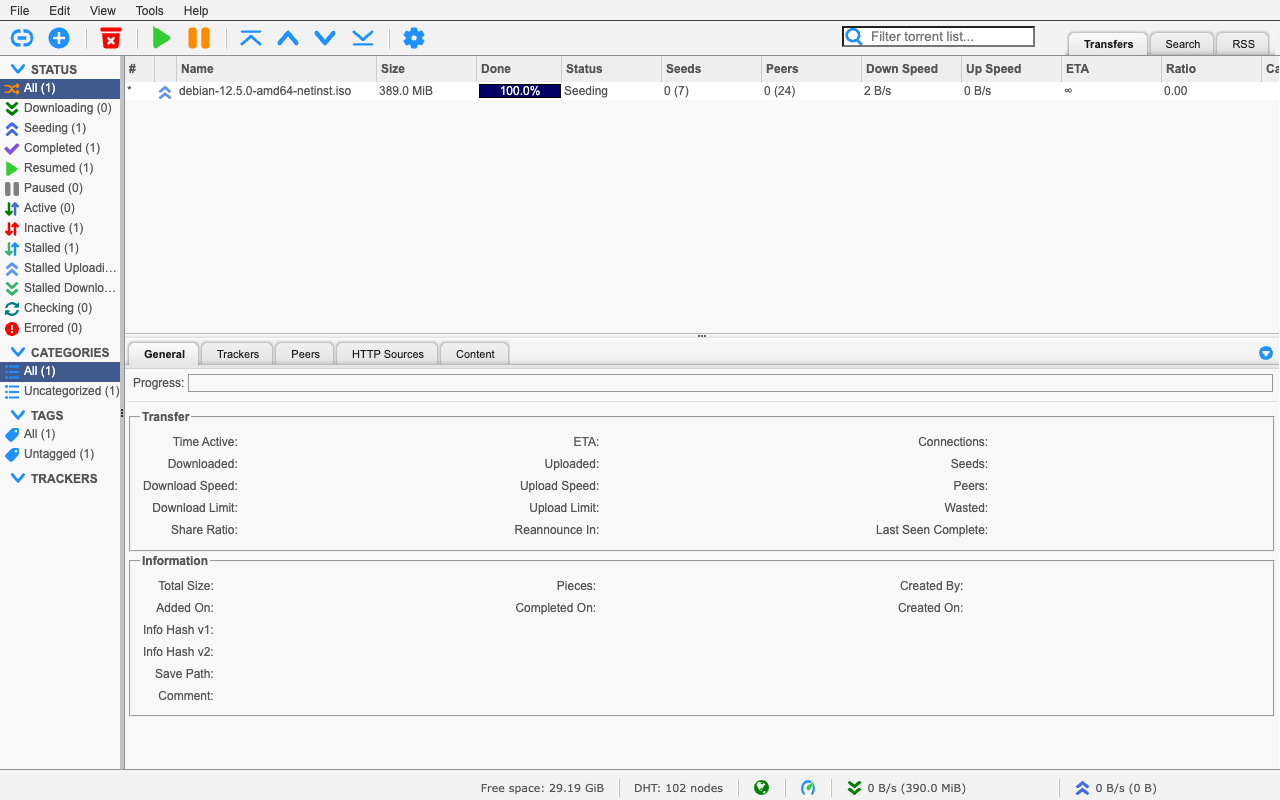
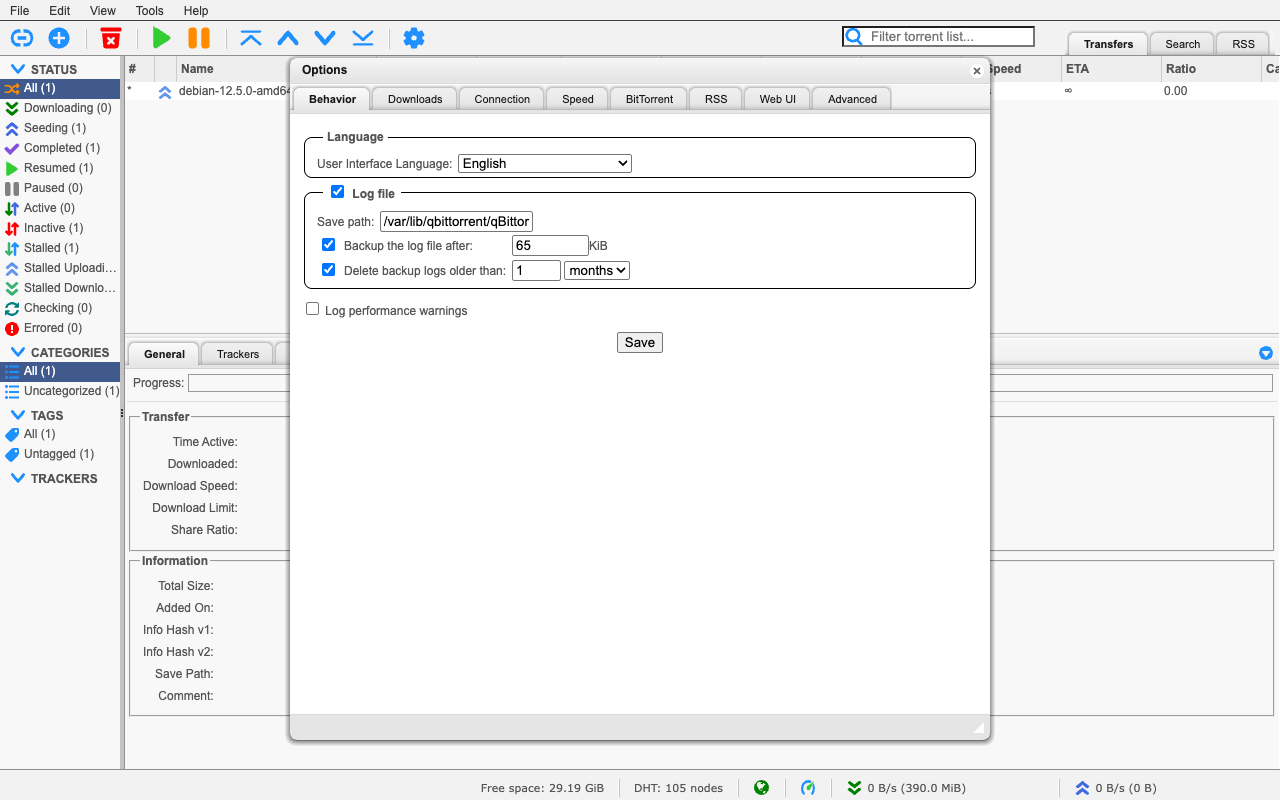
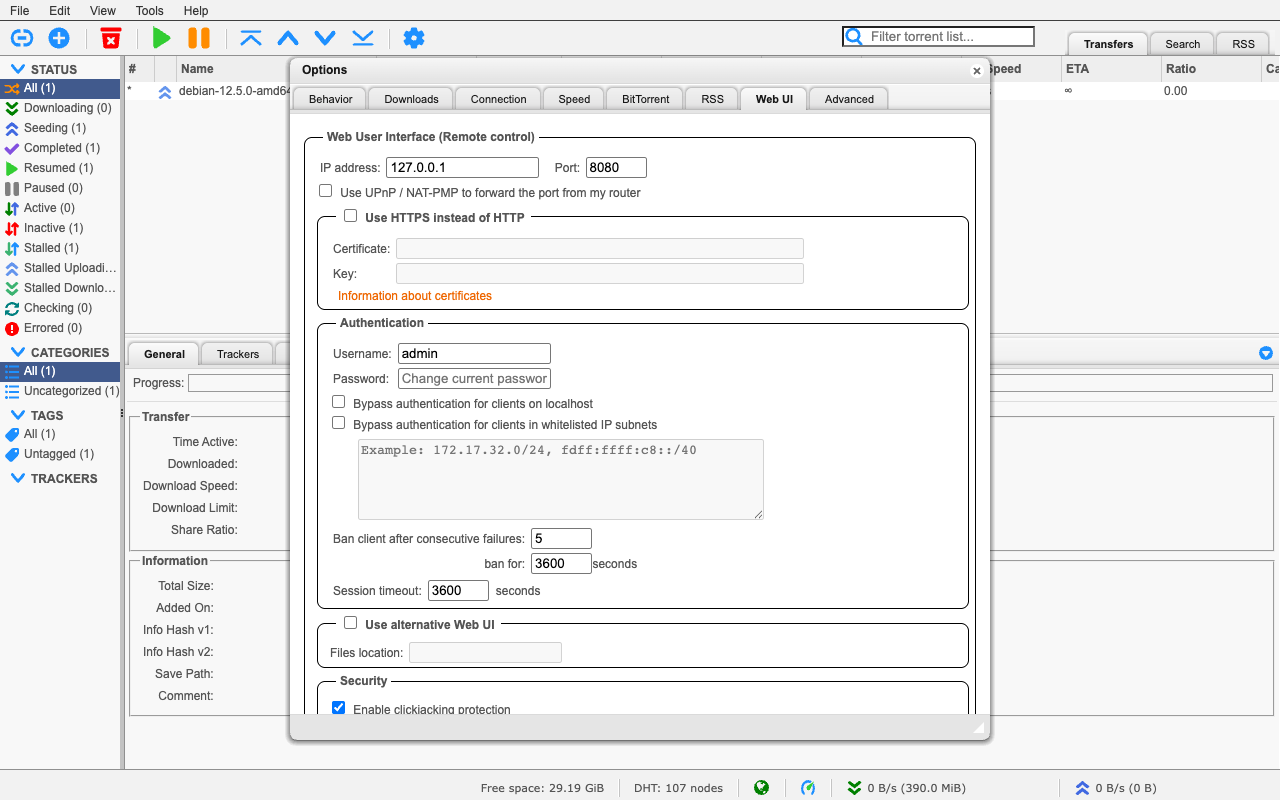
This is a repackaged open source software product wherein additional charges apply for cloudimg support services.
## Overview
qBittorrent is a popular free and open-source BitTorrent client with a large, active community. This AMI runs qbittorrent-nox, the headless daemon, and exposes its full functionality through a browser-based web interface - giving you a private, self-hosted download manager you run and control in your own AWS account. It is delivered fully installed and secured so a working client is operational within minutes of launch.
## Why This Image vs a Manual Install
This image eliminates the manual package setup, systemd unit authoring (the qbittorrent-nox package ships none), reverse-proxy configuration, and credential hardening that a manual install requires. qBittorrent's Web UI normally ships with a well-known default admin/adminadmin login; this image never keeps it. What typically requires several steps across package management, service configuration, and security hardening is completed for you at image build time. Launch the instance, read your unique credential, and start adding torrents.
## Application Stack
qbittorrent-nox is installed from the distribution repository and runs as an unprivileged system user under a hardened systemd unit. It is bound to the loopback interface only and fronted by an nginx reverse proxy on port 80. systemd starts the daemon and the web server on boot and restarts them on failure. The qBittorrent profile and the download library live on a dedicated data volume, independently resizable and separate from the OS disk.
## Security Hardening
This image follows a defence-in-depth approach:
Buyers requiring formal compliance documentation should contact cloudimg to discuss specific requirements.
## Concrete Use Cases
## AWS Integration
Deploy on any EC2 instance type. Use the unauthenticated health endpoint with an Application Load Balancer for availability monitoring. Back up your configuration and download library using EBS snapshots or AWS Backup. Resize the dedicated download volume independently of the OS disk as your library grows. BitTorrent peer traffic uses port 6881.
## Getting Started
Read your credential from the root-only file, open the web interface in your browser, sign in, and start adding torrents by file, magnet link, or the built-in search engine. Organize downloads into categories, schedule bandwidth, and automate fetching via RSS subscriptions with rules.
## cloudimg Support
24/7 technical support by email and chat. Help with deployment, reverse-proxy termination with your own domain and certificate, Web UI configuration, categories and RSS automation, and backup planning for your download library.
All product and company names are trademarks or registered trademarks of their respective holders. Use of them does not imply any affiliation with or endorsement by them.

This image runs Apache ActiveMQ Artemis, the high performance, non blocking message broker from the Apache ActiveMQ proj...
This image runs Apache ActiveMQ Classic, the long established open source message broker from the Apache Software Founda...

RabbitMQ is a widely-used open source message broker that implements the AMQP protocol. This image provides RabbitMQ 4.3...

The cloudimg image ships the free and open source, MIT licensed docker-mailserver, run the officially supported way as t...

This image runs Eclipse Mosquitto, the open source MQTT broker, fully installed and configured from the official Mosquit...
This image runs ejabberd, a robust, massively scalable self-hosted XMPP (Jabber) real-time messaging server.