Base
Hardened build
minimal ports, security patches applied at build time

a self hosted web app and CLI to document your home lab and small IT estate: track racks, servers, switches, routers, firewalls, networks and how they connect, all stored as one readable YAML file
RackPeek is an open source, self hosted tool for documenting and managing home lab and small scale IT infrastructure. It gives you one place to record the hardware and topology you actually run: racks and the devices in them, servers and their CPUs, drives, GPUs and network cards, switches, routers, firewalls, access points and UPS units, the networks they sit on and the cables and links between them. Everything is kept in a single human readable YAML file, so your infrastructure is documented as code you can read, diff and version alongside the rest of your configuration, and it can generate topology and logical diagrams, Ansible inventories and SSH and hosts exports from that same source of truth.
It suits home lab owners who want their rack and network documented instead of remembered, small teams that need a shared, accurate picture of what hardware exists and how it is wired, and anyone who would rather describe their estate once and generate inventories and diagrams from it than maintain separate spreadsheets and drawings.
cloudimg ships RackPeek as a complete appliance rather than a container you have to wire up yourself, and closes the one thing a customer must not overlook: RackPeek has no built in authentication, so exposing it directly would put an unauthenticated management console on the public internet. Every cloudimg instance instead binds RackPeek to the loopback interface and puts an nginx front door in front of it that speaks TLS and requires a password, and neither the password nor the certificate is ever baked into the image. On first boot, before the web port is reachable, each instance generates its own certificate and its own random access password, so no two machines share a credential and there is no default login for a stranger to guess, with the credentials written to a root only file on the machine. The image also ships with a small worked example inventory already loaded so you can see real content the moment you sign in and the bundled CLI ready to use, the base is fully patched with unattended security updates enabled, and every image comes with a step by step deploy guide tested against the exact build and 24/7 cloudimg support.
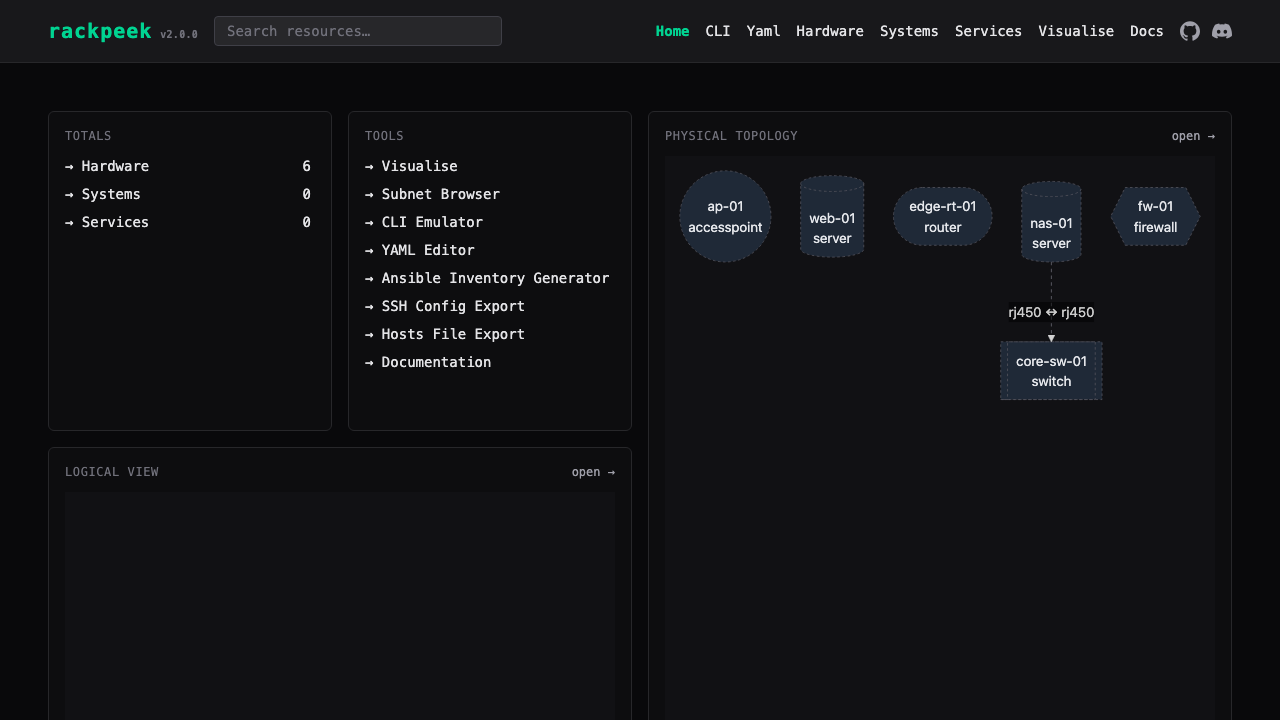
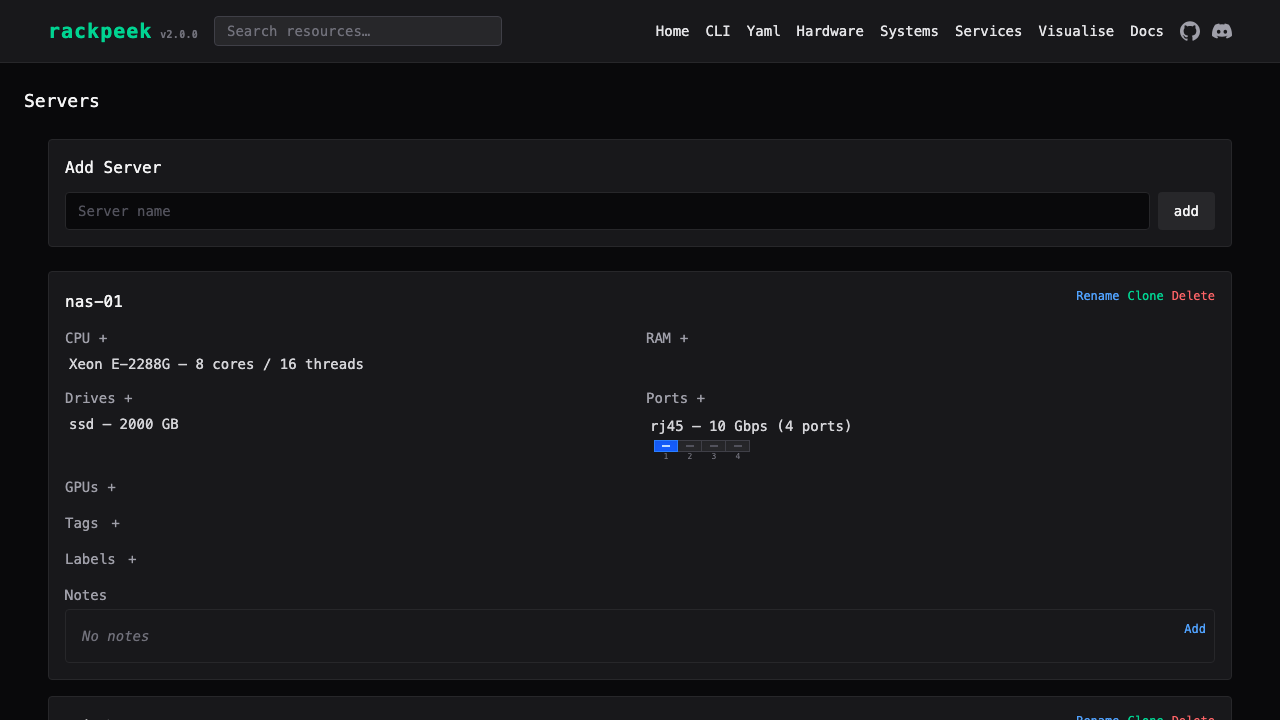
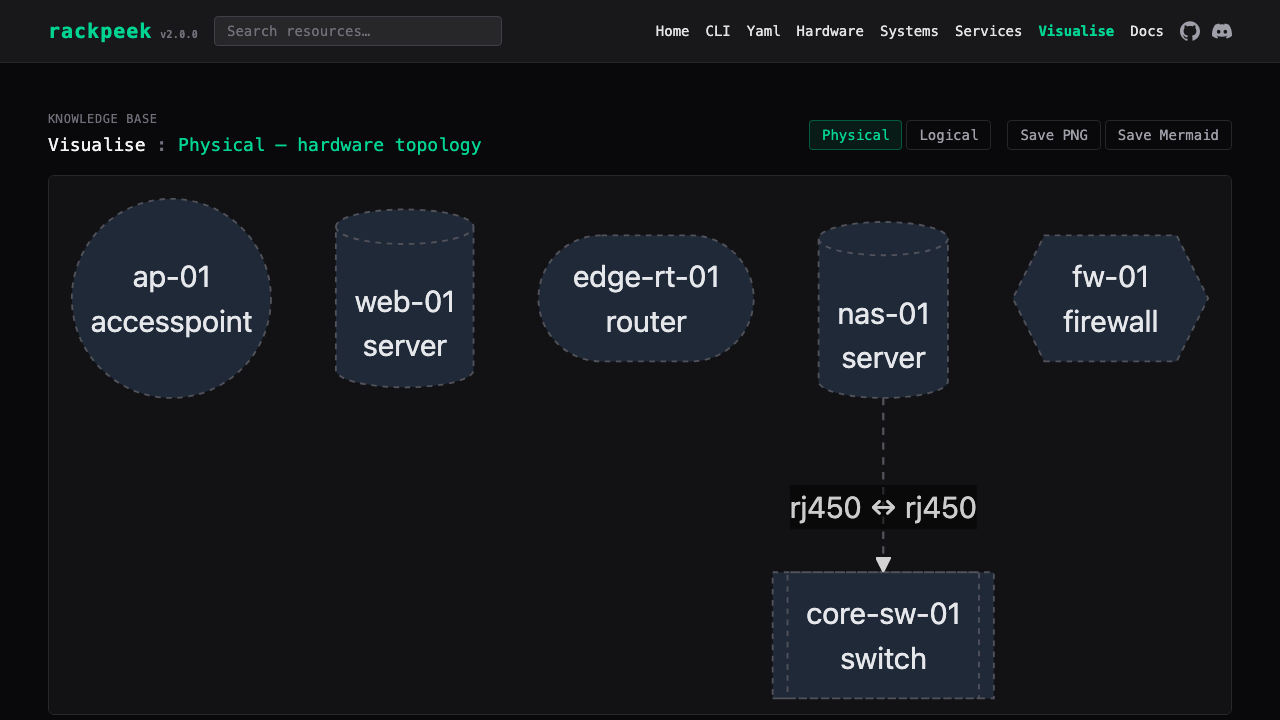
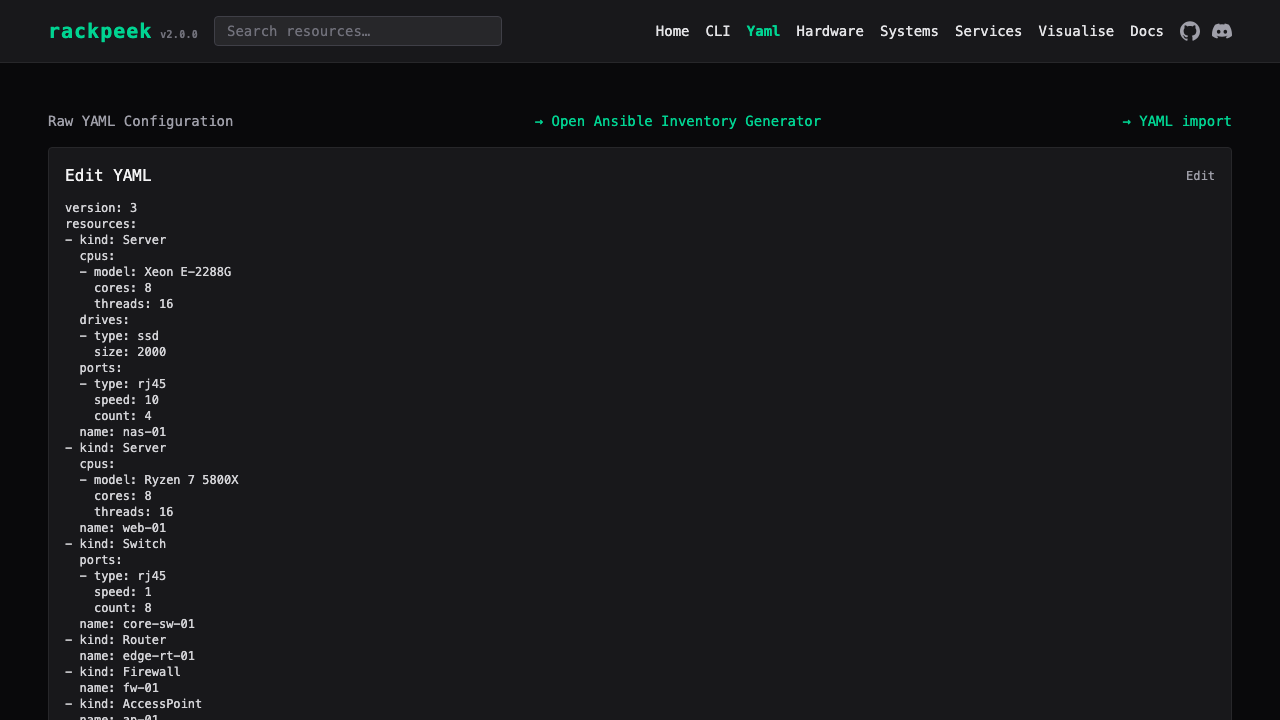
Real screenshots taken while testing this image against its deployment guide.
The image builds 3proxy 0.9.7 from the pinned upstream source (github.com/z3APA3A/3proxy tag 0.9.7), so the exact versio...
3X-UI is a web based management panel for Xray-core, the proxy platform behind protocols such as VLESS, VMess, Trojan an...
The image builds accel-ppp 1.14.0 from the upstream source tag (commit 048d31cb, dated 25 January 2026), verified agains...

AdGuard Home is a network wide DNS server that blocks ads, trackers and malicious domains for every device that points i...

AdGuard Home is a network wide DNS server that blocks ads, trackers and malicious domains for every device that points i...
This image runs Akvorado 2.4.1, the open source network flow collector, enricher and visualizer, on Ubuntu 24.04 LTS.