Base
Hardened build
minimal ports, security patches applied at build time

rclone, the open source program and web GUI that copies, syncs, moves and mounts your files across dozens of cloud and object storage services.
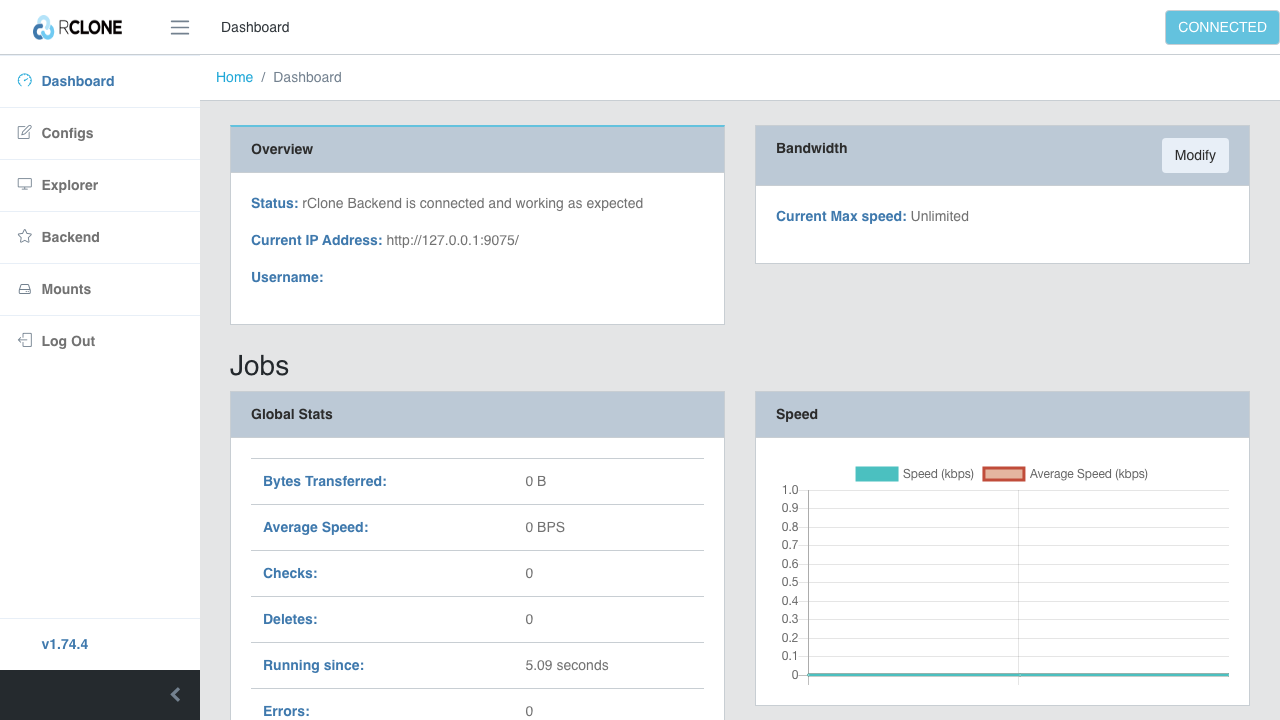
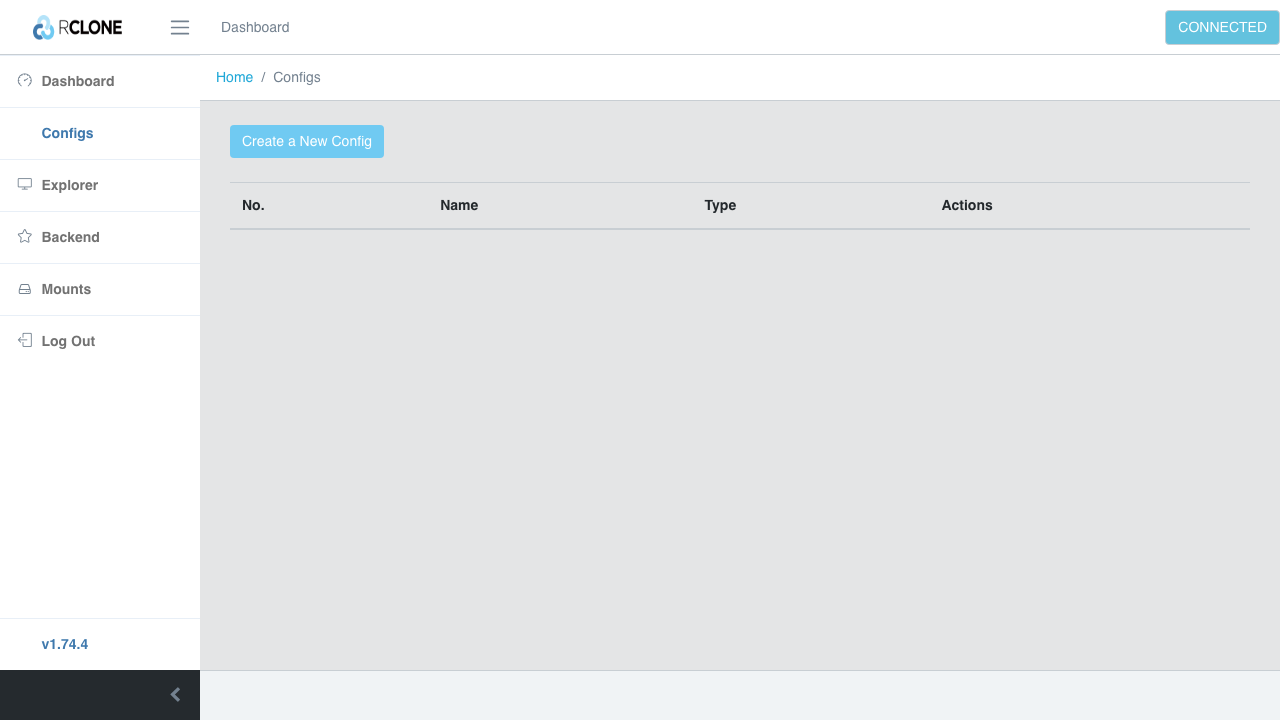
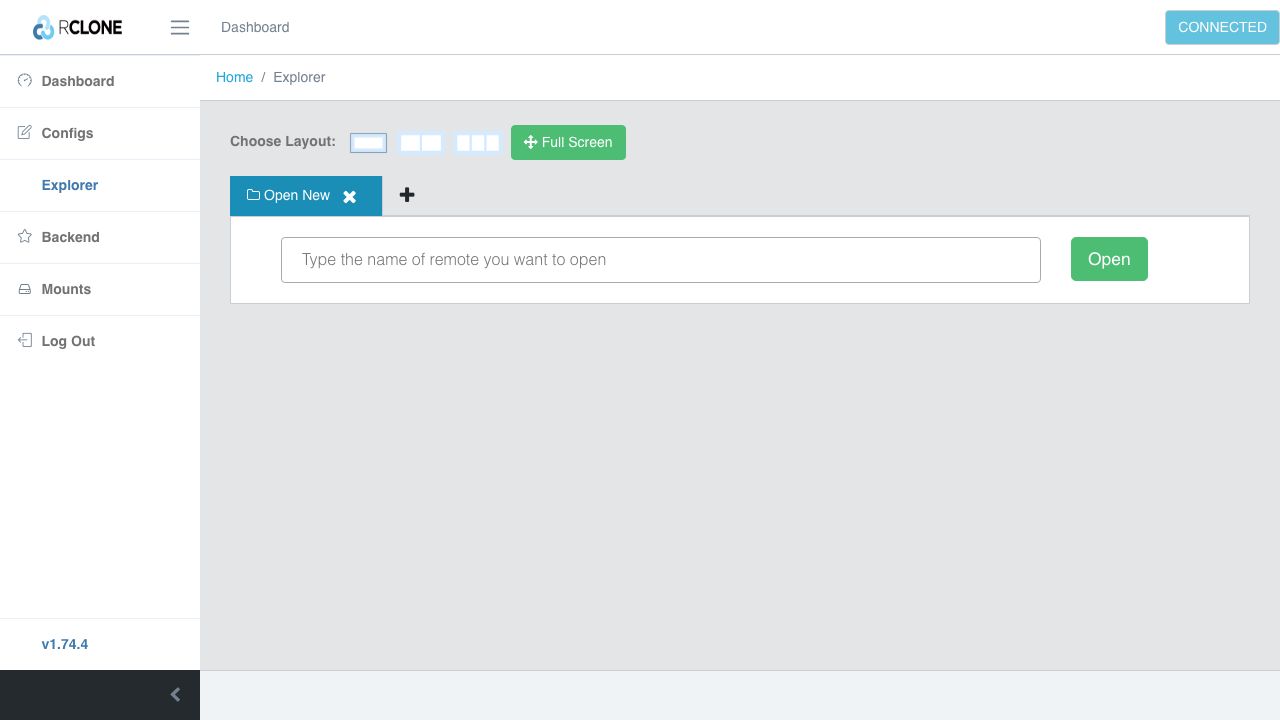
rclone is an open source command line program, often called the swiss army knife of cloud storage, that manages files on more than seventy storage backends including Amazon S3, Azure Blob Storage, Google Drive and Cloud Storage, Backblaze B2, Dropbox, SFTP and WebDAV. It copies, syncs, moves and deletes files between any two of them, verifies every transfer with checksums, preserves timestamps, resumes interrupted transfers, and can copy server side so data moves directly between providers without passing through the machine. It can also mount a remote as a local filesystem and serve one over HTTP, WebDAV, FTP or S3. This image adds the rclone remote control daemon and its built in web GUI, so the whole tool is drivable from a browser as well as the shell: you add your remotes, then run transfers and jobs and watch them from the dashboard.
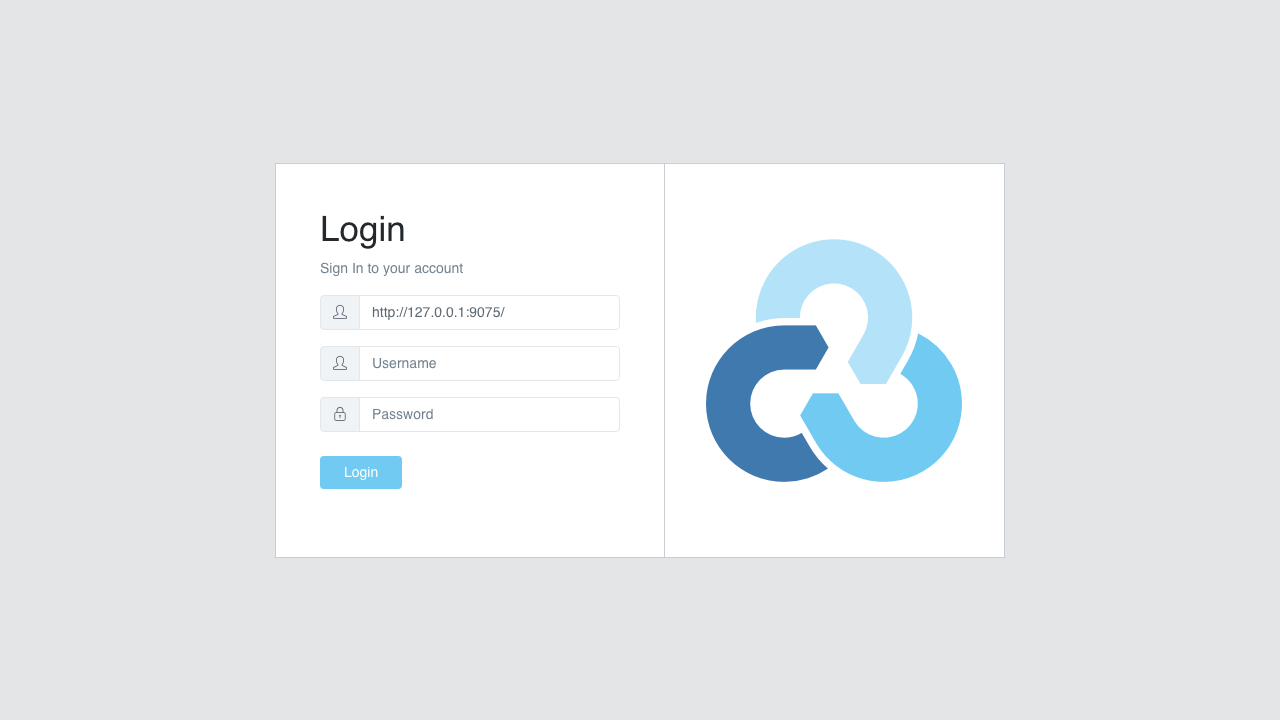
The daemon has no login of its own, so cloudimg never exposes it directly. It is bound to the loopback interface and reached only through a reverse proxy that demands a password, and that password is generated fresh on every instance at first boot and written to a file only root can read, so nothing usable is baked into the image and no two instances share a secret. The reverse proxy stays shut until that first boot password exists, so it never serves before the credential is in place. No cloud provider account, remote or token is baked into the image: you configure your own remotes, and their secrets live in a config file owned by the service account. Every deployment is fully patched at build time with unattended security updates left enabled, and comes with a paired deploy guide and 24/7 cloudimg support.
Real screenshots taken while testing this image against its deployment guide.

What cloudimg adds to every version - Every image is built by cloudimg on a fully patched base with the latest security ...
What cloudimg adds to every version - Every image is built by cloudimg on a fully patched base with the latest security ...

What cloudimg adds to every version - Every image is built by cloudimg on a fully patched base with the latest security ...

What cloudimg adds to every version - Every image is built by cloudimg on a fully patched base with the latest security ...
AIStore is an open source object storage system from NVIDIA, built for the read heavy, high throughput access patterns o...
Alfresco Community Edition is an open source enterprise content management platform.