Base
Hardened build
minimal ports, security patches applied at build time

high performance, S3 compatible object storage written in Rust, secured on first boot by cloudimg
RustFS is a high performance, S3 compatible object storage server written in Rust and licensed under Apache 2.0. It provides an S3 REST API and a built in web console for managing buckets, objects, access keys and policies, so it drops in wherever an S3 endpoint is needed, from backups and artifact stores to data lakes.
The cloudimg image binds the RustFS S3 API and console to loopback behind an nginx TLS reverse proxy, and first boot generates a unique access key, secret key and a fresh self signed certificate into a root only file, so no default credentials ship. Object data lives on a dedicated resizable disk, paired with a step by step deploy guide and 24/7 cloudimg support.
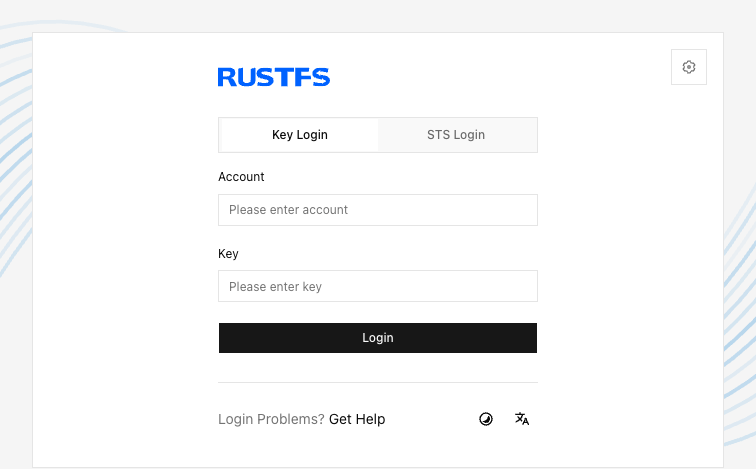
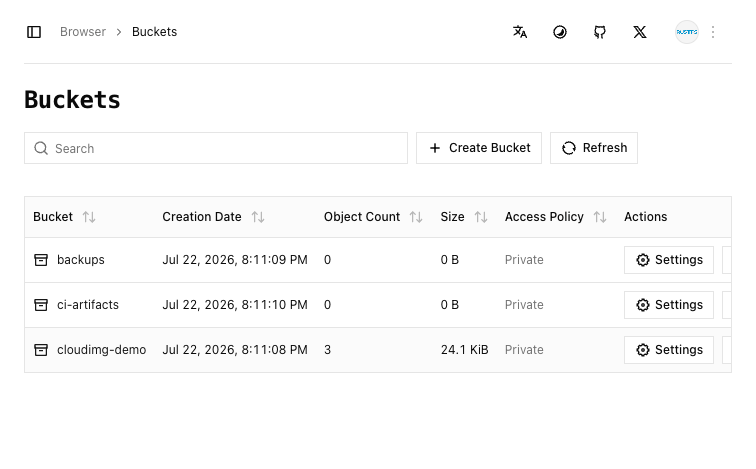
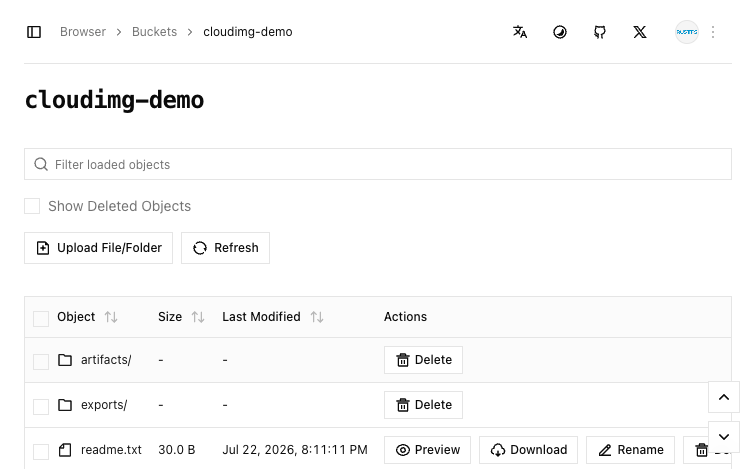
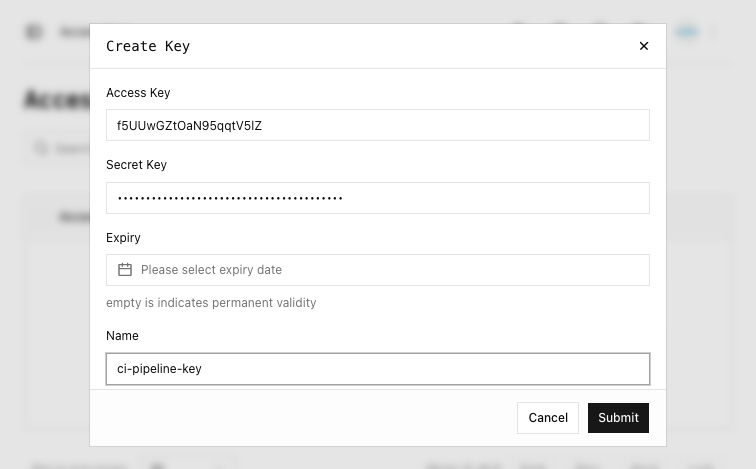
Real screenshots taken while testing this image against its deployment guide.
This is a repackaged open source software product wherein additional charges apply for cloudimg support services.
## Why This RustFS Image Over Alternatives
RustFS is a high-performance, S3-compatible object storage server written in Rust and licensed under Apache 2.0. Most RustFS images and manual installations ship with the well-known rustfsadmin/rustfsadmin default credentials, requiring immediate manual rotation. This image eliminates that risk entirely - every instance generates a unique access key and secret key on first boot, stored in a root-only file, before the storage engine starts on an empty backend. A pre-configured nginx reverse proxy terminates TLS on port 443 with a per-instance self-signed certificate, a dedicated EBS data volume holds your buckets, and 24/7 expert support from cloudimg means you move from launch to first API call in minutes without touching configuration files.
## Object Storage Stack
## Secure First Boot
On first launch a one-shot systemd service generates a cryptographically random RustFS access key and secret key, writes them into the RustFS environment file, generates a fresh per-instance TLS certificate, and stores the plain-text credentials in a file readable only by the root OS user. The insecure rustfsadmin default is never present in the image, and the raw storage ports are bound to loopback only - the sole network entry points are SSH, an HTTP-to-HTTPS redirect, and the TLS console and API on port 443.
## Security and Encryption Guidance
## Ready To Use
Browse to the instance public or private IP over HTTPS to reach the web console and sign in with the generated credentials. Alternatively, point any S3-compatible client at the same HTTPS endpoint. Create buckets, upload objects, and configure access policies immediately.
## Example Use Case: DevOps Artifact Storage
A platform team stores Terraform state files, container images, and CI/CD build artifacts in RustFS running on a single m5.large instance with a large EBS data volume. The S3 API integrates directly with existing pipelines without code changes, replacing a managed object storage service while keeping data within the team's VPC and benefiting from Rust-native throughput.
## Additional Use Cases
## cloudimg Support
24/7 technical support by email and live chat. Our engineers assist with RustFS deployment, access policy configuration, S3 client integration, TLS certificate replacement, performance tuning, and storage administration. Critical issues receive a one-hour average response time.
All product and company names are trademarks or registered trademarks of their respective holders. Use of them does not imply any affiliation with or endorsement by them.

Backrest is a popular open source web interface and orchestrator for restic, the fast, secure, deduplicating backup prog...

This image runs Barman (Backup and Recovery Manager), the open source disaster-recovery manager for PostgreSQL from Ente...
Cyberduck is a libre file transfer client for FTP, SFTP, WebDAV, Amazon S3, Google Cloud Storage, Microsoft Azure, OpenS...

This image runs File Browser, the open source, self-hosted web file manager - browse, upload, download, edit, preview an...
This image runs a production ready network file server built on the operating system's own kernel NFS server, the file s...

This image runs ownCloud Infinite Scale (oCIS), the Go based, cloud native rewrite of the classic ownCloud PHP server.