Base
Hardened build
minimal ports, security patches applied at build time
Ryot is a self-hosted media tracker for movies, TV, books, games, audiobooks, podcasts, manga and anime. Production-ready serving behind nginx with PostgreSQL within minutes of launch.
This image arrives installed, configured and hardened, so there is no manual setup before you can use it. It is built on a patched base, runs with credentials generated uniquely for your instance on first boot, and passes an automated health check before every release. Every deployment is backed by 24/7 support from cloudimg engineers.
Real screenshots taken while testing this image against its deployment guide.
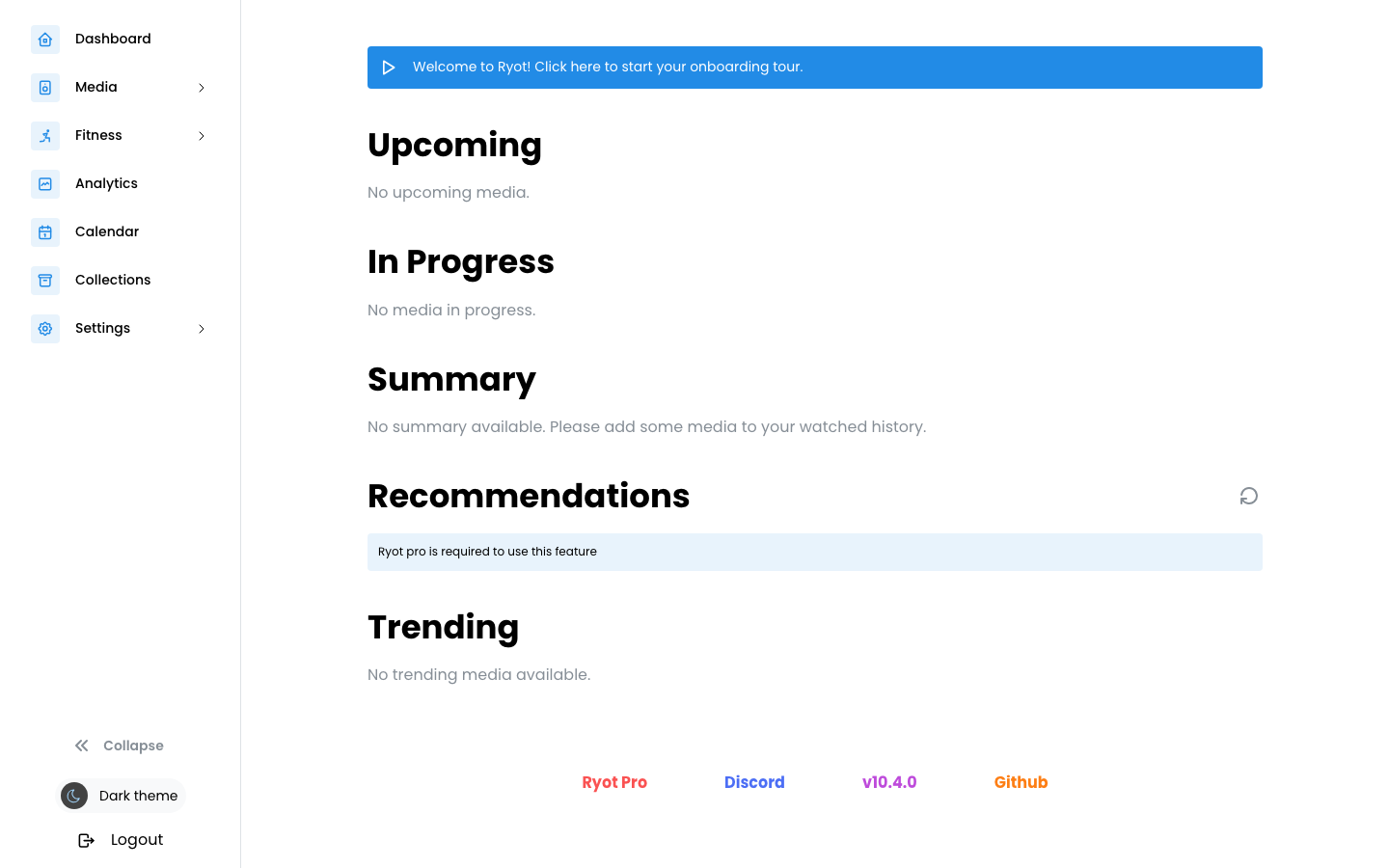
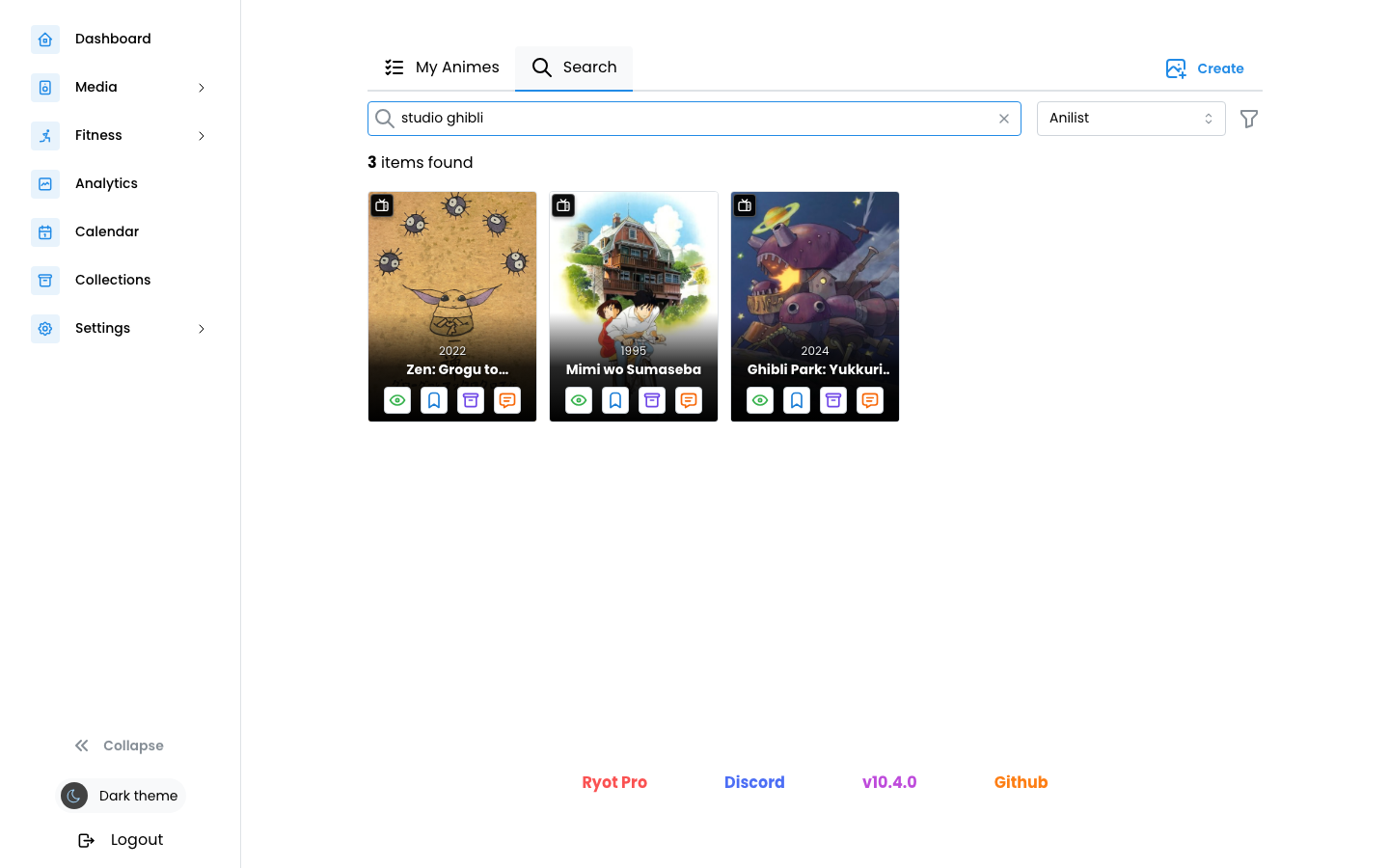
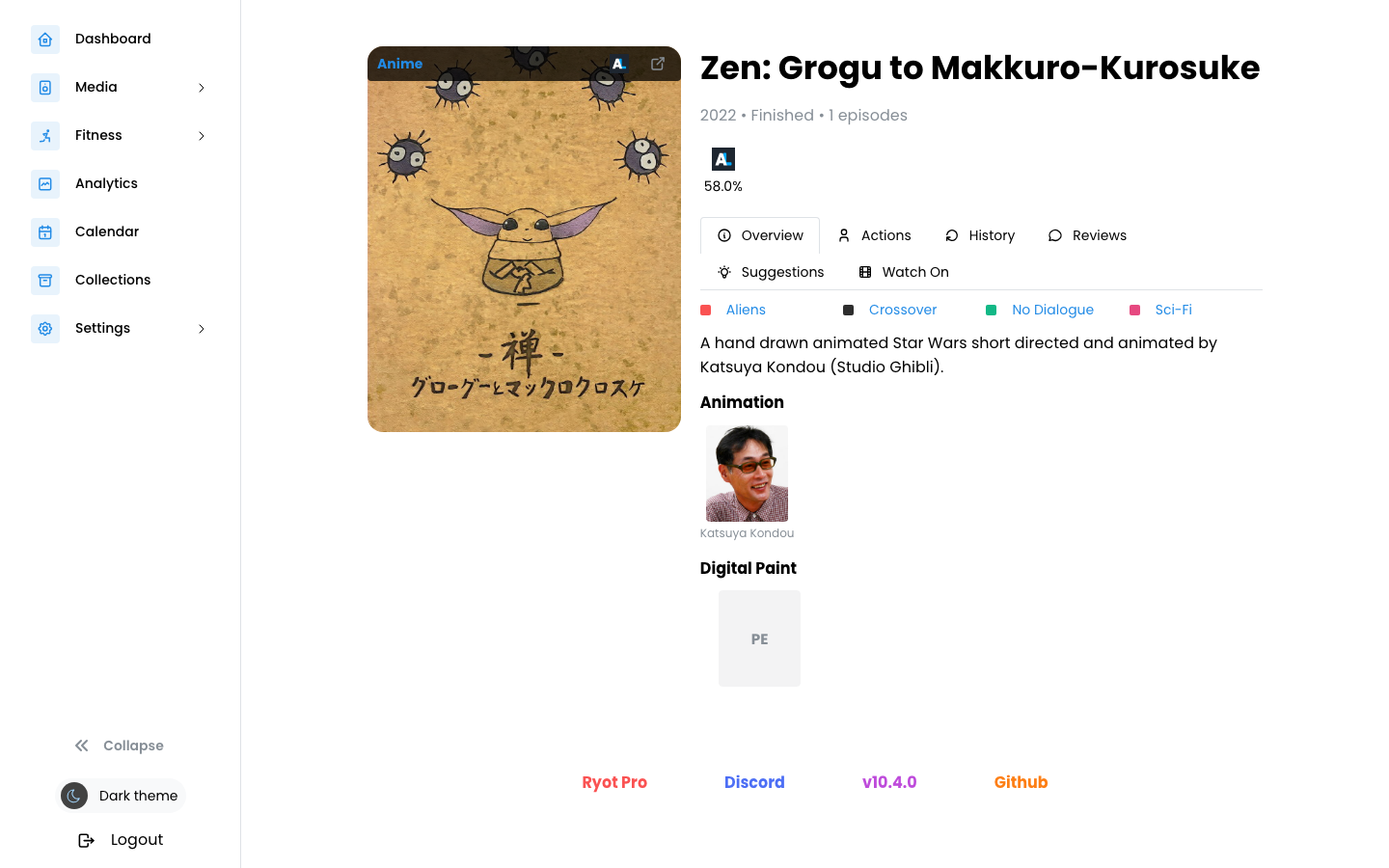
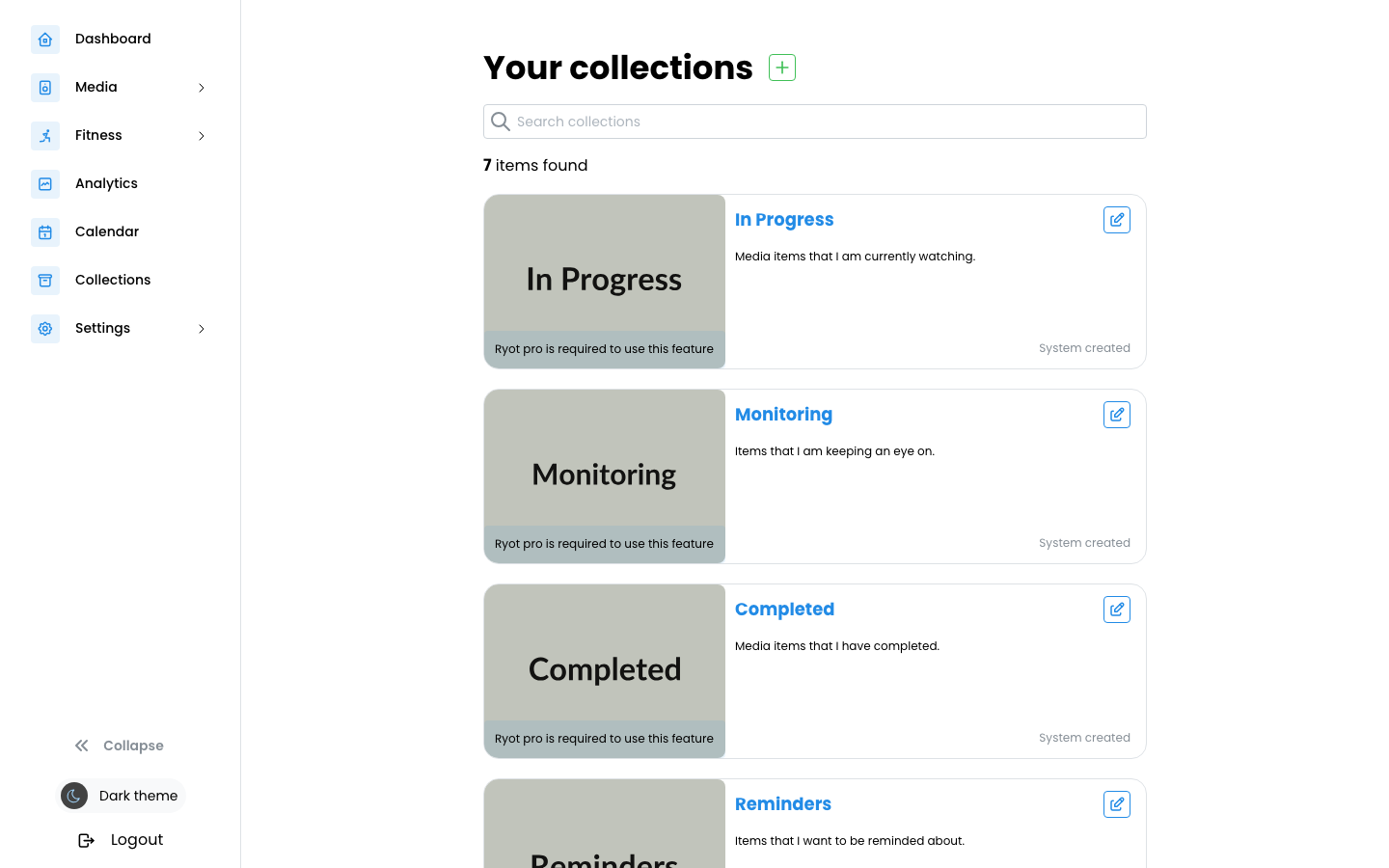
This is a repackaged open source software product wherein additional charges apply for cloudimg support services.
## Overview
Ryot is a self-hosted media tracker and aggregator that keeps everything you read, watch, play and listen to in one place. Track movies, TV shows, books, video games, audiobooks, podcasts, manga and anime, organise them into collections, rate and review them, and see your progress and history across every kind of media on infrastructure you own. This AMI delivers Ryot fully installed and running behind an nginx reverse proxy with its PostgreSQL database co-hosted and ready, so a working media tracker is answering within minutes of launch.
## Why This AMI Instead of Self-Deploy
Standing up Ryot from source means installing Docker, provisioning and tuning PostgreSQL, wiring the application container to the database, configuring a reverse proxy, generating secrets and running database migrations - fiddly, security-sensitive work for every environment. This AMI removes all of it. You get a hardened stack with the Ryot container version-frozen to a pinned image digest, a dedicated PostgreSQL data disk you can resize independently, and unique per-instance secrets generated on first boot with no shared or default credentials. You keep full ownership of your media data on your own AWS infrastructure, backed by 24/7 cloudimg support.
## Application Stack
Ryot runs as a container bound to the loopback interface and fronted by nginx on port 80, with a generous upload limit for imports. PostgreSQL is co-hosted as the datastore and binds only to the loopback interface and the Docker bridge - the security group never exposes the database port. The Docker engine, PostgreSQL and reverse proxy all start on boot and the container restarts on failure. The entire Ryot datastore - users, tracked media, collections, reviews and import history - lives on a dedicated data disk, independently resizable and separate from the operating system disk.
## Track Everything You Consume
Ryot aggregates your media life: log films and TV episodes, books and audiobooks, video games, podcasts, manga and anime, and pull rich metadata from the providers Ryot integrates with. Build custom collections, keep watchlists and in-progress and completed lists, rate and review items, track episode-by-episode progress, and import your existing history from other services. A GraphQL API backs the whole application for automation and integration.
## Your Data, Your Admin
The first account you register on the instance becomes the administrator - so the very first thing you do after launch is open the web UI and create your own admin account, then optionally close open registration. Every account, list and review stays in the PostgreSQL database on your own disk in your own AWS account; nothing about your media library leaves your infrastructure.
## Configure Your Domain After Launch
The image ships domain-free: on first boot the application is bound to the instance's own address so it is immediately usable. To serve it on your own name, point a DNS hostname at the instance, set that hostname in the application's environment file, and restart the service - the paired cloudimg user guide walks through every step, including terminating TLS with an AWS Application Load Balancer or your own certificate.
## Security and Data Protection
On the first boot a one-shot service rotates the PostgreSQL password to a value unique to that instance, recreates an empty database, and generates a per-instance admin access token, recording it in a file only the root user can read. No shared or default secrets ship in the image. The application container is bound only to the loopback interface and PostgreSQL is never exposed to the network. For encryption in transit, cloudimg recommends terminating TLS on an AWS Application Load Balancer or configuring your own certificate. For data at rest, enable EBS encryption on the dedicated data disk. Security group best practice is to restrict inbound access to the ports you serve from your trusted ranges.
## Use Cases
## cloudimg Support

This image runs AnythingLLM, the all-in-one open source application for chatting with your documents using any large lan...

Apache BifroMQ (Incubating) is a distributed MQTT broker written in Java, built around native multi tenancy.

Apache RocketMQ is an open-source distributed messaging and streaming platform built for low-latency, high-throughput, f...
This image runs Bluesky PDS, the reference Personal Data Server for the AT Protocol (atproto) - the open, federated soci...

This image runs the full ELK Stack as a single node deployment. Elasticsearch is the distributed search and analytics en...
A preconfigured Elasticsearch, Logstash and Kibana stack with coordinated versions, ready for log analytics on launch.