Base
Hardened build
minimal ports, security patches applied at build time
ScanCode.io, automated software composition analysis, running scan pipelines over your codebases and containers to report the licences, copyrights and package dependencies they actually contain.
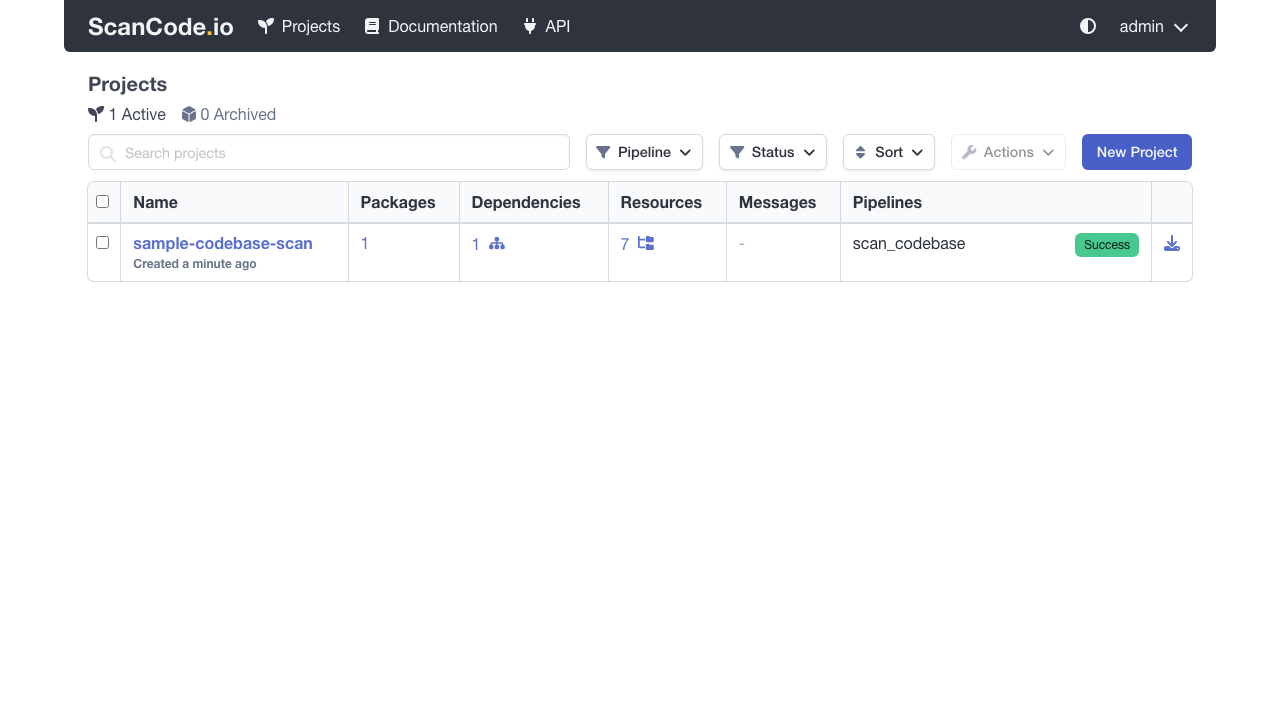
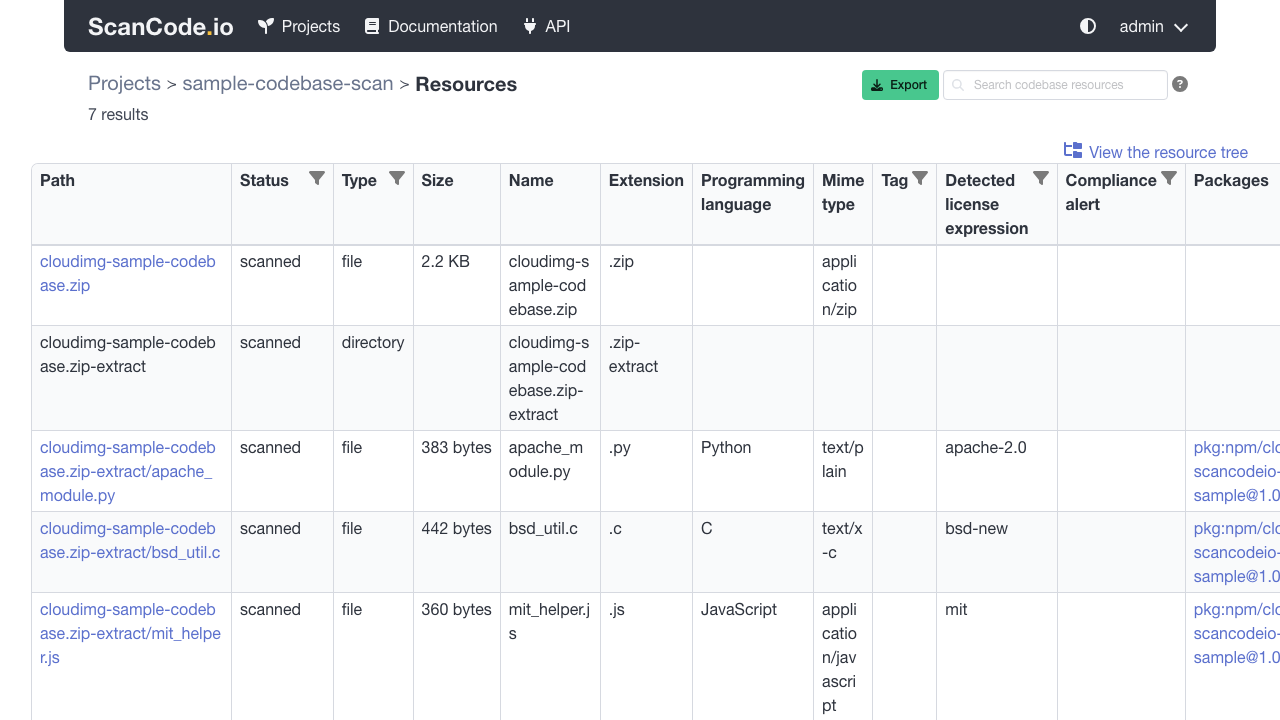
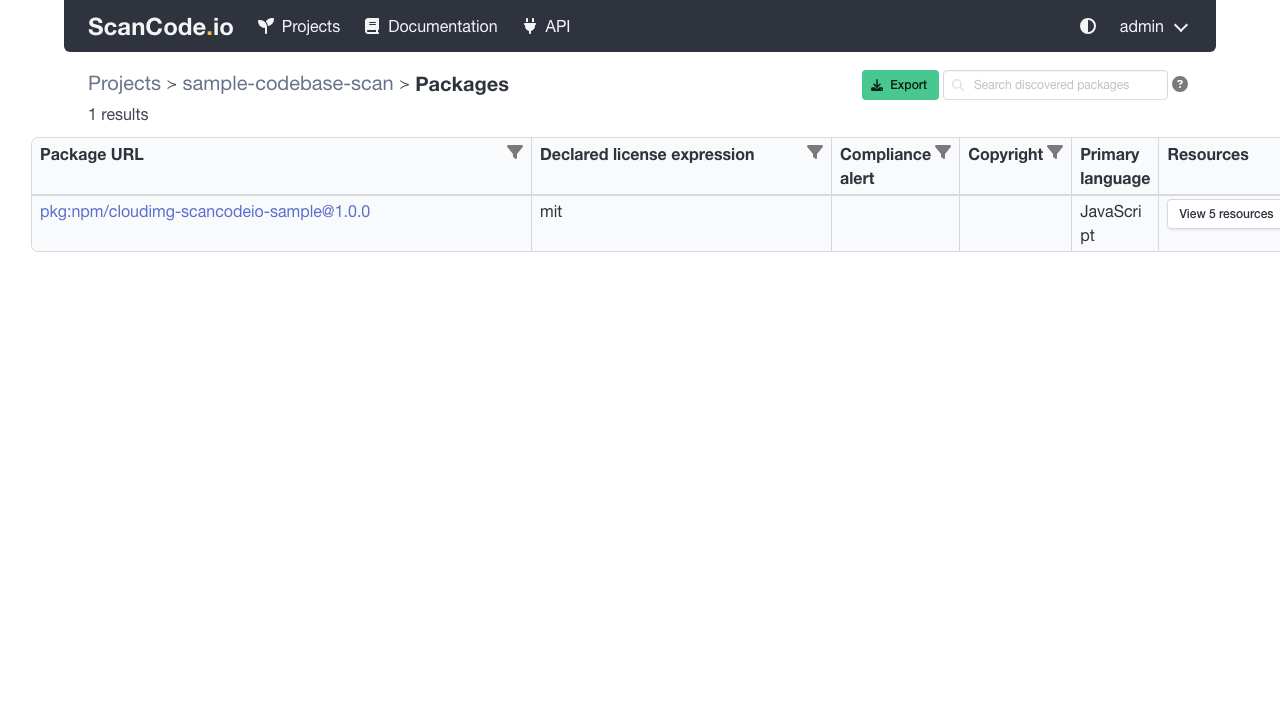
ScanCode.io is a server for automated software composition analysis. You give it a codebase, an archive or a container image, choose a pipeline, and it scans every file and reports what is really in there: the detected licences and copyright notices, the packages and their declared dependencies, and how those findings map back to the exact files they came from. Results are browsable in a web interface, queryable through a REST API, and exportable as SPDX or CycloneDX so they can feed a software bill of materials.
It suits engineering and open source programme teams who need evidence rather than assumption about what their software contains: proving the licence position of a release before it ships, producing an SBOM for a customer or a regulator, auditing an inherited or acquired codebase, and inspecting what a container image actually bundles. Pipelines run asynchronously on a worker queue, so a large scan runs in the background while the interface stays responsive.
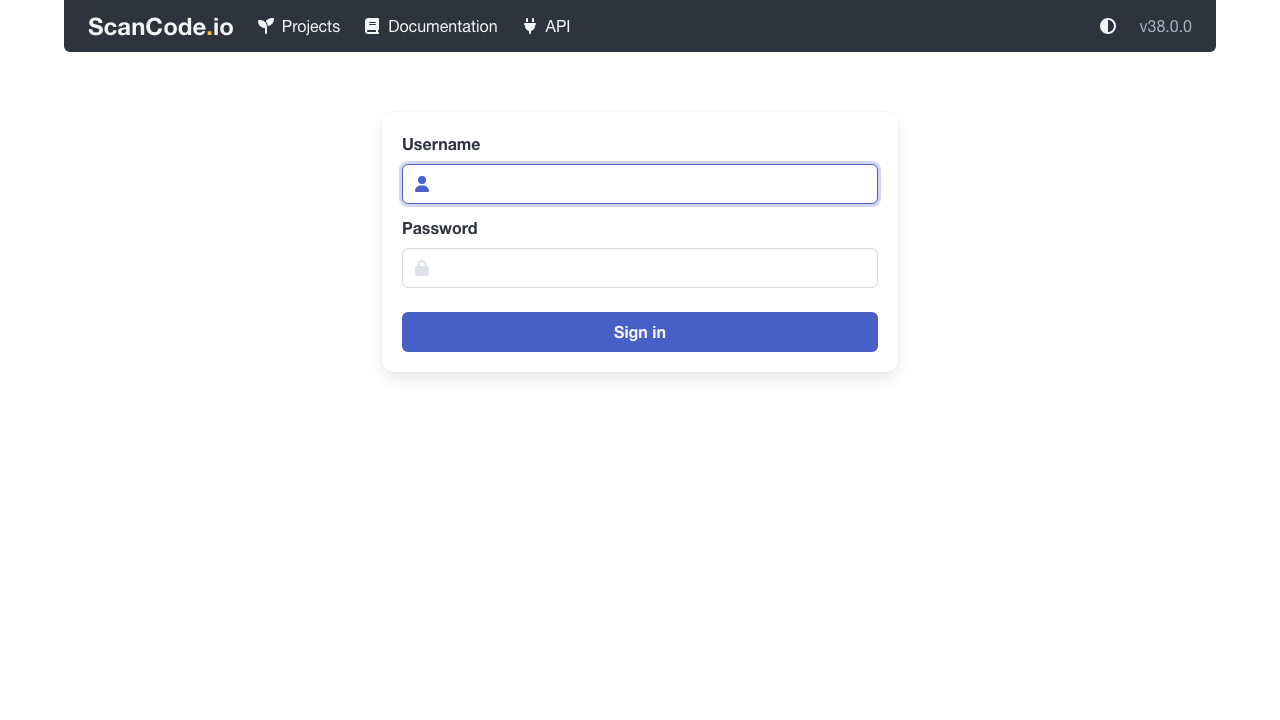
ScanCode.io ships upstream with authentication switched off, which on a public cloud instance would let anyone submit scan pipelines and run arbitrary workloads on your machine, so cloudimg turns authentication on before the application is ever reachable and refuses to build an instance without it. Every shared secret is unique per instance: the session signing key, the database password and the administrator account with its REST API key are all generated on first boot and written to a root only file, so no two instances share a credential and nothing is baked into the image. The database and the scan workspace, which is the part that actually grows, live on a dedicated data volume that is captured into the image and re provisioned on every instance. Every component is pinned by digest so the instance is reproducible and scannable, a self test command proves a complete scan round trip on your own instance whenever you want it, and every deployment comes with a paired deploy guide and 24/7 cloudimg support.
Real screenshots taken while testing this image against its deployment guide.

Docker Community Edition is the free, open source container runtime that allows you to package applications and their de...
Docker Community Edition preconfigured across several Linux variants, running containers within minutes of launch.

Around that core it adds a side by side editor with comments and a review state for each key, conflict detection when a ...
Apache Allura is the open source project hosting platform, or forge, that powers SourceForge.

This image runs Altair GraphQL Client 8.5.7, an open source GraphQL IDE, on Ubuntu 24.04 LTS.

A control node is the machine those playbooks actually run from. This image is that machine, and it ships ready rather t...