Base
Hardened build
minimal ports, security patches applied at build time
ScanCode.io, automated software composition analysis, running scan pipelines over your codebases and containers to report the licences, copyrights and package dependencies they actually contain.
ScanCode.io is a server for automated software composition analysis. You give it a codebase, an archive or a container image, choose a pipeline, and it scans every file and reports what is really in there: the detected licences and copyright notices, the packages and their declared dependencies, and how those findings map back to the exact files they came from. Results are browsable in a web interface, queryable through a REST API, and exportable as SPDX or CycloneDX so they can feed a software bill of materials.
It suits engineering and open source programme teams who need evidence rather than assumption about what their software contains: proving the licence position of a release before it ships, producing an SBOM for a customer or a regulator, auditing an inherited or acquired codebase, and inspecting what a container image actually bundles. Pipelines run asynchronously on a worker queue, so a large scan runs in the background while the interface stays responsive.
ScanCode.io ships upstream with authentication switched off, which on a public cloud instance would let anyone submit scan pipelines and run arbitrary workloads on your machine, so cloudimg turns authentication on before the application is ever reachable and refuses to build an instance without it. Every shared secret is unique per instance: the session signing key, the database password and the administrator account with its REST API key are all generated on first boot and written to a root only file, so no two instances share a credential and nothing is baked into the image. The database and the scan workspace, which is the part that actually grows, live on a dedicated data volume that is captured into the image and re provisioned on every instance. Every component is pinned by digest so the instance is reproducible and scannable, a self test command proves a complete scan round trip on your own instance whenever you want it, and every deployment comes with a paired deploy guide and 24/7 cloudimg support.
Real screenshots taken while testing this image against its deployment guide.
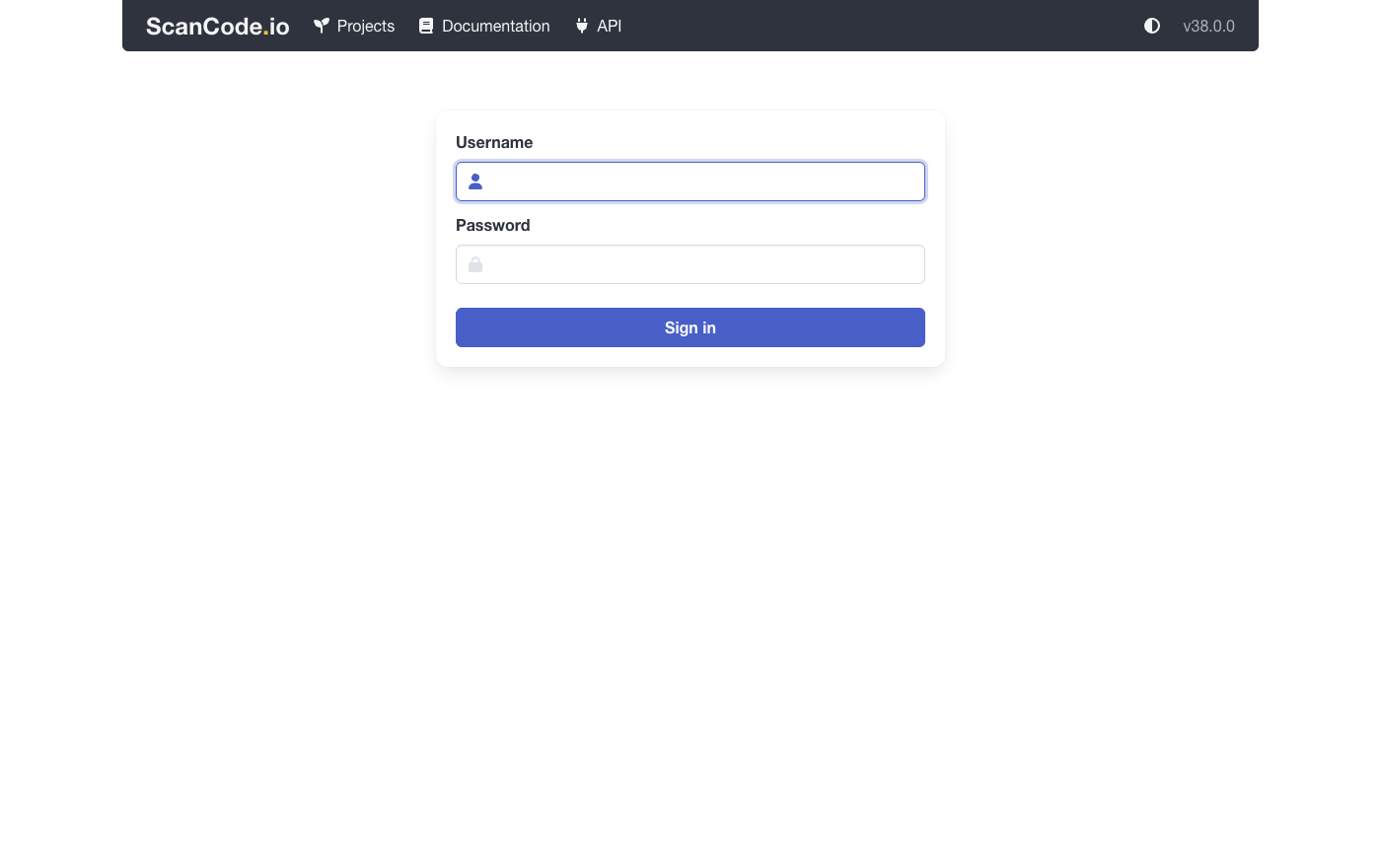
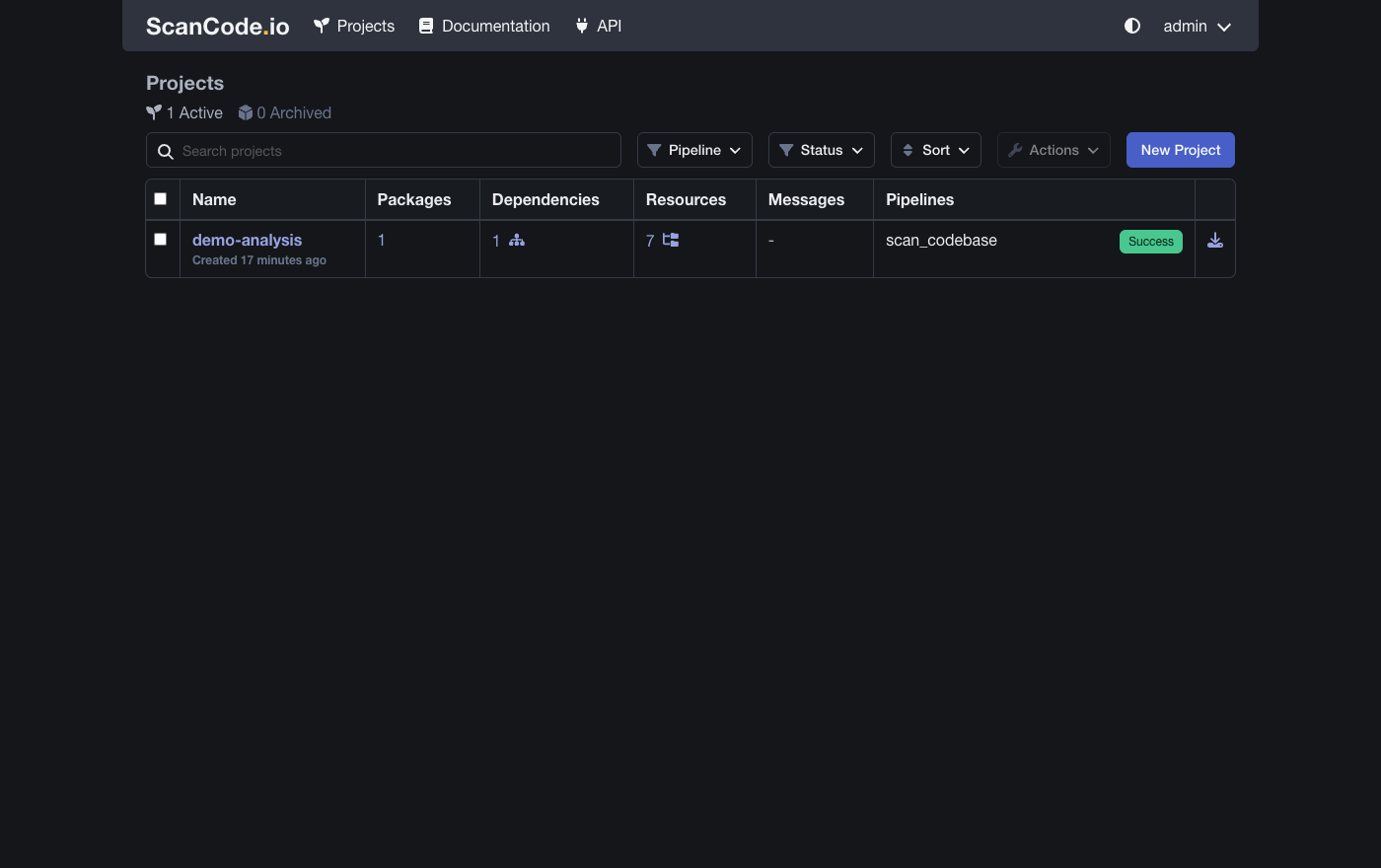
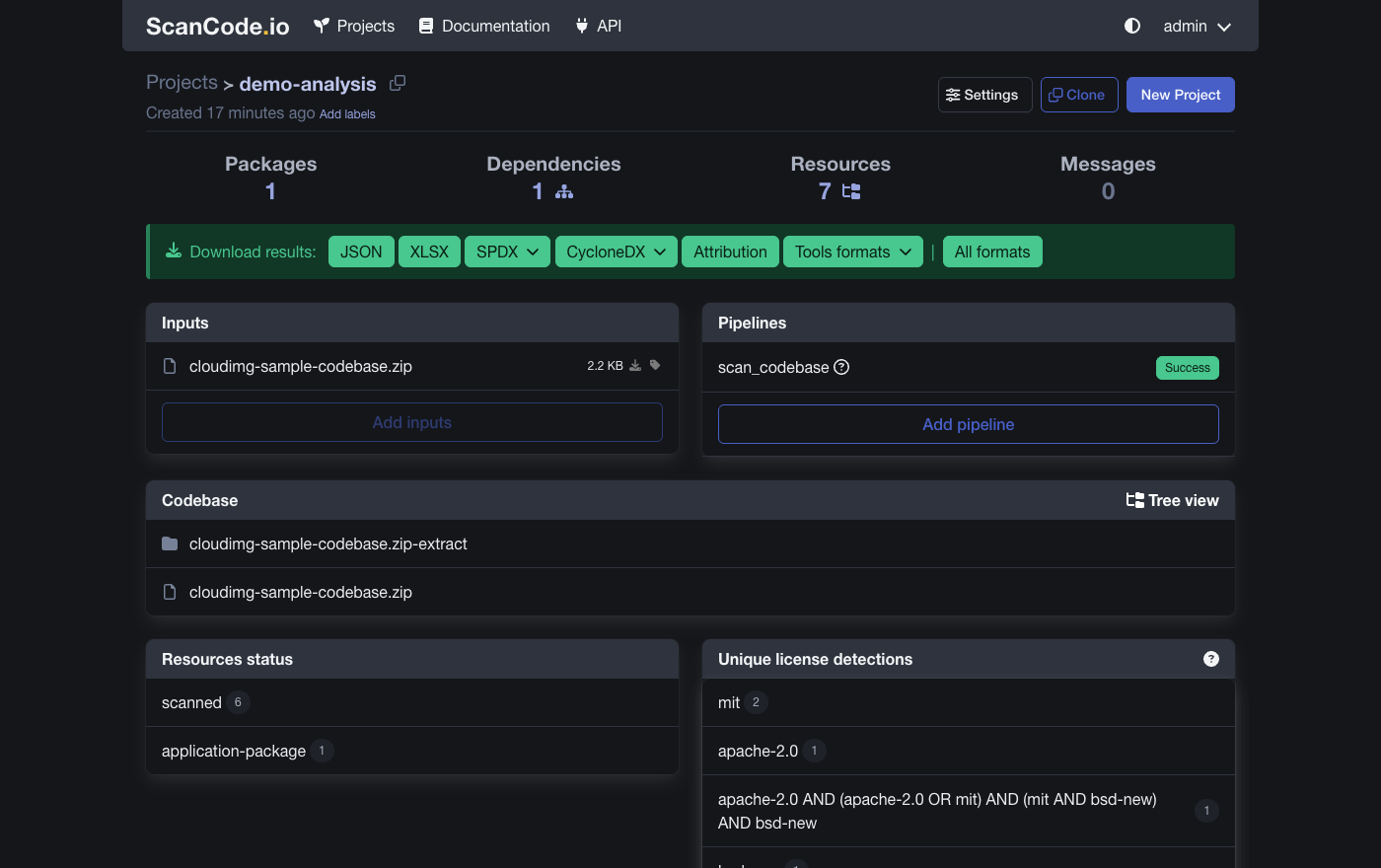
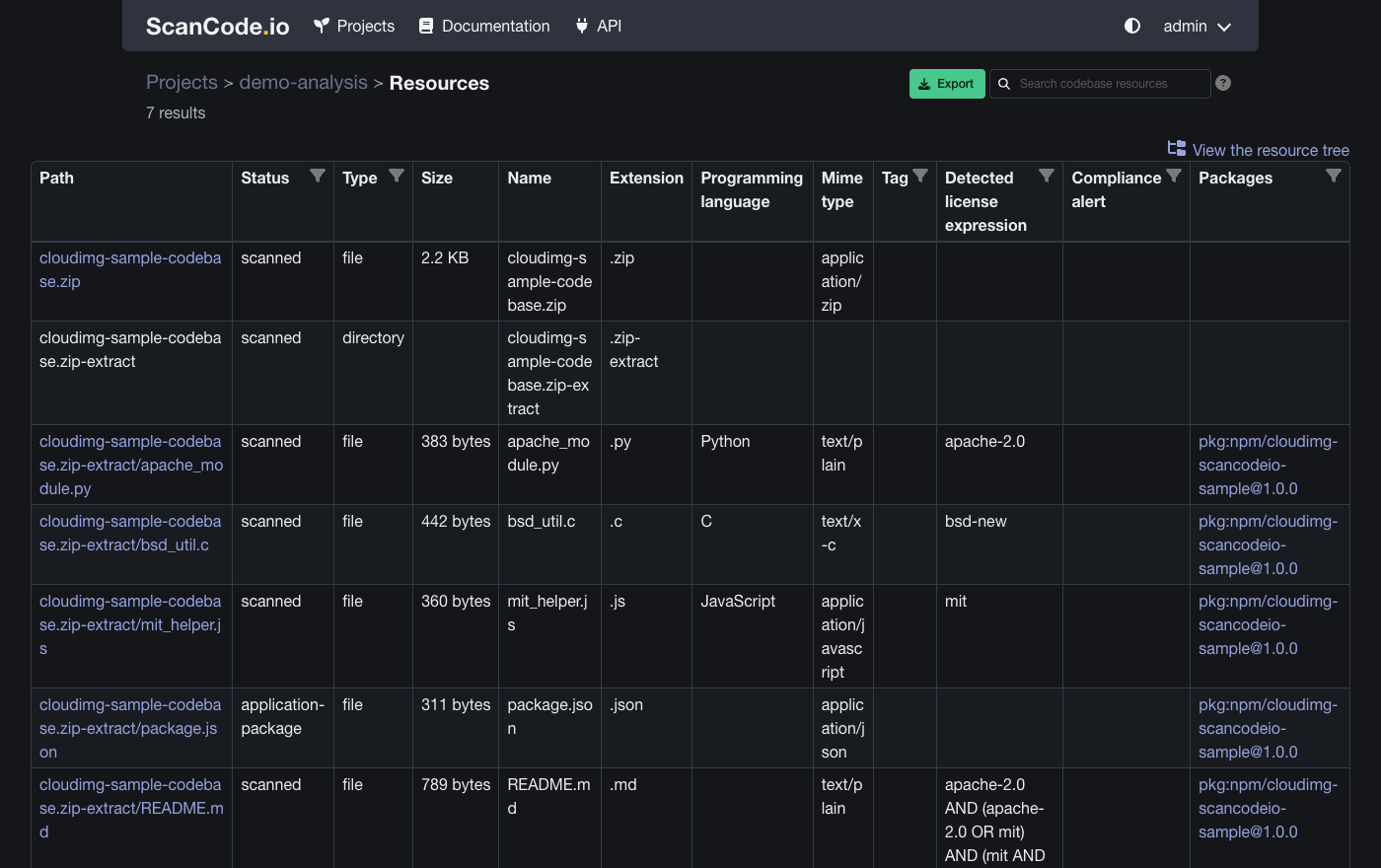
This is a repackaged open source software product wherein additional charges apply for cloudimg support services.
## Automated Software Composition Analysis, Ready in Minutes
ScanCode.io is an open source server for automated software composition analysis from the AboutCode project. It runs configurable scan pipelines over any codebase - source trees, package archives, Docker images, root filesystems - and reports the licences, copyrights, packages and dependencies it finds, so you can produce accurate SBOMs and answer open source compliance questions with evidence. This image from cloudimg delivers ScanCode.io fully installed and configured as a production appliance on AWS, so your team has a complete, self-hosted scanning platform running without manual setup.
## Why This Image Instead of Alternatives
Unlike a hosted scanning SaaS, this image keeps every codebase you scan and every scan result on your own AWS infrastructure - ideal for teams whose code cannot leave their environment. Unlike a manual Docker Compose or source install, the appliance is pre-configured, digest-pinned and supervised by systemd, eliminating hours of setup and the native-dependency fragility of a source build. And unlike stitching together separate licence and dependency scanners, ScanCode.io consolidates codebase scanning, package and dependency detection, and SBOM output in one pipeline-driven application.
## Application Stack
## Scanning and Compliance
Create a project, upload or point at a codebase, and run a pipeline: scan_codebase for full licence and copyright detection, analyze_docker_image for container image analysis, inspect_packages and resolve_dependencies for package and dependency discovery, and more. Results are browsable in the Web UI and available over a REST API for automation - wire scans into CI/CD, gate releases on licence policy, and export CycloneDX or SPDX SBOMs. Every scan is evidence-backed down to the individual file and detected licence expression.
## Security Baseline
Authentication is REQUIRED. ScanCode.io ships with authentication disabled by default; this appliance sets SCANCODEIO_REQUIRE_AUTHENTICATION so every Web UI view and REST API endpoint demands a login - an open scanner would let anyone submit pipelines, which is arbitrary workload execution on your instance.
Secure First Boot: On first launch, a one-shot service rotates every shared secret - a fresh Django secret key, a fresh database password, and a fresh administrator account with a unique password and REST API key - before the stack serves a single request, and writes them to a file only the root user can read. No shared or default credential ships in the image.
Network and Encryption: The application is served on port 80 by default. TLS termination and custom domain configuration are supported as post-launch steps - cloudimg support can assist. AWS EBS encryption can be enabled on the data disk to encrypt scanned code and results at rest.
## Use Cases
## Getting Started
The ScanCode.io web interface is served on port 80. Sign in with the generated administrator credentials (found in the root-only file on the instance) to create a project and run your first scan pipeline. The REST API is available on the same port for programmatic scanning and SBOM export.
## cloudimg Support
24/7 technical support by email and chat. Our engineers help with deployment, pipeline configuration, REST API integration, SBOM export, custom domains, TLS certificate setup, data disk resizing and scaling guidance.
All product and company names are trademarks or registered trademarks of their respective holders. Use of them does not imply any affiliation with or endorsement by them.
This image runs Apache Archiva, the open source build-artifact repository manager - a central, governed store for the bi...

Apache JMeter is the de-facto open-source tool for load and performance testing of web applications, APIs, databases and...

This image runs Appsmith Community Edition, the open source low-code platform for building internal tools, admin panels,...

This image runs Atlantis 0.46 (Apache-2.0), the open source server that automates Terraform and OpenTofu pull request wo...

This image runs AWStats, the long established open source log file analyser, behind the Apache web server with mod_cgid ...

This image runs Beszel, the open source, lightweight server and container monitoring hub - a clean web dashboard with hi...