Base
Hardened build
minimal ports, security patches applied at build time

SecObserve, open source vulnerability management for software development teams, secured on first boot.
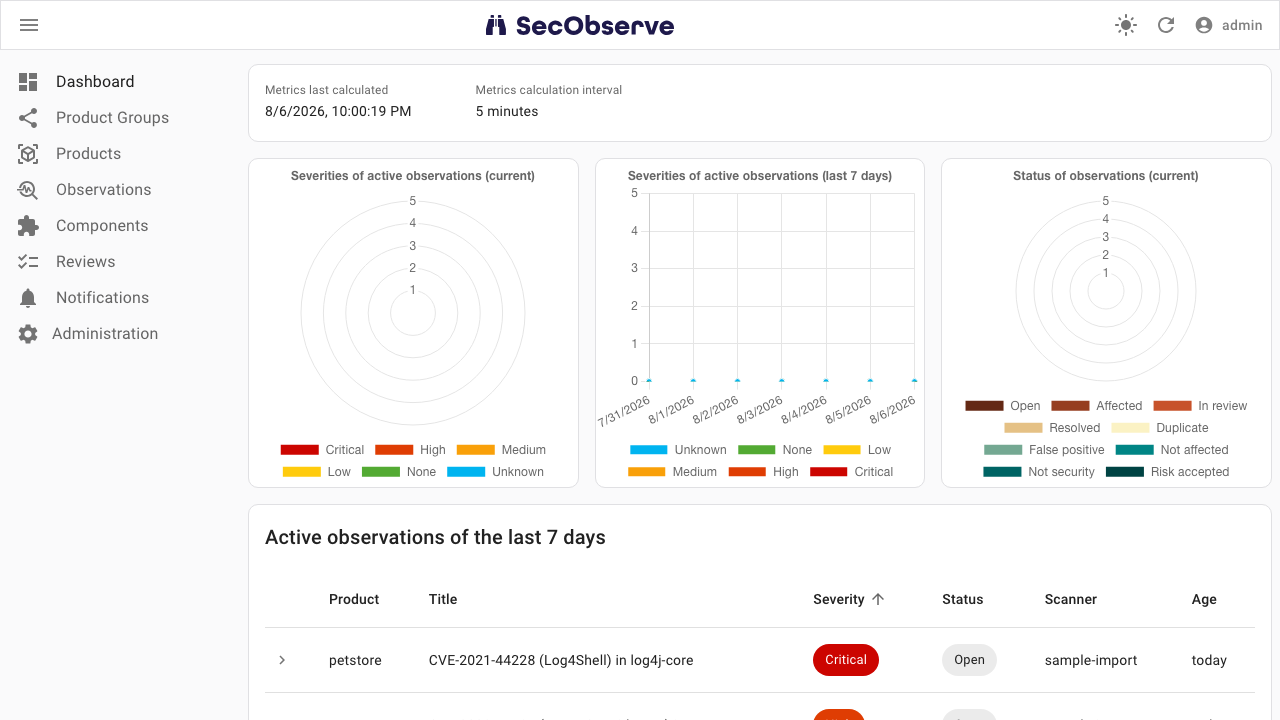
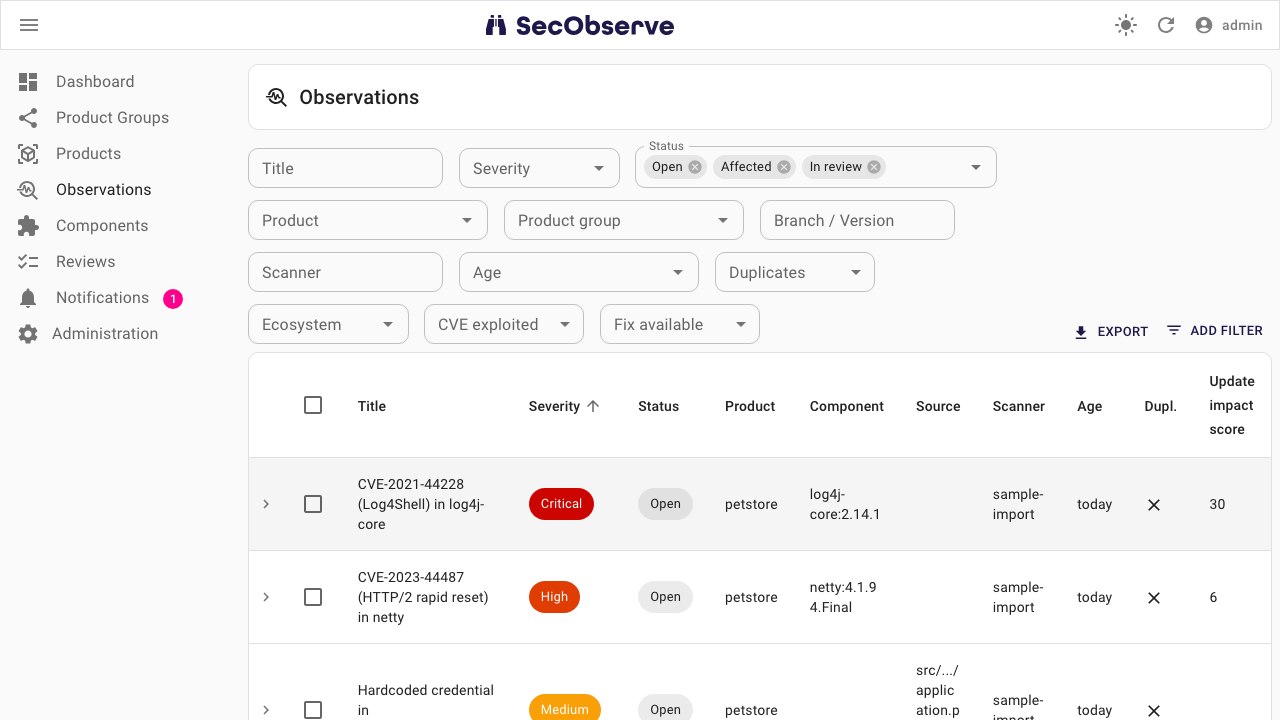
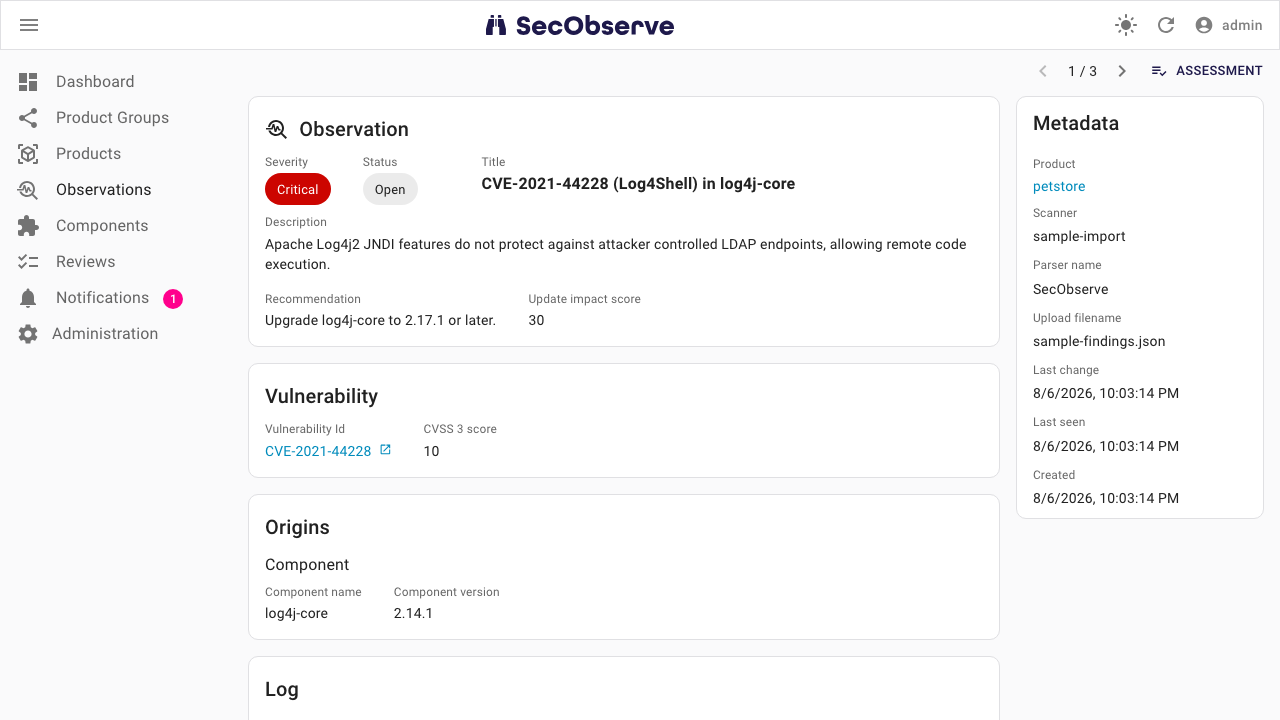
SecObserve is an open source vulnerability management system for software development teams and cloud environments. It gathers results from a wide range of security tools into one place: import findings from SAST, DAST, dependency, secret, infrastructure as code and container scanners such as Trivy, Semgrep, Gitleaks, Grype, Checkov and ZAP, then triage, assess and track observations per product and branch. Components and licenses can be tracked from SBOMs, assessments can be automated with rules and security gates, metrics dashboards show risk over time, and results can be exported as VEX documents in CSAF, OpenVEX and CycloneDX formats.
cloudimg ships the full open source SecObserve stack, hardened and fully patched, with a bundled PostgreSQL database on a private container network that is never exposed on a host port. Because a vulnerability management system holds your most sensitive security findings, a unique admin password, Django secret key, field encryption key and database password are generated for each VM on first boot, before the web port answers, so the upstream default credentials never exist at any point. A paired step by step deployment guide and 24/7 support are included.
Real screenshots taken while testing this image against its deployment guide.

What cloudimg adds to every version - Every image is built by cloudimg on a fully patched base with the latest security ...
What cloudimg adds to every version - Every image is built by cloudimg on a fully patched base with the latest security ...

What cloudimg adds to every version - Every image is built by cloudimg on a fully patched base with the latest security ...

What cloudimg adds to every version - Every image is built by cloudimg on a fully patched base with the latest security ...
What cloudimg adds to every version - Every image is built by cloudimg on a fully patched base with the latest security ...
2FAuth is a free, open source, self hosted web app for managing your two factor authentication accounts.