
Syncthing Peer-to-Peer File Sync
Overview
Syncthing open source peer-to-peer file sync, preinstalled on AWS with unique credentials generated per instance. Backed by 24/7 cloudimg support.
See it running
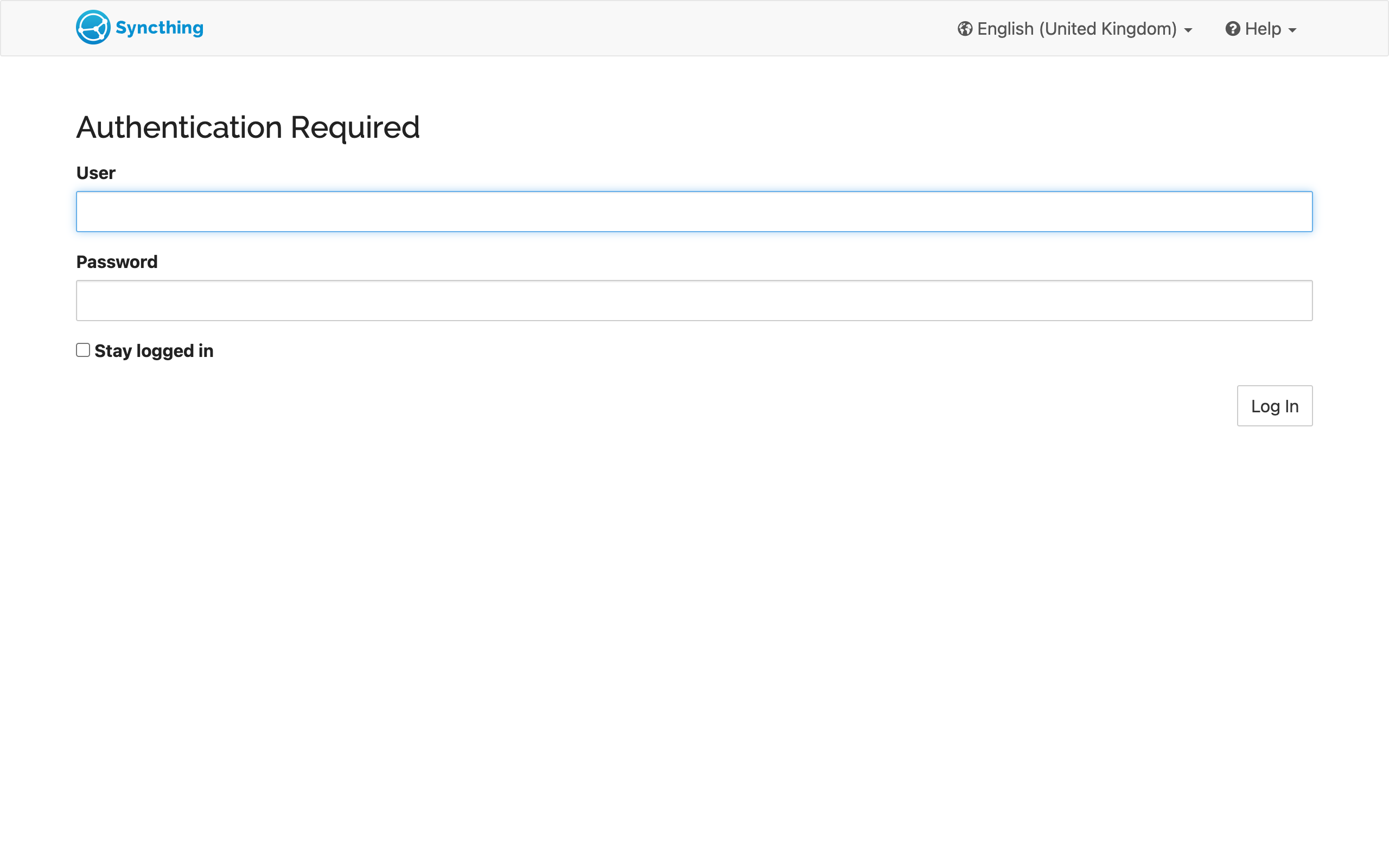
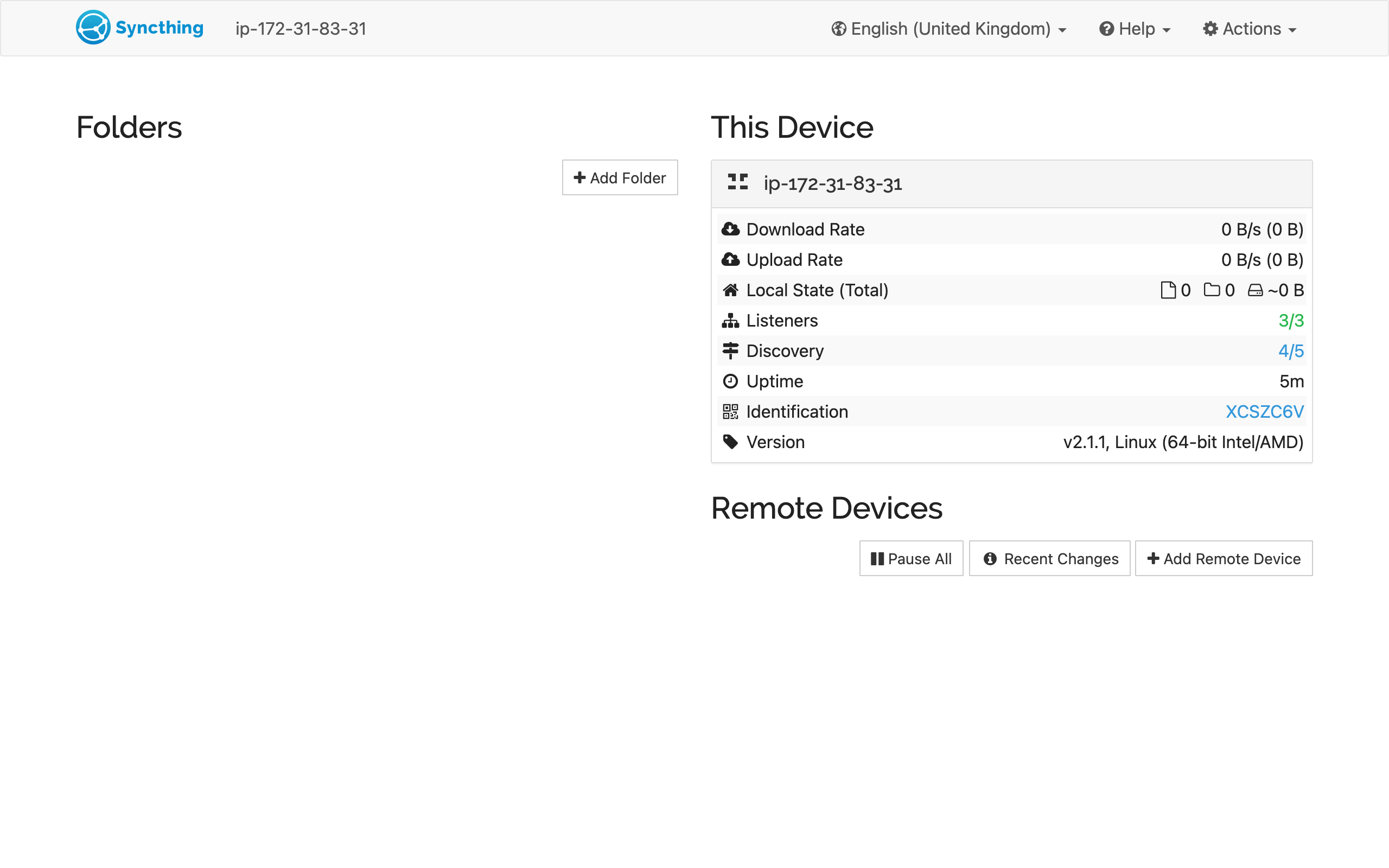
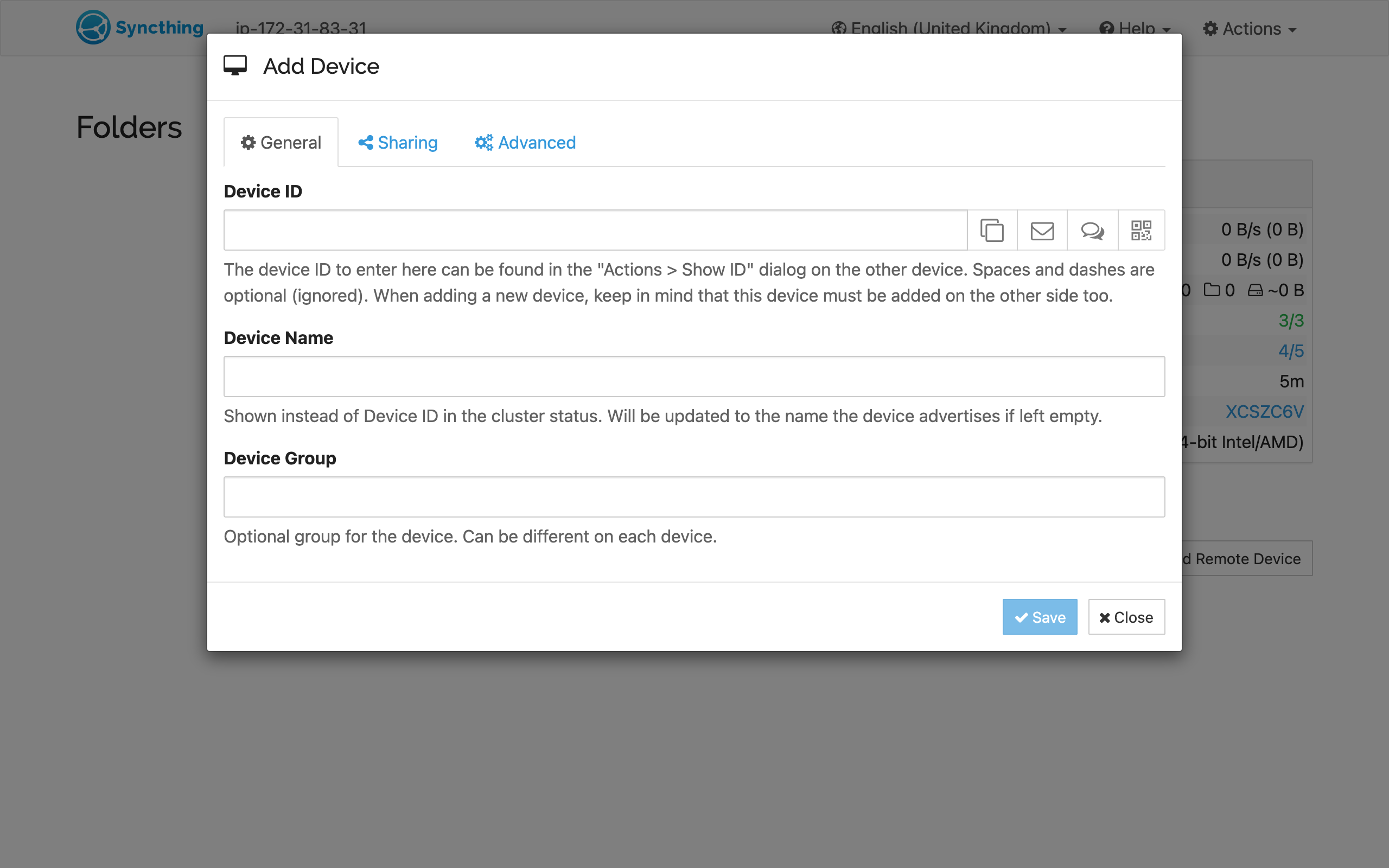
Real screenshots of this software running on the cloudimg image, taken while testing the deployment guide.
Description
This is a repackaged open source software product wherein additional charges apply for cloudimg support services.
## Syncthing - Private Peer-to-Peer File Synchronization on AWS
Syncthing is the popular open source continuous file synchronization program. It synchronizes files between two or more devices over an encrypted, authenticated connection with no central server or third-party intermediary. This AMI delivers Syncthing fully installed and hardened so your private sync node is operational within minutes of launch - no manual compilation, configuration, or credential setup required.
This is a repackaged open source software product with additional charges for cloudimg support services.
## Why This AMI Over a Manual Install
Deploying Syncthing from scratch on a bare EC2 instance requires installing dependencies, configuring systemd services, setting up a reverse proxy, generating TLS certificates, and hardening credentials - typically 30-60 minutes of engineering time per node. This image eliminates that effort entirely. Unlike hosted sync services such as Dropbox, your data never passes through a third-party server, keeping sensitive files under your sole control.
## Use Case: Distributed Team Artifact Sync
A development team with members across multiple AWS regions needs build artifacts, configuration files, and documentation synchronized without relying on a centralized cloud storage provider. Deploy this Syncthing node in your VPC, pair it with Syncthing clients on developer workstations and other EC2 instances, and files stay in sync automatically over encrypted peer-to-peer connections - no egress through third-party services required.
## Application Stack
The Syncthing GUI and REST API run as a single Go binary behind nginx as a reverse proxy. The sync protocol listens on port 22000 (TCP/UDP). The GUI binds to the loopback interface and is accessible through the nginx proxy. The underlying OS is managed via systemd for reliable service lifecycle control. The current release is Syncthing 2.1.
## AWS Integration Points
- Amazon EBS: Attach persistent EBS volumes to store synced data independently of instance lifecycle. Resize storage as your sync folders grow without rebuilding the node.
- AWS Security Groups: Open port 22000 for the Syncthing protocol and your chosen HTTPS port for GUI access. All other ports remain closed by default.
- Amazon CloudWatch: Forward system and application logs for centralized monitoring and alerting on sync health.
- AWS Systems Manager: Use Session Manager for secure shell access without exposing SSH ports publicly.
## Secure By Default
On first boot, a one-shot systemd service regenerates the device certificate (creating a fresh, unique Device ID), the REST API key, and the administrator GUI password. These credentials are written to a root-only file. No shared or default credentials ship in the image. Unlike AMIs that reuse a single device identity across all subscribers, every instance you launch has a cryptographically distinct identity from the moment it starts.
## Ready To Use
1. Launch the AMI in your preferred AWS region.
2. Retrieve your unique GUI password from the root-only credentials file.
3. Sign in to the Syncthing web GUI through the nginx reverse proxy.
4. Add folders you want to sync and the Device IDs of your other Syncthing nodes.
5. Install the Syncthing client on your other machines and pair them with this node.
Syncthing keeps paired devices in sync automatically with no further intervention.
## 24/7 cloudimg Support
cloudimg provides round-the-clock technical support by email and live chat covering deployment, upgrades, device pairing, TLS termination, and storage configuration. Critical issues receive a one-hour average response time.
Syncthing is a trademark of its respective owner. All product and company names are trademarks or registered trademarks of their respective holders. Use of them does not imply any affiliation with or endorsement by them.
Key Features
- Private peer-to-peer file sync with no central server - unlike hosted services such as Dropbox or Google Drive, your data never passes through a third-party intermediary. Syncthing encrypts all transfers with TLS and syncs directly between your devices. This AMI runs as an always-on node in your AWS VPC, giving you a persistent sync endpoint you fully control without ongoing manual administration.
- Cryptographically unique per-instance identity generated on first boot - unlike AMIs that ship shared default credentials requiring manual rotation, this image automatically creates a fresh Device ID, API key, and administrator GUI password unique to each instance. Credentials are stored in a root-only file, eliminating the risk of credential reuse across deployments.
- 24/7 technical support from cloudimg with one-hour average response for critical issues. Engineers assist with deployment, upgrades, device pairing, TLS termination, and storage configuration - removing the operational burden of self-managing an open source sync node so your team can focus on their core work rather than infrastructure maintenance.
Related Technologies
Related Products
Cyberduck - File Transfer Client
Cyberduck is a libre file transfer client for FTP, SFTP, WebDAV, Amazon S3, Google Cloud Storage, Microsoft Azure, OpenS...
SFTP Server - Hardened OpenSSH File Transfer
This image runs a production ready SFTP file transfer server built on OpenSSH, the open source secure shell suite.

MinIO S3-Compatible Object Storage
This image runs MinIO, the high performance open source object storage server that speaks the Amazon S3 API, in single n...
Oracle DB19c Standard on Linux
Once your instance is running and has passed both status checks (2/2), connect using SSH: