
MinIO S3-Compatible Object Storage
Overview
Launch a production-ready MinIO S3-compatible object store in minutes - hardened credentials, no default passwords, dedicated EBS data volume. Backed by 24/7 cloudimg support.
See it running
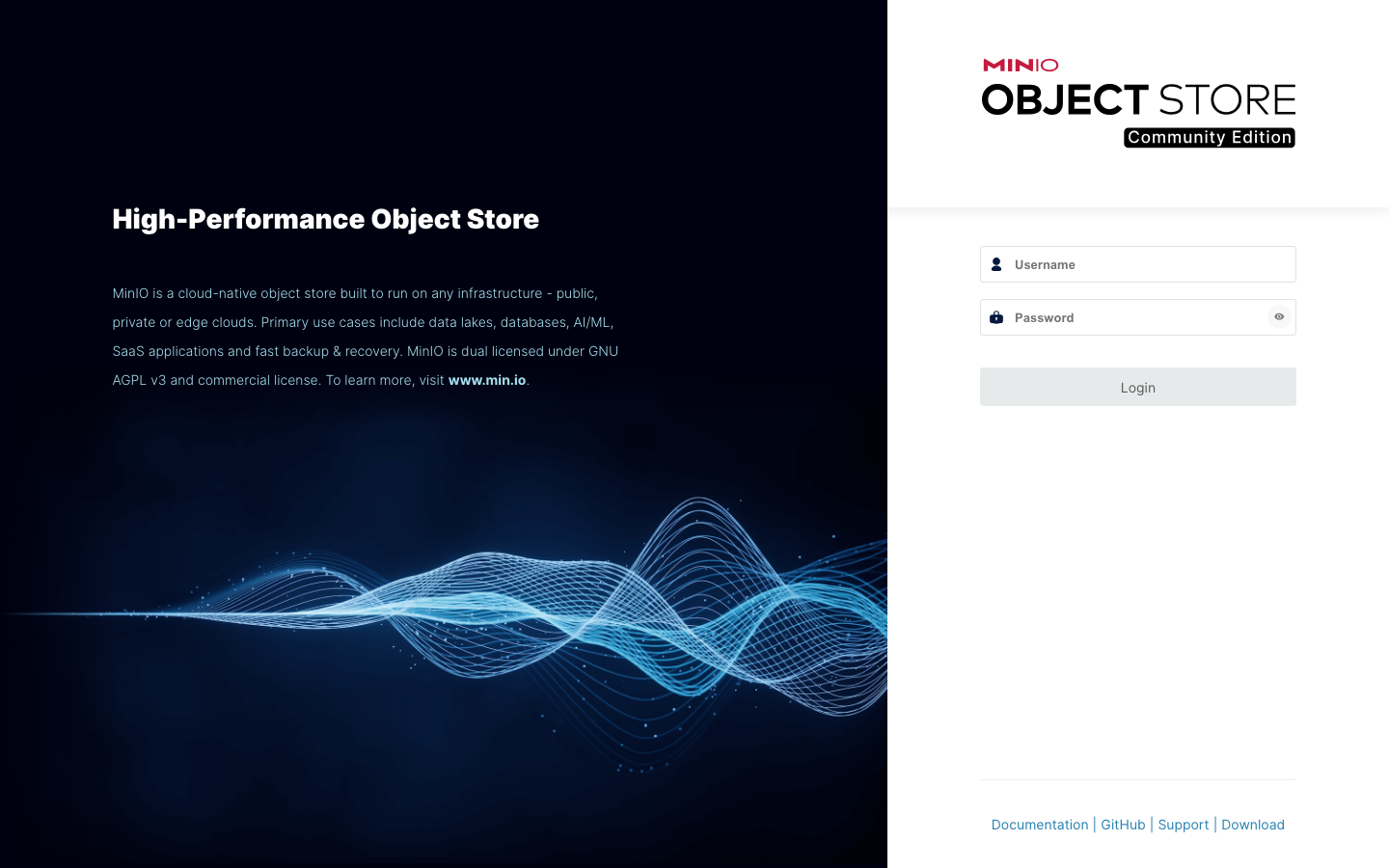
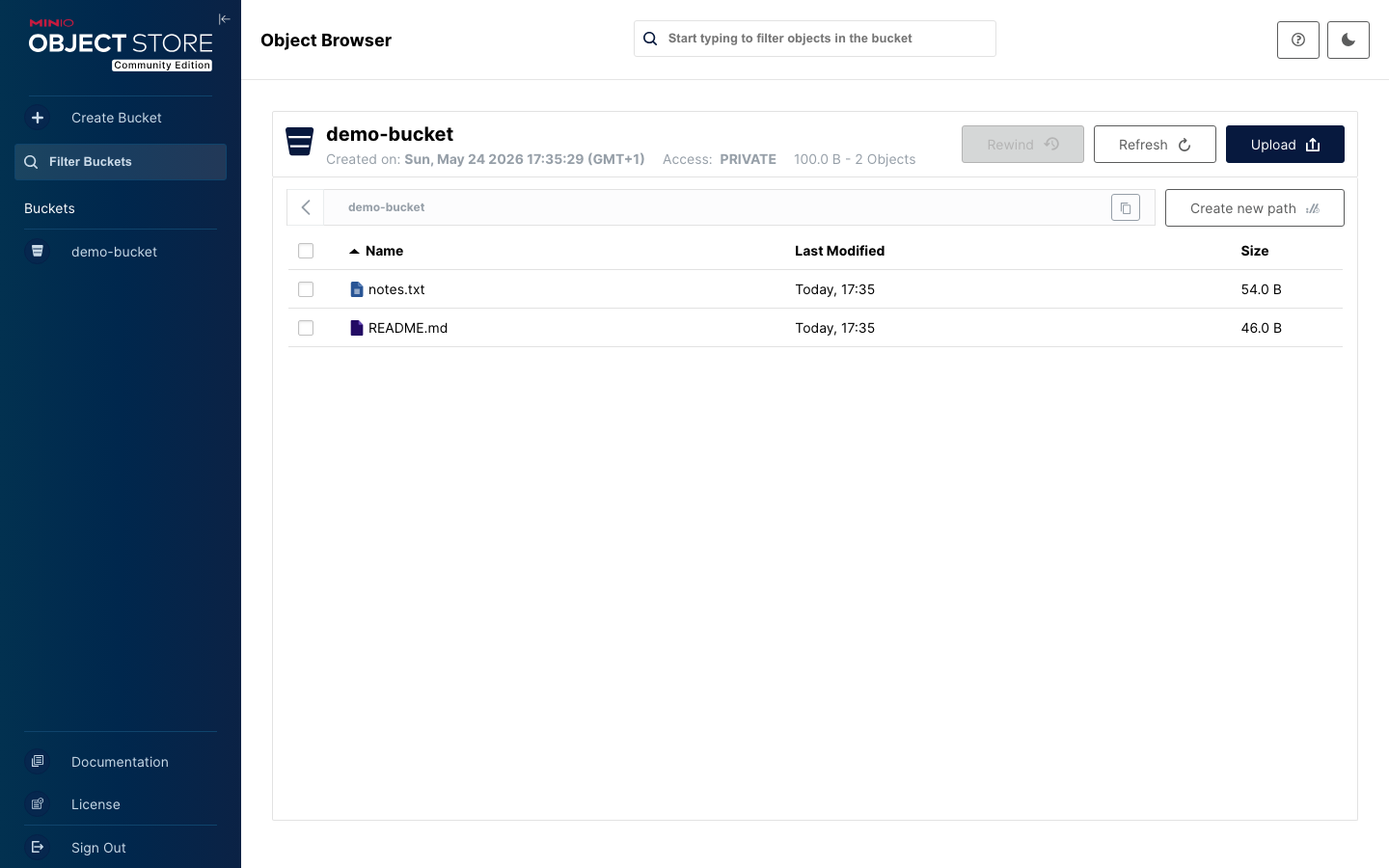
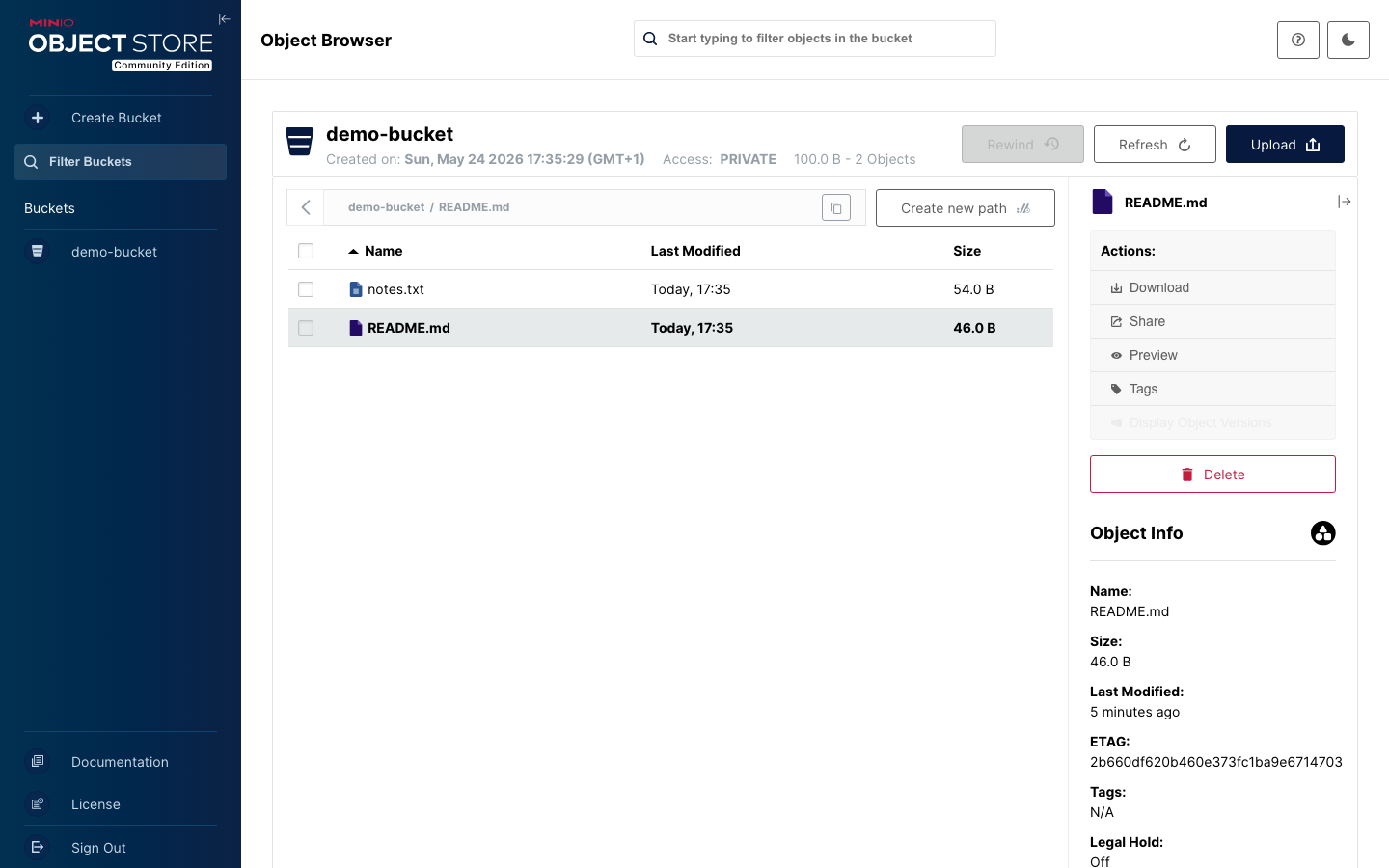
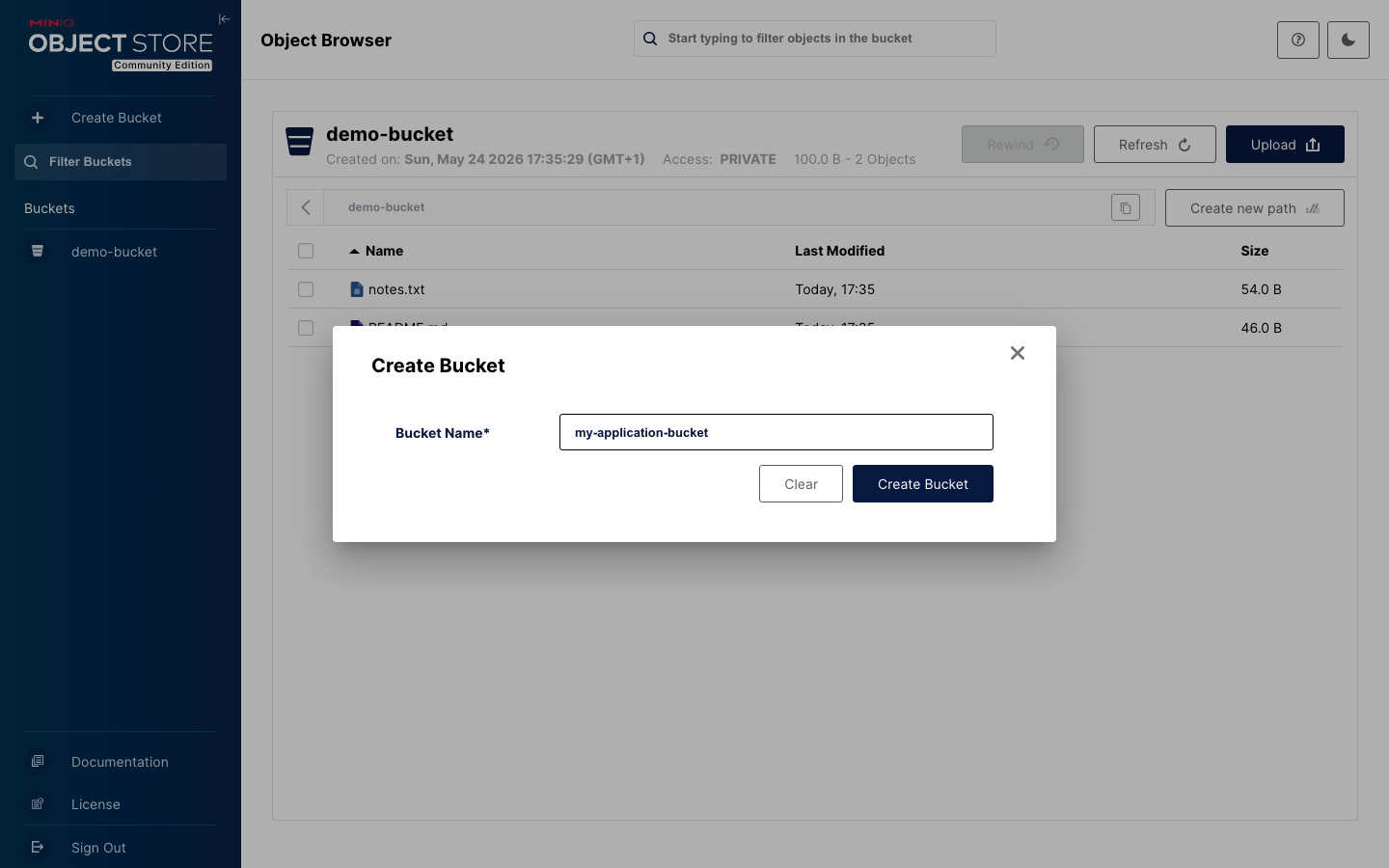
Real screenshots of this software running on the cloudimg image, taken while testing the deployment guide.
Description
This is a repackaged open source software product wherein additional charges apply for cloudimg support services.
## Why This MinIO AMI Over Alternatives
Most MinIO images and manual installations ship with the well-known minioadmin/minioadmin default credentials, requiring immediate manual rotation. This AMI eliminates that risk entirely - every instance generates a unique root username and password on first boot, stored in a root-only file. Combined with a pre-configured nginx reverse proxy, a dedicated EBS data volume, and 24/7 expert support from cloudimg, you move from launch to first API call in under five minutes without touching configuration files.
## Object Storage Stack
- MinIO Server running as a systemd service in single-node, single-drive mode
- S3-compatible REST API on port 9000 for any S3 client (AWS CLI, boto3, s3cmd, rclone)
- MinIO Console admin interface on port 9001, fronted by nginx on port 80 for browser access
- mc client bundled for command-line bucket and object management
- Dedicated EBS data volume for buckets and objects, independently resizable from the root volume
## Secure First Boot
On first launch a one-shot systemd service generates a cryptographically random MinIO root username and root password, writes them into the MinIO environment file, and stores the plain-text values in a file readable only by the root OS user. The insecure minioadmin default is never present in the image. No shared or static credentials exist at any point.
## Security and Encryption Guidance
- Encryption in transit: Configure TLS certificates on the MinIO server to encrypt S3 API traffic on port 9000. The nginx reverse proxy on port 80 can be upgraded to HTTPS by adding your own certificate.
- Encryption at rest: Enable EBS encryption on the dedicated data volume at launch to protect stored objects with AWS-managed or customer-managed KMS keys.
- Network isolation: Deploy the instance in a private VPC subnet. Restrict Security Group ingress to only the ports and source IPs your workload requires (80, 9000).
## Ready To Use
Browse to the instance public or private IP on port 80 to reach the MinIO Console. Alternatively, point any S3-compatible client at port 9000 with the generated credentials. Create buckets, upload objects, and configure IAM policies immediately.
## Example Use Case: DevOps Artifact Storage
A 10-developer platform team stores Terraform state files, Docker container images, and CI/CD build artifacts in MinIO running on a single m5.large instance with a 500 GB EBS data volume. The S3 API on port 9000 integrates directly with GitHub Actions and ArgoCD without code changes, replacing a managed object storage service while keeping data within the team's VPC.
## Additional Use Cases
- Backup, archive, and snapshot targets for hybrid cloud workloads
- Application object stores for media, documents, and logs
- Data lake and analytics staging areas
- Container registry backend storage
- CI/CD artifact repositories
## cloudimg Support
24/7 technical support by email and live chat. Our engineers assist with MinIO deployment, IAM policy configuration, S3 client integration, performance tuning, and storage administration. Critical issues receive a one-hour average response time.
All product and company names are trademarks or registered trademarks of their respective holders. Use of them does not imply any affiliation with or endorsement by them.
Key Features
- MinIO object storage server preinstalled and ready, with the S3-compatible REST API on port 9000 and the MinIO Console web interface on port 80 behind nginx, no manual setup required
- Hardened first boot generates a fresh MinIO root username and root password for every instance and stores them in a file only the root user can read, so the well-known minioadmin default never ships
- 24/7 technical support from cloudimg, with expert assistance for MinIO deployment, IAM policy, S3 client integration and performance tuning
Related Technologies
Related Products
Cyberduck - File Transfer Client
Cyberduck is a libre file transfer client for FTP, SFTP, WebDAV, Amazon S3, Google Cloud Storage, Microsoft Azure, OpenS...
SFTP Server - Hardened OpenSSH File Transfer
This image runs a production ready SFTP file transfer server built on OpenSSH, the open source secure shell suite.
Oracle DB19c Standard on Linux
Once your instance is running and has passed both status checks (2/2), connect using SSH:

Syncthing Peer-to-Peer File Sync
This image runs Syncthing, the open source, continuous file synchronization program - it synchronizes files between two ...