Base
Hardened build
minimal ports, security patches applied at build time

TeamPass, the open source collaborative password manager, giving your team one encrypted shared vault with per folder access rights.
TeamPass is an open source collaborative password manager built for teams that need to share credentials without resorting to spreadsheets, chat messages or sticky notes. Credentials live in an encrypted vault organised as a folder tree, and access is granted through granular per folder and per role rights, so each person sees only what their role allows. It covers the day to day of shared credential management: user groups and roles, item history, full audit logs of who viewed or changed what, one time view links for handing a secret to someone outside the vault, file attachments, a knowledge base, and password generation and expiry policies. Optional LDAP or Active Directory authentication and optional two factor authentication let it slot into an existing identity stack.
It suits IT teams, managed service providers, agencies and any group that needs a shared, audited credential store they run and fully control themselves.
cloudimg delivers TeamPass fully installed and configured behind nginx with a tuned PHP runtime and a local database, so a working shared vault answers the moment the instance boots. The image is built for a password manager's threat model: it deliberately contains no vault, no database and no encryption key at all. On the first boot of every instance TeamPass is installed onto that instance, generating a fresh encryption saltkey, a fresh database password and a fresh administrator password unique to that VM, written to a file only the root user can read, so no shared or default secret exists anywhere in the image. The install wizard is never reachable from the network. The vault and the saltkey that decrypts it both live on a dedicated data disk kept separate from the operating system disk that you can snapshot and back up independently, and every deployment is paired with a step by step deploy guide and backed by 24/7 support.
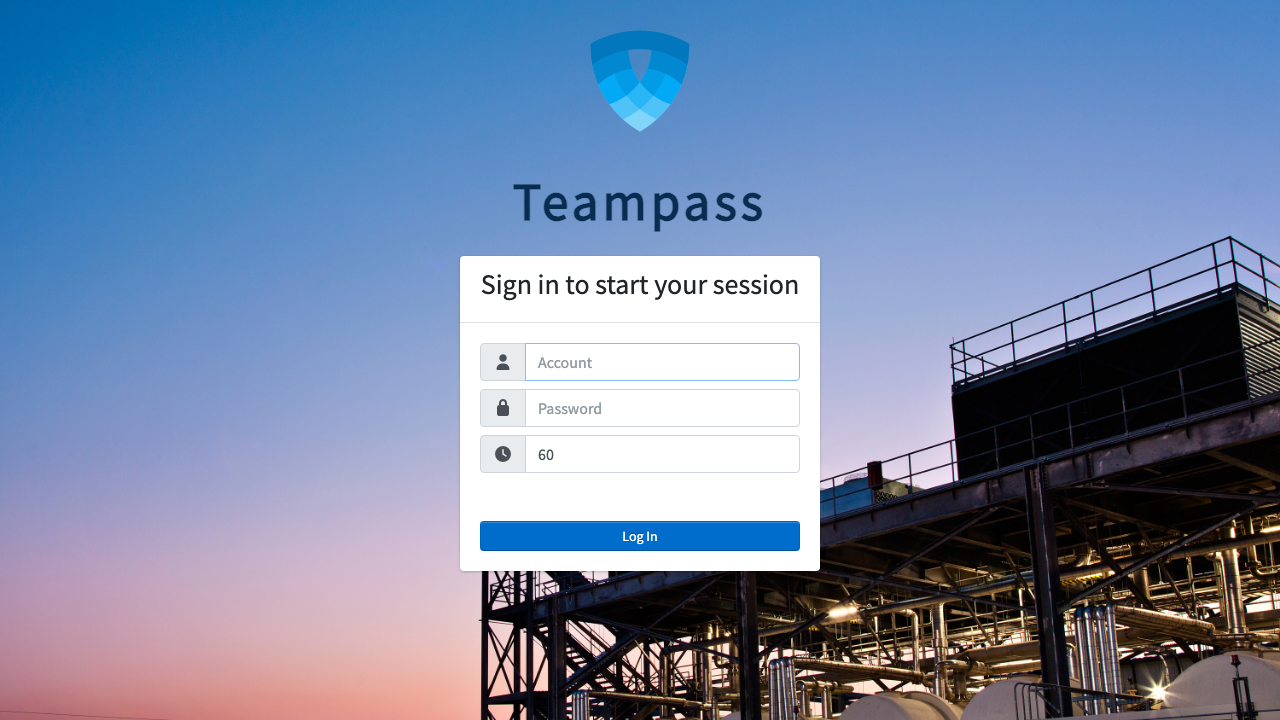
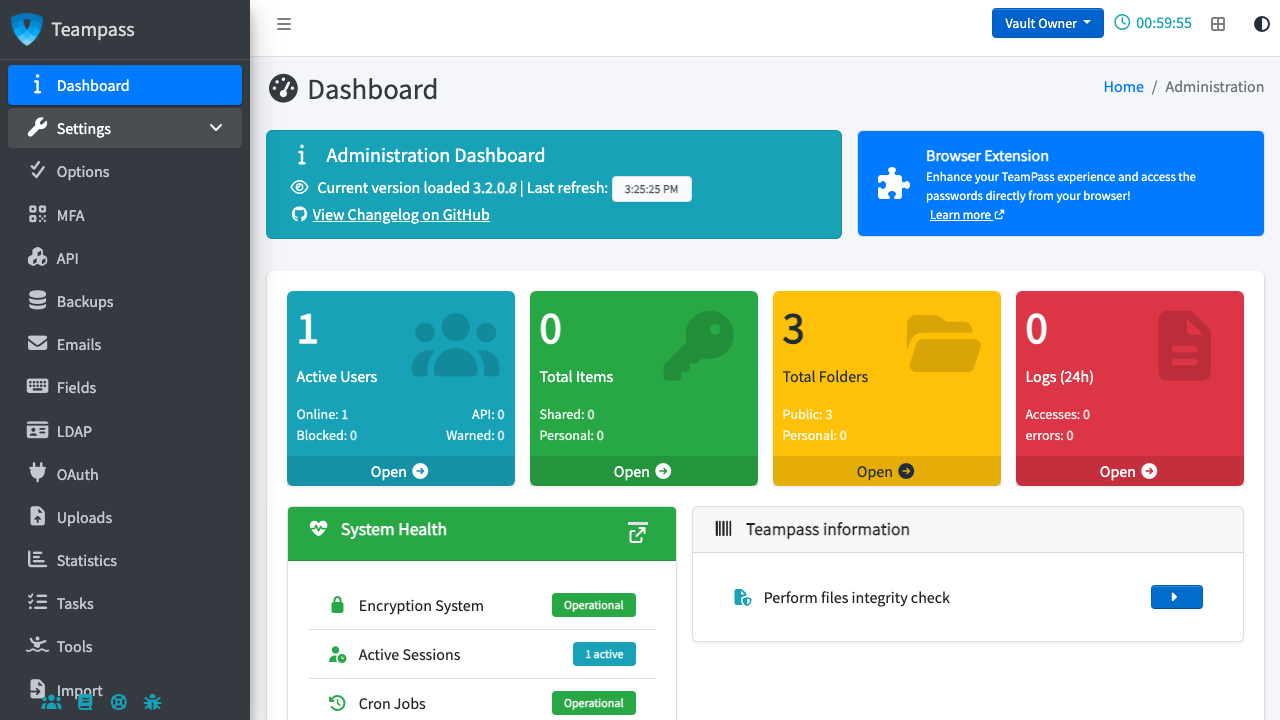
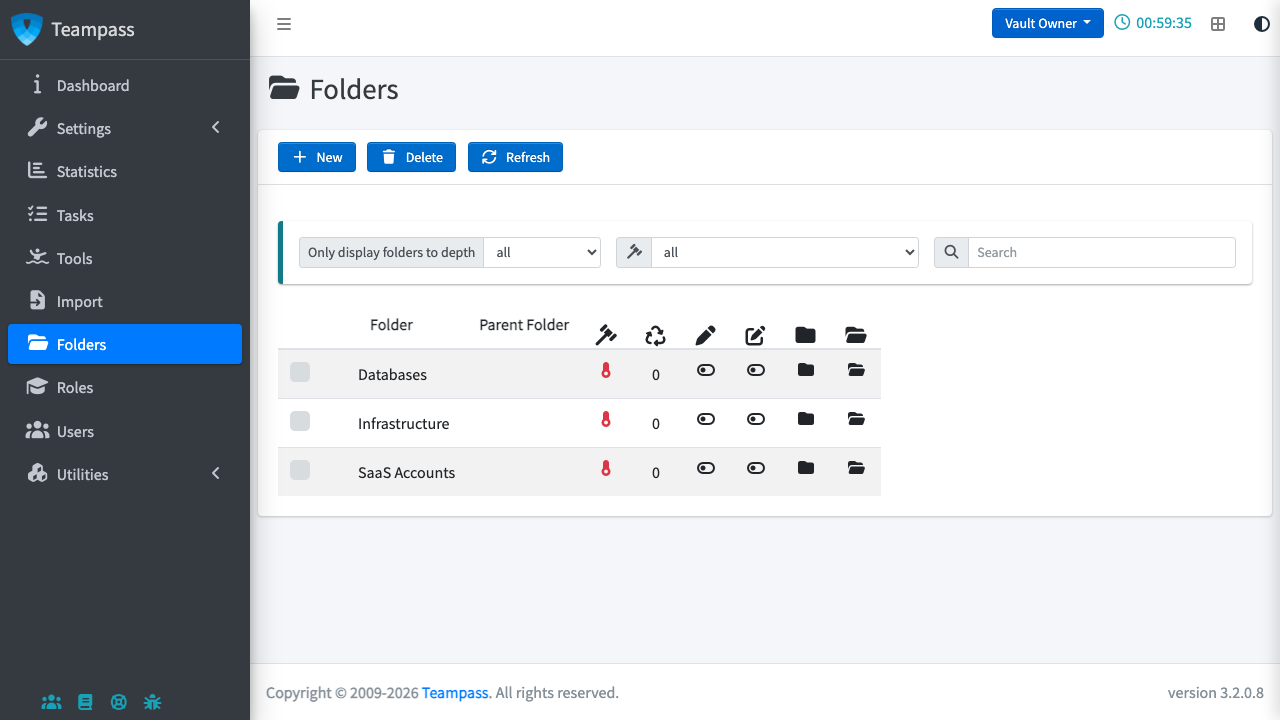
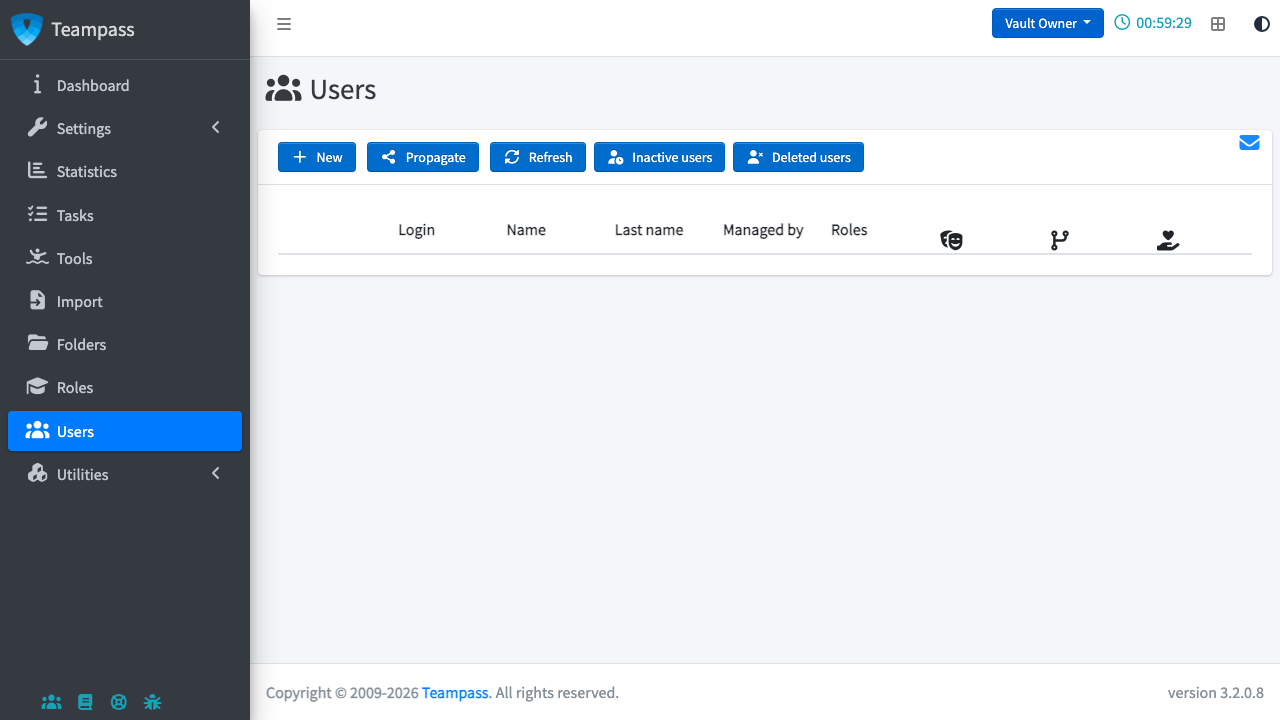
Real screenshots taken while testing this image against its deployment guide.
2FAuth is a free, open source, self hosted web app for managing your two factor authentication accounts.
The image installs acme-dns 2.0.2 from the official upstream release (github.com/acme-dns/acme-dns, the project formerly...

Mail sent to an alias is forwarded to your real inbox, and you can reply from the alias so the other side never learns w...

AliasVault is an open source, end to end encrypted password manager combined with a private email alias service that you...

This image runs Apache SpamAssassin, the long established open source anti spam platform, fully configured and security ...

Apache Syncope is an open source identity management and identity governance platform.