Trivy Security Scanner
Overview
Pre-configured Trivy security scanner with offline vulnerability database - scan containers, IaC, and repos instantly via SSH with no setup. 24/7 cloudimg support included.
See it running
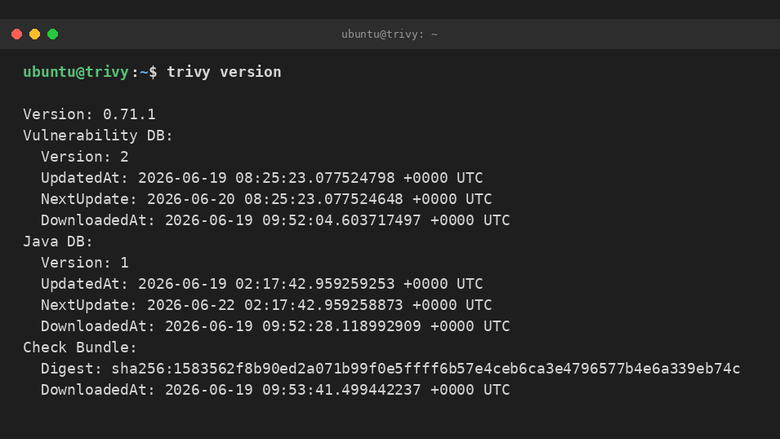
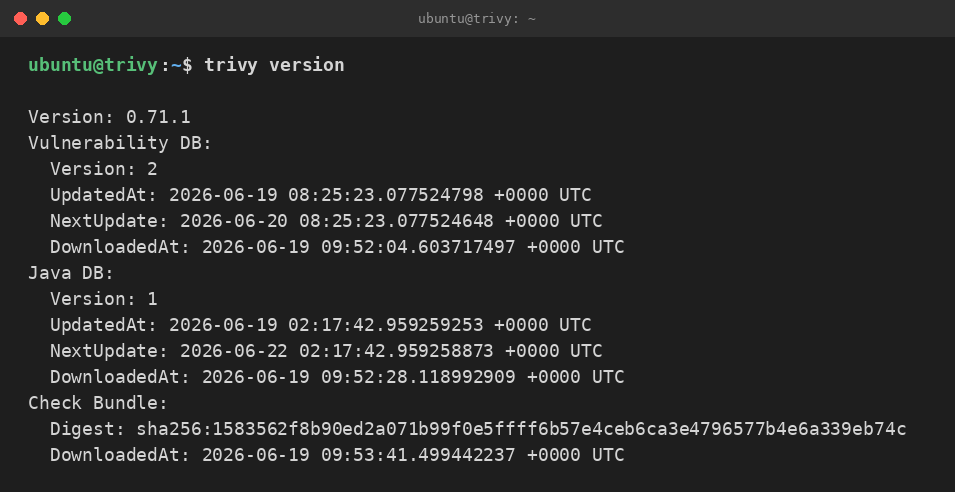
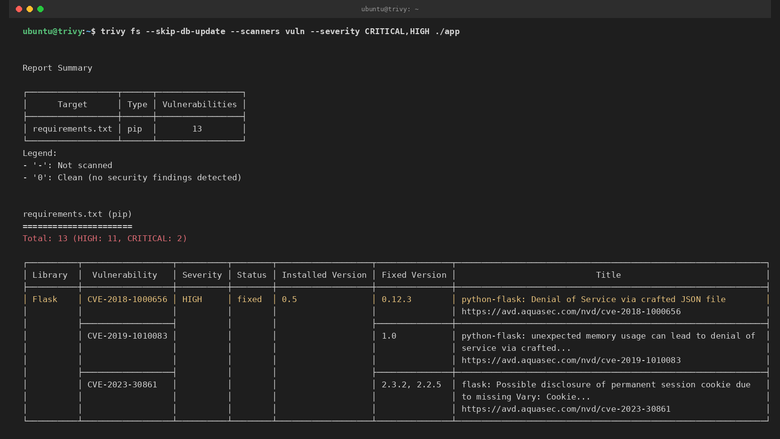
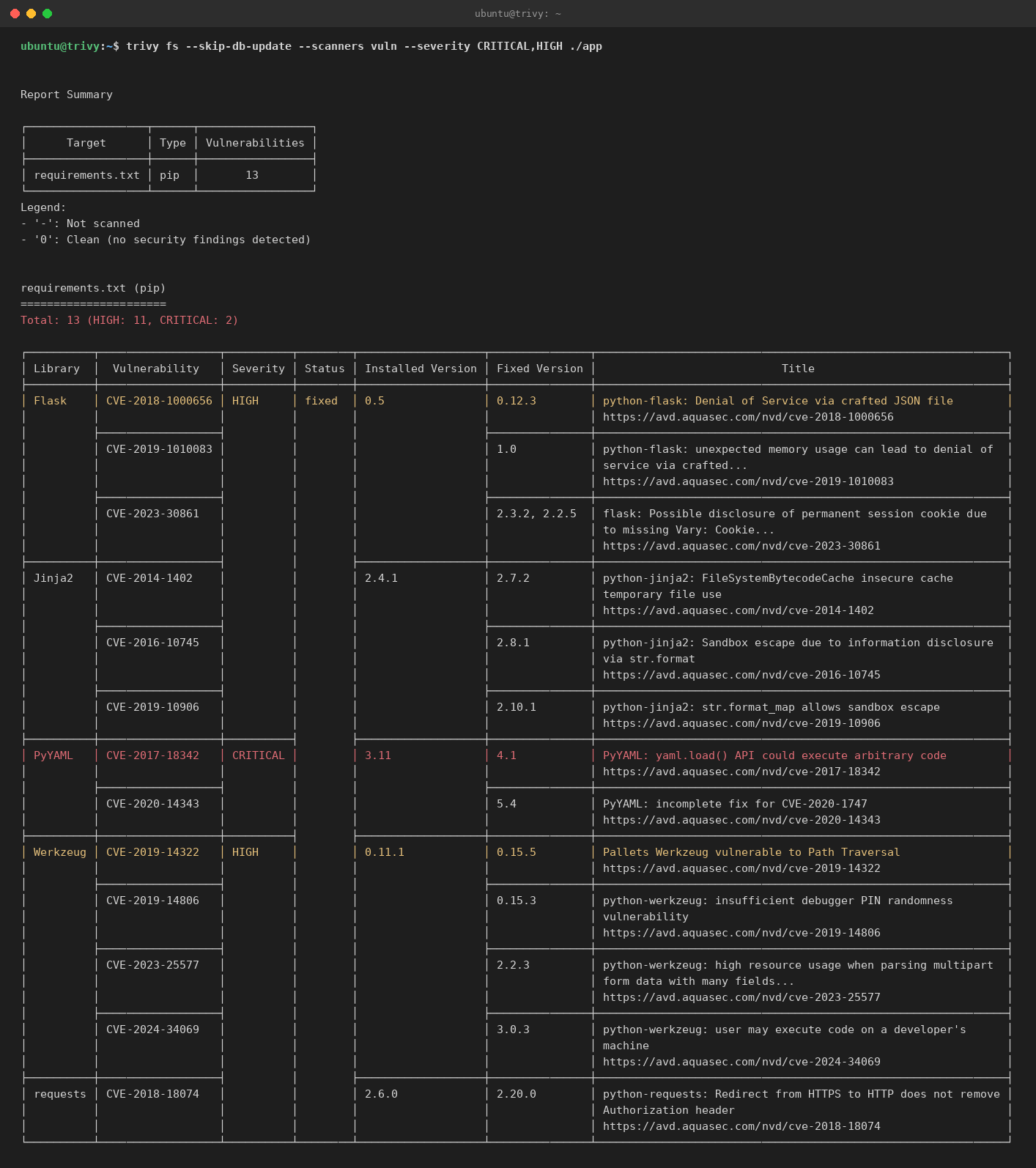
Real screenshots of this software running on the cloudimg image, taken while testing the deployment guide.
Description
This is a repackaged open source software product wherein additional charges apply for cloudimg support services.
## Overview
Trivy is the open source, Apache-2.0 licensed all-in-one security scanner from Aqua Security. It finds known vulnerabilities (CVEs) in operating system packages and language dependencies, detects infrastructure-as-code and Kubernetes misconfigurations, surfaces hard-coded secrets, and generates and scans software bills of materials (SBOMs). This AMI delivers Trivy fully installed and configured as a ready-to-use scanning workstation - SSH in and start scanning immediately with no setup required.
## Why Choose This AMI Over Self-Installation
Deploying Trivy from scratch requires installing the binary, downloading the multi-gigabyte vulnerability database, configuring cache paths, and verifying checksums. This AMI eliminates that entire workflow:
- Zero setup time - The trivy binary is pre-installed on the system path and verified against the official release checksum.
- Offline-ready - The full vulnerability database and Java index database are pre-downloaded, so your first scan returns results immediately with no network fetch.
- Dedicated data disk - The Trivy cache and database reside on an independently resizable EBS volume, keeping durable scan data separate from the OS disk.
- Environment pre-configured - Cache paths are exported to every login shell, and a login banner describes the layout and how to get started.
## All-In-One Security Scanning
- Scan container images and root filesystems for OS-package and language-dependency CVEs
- Scan local directories, Git repositories, and SBOM files
- Scan Terraform, CloudFormation, Kubernetes manifests, Helm charts, and Dockerfiles for misconfigurations
- Detect leaked secrets and API keys
- Generate CycloneDX and SPDX SBOMs
- One binary, one cache, every scan type
## Getting Started
1. Launch the AMI on your preferred EC2 instance type
2. Connect over SSH using your key pair
3. Run `trivy image
4. Review results immediately - the pre-loaded database means no download wait
5. Refresh the database at any time with `trivy image --download-db-only` or let Trivy auto-update on its normal schedule
## Security Practices
The Trivy binary is verified against the official release checksum during the AMI build process. The vulnerability database resides on a dedicated EBS data disk that supports AWS encryption at rest. SSH access uses key-based authentication. All scanning is performed locally on the instance - no scan data leaves your environment unless you explicitly configure external reporting.
## Use Cases
- Managed scanning bastion - Audit container images and hosts from a central, always-ready workstation
- CI runner image - Fail pull requests on critical CVEs or misconfigurations using Trivy exit codes
- Air-gapped scanning - Ship with the vulnerability database pre-loaded for environments without internet access
- Reproducible security tooling - Pinned, checksum-verified scanner in a consistent environment
## cloudimg Support
24/7 technical support by email and live chat covers scan configuration, severity gating and exit codes, ignore policies, SBOM generation, IaC and Kubernetes misconfiguration scanning, database refresh and air-gapped operation, and CI integration. Critical issues receive a one-hour average response.
## Next Steps
Contact support@cloudimg.co.uk to request a sample scan report, schedule a CI integration walkthrough, or ask any pre-purchase questions about the product.
All product and company names are trademarks or registered trademarks of their respective holders. Use of them does not imply any affiliation with or endorsement by them.
Key Features
- Pre-installed Trivy security scanner with offline vulnerability database eliminates all setup time. The binary is checksum-verified against the official Aqua Security release, and the full CVE database ships pre-loaded on a dedicated, independently resizable EBS data disk. Launch the instance, SSH in, and get scan results on your first command - no downloads, no configuration, no waiting.
- Dedicated data disk architecture separates the vulnerability database from the OS disk, ensuring durable storage that persists independently and resizes without rebuilding the instance. Unlike self-managed Trivy installations where the cache lives on ephemeral storage, this design guarantees your database survives reboots and instance stops while enabling offline scanning in air-gapped environments.
- Scan container images, filesystems, Git repos, Terraform, CloudFormation, Kubernetes manifests, Helm charts, Dockerfiles, and SBOMs from a single binary - with 24/7 technical support from cloudimg engineers. Get help with CI integration, severity gating, exit-code configuration, ignore policies, and air-gapped operation. Critical issues receive a one-hour average response.
Related Technologies
Related Products
KeePass Password Manager
KeePass is a free, open source password manager that stores all your passwords in a highly encrypted database. The datab...
Oracle Database 21c Enterprise Edition for AWS
Once your instance is running and has passed both status checks (2/2), connect using SSH:
MeshCentral - Remote Management Console
This image runs MeshCentral, the self-hosted remote device management and remote-desktop console.
Ollama GPU-Accelerated LLM Server
This image runs Ollama 0.30, the easiest way to run open large language models locally - pull and serve Llama, Mistral, ...
OpenBao Secrets Management Appliance
This image runs OpenBao, the open source, community driven secrets management platform. OpenBao is a Linux Foundation pr...

Vaultwarden Password Manager Server
Vaultwarden is a lightweight, Rust-based password manager server that is compatible with the Bitwarden clients.