
Vaultwarden Password Manager Server
Overview
Deploy a private, self-hosted password manager in under 5 minutes. Bitwarden-compatible, pre-hardened, and backed by 24/7 cloudimg support.
See it running
Real screenshots of this software running on the cloudimg image, taken while testing the deployment guide.
Description
This is a repackaged open source software product wherein additional charges apply for cloudimg support services.
## Private Password Management, Running in Minutes
Vaultwarden is a lightweight, Rust-based password manager server fully compatible with official Bitwarden desktop, mobile, CLI, and browser-extension clients. This AMI delivers Vaultwarden 1.36.0 compiled from source and fully configured so your team has a private, self-hosted credential vault running within minutes of launch - no manual compilation, no dependency chasing, no configuration guesswork.
## Who This Is For
This image is built for IT administrators and security engineers at small-to-midsize teams who need self-hosted credential management with full data sovereignty. Whether you are a 10-person startup consolidating shared passwords, a regulated firm requiring on-premises secret storage, or an MSP provisioning per-client vaults, this AMI eliminates the operational overhead of building and maintaining Vaultwarden from scratch.
## Application Stack
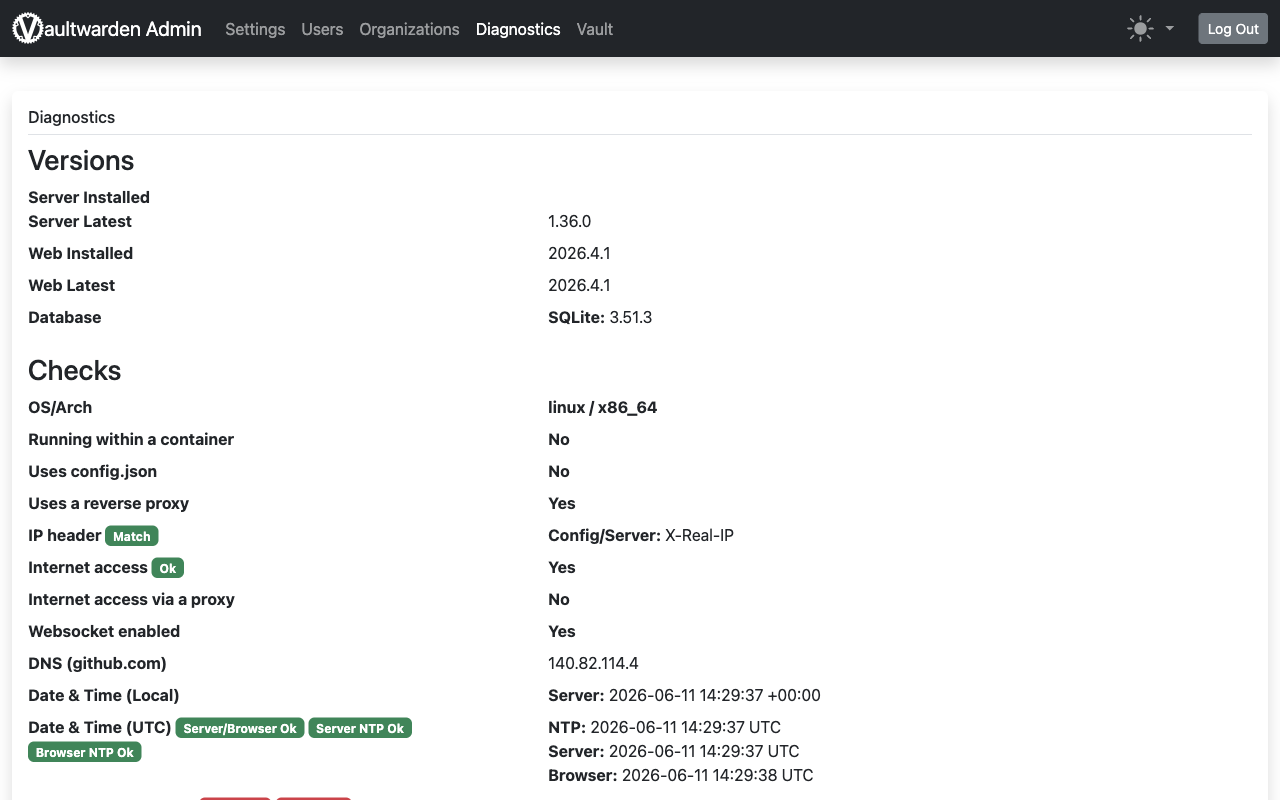
The Vaultwarden server, built from upstream Rust source against an embedded SQLite database, runs behind nginx as a reverse proxy. The server binds to the loopback interface while nginx serves the web-vault and upgrades the WebSocket notifications endpoint on port 80, ready for you to terminate TLS on port 443. The entire stack runs on a single instance with a minimal resource footprint.
## Secure By Default
On first boot, a one-shot service generates a fresh admin token unique to that instance, stores only its argon2id hash in the server configuration, and writes the plaintext token to a root-only file. The SQLite database ships empty - no users, vaults, or shared credentials are baked into the image. This means your instance starts at a zero-trust baseline without manual hardening steps.
## Ready To Use
1. Launch the AMI and allow inbound traffic on ports 80 and 443.
2. Retrieve the admin token from the root-only file on the instance.
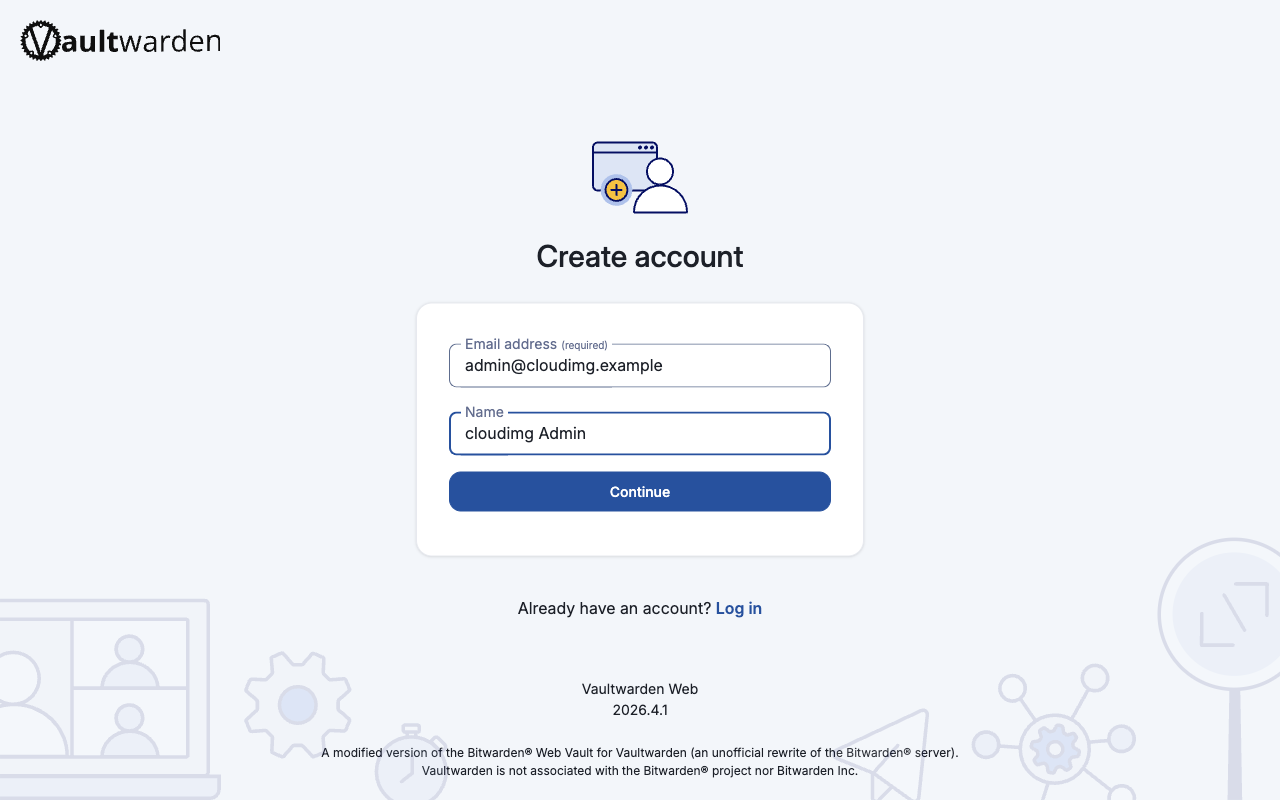
3. Browse to the web-vault, create your administrator account.
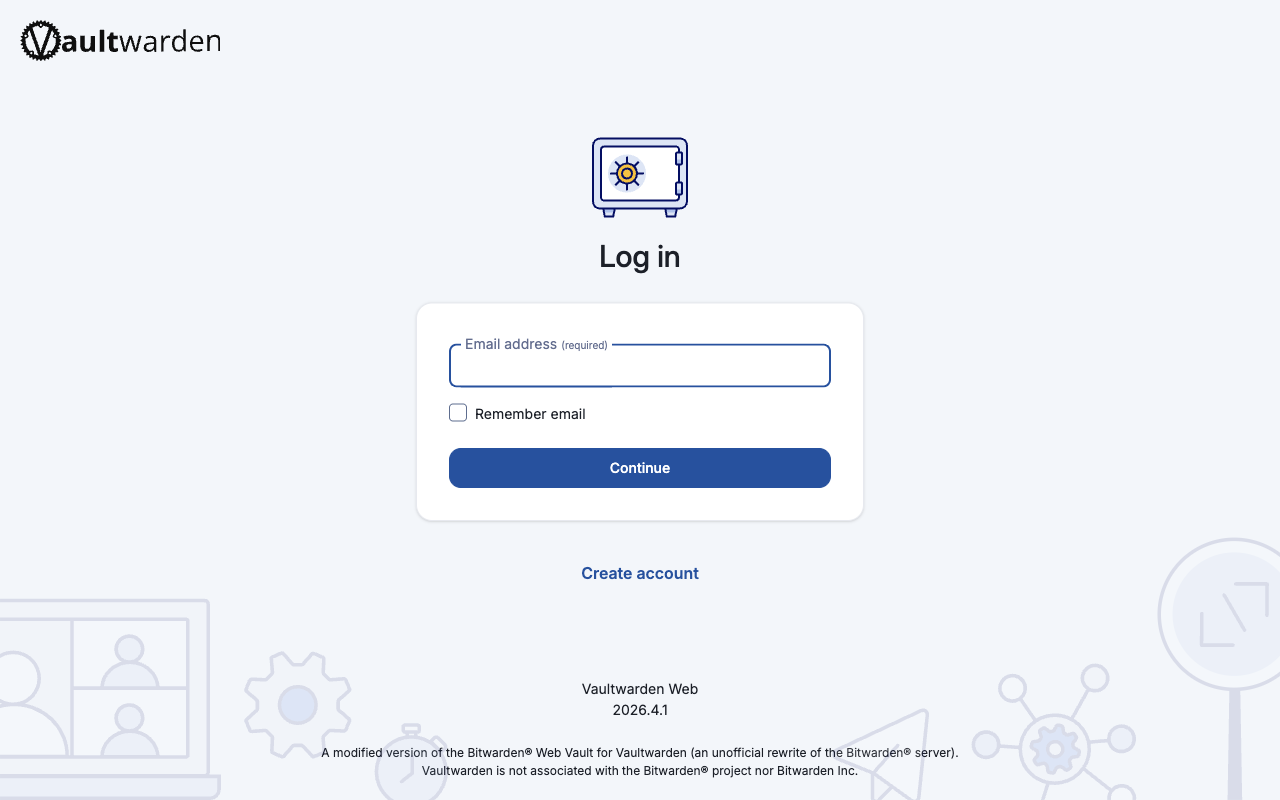
4. Install the Bitwarden client of your choice and point it at your server URL.
5. Use the admin diagnostics panel to invite users, manage organisations, and lock down open registration.
Compared to a manual Vaultwarden install, this image eliminates Rust toolchain setup, web-vault build steps, nginx configuration, and admin-token generation - saving hours of initial setup and reducing misconfiguration risk.
## Example Use Case
A 50-person remote engineering team needs to consolidate credentials currently scattered across browser password stores and shared spreadsheets. The team lead launches this AMI on a t3.small instance, terminates TLS with an AWS Application Load Balancer, and invites the team via the admin panel. Within a single afternoon, every engineer syncs credentials across desktop and mobile Bitwarden clients with full end-to-end encryption and no third-party cloud dependency.
## cloudimg Support
cloudimg provides 24/7 technical support by email and live chat. Our engineers assist with deployment, upgrades, TLS termination, backup configuration, and client onboarding. Critical issues receive a one-hour average response time. Support is included with your subscription - no separate ticket system or portal required.
## Get Started
Launch the AMI, follow the steps above, and reach out to cloudimg support if you need assistance with TLS setup or scaling guidance. A deployment quick-start guide and TLS termination walkthrough are available upon request from the support team.
Vaultwarden and Bitwarden are trademarks of their respective owners. All product and company names are trademarks or registered trademarks of their respective holders. Use of them does not imply any affiliation with or endorsement by them.
Key Features
- Deploy a private password manager in minutes, not hours. This AMI eliminates Rust toolchain setup, web-vault compilation, nginx configuration, and admin-token generation that a manual install requires. Vaultwarden 1.36.0 is compiled from source and pre-configured with the official web-vault and nginx reverse proxy, fully compatible with all Bitwarden desktop, mobile, CLI, and browser-extension clients out of the box.
- Zero-trust security posture from first boot without manual hardening. A unique admin token is auto-generated per instance and stored only as an argon2id hash - the plaintext is written to a root-only file accessible solely by the instance owner. The SQLite database ships completely empty with no baked-in users or credentials, so your instance starts clean with no attack surface from prior data.
- 24/7 technical support from cloudimg with a one-hour average response for critical issues. Engineers assist with deployment, upgrades, TLS termination, backup configuration, and client onboarding - covering the operational tasks that differentiate a supported AMI from running unsupported open-source software on your own.