MeshCentral - Remote Management Console
Overview
MeshCentral is a self-hosted remote management console: install a small agent on your Windows, macOS and Linux devices and remote-control, patch and monitor them from your browser, preinstalled and running behind nginx and ready within minutes of launch. A unique admin account is generated on first boot. Backed by 24/7 cloudimg support.
See it running
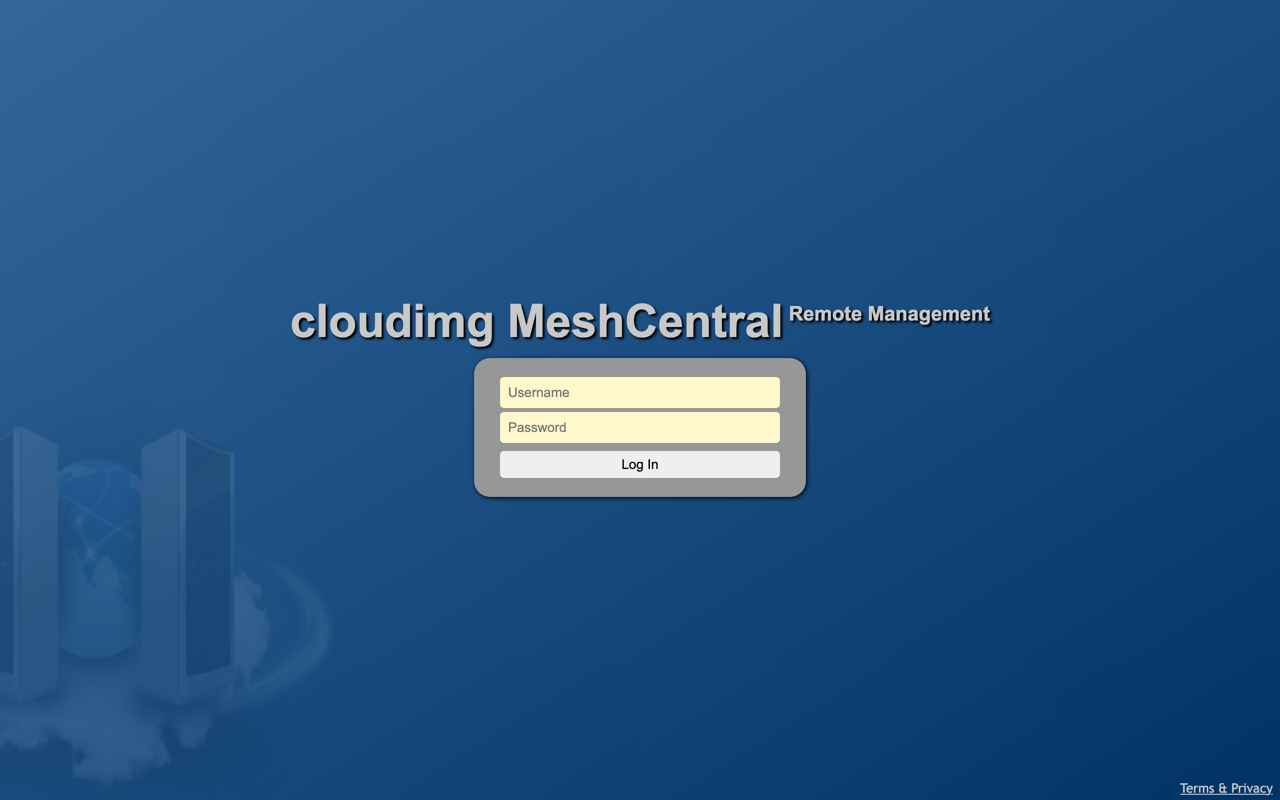
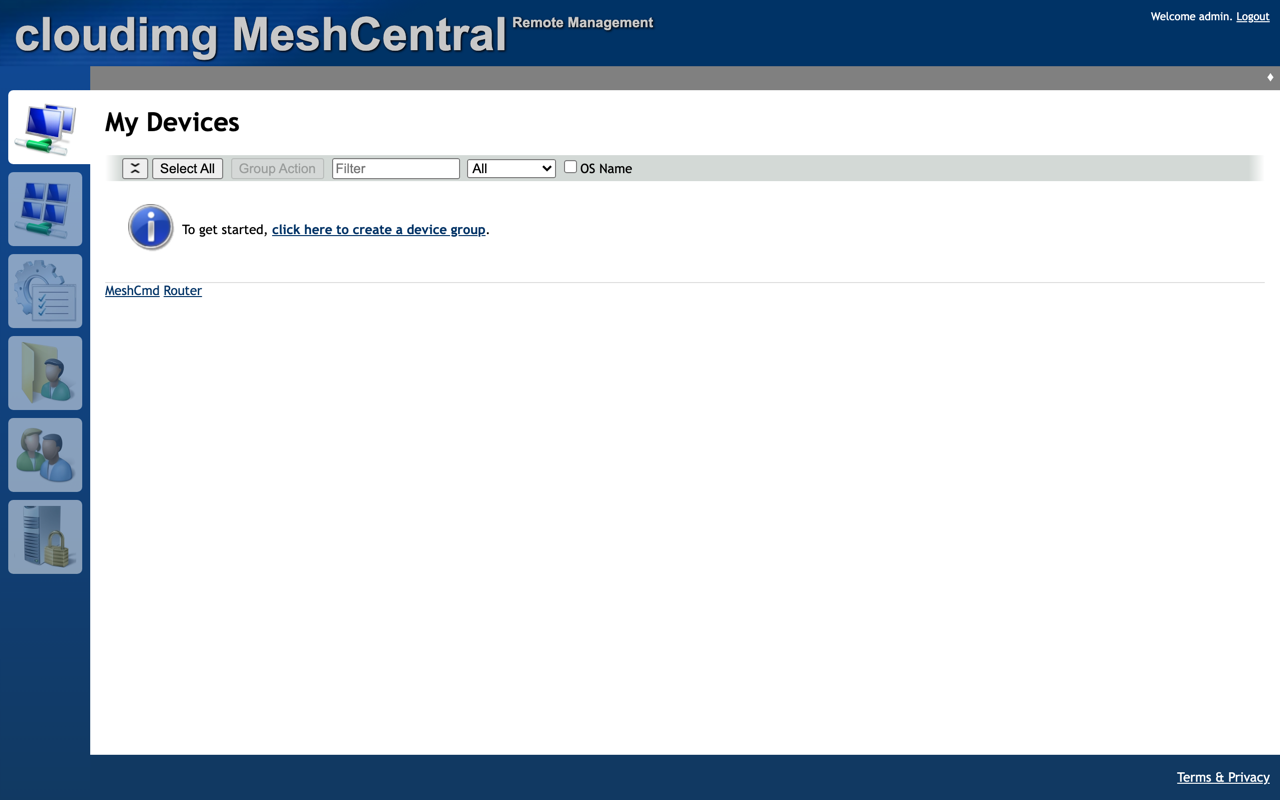
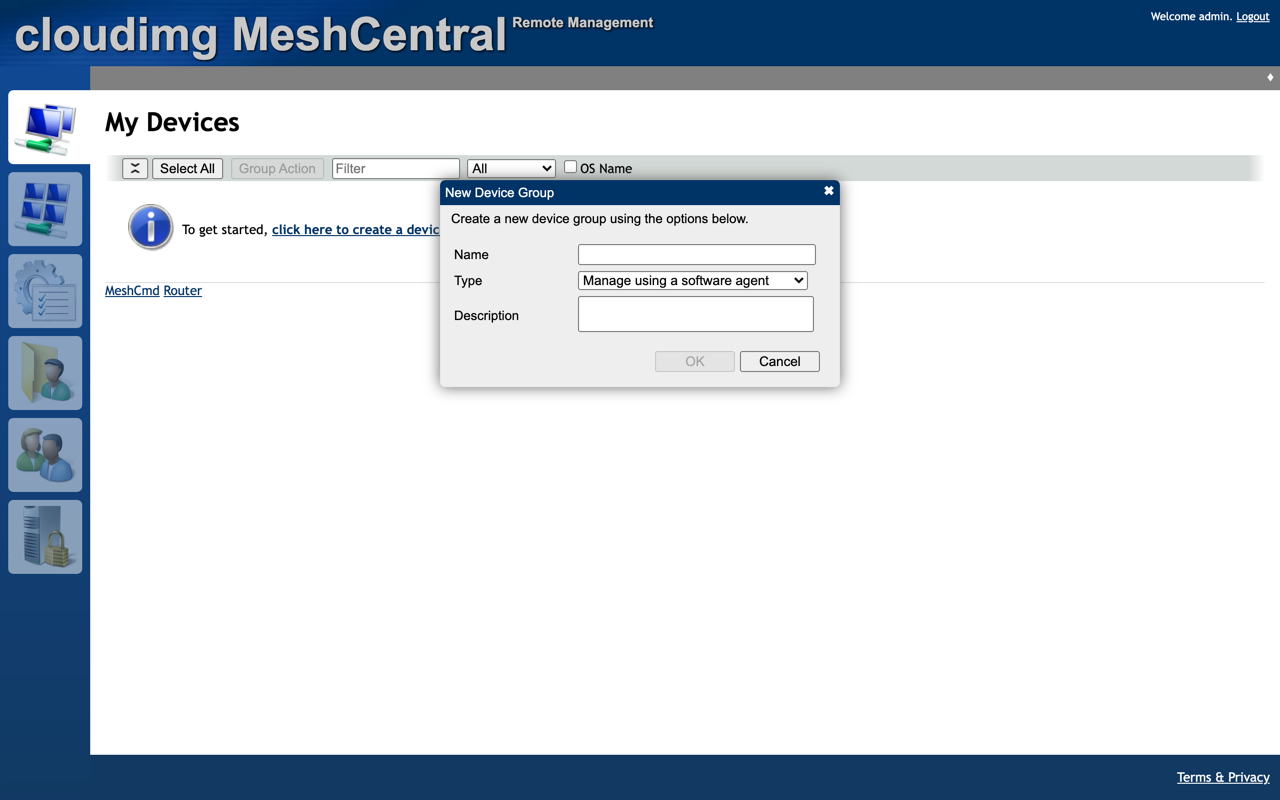
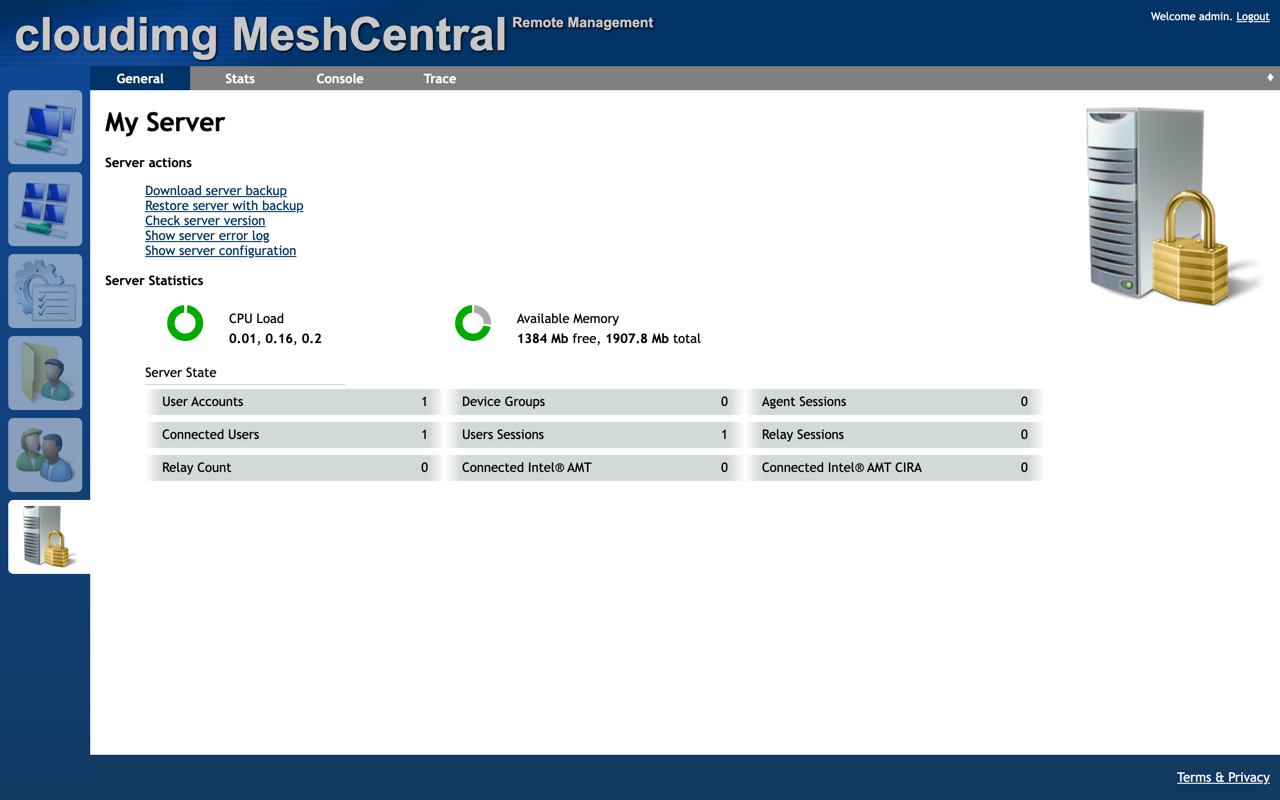
Real screenshots of this software running on the cloudimg image, taken while testing the deployment guide.
Description
This is a repackaged open source software product wherein additional charges apply for cloudimg support services.
Overview
MeshCentral is a self-hosted remote device management and remote-desktop console - an open-source alternative to hosted remote-support and RMM tools. Install a small agent on your Windows, macOS and Linux devices and they appear in a central web console where you can take remote-desktop control, open a terminal, transfer files, view hardware and power state, and run management tasks - all from your own server, over your own network. This image delivers MeshCentral fully installed and running behind an nginx reverse proxy, so a management console is serving within minutes of launch. The current release available is MeshCentral 1.2.1.
Application Stack
MeshCentral is installed natively with Node.js and runs under a dedicated service account bound to the loopback interface, fronted by nginx over HTTPS with the WebSocket upgrade its console and agent tunnels require already configured. The service starts on boot and restarts on failure. MeshCentral's configuration, its embedded database of users, device groups and nodes, and its generated certificates live on a dedicated data disk so they are independently resizable and separate from the operating system disk.
Manage Your Devices From One Console
Group devices into device groups and install the MeshCentral agent from the console with a per-group installer or one-line command. Take full remote-desktop control, open a remote terminal, browse and transfer files, and see live hardware, session and power state. Wake, reboot and shut down machines, run commands across groups, and keep an event and audit history. Role-based access lets you invite users and scope what each can see and do, and self-signup is disabled by default so only accounts you create can sign in.
Secure First Boot
On the first boot of your instance a one-shot service generates a fresh administrator account with a password unique to that instance, grants it site-administrator rights, and records the credentials in a file only the root user can read. MeshCentral also generates its own server and agent certificates fresh for that instance. No shared or default credentials and no reused certificates ship in the image.
Ready To Use
Open the web UI in your browser, read the generated password, sign in as the administrator, create a device group and install the agent on your first device. A built-in health endpoint answers on the reverse proxy for load-balancer and uptime checks. The database and certificates live on a dedicated, independently resizable data disk. For production, point a real domain at the instance and put HTTPS in front with your own certificate.
cloudimg Support
24/7 technical support by email and chat. Help with deployment, domain and HTTPS/reverse-proxy configuration, agent rollout, device-group and access-control design, storage and upgrade planning.
Use Cases
Remote support and help-desk for a fleet of workstations. Self-hosted remote access to servers and lab machines. Basic remote monitoring and management for managed-service providers who want to keep data on their own infrastructure. A private, auditable alternative to third-party remote-control tools.
All product and company names are trademarks or registered trademarks of their respective holders. Use of them does not imply any affiliation with or endorsement by them.
Key Features
- Self-hosted remote management console - install the agent on your Windows, macOS and Linux devices and remote-control, patch and monitor them from your browser, preinstalled behind nginx and ready within minutes of launch
- Runs natively under Node.js on loopback fronted by nginx with the WebSocket upgrade its console and agent tunnels need, with its database and certificates on a dedicated independently resizable data disk
- Hardened first boot generates a fresh site-administrator account with a unique password and fresh certificates for every instance, stored in a root-only file, with self-signup disabled and 24/7 cloudimg support
Related Technologies
Related Products
KeePass Password Manager
KeePass is a free, open source password manager that stores all your passwords in a highly encrypted database. The datab...
Oracle Database 21c Enterprise Edition for AWS
Once your instance is running and has passed both status checks (2/2), connect using SSH:
Ollama GPU-Accelerated LLM Server
This image runs Ollama 0.30, the easiest way to run open large language models locally - pull and serve Llama, Mistral, ...
OpenBao Secrets Management Appliance
This image runs OpenBao, the open source, community driven secrets management platform. OpenBao is a Linux Foundation pr...
Trivy Security Scanner
This image runs Trivy, the open source, Apache-2.0 licensed all-in-one security scanner from Aqua Security.

Vaultwarden Password Manager Server
Vaultwarden is a lightweight, Rust-based password manager server that is compatible with the Bitwarden clients.