OpenBao Secrets Management Appliance
Overview
Eliminate hardcoded secrets with OpenBao - a ready-to-run secrets manager that initializes, unseals, and serves requests in minutes with zero manual setup. Backed by 24/7 cloudimg support.
See it running
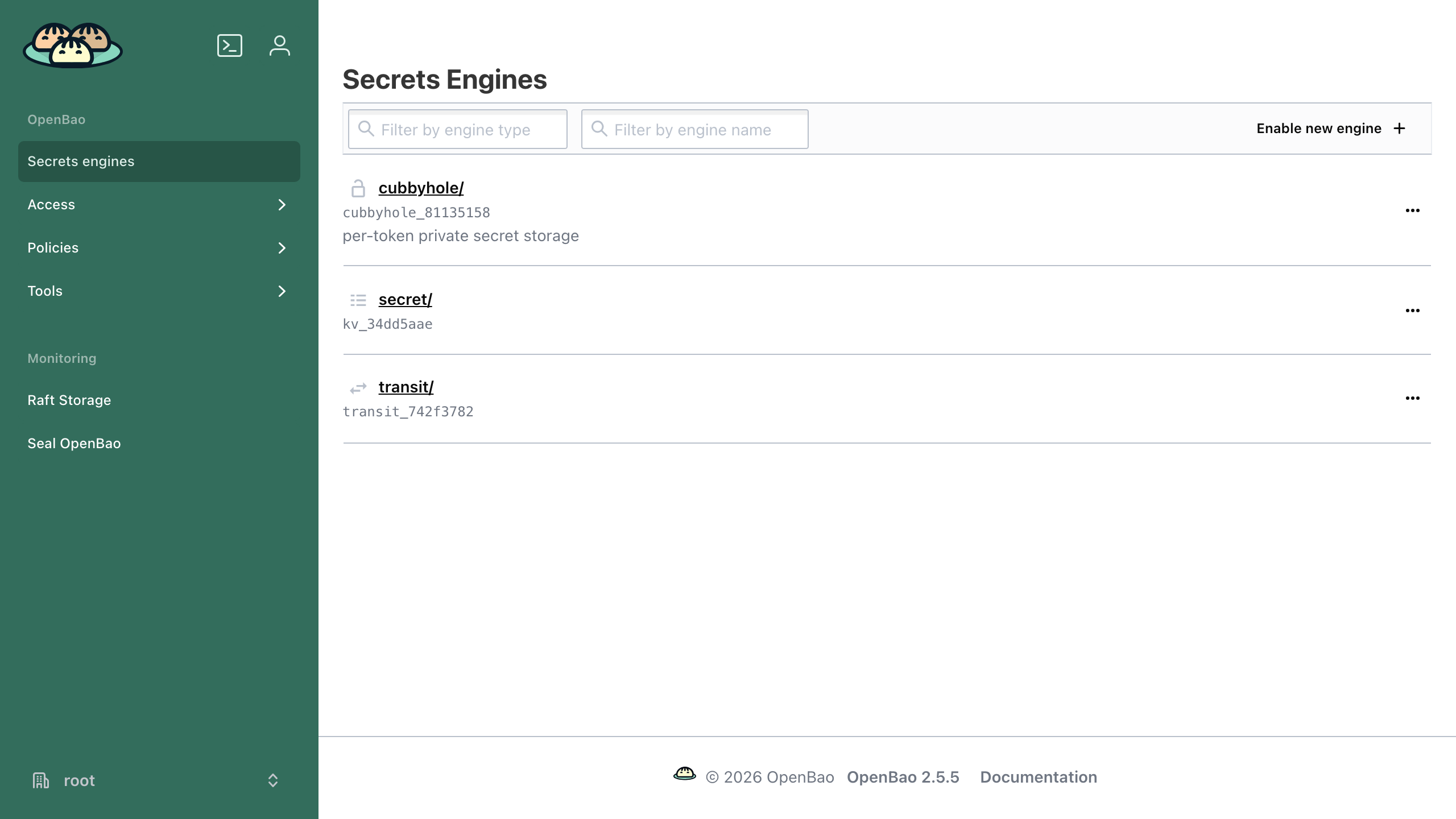
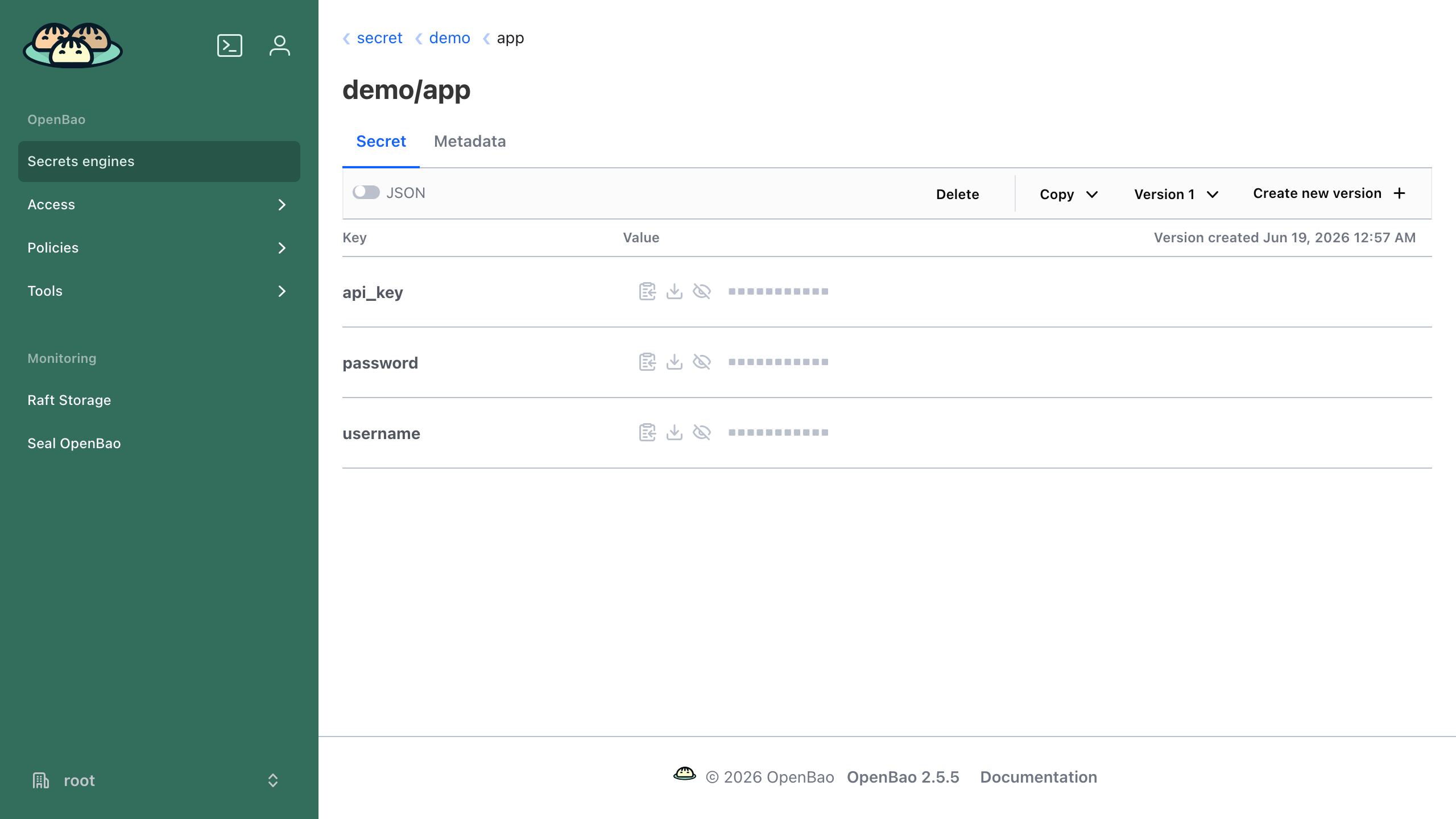
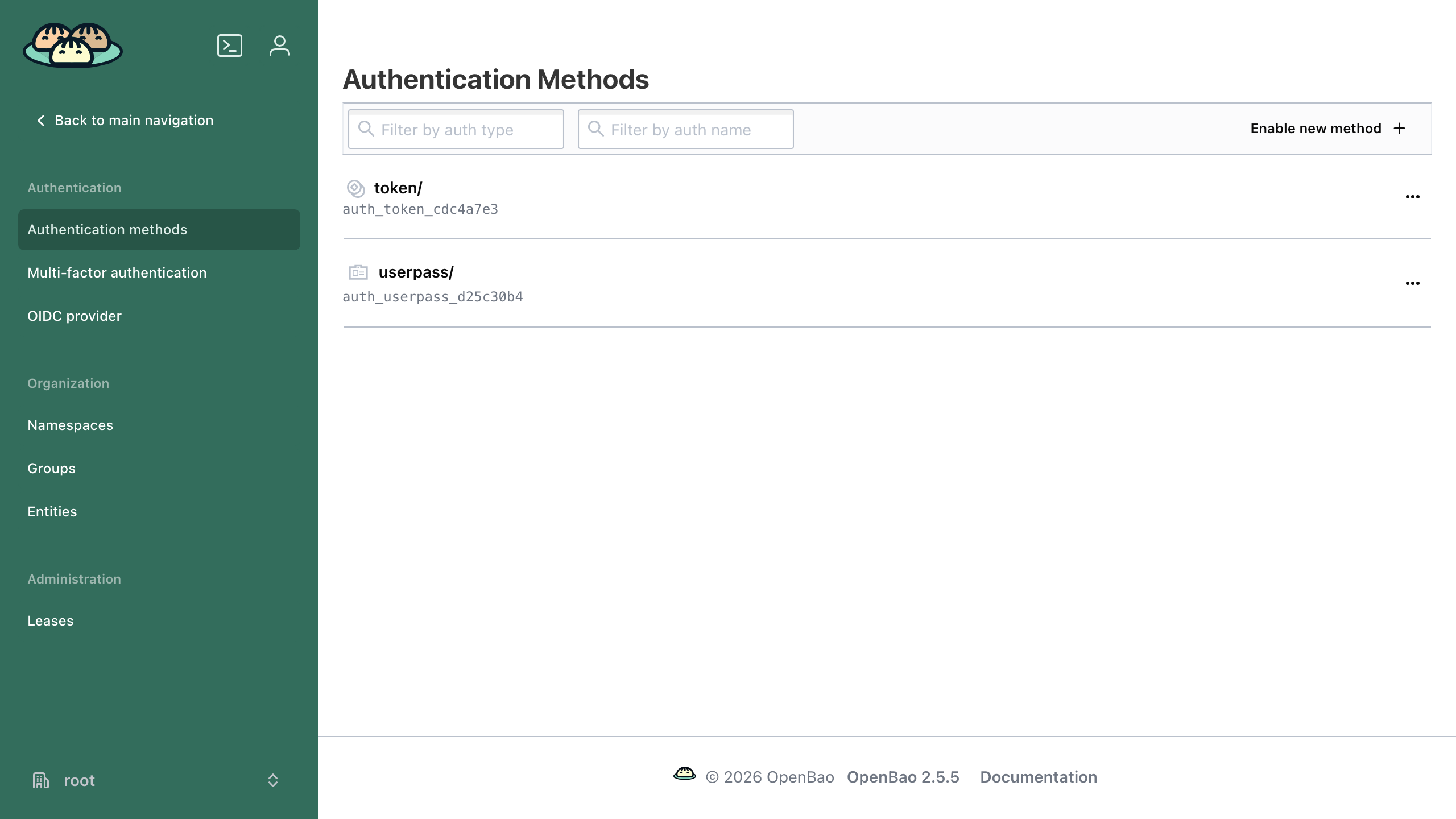
Real screenshots of this software running on the cloudimg image, taken while testing the deployment guide.
Description
This is a repackaged open source software product wherein additional charges apply for cloudimg support services.
## Overview
OpenBao is an open source, community-driven secrets management platform: a Linux Foundation project and the MPL-2.0 licensed fork of Vault. It centrally stores, accesses, and tightly controls access to tokens, passwords, certificates, API keys, and other secrets, and provides encryption as a service so applications never have to handle raw keys. This image delivers OpenBao fully installed and configured as a system service backed by integrated raft storage, so a working secrets engine is running within minutes of launch.
## Application Stack
- Single static `bao` server binary installed under /usr/local/bin, run by a dedicated unprivileged service account
- Encrypted secret store on integrated raft storage on a dedicated data disk, independently resizable
- A systemd service that starts the server on boot, initializes it on first boot, and automatically unseals it after a reboot
- Built-in web UI and the full HTTP API published on port 8200
## Secrets Management
Enable secrets engines for key/value secrets, dynamic database credentials, PKI certificate issuance, SSH, transit encryption as a service, and more. Authenticate with tokens, AppRole, userpass, JWT/OIDC, or cloud auth methods, and govern every path with fine-grained policies. Drive everything from the web UI, the `bao` CLI, or the HTTP API.
## Secure First Boot
On the first boot of your instance a one-shot service initializes the store, captures the single unseal key and the initial root token unique to that instance, unseals the server, and writes both to a root-only file. No shared or default credentials, no pre-initialized store, and no preset unseal key ship in the image.
## Auto Unseal Across Reboots
A dedicated service re-unseals the server automatically after every reboot so the appliance returns to a healthy, ready state unattended. The included user guide documents switching to AWS KMS auto-unseal and enabling TLS for production deployments.
## Concrete Use Case: Dynamic Database Credentials in CI/CD
A platform team running GitHub Actions or GitLab CI pipelines enables the database secrets engine to issue short-lived PostgreSQL credentials per job. Each pipeline step requests a unique credential scoped to the exact tables it needs, and the credential is automatically revoked when the lease expires. This eliminates long-lived database passwords stored in environment variables and reduces blast radius if a pipeline is compromised - ideal for teams managing dozens to hundreds of microservices.
## cloudimg Support
24/7 technical support by email and live chat. Our engineers help with deployment, secrets engine and auth method configuration, policies, PKI, transit encryption, AWS KMS auto-unseal, TLS, raft storage, and backup. Critical issues receive a one-hour average response.
## Additional Use Cases
- A central secrets store for applications and CI/CD pipelines
- Dynamic, short-lived database and cloud credentials
- PKI and internal certificate authority
- Encryption as a service via the transit engine
- A drop-in open source alternative to Vault for teams that need an MPL-2.0 licence
## Getting Started
Launch the AMI, wait for the systemd initialization to complete, then access the web UI at https://your-instance-ip:8200. Retrieve your unique root token from the root-only file documented in the user guide and begin configuring secrets engines and auth methods immediately. Consult the included user guide for production hardening steps including AWS KMS auto-unseal and TLS termination.
All product and company names are trademarks or registered trademarks of their respective holders. Use of them does not imply any affiliation with or endorsement by them.
Key Features
- OpenBao secrets management and encryption as a service, fully installed and running as a systemd service within minutes of launch. Built-in web UI and HTTP API on port 8200 over integrated raft storage on a dedicated, independently resizable data disk. Zero manual setup required - just launch the instance and start managing secrets immediately.
- Hardened security from first boot: the appliance initializes the store and generates a unique root token and unseal key per instance, written to a root-only file. No shared credentials, no pre-initialized store, and no preset keys ship in the image. A dedicated systemd service automatically re-unseals the server after every reboot so the appliance returns to a ready state unattended.
- Linux Foundation MPL-2.0 open source fork of Vault with a documented production path including AWS KMS auto-unseal and TLS termination. Backed by 24/7 cloudimg technical support with one-hour average response for critical issues. An ideal drop-in alternative for teams needing an open source secrets manager with enterprise-grade support.
Related Technologies
Related Products
KeePass Password Manager
KeePass is a free, open source password manager that stores all your passwords in a highly encrypted database. The datab...
Oracle Database 21c Enterprise Edition for AWS
Once your instance is running and has passed both status checks (2/2), connect using SSH:
MeshCentral - Remote Management Console
This image runs MeshCentral, the self-hosted remote device management and remote-desktop console.
Ollama GPU-Accelerated LLM Server
This image runs Ollama 0.30, the easiest way to run open large language models locally - pull and serve Llama, Mistral, ...
Trivy Security Scanner
This image runs Trivy, the open source, Apache-2.0 licensed all-in-one security scanner from Aqua Security.

Vaultwarden Password Manager Server
Vaultwarden is a lightweight, Rust-based password manager server that is compatible with the Bitwarden clients.