
TimescaleDB
Overview
TimescaleDB pre-configured on PostgreSQL with up to 95% columnar compression and millisecond queries on billions of rows. Backed by 24/7 cloudimg support.
See it running
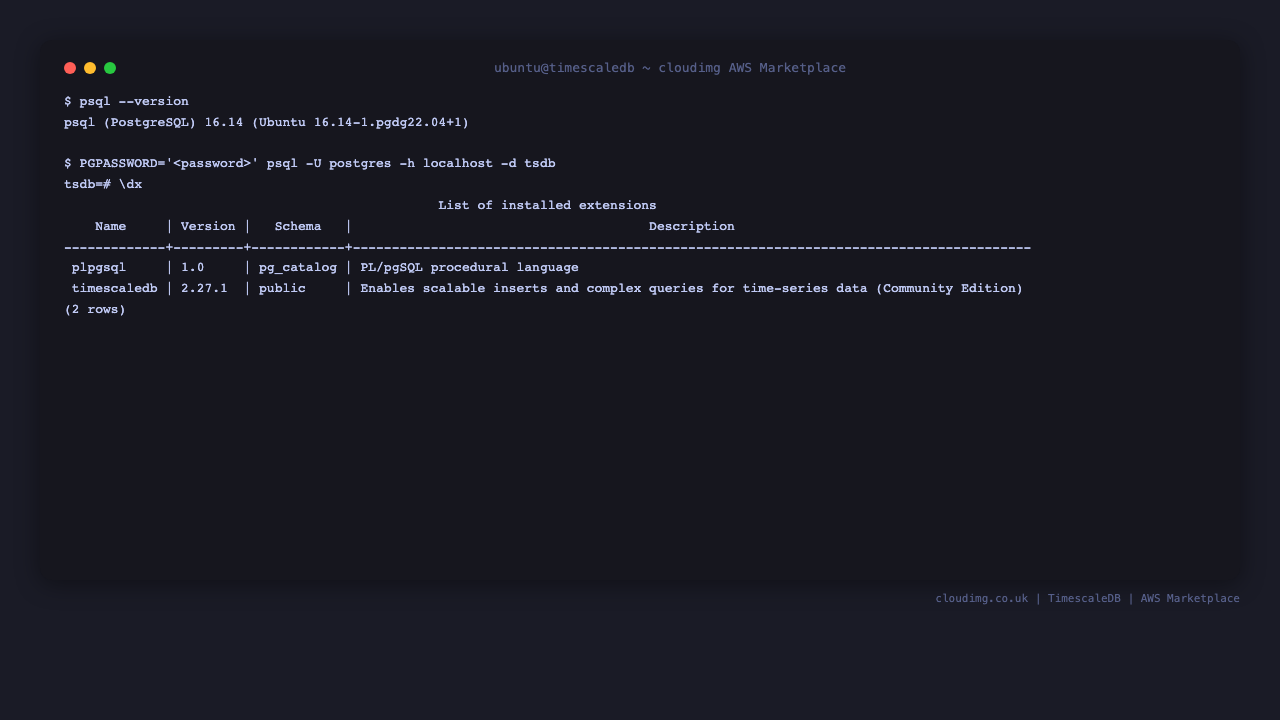
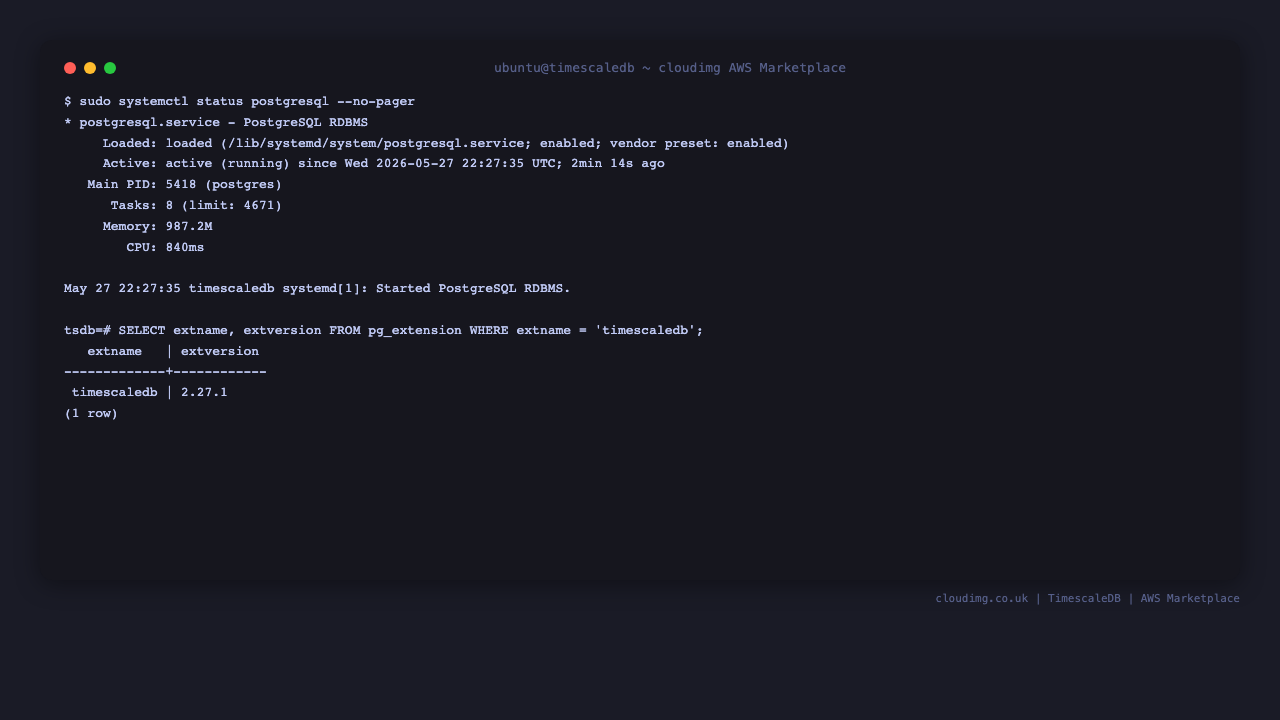
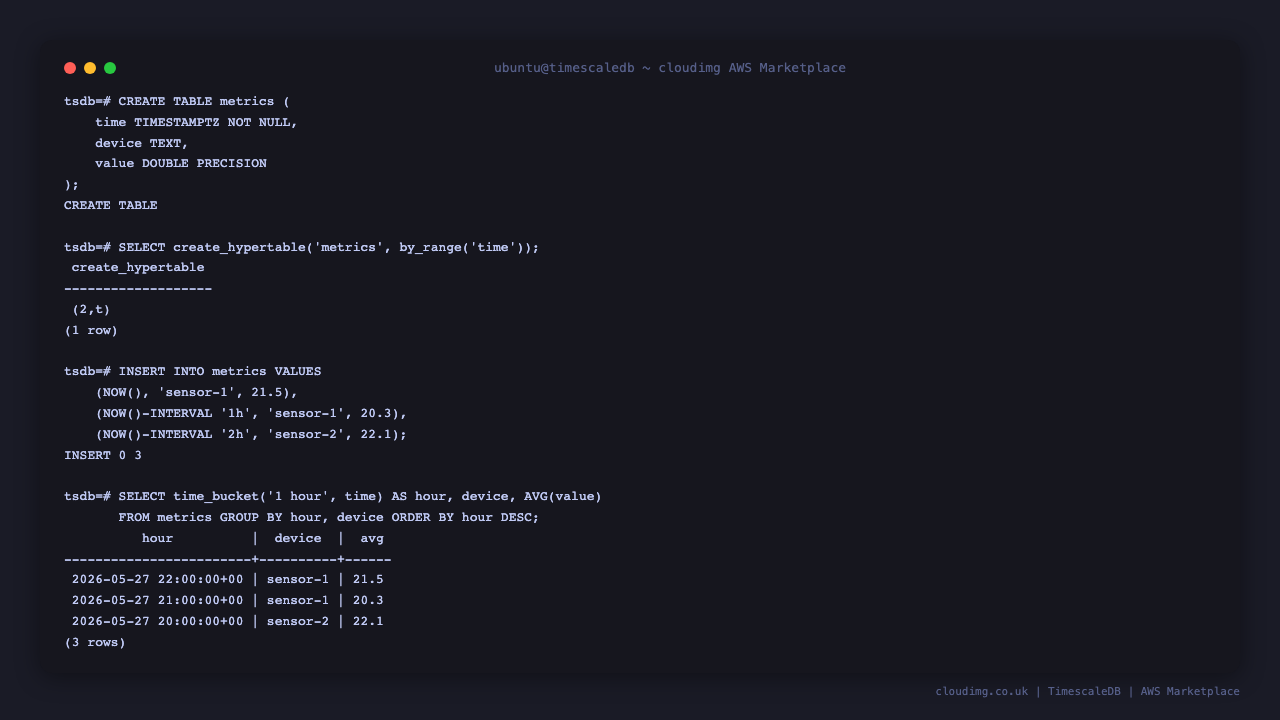
Real screenshots of this software running on the cloudimg image, taken while testing the deployment guide.
Description
This is a repackaged open source software product wherein additional charges apply for cloudimg support services.
## TimescaleDB - Production-Ready Time-Series Database on PostgreSQL
TimescaleDB is the open-source time-series SQL extension for PostgreSQL, letting you write standard SQL queries against billions of rows and get millisecond response times. This AMI delivers TimescaleDB fully installed, tuned, and secured on top of PostgreSQL so a production-ready time-series database is running within minutes of launch.
## Why This AMI Over Alternatives
Compared to installing from packages yourself, this image eliminates manual configuration steps - timescaledb-tune has already calibrated shared_buffers and work_mem to your instance's available RAM, the extension is loaded, and database files sit on a dedicated, independently resizable data disk. Unlike managed time-series services, you retain full control of your data on your own EC2 instance with no vendor lock-in and no cloud-hosting license restrictions (Community edition, Apache 2.0 only). And unlike competing time-series engines, TimescaleDB gives you full SQL compatibility and the entire PostgreSQL ecosystem of tools, extensions, and connectors.
## Database Stack
- PostgreSQL with the TimescaleDB extension running as a systemd service
- Installed from the official PGDG APT repository for PostgreSQL and the Timescale Community packagecloud repository for the extension
- Community edition (Apache 2.0) only - no Timescale License cloud-hosting restrictions
- timescaledb-tune pre-applied to calibrate memory settings to the instance's available RAM
- Database files stored on a dedicated, independently resizable data disk
## Security and Hardening
Per-Instance Credential Generation: On first boot, a one-shot service generates a fresh PostgreSQL superuser password unique to that instance and writes it to /root/timescaledb-credentials.txt (readable only by root). No shared or default credentials ship in the image.
Network Considerations: We recommend configuring your AWS Security Group to restrict PostgreSQL port access (5432) to trusted IP ranges only. Enable EBS encryption on the data volume for encryption at rest, and configure PostgreSQL SSL settings for encryption in transit.
## Getting Started
1. Launch the AMI on your chosen instance type (recommended: r-series or m-series for memory-intensive workloads)
2. SSH into the instance and retrieve credentials from /root/timescaledb-credentials.txt
3. Connect to PostgreSQL using the generated credentials
4. Create your first hypertable and begin inserting time-series data
5. Configure continuous aggregates and compression policies for your workload
## Key Features Ready to Use
- Hypertables - Automatically partition time-series data into chunks for fast inserts and queries
- Continuous Aggregates - Pre-compute common rollups to accelerate dashboards and reporting
- Native Columnar Compression - Reduce storage by up to 95 percent without sacrificing query speed
- Time-Bucket Queries - Aggregate data across flexible time intervals using standard SQL
## Use Cases
- IoT telemetry storage and analytics
- Application performance monitoring
- Financial tick data
- Energy meter readings
- Sensor fusion pipelines
- Observability back ends
## About cloudimg
cloudimg provides expertly packaged open-source database AMIs with 24/7 professional support. Our engineers specialize in TimescaleDB deployment, hypertable design, continuous aggregates, compression policies, replication, and database administration.
## Next Steps
Reach out to our team for a free hypertable design consultation to discuss your time-series architecture before or after deployment. Our engineers can help you plan partitioning strategies, compression policies, and retention rules tailored to your workload.
All product and company names are trademarks or registered trademarks of their respective holders. Use of them does not imply any affiliation with or endorsement by them.
Key Features
- TimescaleDB and PostgreSQL preinstalled and ready with hypertables, continuous aggregates and columnar compression configured, and no manual setup required
- Hardened first boot generates a fresh PostgreSQL superuser password for every instance and stores it in a file only the root user can read, so no shared credentials ever ship in the image
- 24/7 technical support from cloudimg with expert assistance for TimescaleDB hypertable design, compression policies, continuous aggregates and database administration
Related Technologies
Related Products

Apache Cassandra NoSQL Database
This image runs Apache Cassandra, the open source distributed NoSQL database built for scalability and high availability...

Apache CouchDB NoSQL Database
This image runs Apache CouchDB, the open source document oriented NoSQL database, on a single node.
Chroma Vector Database for AI
This image runs Chroma 1.5, the open source vector database for AI - store embeddings and run fast similarity search for...

ClickHouse Analytics Database
This image runs ClickHouse, the open source column oriented analytics database, on a single node.
Apache Cassandra NoSQL Database
Once your instance is running and has passed both status checks (2/2), connect using SSH:

Elasticsearch Single-Node Search and Analytics
This image runs Elasticsearch 8.x, the open source distributed search and analytics engine, fully installed and configur...