Base
Hardened build
minimal ports, security patches applied at build time

Tinyauth, the lightweight open source authentication gateway: add a login screen and single sign on in front of the apps you run behind a reverse proxy.
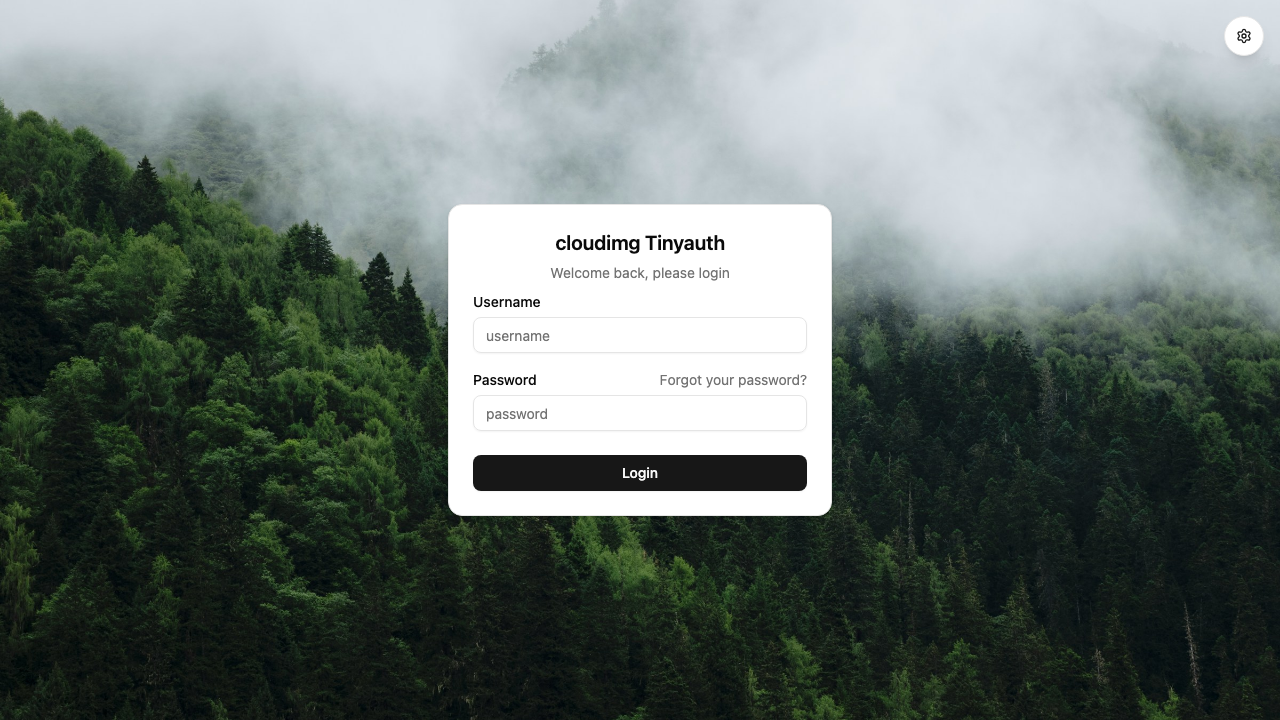
Tinyauth is an open source authentication gateway, the simplest way to put a login screen in front of the self hosted apps you run behind a reverse proxy. Instead of every app needing its own accounts, you place Tinyauth in front of them: a protected route asks Tinyauth whether the visitor is signed in, and if not they are sent to a single, clean login portal. Once authenticated they are allowed through, and the same session covers every app Tinyauth protects.
Authentication is flexible: local username and password users stored as bcrypt hashes, OAuth and OIDC providers such as Google, GitHub and generic OIDC, LDAP, TOTP two factor, and per app access control rules. The session store is a local SQLite database, so nothing external is required to start protecting apps.
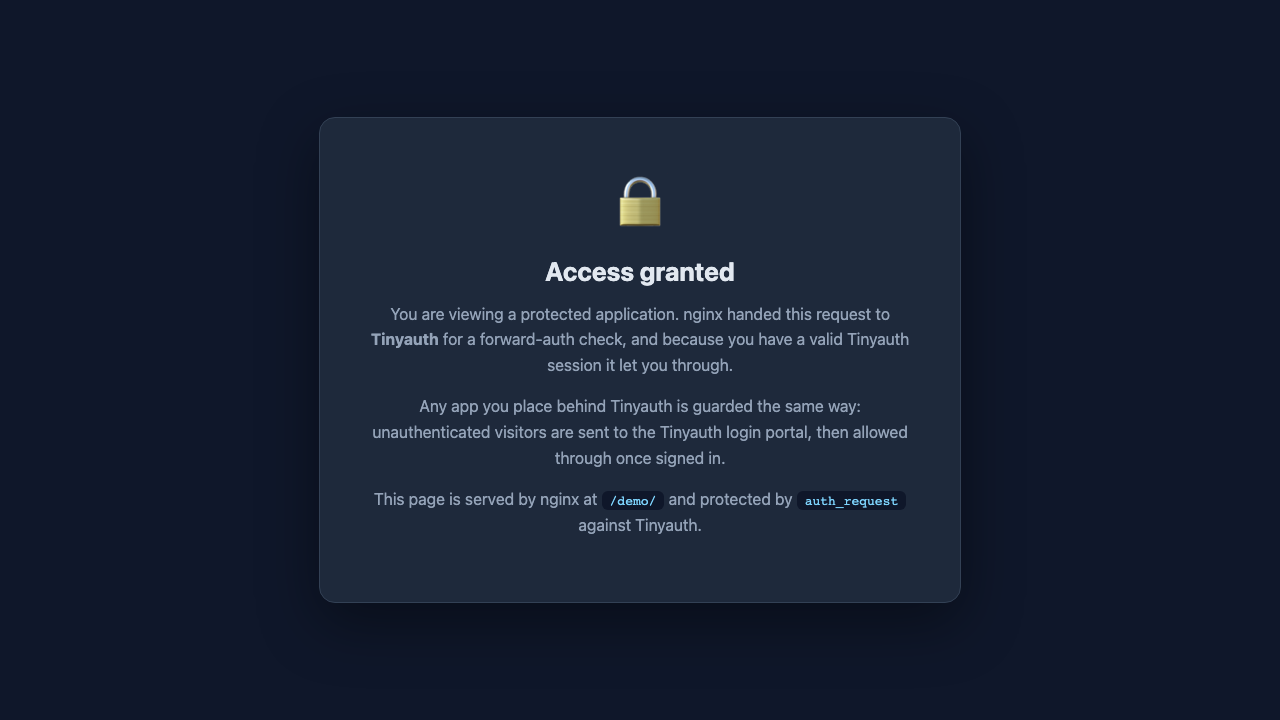
cloudimg ships Tinyauth hardened, fully patched and secure by default. Because Tinyauth is itself the thing that guards your other apps, the image is built to carry no usable credential: it contains zero configured users and the service is held back until first boot, when every instance generates its own admin password, hashes it with bcrypt and stores it in a root only file. Tinyauth binds to loopback only behind an nginx reverse proxy that terminates TLS with a per instance certificate and redirects plain HTTP to HTTPS, session cookies are marked secure, and a protected demo route is included so you can watch the auth gate work the moment the instance boots. No shared or default login survives into the image, and 24/7 cloudimg support backs it.
Real screenshots taken while testing this image against its deployment guide.

2FAuth is a free, open source, self hosted web app for managing your two factor authentication accounts.
The image installs acme-dns 2.0.2 from the official upstream release (github.com/acme-dns/acme-dns, the project formerly...

Mail sent to an alias is forwarded to your real inbox, and you can reply from the alias so the other side never learns w...

AliasVault is an open source, end to end encrypted password manager combined with a private email alias service that you...

This image runs Apache SpamAssassin, the long established open source anti spam platform, fully configured and security ...

Apache Syncope is an open source identity management and identity governance platform.