Base
Hardened build
minimal ports, security patches applied at build time

self hosted product information management for your catalog
UnoPim is an open source product information management platform. It centralises product data, attributes, attribute families and categories in one admin panel, with role based access control, CSV and XLSX import and export, multi locale and multi channel content, and a REST API for syndicating clean catalog data to storefronts, marketplaces and other channels.
cloudimg ships UnoPim preinstalled on nginx, PHP 8.3 and MySQL with the database migrated and the admin assets built. A fresh application key, database password, administrator login and self signed TLS certificate are generated on first boot, unique to every instance. Application code and the database sit on separate, independently resizable data volumes, and every image comes with 24/7 cloudimg support.
Real screenshots taken while testing this image against its deployment guide.
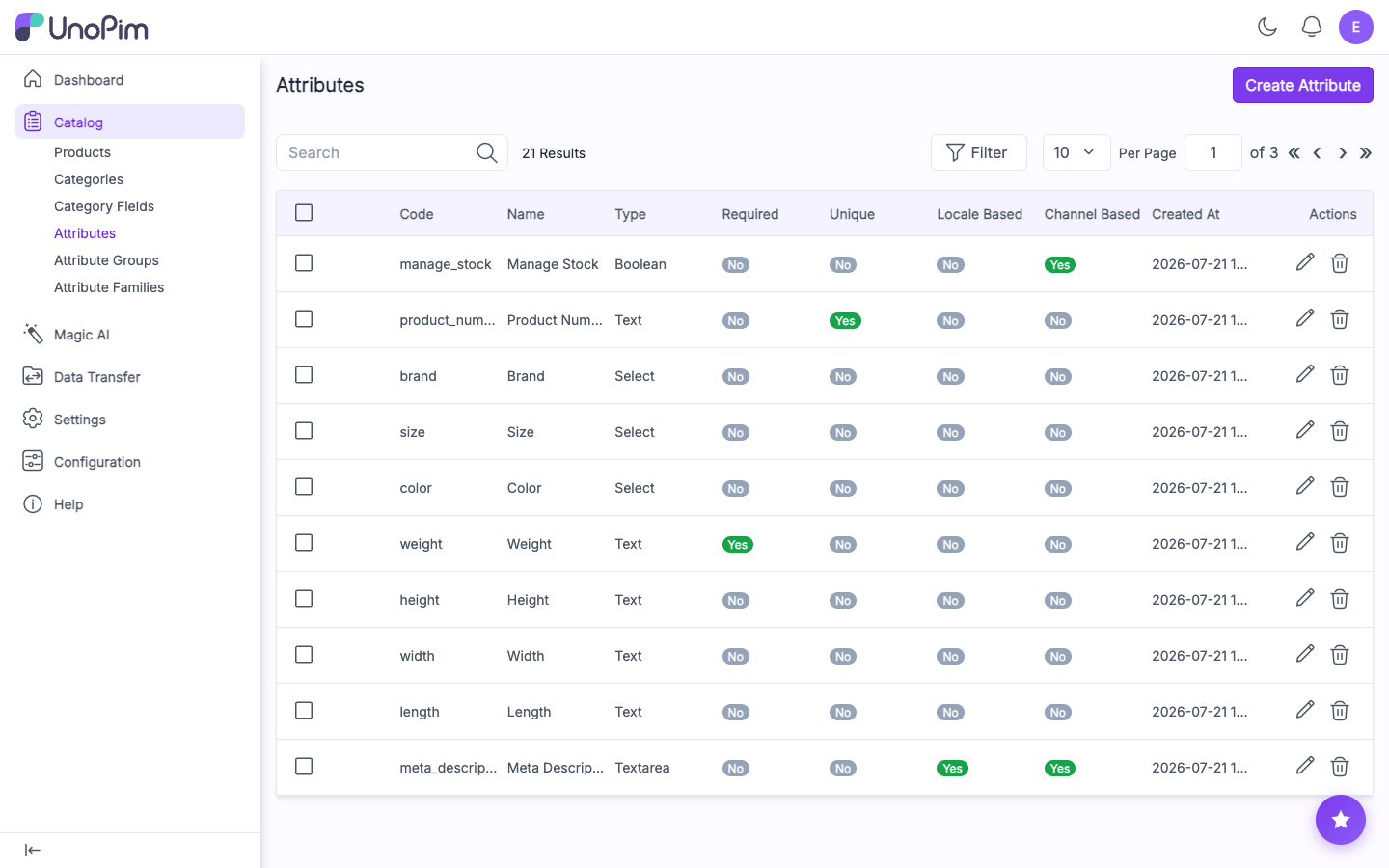
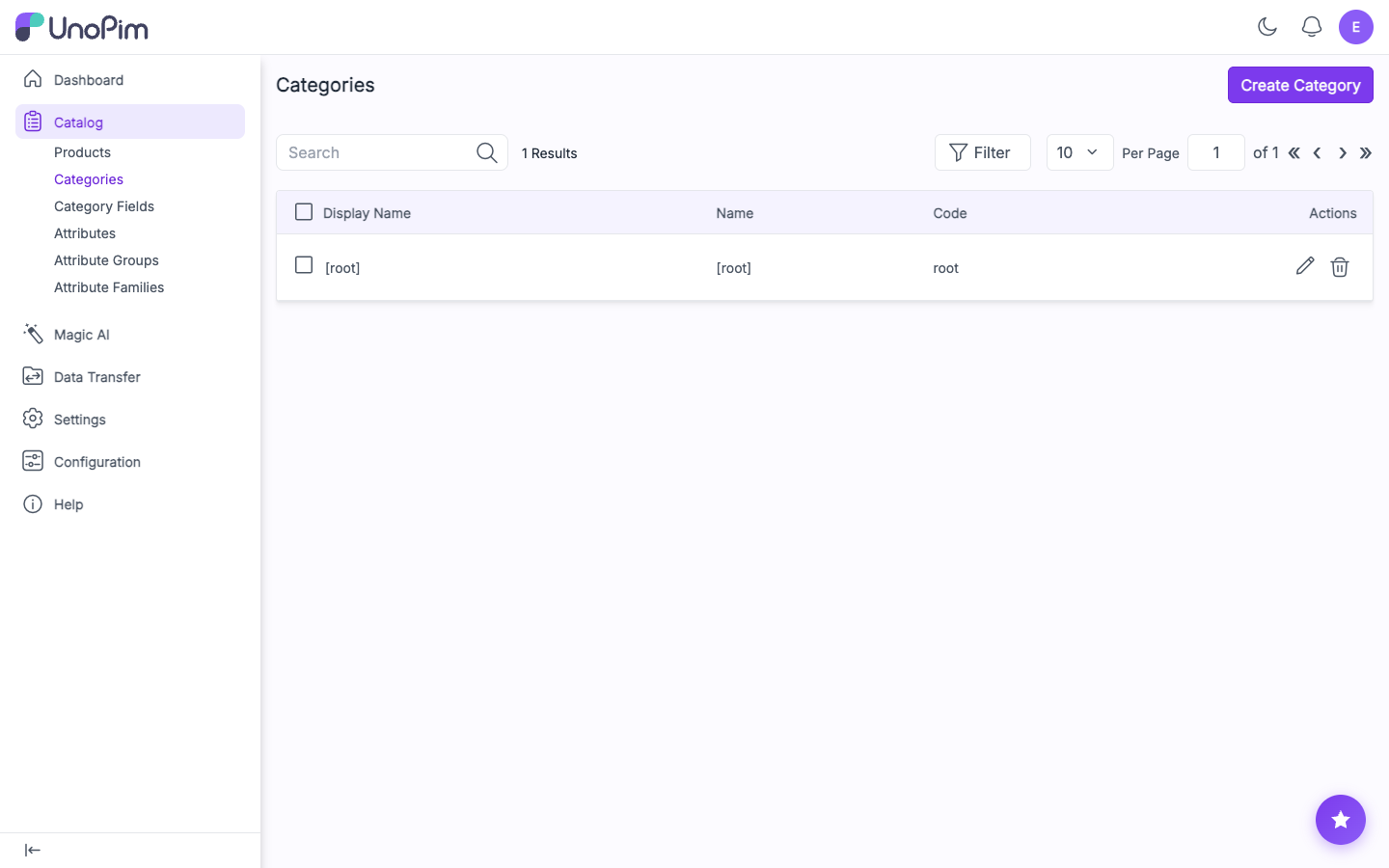
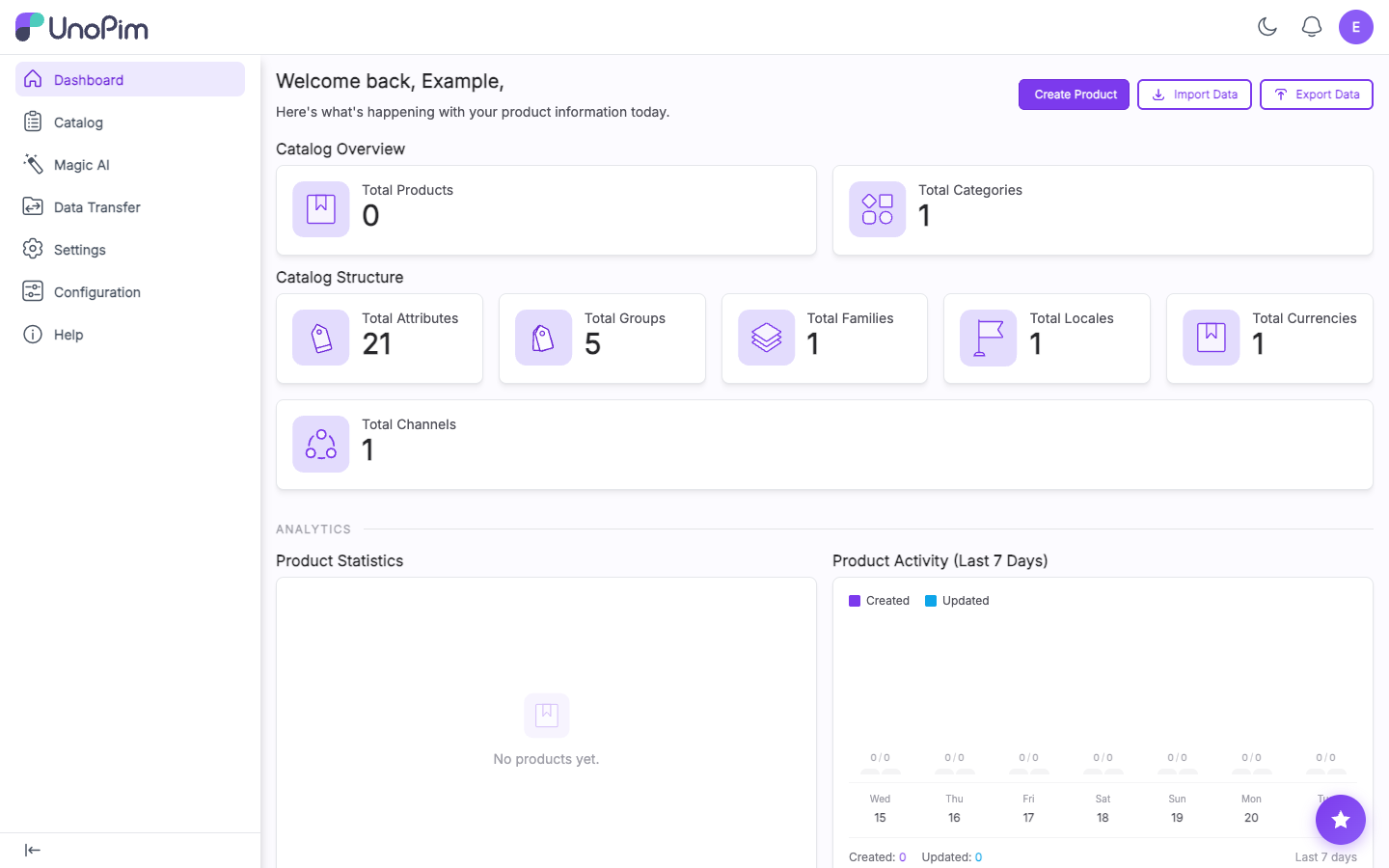
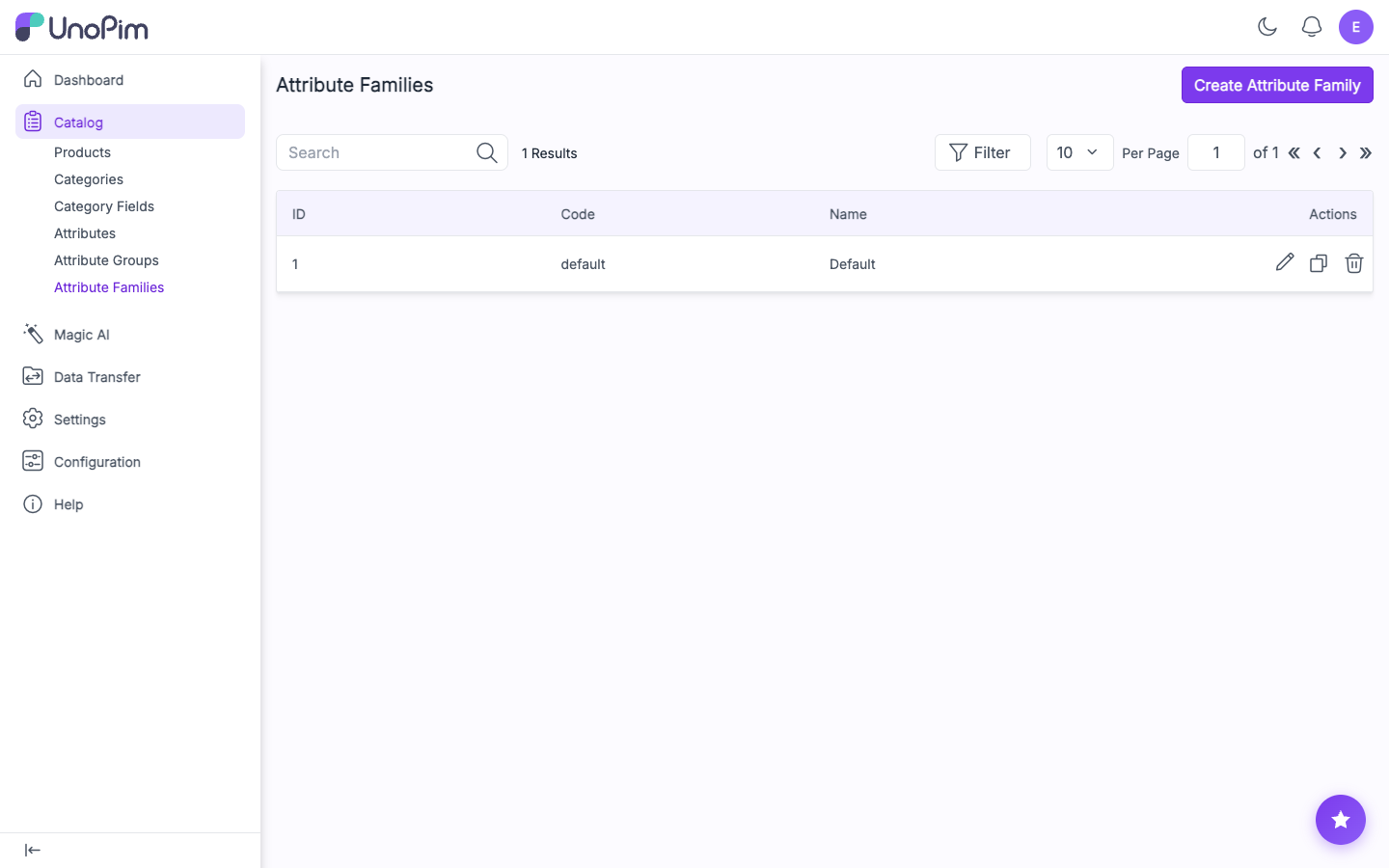
This is a repackaged open source software product wherein additional charges apply for cloudimg support services.
## UnoPim Product Information Management - Production-Ready on AWS
UnoPim is the free open source PIM (Product Information Management) platform for centralising, enriching and distributing product catalog data. This AMI delivers UnoPim fully installed and configured so your team has a complete, private PIM running within minutes of launch - no setup wizard, no manual database migrations, and no shared credentials.
The current release available is UnoPim 2.1.
## Why Choose This AMI Over a Manual Install
A fresh UnoPim installation typically requires provisioning a web server, configuring PHP, creating a database, running migrations and asset builds, and completing an installer. This image eliminates every manual step. Launch the instance, retrieve your unique administrator credentials, and start managing your catalog immediately. Application files and the database reside on dedicated, independently resizable storage volumes, so you can scale storage without rebuilding the instance.
## Application Stack
UnoPim runs as a Laravel application on PHP 8.3 with OPcache, served by nginx with php-fpm over HTTPS. MySQL 8.0 provides the database backend, and a queue worker handles imports, exports, webhooks and completeness jobs. Database migrations and the admin asset build are already applied, so you land directly on the sign-in page.
## Secure By Default
On first boot a one-shot service generates:
All credentials are unique to that instance and written to a root-only file. The instance's own address is set as the application URL automatically. No shared or default credentials ship in the image.
## Key Features
## Use Case: Retailers Centralising Catalog Data Before Distribution
Retail and manufacturing teams that syndicate product data to multiple storefronts, marketplaces and print channels can deploy this AMI in their own VPC as a single source of truth. Enrich descriptions, attributes, media and locale-specific content in UnoPim, then push clean, consistent catalog data downstream via the REST API. Because UnoPim runs inside your AWS account, proprietary catalog and pricing data never leaves your network - ideal for teams with data residency or compliance obligations.
## Additional Use Cases
## 24/7 cloudimg Support
This AMI includes technical support from cloudimg engineers available around the clock by email and live chat. Support covers UnoPim deployment, upgrades, HTTPS certificate setup, performance tuning, REST API integration, import/export configuration, queue and database administration. Critical issues receive a one-hour average response time.
## Getting Started
1. Launch the AMI in your VPC with ports 80/443 and 22 open in your security group
2. Wait approximately 60 seconds for first-boot credential generation to complete
3. SSH into the instance and retrieve the admin email and password from the root-only credentials file
4. Browse to https://
5. Sign in as the administrator and begin building attribute families, categories and products
For guided deployment assistance, trusted HTTPS certificate setup, or REST API integration help, contact cloudimg support.
All product and company names are trademarks or registered trademarks of their respective holders. Use of them does not imply any affiliation with or endorsement by them.
Bagisto is the popular free, open source ecommerce platform built on the Laravel framework.
BookCars is a popular open source, self hosted car rental and booking platform built on the MERN stack.

Django Oscar is a mature open source e-commerce framework for the Django web framework.

Drupal Commerce on Ubuntu 24.04 LTS preconfigured machine image for Microsoft Azure, hardened and verified with 24/7 sup...

Easy Digital Downloads is an open source ecommerce platform for selling digital products: ebooks, software, plugins, the...

Lunar is a modern, free and open source headless ecommerce package for the Laravel framework.