Base
Hardened build
minimal ports, security patches applied at build time

self hosted wake on lan and device power management for your own network
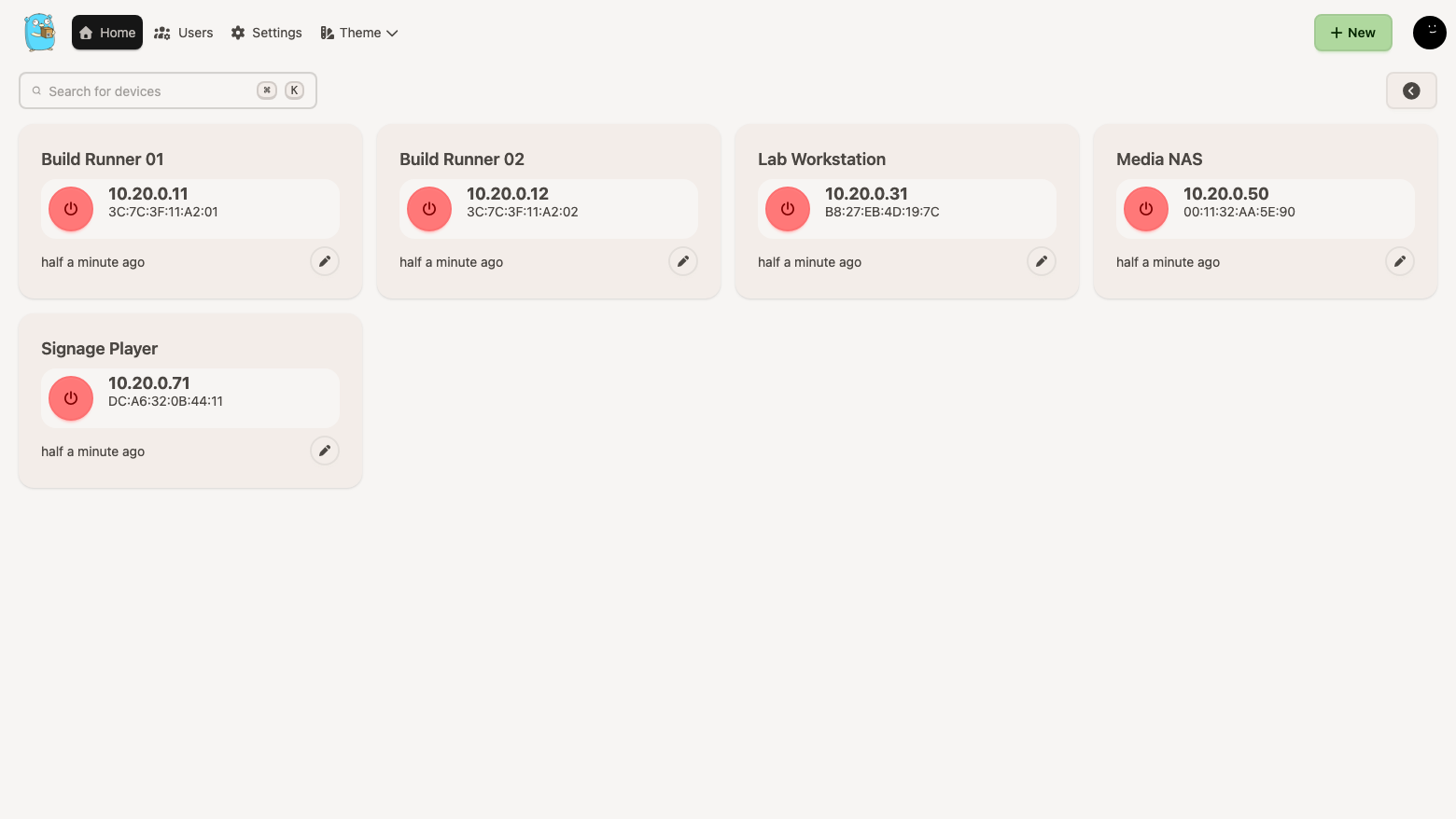
UpSnap is a small, fast web application for powering the machines on your own network on and off. Register a device once with its MAC address, then wake it with a single click, reboot it, or shut it down with a command you define. A live dashboard pings every registered device so you always know what is up, and cron style schedules turn the whole thing into unattended automation, so a lab can power itself on before the working day and shut itself down after it.
The cloudimg image is closed by default. The application is bound to the loopback address and published only over HTTPS, authentication is mandatory on every device, wake, shutdown and discovery route, and the administrator password is generated on your own instance's first boot into a root only file, so no secret is shared between instances. The service runs as a dedicated non root account holding a single Linux capability, so a shutdown command you define can never become a root shell. Devices, schedules and users live on a dedicated, independently resizable volume, and the image ships with no device, no scan range and no scheduled command. A paired deployment guide and 24/7 support are included.
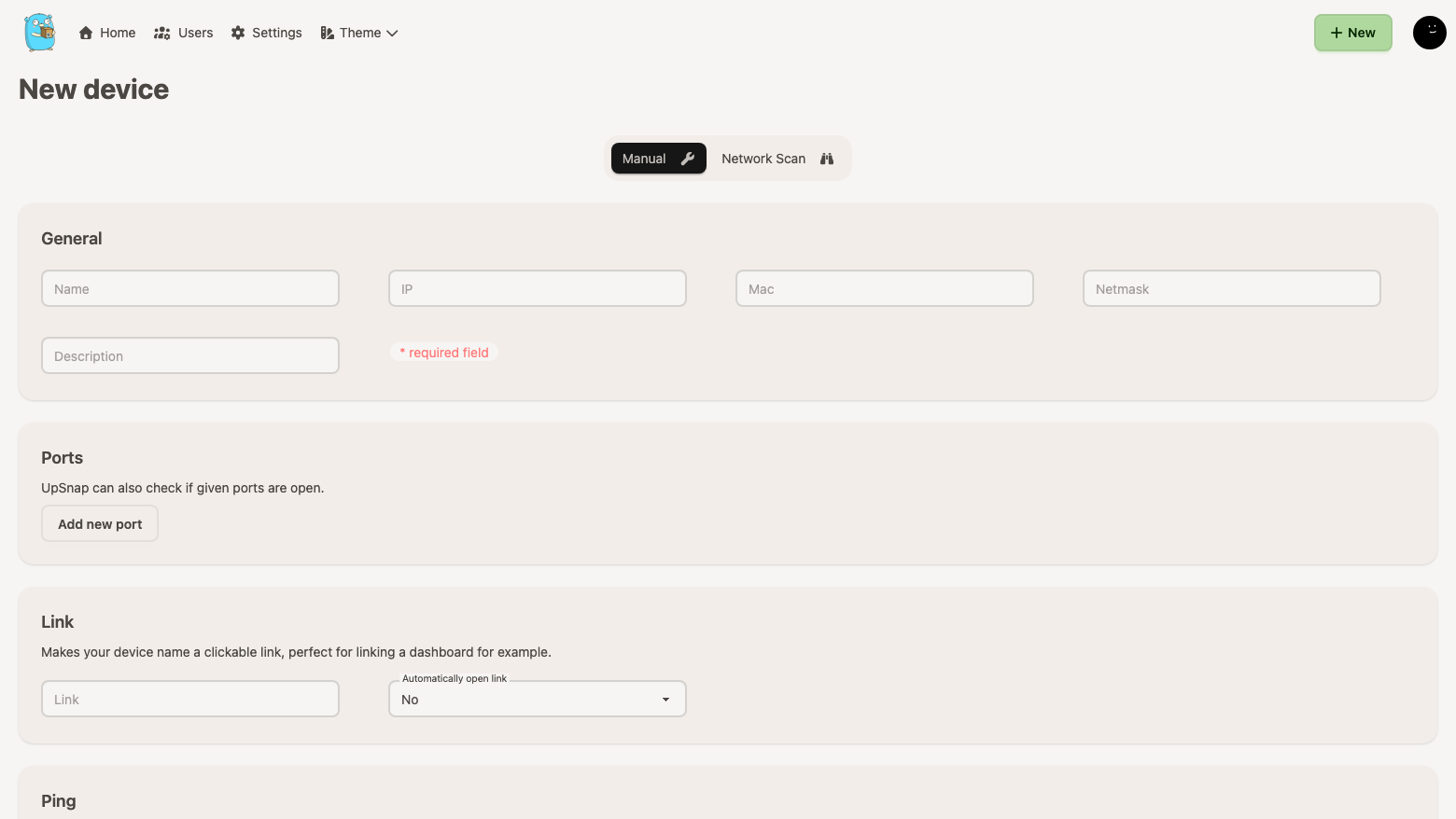
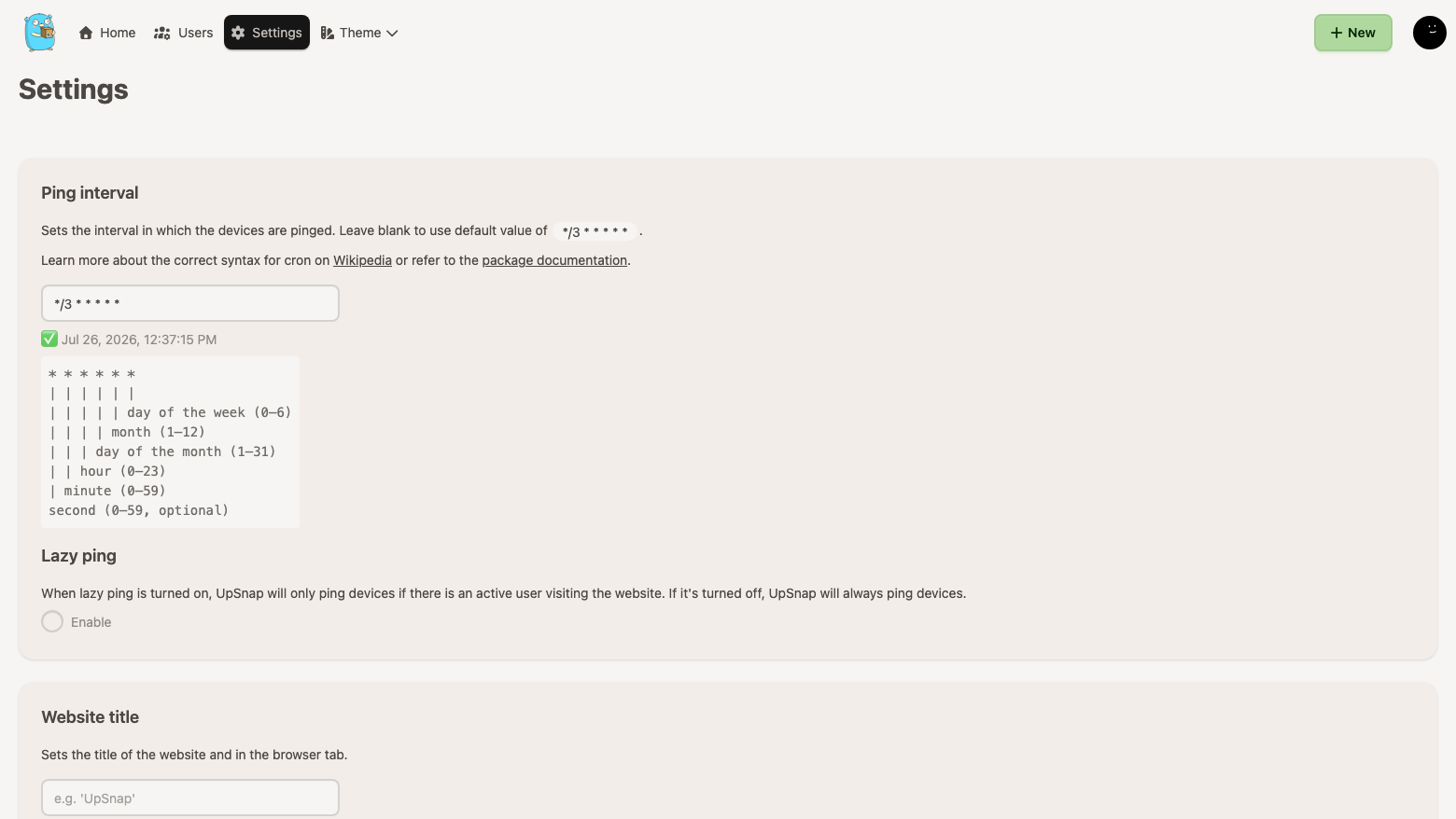
Real screenshots taken while testing this image against its deployment guide.
This is a repackaged open source software product wherein additional charges apply for cloudimg support services.
## UpSnap - Self-Hosted Device Power Management by cloudimg
UpSnap is a small, fast web application for powering the machines on your own network on and
off. Register a device once with its MAC address, then wake it with a single click, put it to
sleep, reboot it, or shut it down with a command you define. A live dashboard pings every
registered device so you always know what is up, and cron-style schedules turn the whole thing
into unattended automation: a lab that powers itself on before the working day and shuts itself
down after it.
See the pricing tab on this listing page for the current software rate. AWS infrastructure costs
(EC2, EBS) are billed separately by AWS. A 7-day free trial is enabled on this listing, so you
can evaluate the product before any software charges apply. A comfortable starting instance is
m5.large.
## What It Is For
Wake on LAN is built into virtually every business-class network adapter, yet almost nobody uses
it because the magic packet has to originate on the same broadcast domain as the target machine.
UpSnap closes that gap: one small always-on host inside your network that holds the device list
and sends the packets, with a browser interface you can reach from anywhere you already trust.
again after, instead of paying to idle
shut down a floor of machines on a Friday evening schedule
hours
is actually needed
## Closed by Default - Security Without Manual Hardening
A device power manager is a powerful thing to put on a network, and the upstream project is
explicit that it should not be published to the open internet. This image is built to match that
advice.
and nothing reaches it except through the TLS proxy in front of it.
wake, shutdown and discovery route. The build verifies that an unauthenticated caller is
refused on all of them.
characters, and is written to a root-only file. Nothing is baked into the image and nothing is
shared between instances.
a single machine on your network until you tell it to.
non-loopback address before the image is captured.
## Dedicated Amazon EBS Storage
The device database, schedules, permissions and user accounts live on their own dedicated Amazon
EBS volume - independently resizable and snapshotable, separate from the operating system disk.
That is the layout you would build by hand for a production deployment, ready from first boot.
## Ready To Use
with a per-instance TLS certificate issued on first boot
root-only credentials file
not mean typing MAC addresses by hand
giving them the rest of the estate
## Deployment Notes
networks
reach the network you intend to manage, or bridge to it with your existing VPN or Direct
Connect
## Get Started
Launch the AMI, SSH in, and read your unique administrator credentials from the root-only file.
Open port 443 to your trusted networks and sign in. The paired deployment guide covers the rest.
## cloudimg Support - 24/7
24-by-7 technical support by email and live chat covering deployment, first login, credential
rotation, TLS certificate replacement, device and schedule configuration, reaching your own
network, monitoring and sizing guidance.
UpSnap is distributed under the MIT License. All product and company names are trademarks or
registered trademarks of their respective holders. Use of them does not imply any affiliation
with or endorsement by them.
The image builds the official 3proxy binary (pinned at build from the upstream release) and runs it under systemd as the...
The image builds accel-ppp 1.14.0 from the upstream source tag (commit 048d31cb, dated 25 January 2026), verified agains...

This image runs AdGuard Home, the open source network-wide DNS server that blocks ads, trackers and malicious domains fo...
The image installs the latest stable Anubis release, resolved at build time from the official GitHub release package and...

This image runs Apache Guacamole, the open source clientless remote desktop gateway.

This image runs Apache ShenYu, the high performance, reactive open source API gateway built on Java and Spring WebFlux.