Base
Hardened build
minimal ports, security patches applied at build time
Uwazi launches production-ready in minutes with zero shared credentials, letting human rights, legal and research teams build searchable document collections. Backed by 24/7 cloudimg support.
This image arrives installed, configured and hardened, so there is no manual setup before you can use it. It is built on a patched base, runs with credentials generated uniquely for your instance on first boot, and passes an automated health check before every release. Every deployment is backed by 24/7 support from cloudimg engineers.
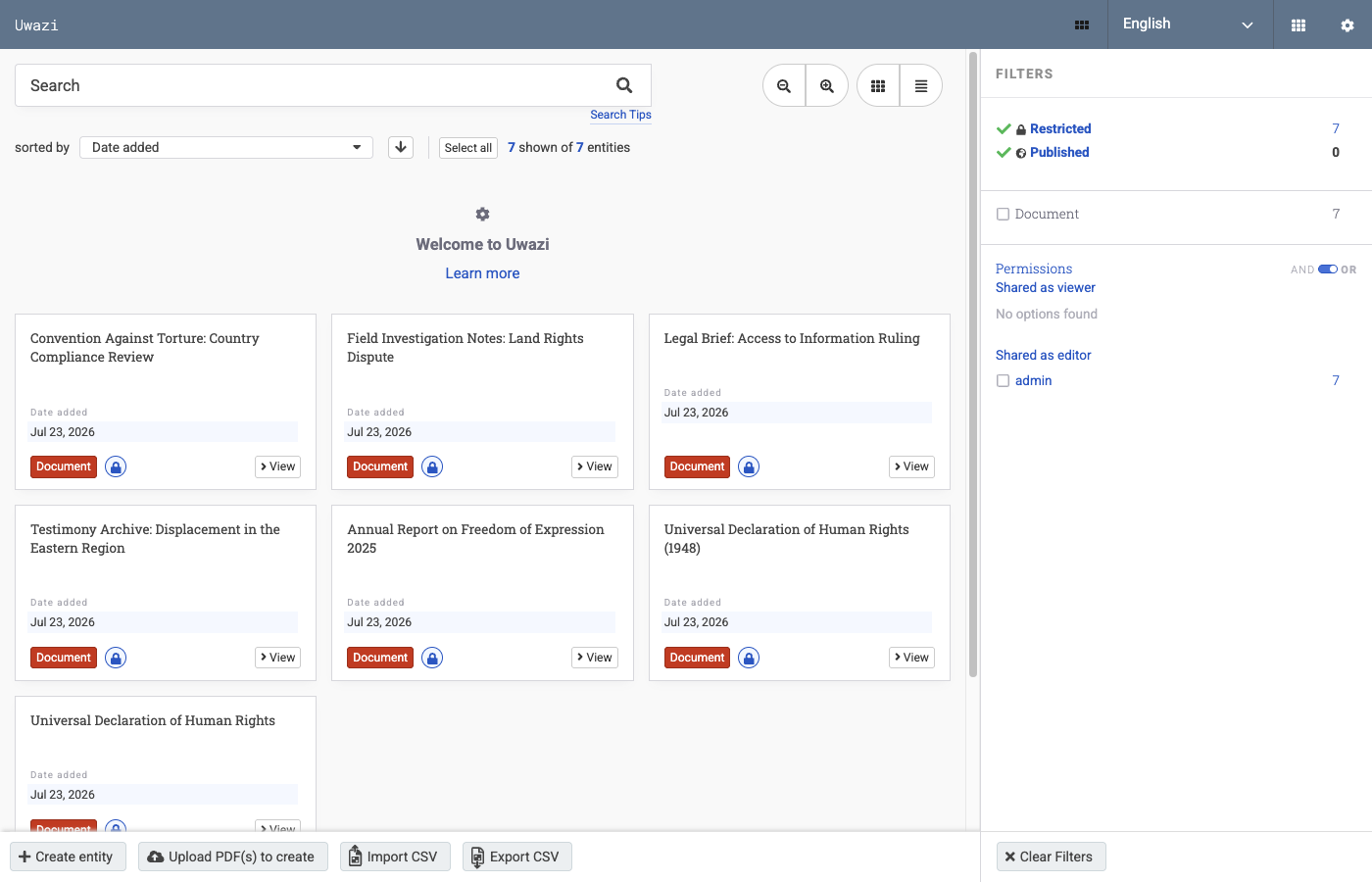
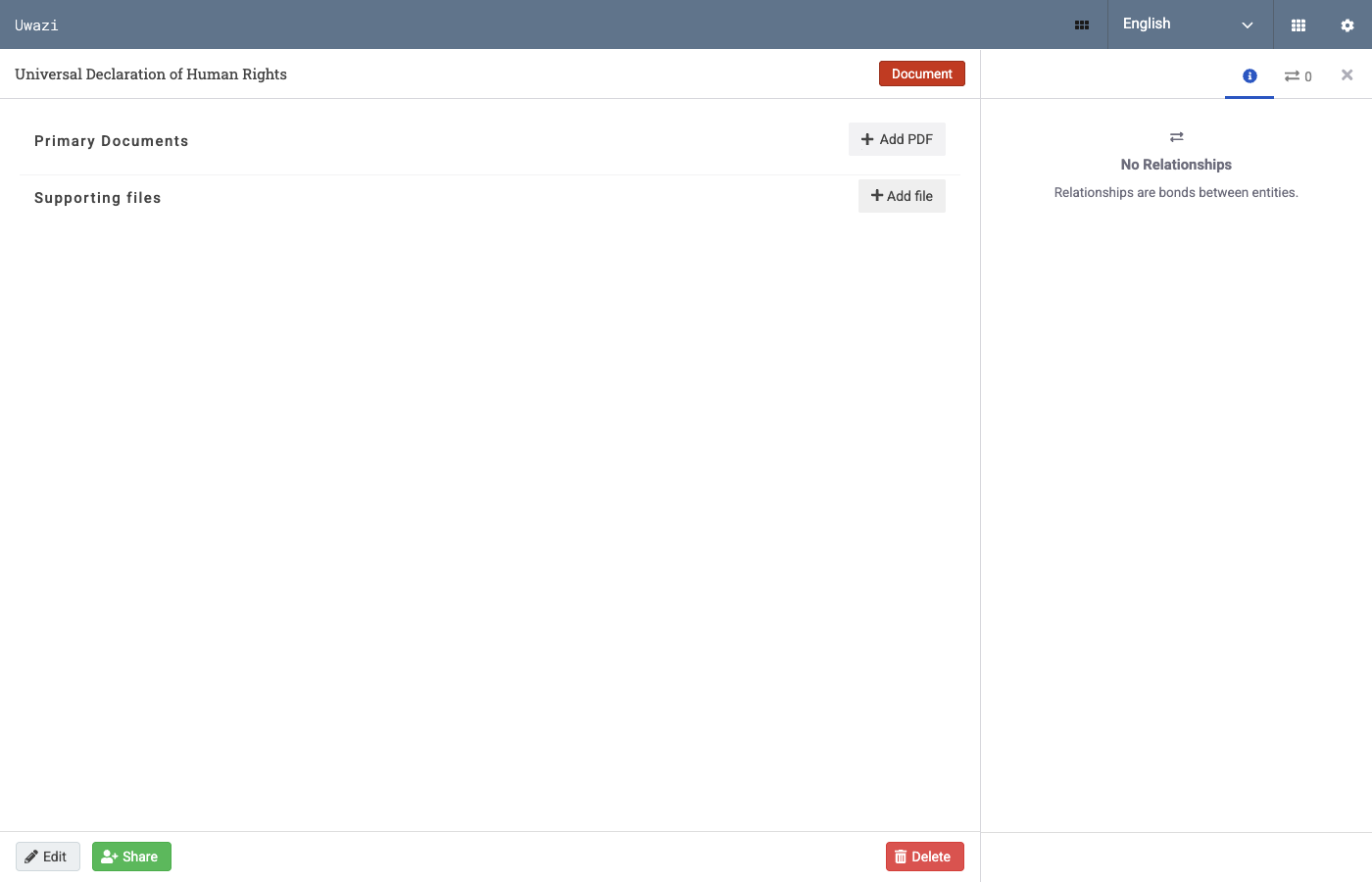
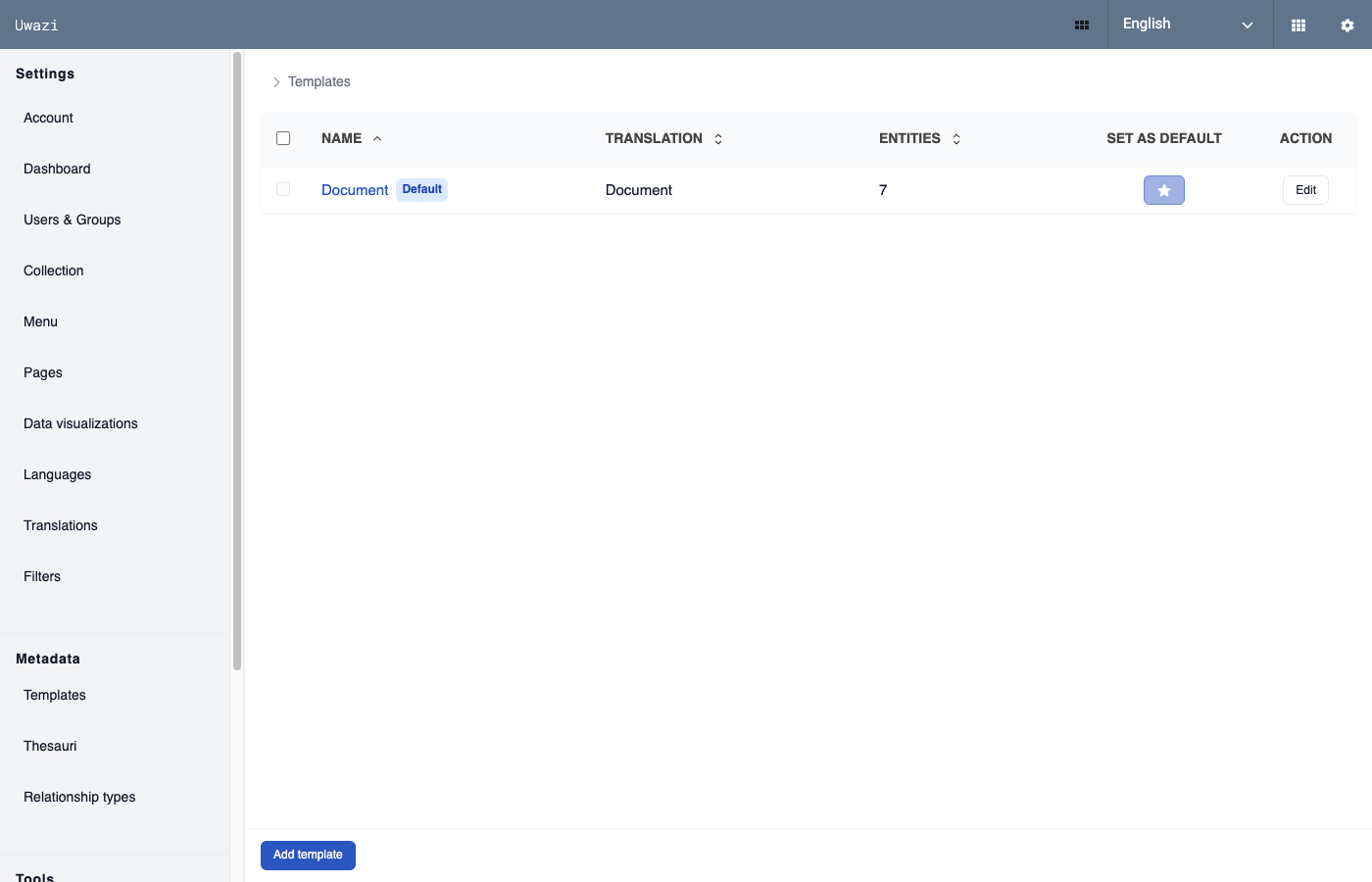
Real screenshots taken while testing this image against its deployment guide.
This is a repackaged open source software product wherein additional charges apply for cloudimg support services.
## Build and Publish Structured Document Collections
Uwazi is an open source platform for organising, searching and publishing collections of documents and records. Human rights defenders, investigative journalists, legal teams and researchers use it to turn scattered evidence, case files and archives into a structured, fully searchable library. This image delivers Uwazi built and configured on a native Node.js application with dockerised MongoDB and Elasticsearch, so your team can define its first template and upload its first document within minutes of launch.
## Who This Is For
Human rights and legal organisations cataloguing case files, testimonies and evidence into structured records that relate to one another, with full text search across every uploaded PDF. Investigative and research teams building a private working archive or a curated public library from primary source documents. Librarians and archivists who need a self hosted collections platform inside their own VPC without spending ops cycles on installation, search configuration or credential rotation.
## What Makes Uwazi Different
## Application Stack
## Secure By Default
Unlike images that ship a shared or documented password, this one carries no known credential:
## Storage Layout
Two dedicated EBS volumes ship with the image, separate from the operating system disk and each independently resizable: the Docker data root holding the MongoDB datastore and the Elasticsearch index, and the application tier holding the Uwazi bundle and your uploaded documents. Both are mounted by filesystem UUID.
## Getting Started
1. Launch the image on an m5.large instance or larger, with ports 80 and 443 open in your security group
2. Connect over SSH and read the generated administrator password from the root only credentials file
3. Browse to the instance address and sign in as the administrator
4. Create your first entity template in Settings, then upload a document and watch it become searchable
5. Relate records, build thesauri and decide what to publish to a public library
## Recommended Instance Sizing
## 24/7 cloudimg Support
Every deployment is backed by cloudimg engineers available around the clock by email and live chat. Support covers:
Critical issues receive a one hour average response time.
## Evaluation
Launch an instance to evaluate Uwazi with your team and terminate at any time with no long term commitment.
Uwazi is a trademark of HURIDOCS. All product and company names are trademarks or registered trademarks of their respective holders. Use of them does not imply any affiliation with or endorsement by them.

This image runs AnythingLLM, the all-in-one open source application for chatting with your documents using any large lan...

Apache BifroMQ (Incubating) is a distributed MQTT broker written in Java, built around native multi tenancy.

Apache RocketMQ is an open-source distributed messaging and streaming platform built for low-latency, high-throughput, f...

This image runs the full ELK Stack as a single node deployment. Elasticsearch is the distributed search and analytics en...
A preconfigured Elasticsearch, Logstash and Kibana stack with coordinated versions, ready for log analytics on launch.

The LAMP Stack AMI by cloudimg provides a fully preconfigured Linux, Apache, MySQL, and PHP environment ready to run on ...