Base
Hardened build
minimal ports, security patches applied at build time

the open source web hosting control panel, preconfigured by cloudimg
Virtualmin GPL is a free, open source web hosting control panel built on Webmin. From one point and click interface it provisions and manages many websites on a single server, wiring together the Apache web server, MariaDB databases, Postfix and Dovecot email, BIND DNS and per site users for each hosting account you create. It turns a plain Linux server into a multi site hosting platform without touching the command line.
cloudimg ships Virtualmin fully installed and hardened for redistribution: the complete hosting stack is configured and ready to use with no post install wizard, the panel administrator password and TLS certificate are generated uniquely on first boot and never baked into the image, and the fully open source GPL edition is pinned so no commercial serial can leak in. Paired with a step by step deploy guide and backed by 24/7 support.
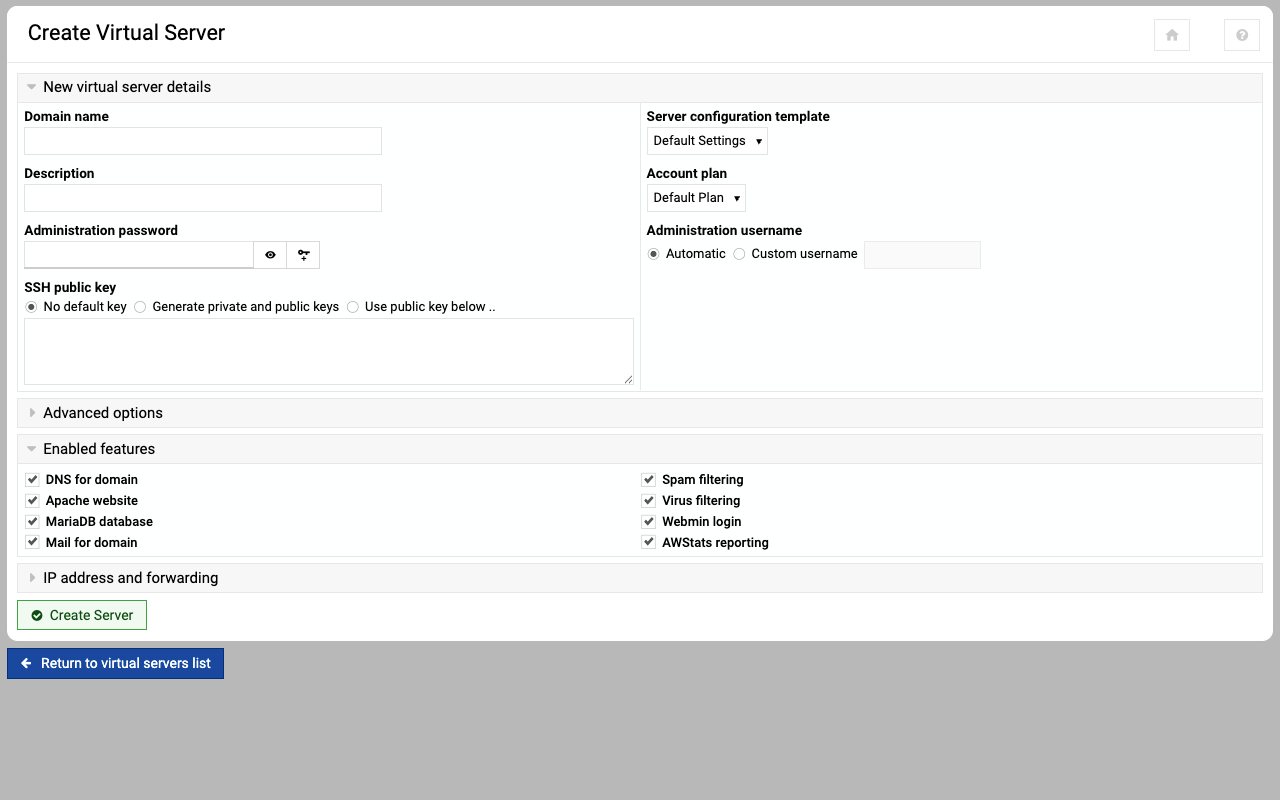
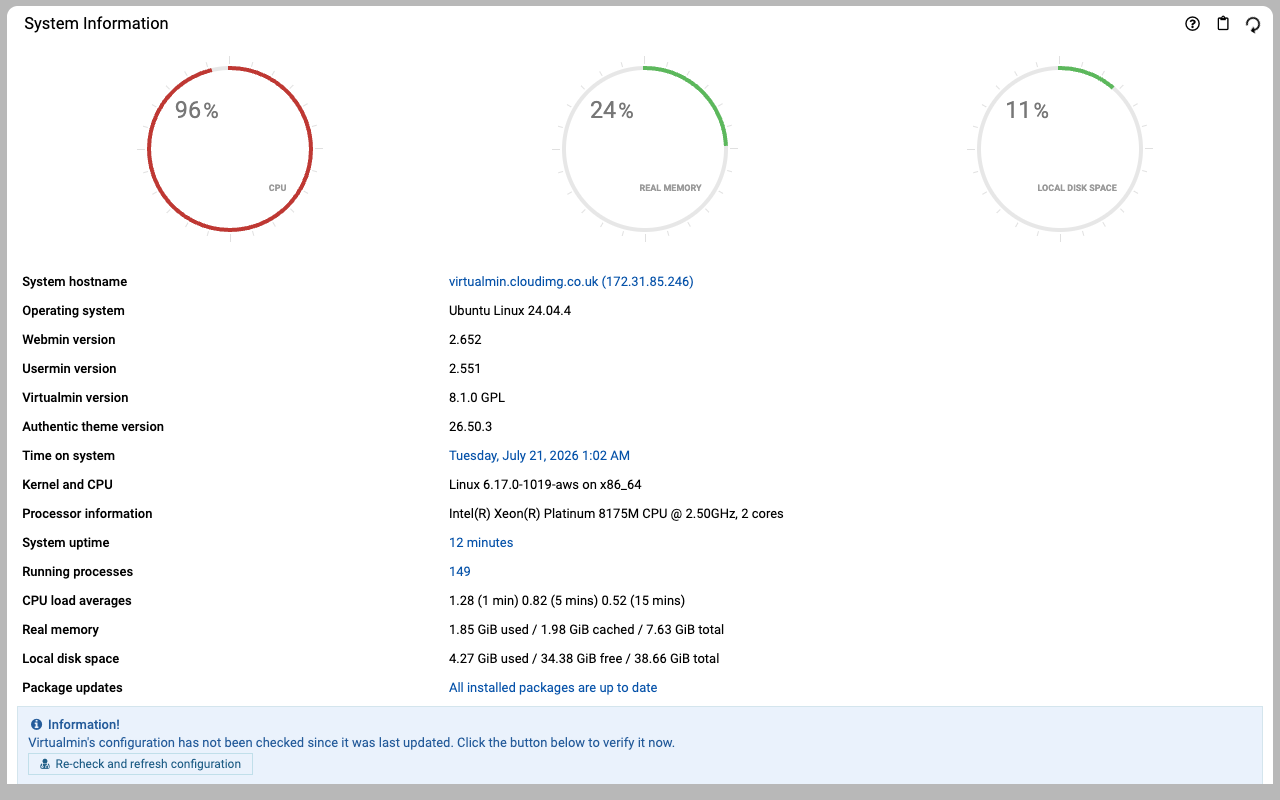
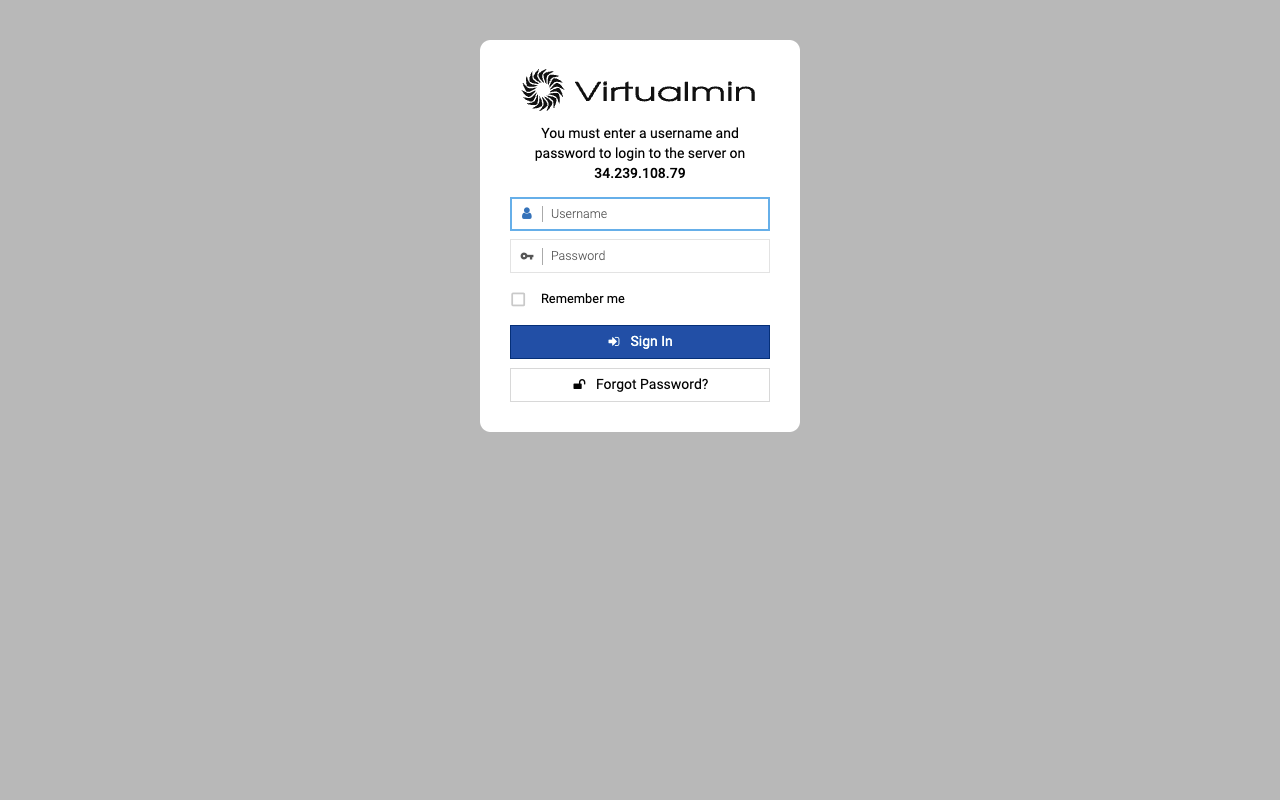
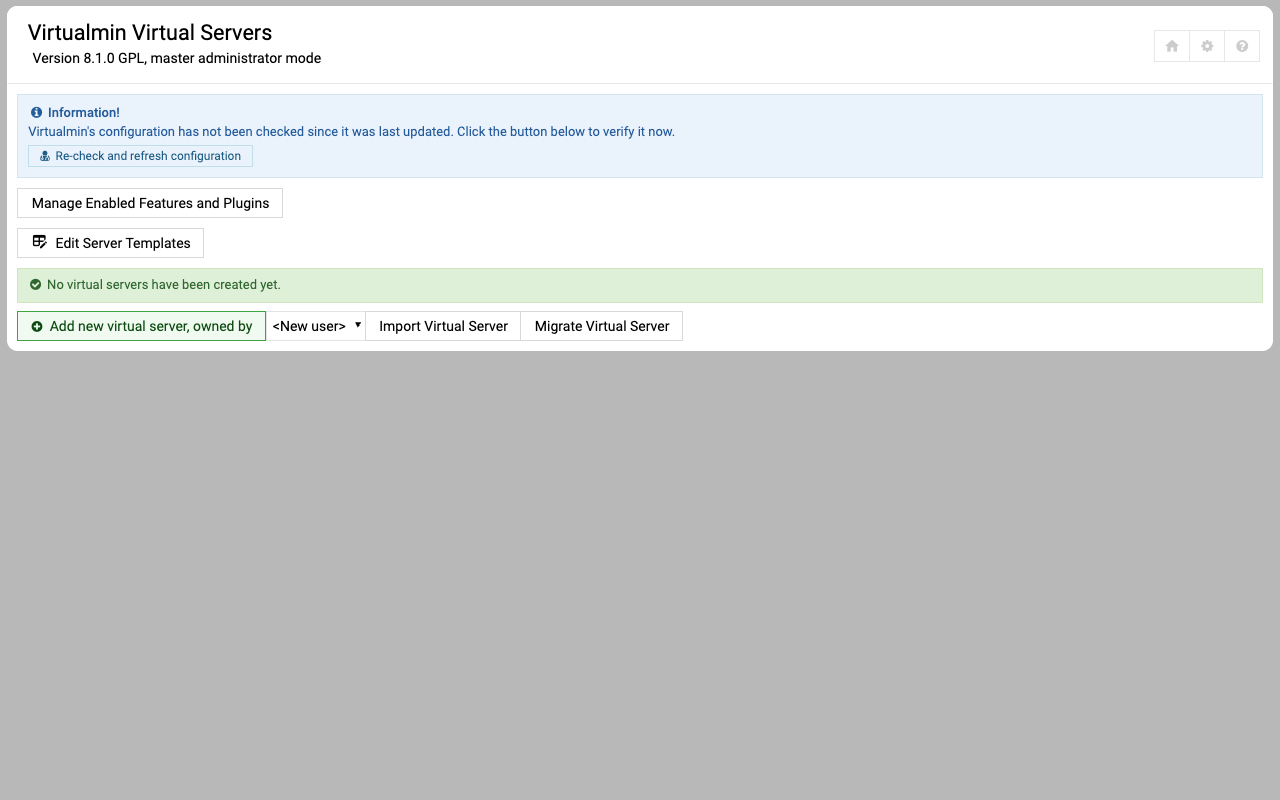
Real screenshots taken while testing this image against its deployment guide.
This is a repackaged open source software product wherein additional charges apply for cloudimg support services.
## Virtualmin GPL Web Hosting Control Panel - Production-Ready on AWS
Virtualmin GPL is the popular free open source web hosting control panel built on Webmin. It lets you host and manage many websites from a single point-and-click panel, provisioning the Apache web server, MariaDB databases, Postfix and Dovecot email, BIND DNS, FTP and per-site users for each virtual server you create. This AMI delivers the complete hosting stack fully installed and configured, so you have a working control panel within minutes of launch - no manual LAMP setup, no post-install wizard to click through, and no shared credentials.
The edition installed is the fully open source GPL edition (GPL-3.0). Core virtual-server management - creating and managing domains, users, mailboxes, DNS zones and databases - is completely functional in the GPL edition.
## Why Choose This AMI Over Manual Install or Licensed Panels
Standing up a hosting control panel by hand means installing and wiring together a web server, a database, mail and DNS daemons, then running Virtualmin's multi-step post-installation wizard. This image eliminates every manual step. Launch the instance, retrieve your unique administrator password, browse to the panel and start creating hosting accounts immediately.
Unlike cPanel or Plesk, the GPL edition carries no per-domain licensing fees. You can host an unlimited number of domains without incremental software cost - only your AWS infrastructure charges apply. Unlike other marketplace AMIs that ship default or shared credentials, this image generates a unique 24-character password and a fresh TLS certificate on every first boot.
## Secure By Default
The panel is root-equivalent and provisions system users, mailboxes and DNS zones, so credential hygiene is treated with extra care. On first boot a one-shot service generates a fresh self-signed TLS certificate and a fresh 24-character administrator password, both unique to that instance, and writes the password to a root-only file. No shared or default credentials ship in the image, and the operating system root account stays locked. The panel is served over HTTPS on port 10000; restrict that port to trusted source IPs in your security group before exposing the instance.
## Key Features
## Use Case: Web Agencies and Developers Self-Hosting Client Sites
Web agencies and freelance developers who host client websites can deploy this AMI in their own VPC and run an unlimited number of sites on infrastructure they fully control, instead of paying per-account fees to a shared-hosting provider or per-domain cPanel licensing. Each client site is an isolated virtual server with its own mail, DNS and database, all managed from one panel - ideal for teams that want the economics of self-hosting with a familiar control-panel workflow.
## Additional Use Cases
## 24/7 cloudimg Support
## Getting Started
1. Launch the AMI in your VPC with port 22 (SSH) open, and ports 80/443 for hosted sites and 10000 for the admin panel scoped to trusted source IPs in your security group
2. Wait approximately 60 seconds for first-boot credential generation to complete
3. SSH into the instance and retrieve the admin password from the root-only credentials file
4. Browse to https://
5.

This image runs AdGuard Home, the open source network-wide DNS server that blocks ads, trackers and malicious domains fo...
The image installs the latest stable Anubis release, resolved at build time from the official GitHub release package and...

This image runs Apache Guacamole, the open source clientless remote desktop gateway.

This image runs frp (Fast Reverse Proxy), the open source high performance reverse proxy that exposes a local service si...

This image runs GenieACS 1.2.16, the fast and powerful open source TR-069 (CWMP) Auto Configuration Server used by ISPs ...

gNMIc is a self hosted, open source gNMI client and telemetry collector from OpenConfig.