Base
Hardened build
minimal ports, security patches applied at build time
WatchYourLAN, a lightweight network scanner with a web dashboard that shows every host on your network, ready the moment it boots.
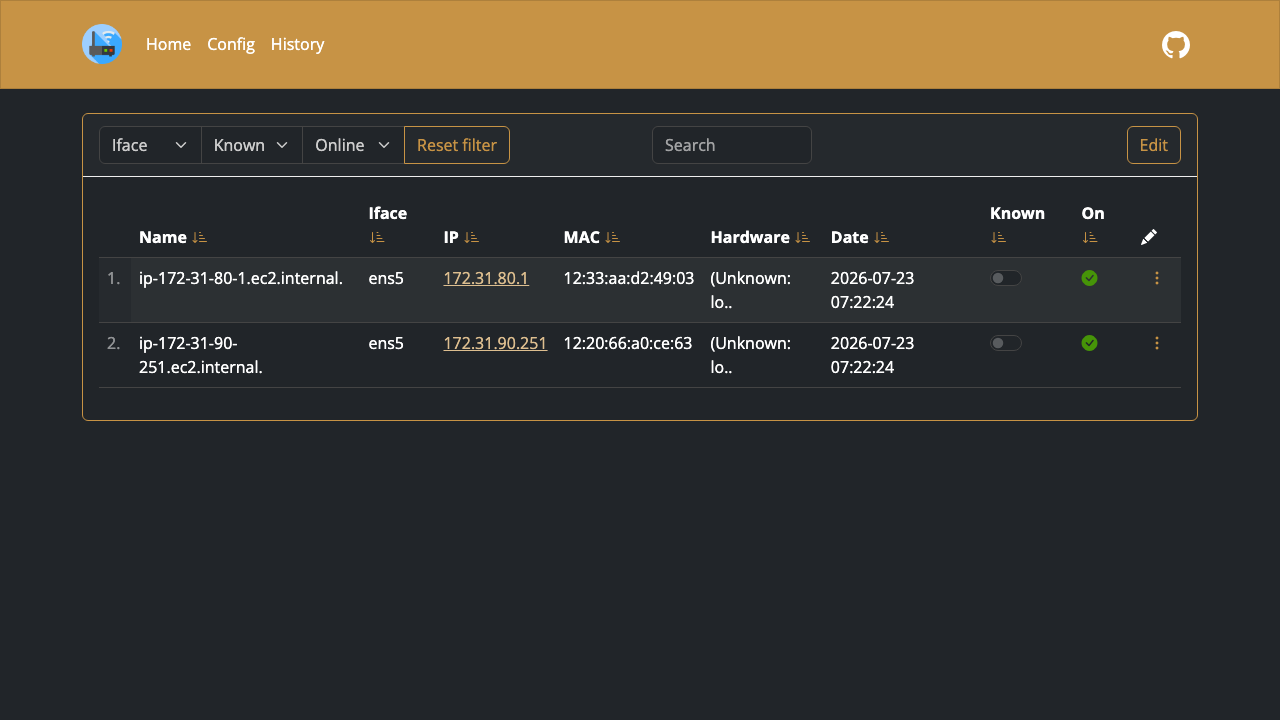
WatchYourLAN is a lightweight, self-hosted network scanner with a modern web dashboard. It periodically scans your local network, discovers every device it can see, and records each host's MAC address, IP address, name and vendor along with a full online and offline history, so you always know what is connected. New or unknown devices are surfaced immediately, and every host is queryable through a clean web UI and a REST API.
It suits home-lab owners, network administrators and small teams who want continuous visibility of the devices on their network, a running record of when hosts appear and disappear, and early warning of unexpected arrivals, all from a single self-hosted dashboard they fully own and control.
cloudimg delivers WatchYourLAN fully installed and configured, with the scanner and its SQLite datastore already running behind an nginx reverse proxy, so a working network dashboard answers the moment the instance boots. Because WatchYourLAN has no built-in login of its own, the image is secure by default: the application binds only to the local loopback interface and is never exposed directly, and on the first boot of every instance a unique administrator password is generated and written to a file only the root user can read, then enforced by nginx HTTP Basic Auth, so no two deployments ever share a login. The image is hardened, fully patched and pinned to a known release, and every deployment is paired with a step by step deploy guide and backed by 24/7 support.
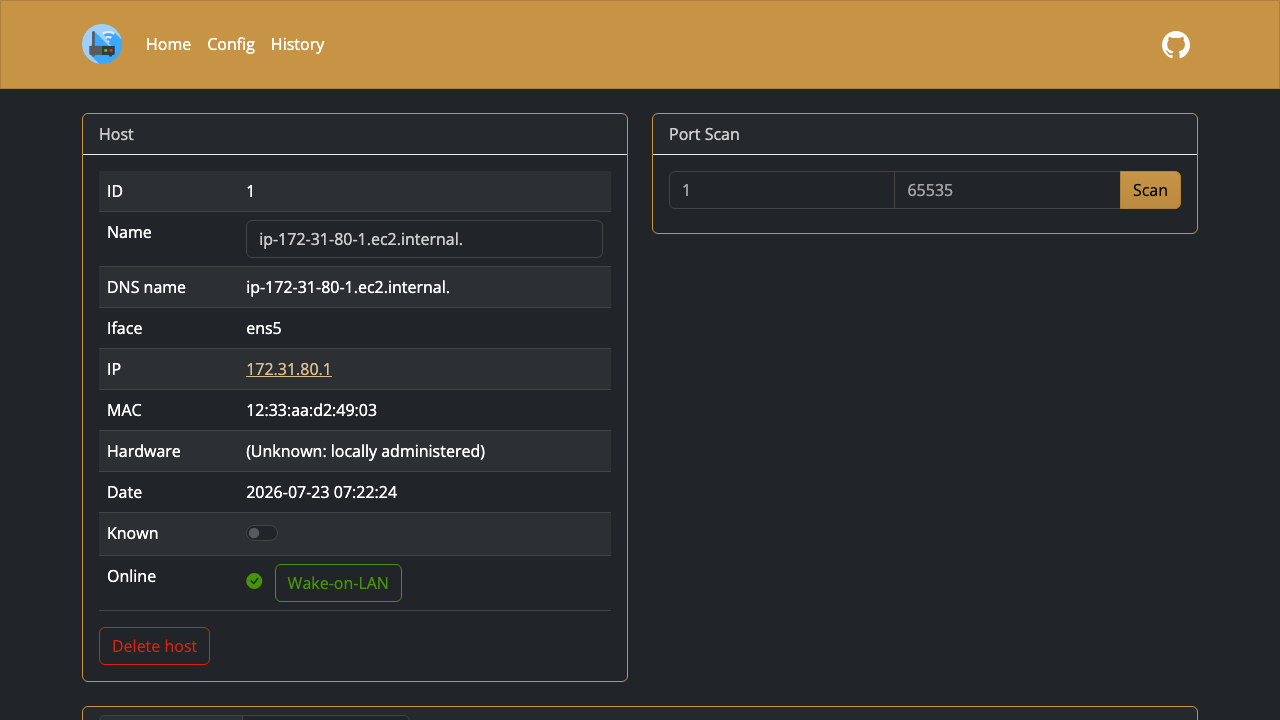
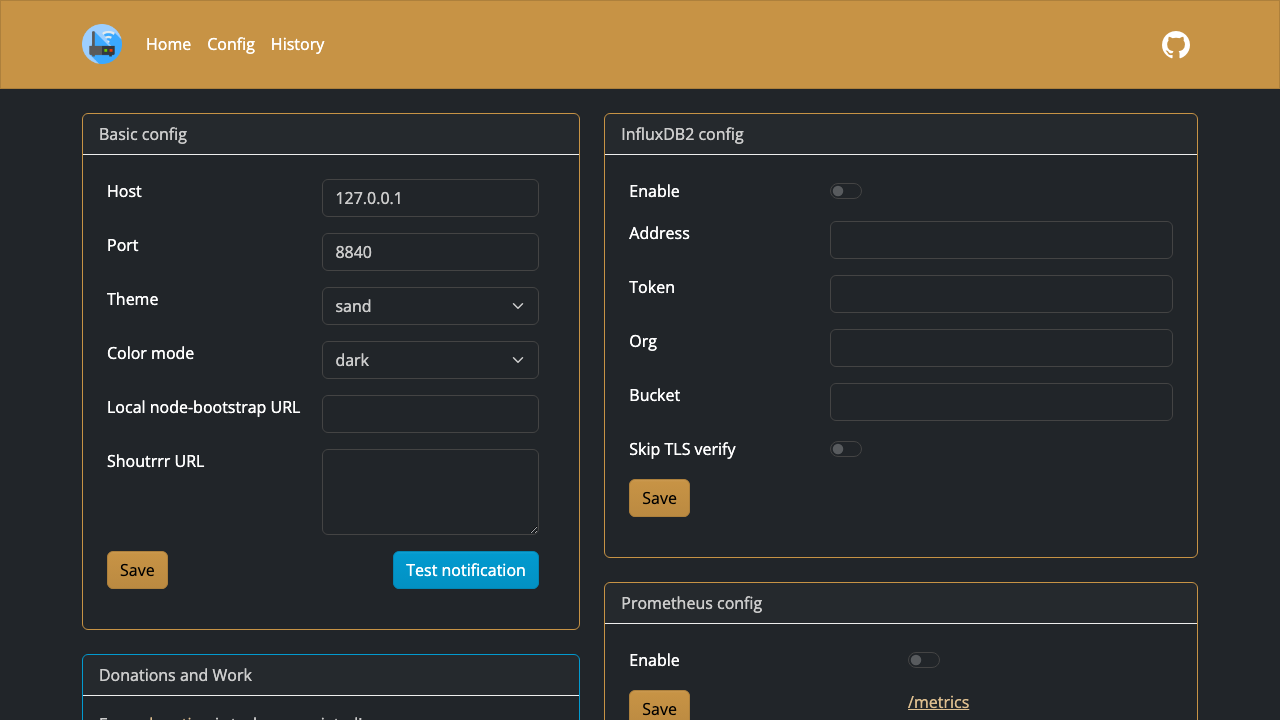
Real screenshots taken while testing this image against its deployment guide.
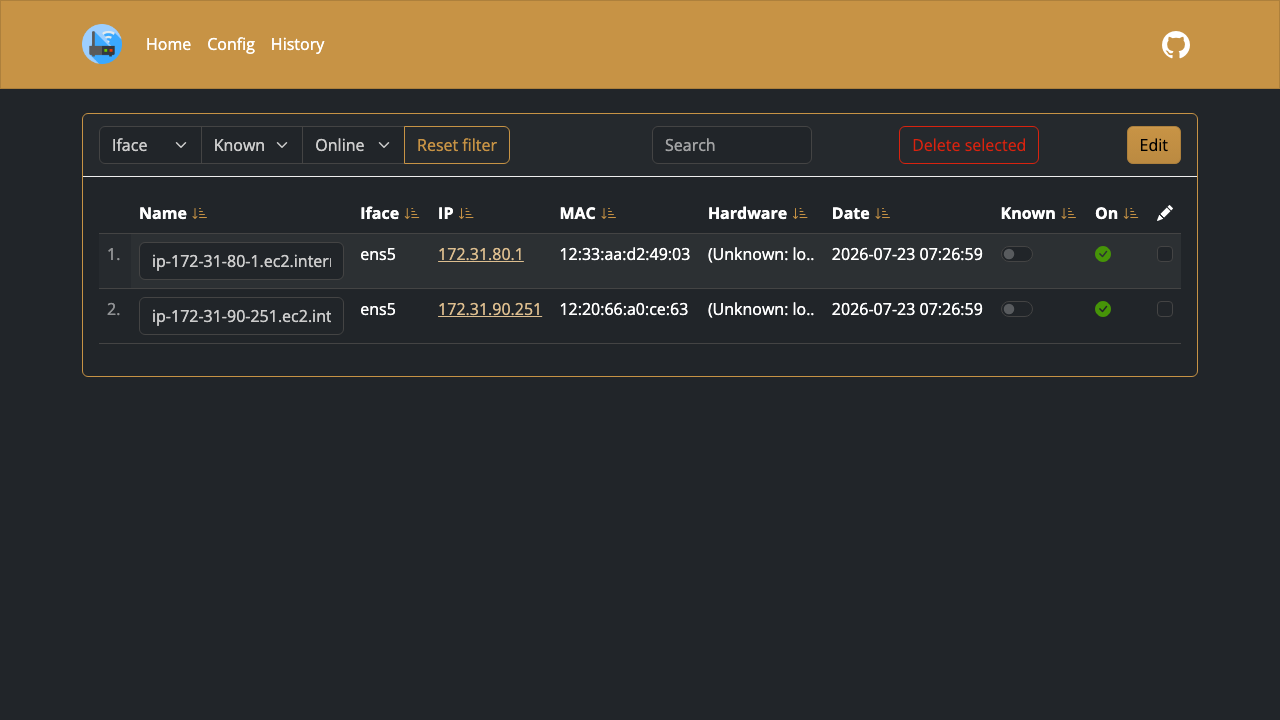
This is a repackaged open source software product wherein additional charges apply for cloudimg support services.
## WatchYourLAN - Self-Hosted Network Device Scanner
WatchYourLAN is an open-source, lightweight network scanner with a clean web dashboard. It periodically scans the network the instance sits on, discovers every device it can see, and records each host's MAC address, IP address, name and vendor along with a full online and offline history - so you always know what is connected and get an immediate signal when something new appears.
This AMI delivers the official WatchYourLAN 2.1.4 release as a single pinned static binary with real systemd services and a SQLite datastore, ready within minutes of launch.
## Why This AMI Instead of Self-Deploying
Choosing this AMI over manually installing WatchYourLAN on a bare instance or running the container image gives you three concrete advantages:
## What It Scans on AWS (please read)
WatchYourLAN discovers devices by ARP scanning the network interface of the instance it runs on. On EC2 that means it sees the hosts reachable on the instance's own VPC subnet - other instances and network interfaces in the same subnet - or a network you attach at layer 2 over a VPN or overlay. It does not scan arbitrary networks and it cannot reach across the public internet. A single instance in an otherwise-empty subnet will legitimately show few or no neighbours; place it on a subnet whose devices you want to inventory, or bridge your on-premises network to it over a VPN, to get a full picture.
## Working With AWS Services
## Secure by Default
WatchYourLAN has no built-in login of its own upstream. Exposing a network scanner's dashboard unauthenticated on a public IP would leak your network topology, so this image closes that gap: the application binds to loopback, an authenticating reverse proxy fronts it, and a fresh administrator password unique to each instance is generated on first boot and written to a root-only file. No shared or default credential exists anywhere in the image. The pinned release binary is verified against a published checksum at build time, and the image is hardened and fully patched.
## Getting Started
1. Launch the instance on the VPC subnet whose devices you want to inventory
2. Read the per-instance admin password from the credentials file over SSH
3. Open the dashboard in a browser and sign in to see every host WatchYourLAN has discovered
4. Query the same data programmatically through the built-in REST API
For a detailed walkthrough including how to widen the scan to an on-premises network over a VPN and how to change the dashboard password, see the paired deploy guide.
## Use Cases
## Open-Source Community
WatchYourLAN is an actively maintained open-source project. This AMI packages the upstream release as a production-ready appliance so you benefit from community-driven updates without maintaining the build pipeline yourself.
## cloudimg Support
24/7 technical support by email and chat. Our engineers help with deployment, scoping the scan to the right subnet, bridging on-premises networks over a VPN, and upgrade planning.
All product and company names are trademarks or registered trademarks of their respective holders. WatchYourLAN is published under the MIT License. Use of the name identifies the software and does not imply affiliation with or endorsement by the WatchYourLAN project.
The image builds the official 3proxy binary (pinned at build from the upstream release) and runs it under systemd as the...

This image runs AdGuard Home, the open source network-wide DNS server that blocks ads, trackers and malicious domains fo...
The image installs the latest stable Anubis release, resolved at build time from the official GitHub release package and...

This image runs Apache Guacamole, the open source clientless remote desktop gateway.

The image installs the official BGPalerter binary at /usr/local/bin/bgpalerter, running as the bgpalerter service with i...
The image installs Chrony from the official Ubuntu package and runs it under systemd as the standard chronyd service, so...