Base
Hardened build
minimal ports, security patches applied at build time
WsgiDAV, a generic and extensible WebDAV server that publishes a directory as a share your team can mount straight from Windows Explorer, macOS Finder or GNOME Files.
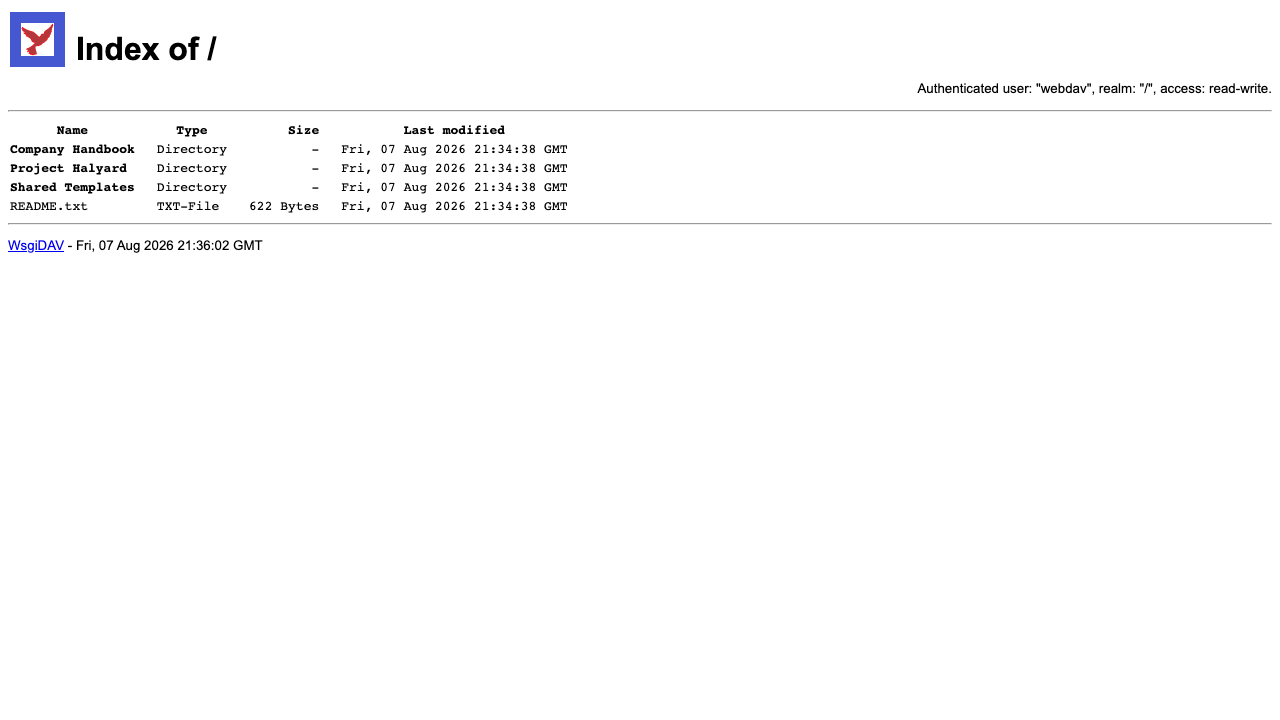
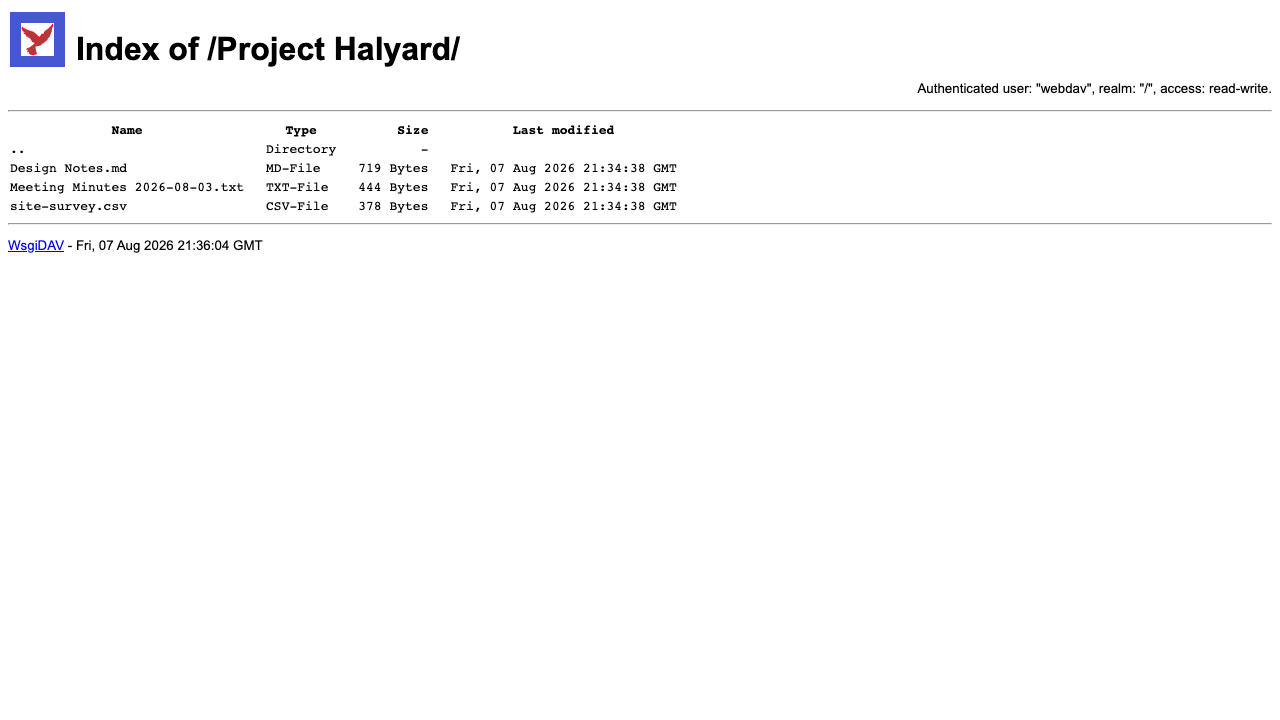
WsgiDAV is an open source WebDAV server written in Python. It publishes a directory on a server as a WebDAV share, so files can be opened, edited and saved directly from the file manager people already use, with no client software to install and no proprietary sync agent. Because it implements WebDAV class 2 it supports resource locking as well as create, read, update, delete, copy and move, so two people editing the same document do not silently overwrite one another, and it supports custom properties on files and folders. Alongside the protocol it serves a browsable web view, so the same share can be opened and read in an ordinary web browser.
It suits teams that want a straightforward, self hosted file share reachable over standard HTTP from any operating system: a drop point for documents, a shared area for a project or department, a destination that scripts and applications can write to over a well understood protocol, or a lightweight alternative to a full collaboration suite when all that is really needed is shared files.
Upstream's quick start is built for local experimentation: it serves a directory anonymously, writeably, on every interface. cloudimg ships the opposite. Authentication is mandatory on every route including the browsable web view, there is no anonymous access and no anonymous read only fallback, and passwords are held only as bcrypt hashes rather than as plain text in a configuration file. A dedicated data directory is published rather than the whole filesystem or a home directory, and the service runs as an unprivileged account that can write to that directory and nothing else. No shared or default credential ever ships: a unique password is generated on the first boot of every instance and written to a root only file, and until that has happened nothing is listening on the public port, so there is no window in which a new instance is reachable with a known credential. Every instance proves on its own first boot that anonymous requests are refused, that guessed passwords are refused, and that a full authenticated round trip works including uploading a file, reading it back and comparing it byte for byte. It is hardened and fully patched with unattended security updates enabled, and every deployment is paired with a step by step deploy guide and backed by 24/7 cloudimg support.
Real screenshots taken while testing this image against its deployment guide.



What cloudimg adds to every version - Every image is built by cloudimg on a fully patched base with the latest security ...

What cloudimg adds to every version - Every image is built by cloudimg on a fully patched base with the latest security ...

What cloudimg adds to every version - Every image is built by cloudimg on a fully patched base with the latest security ...

What cloudimg adds to every version - Every image is built by cloudimg on a fully patched base with the latest security ...
AIStore is an open source object storage system from NVIDIA, built for the read heavy, high throughput access patterns o...
Alfresco Community Edition is an open source enterprise content management platform.