Base
Hardened build
minimal ports, security patches applied at build time
ZFile is the clean self hosted file listing and sharing server that unifies local disk, S3, OneDrive, WebDAV, FTP and more behind one elegant web interface with share links and rich previews.
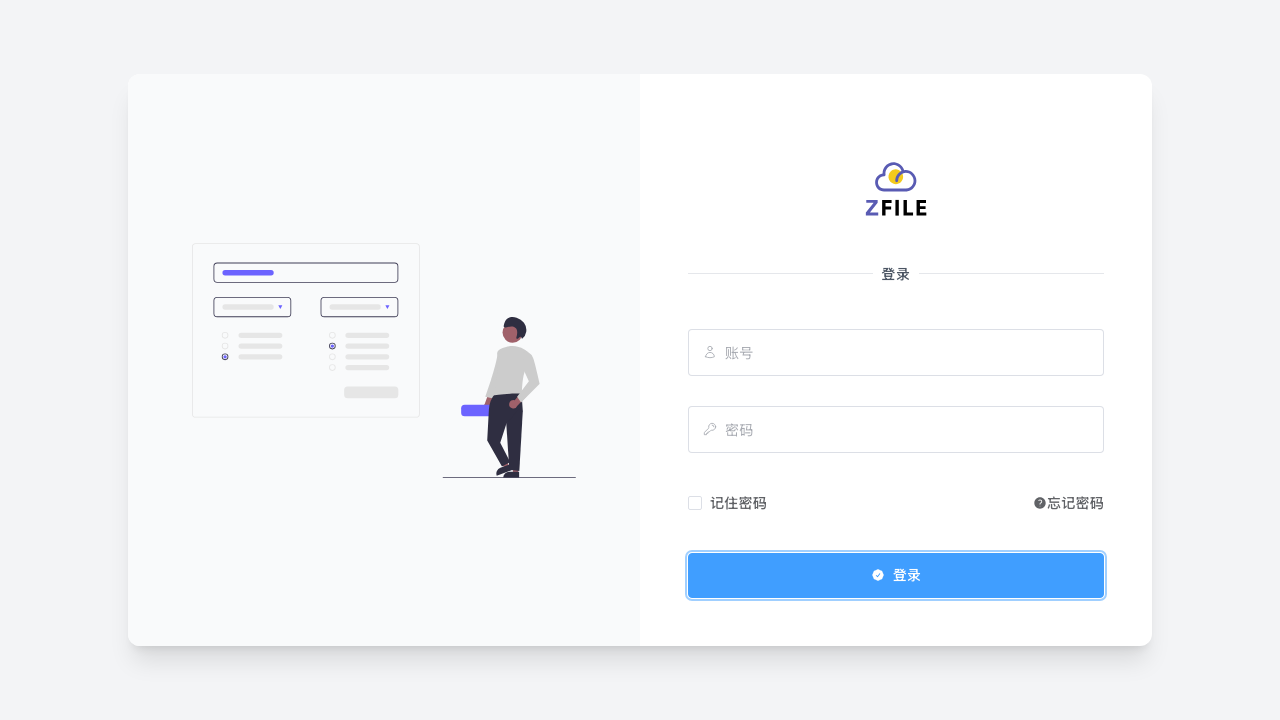
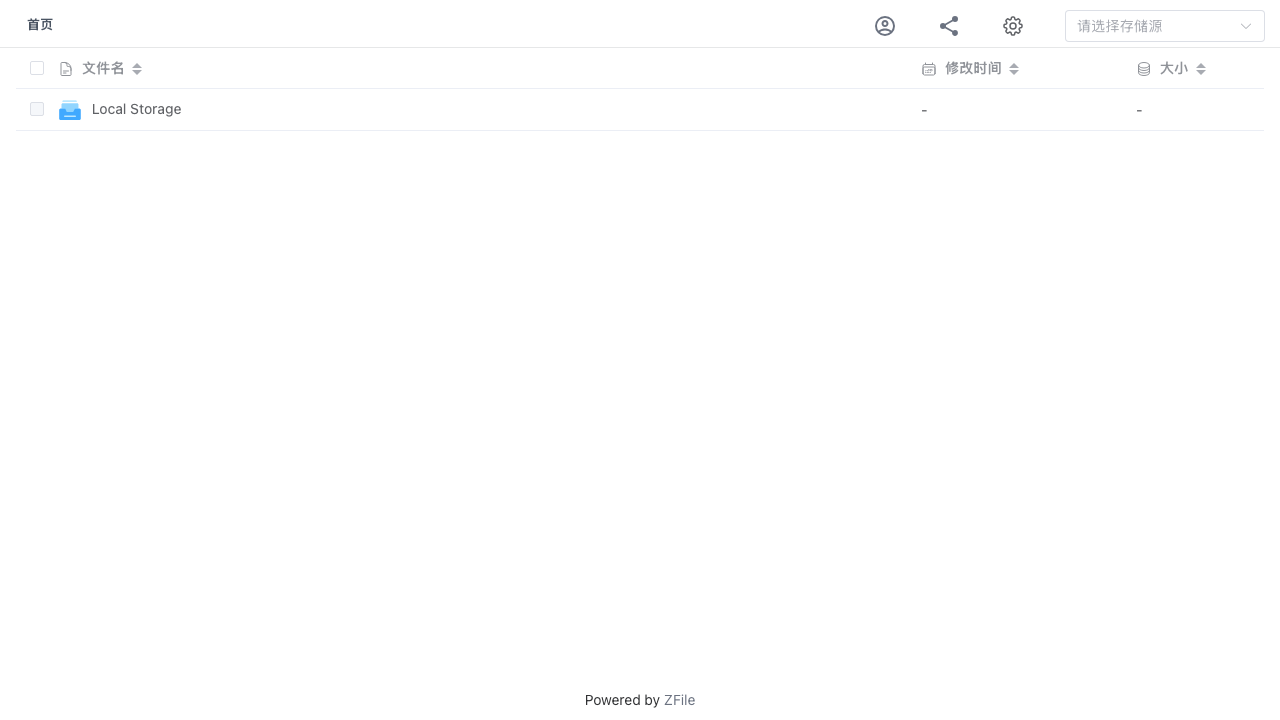
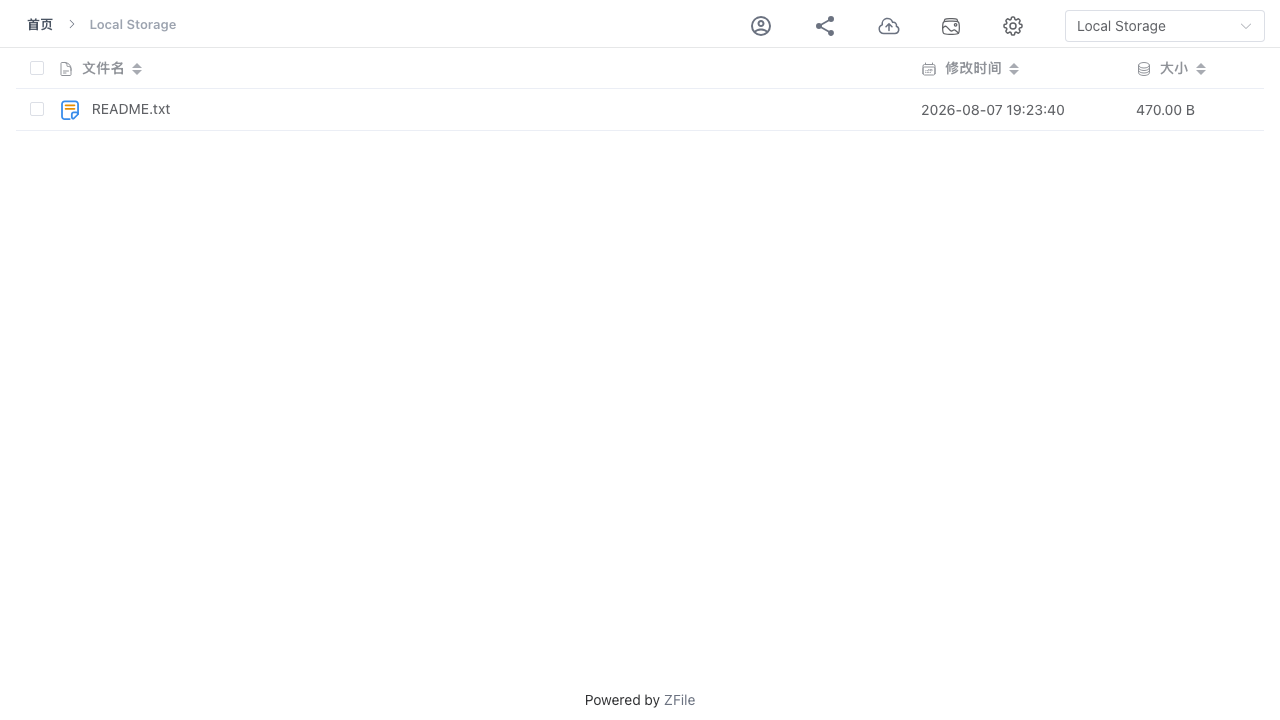
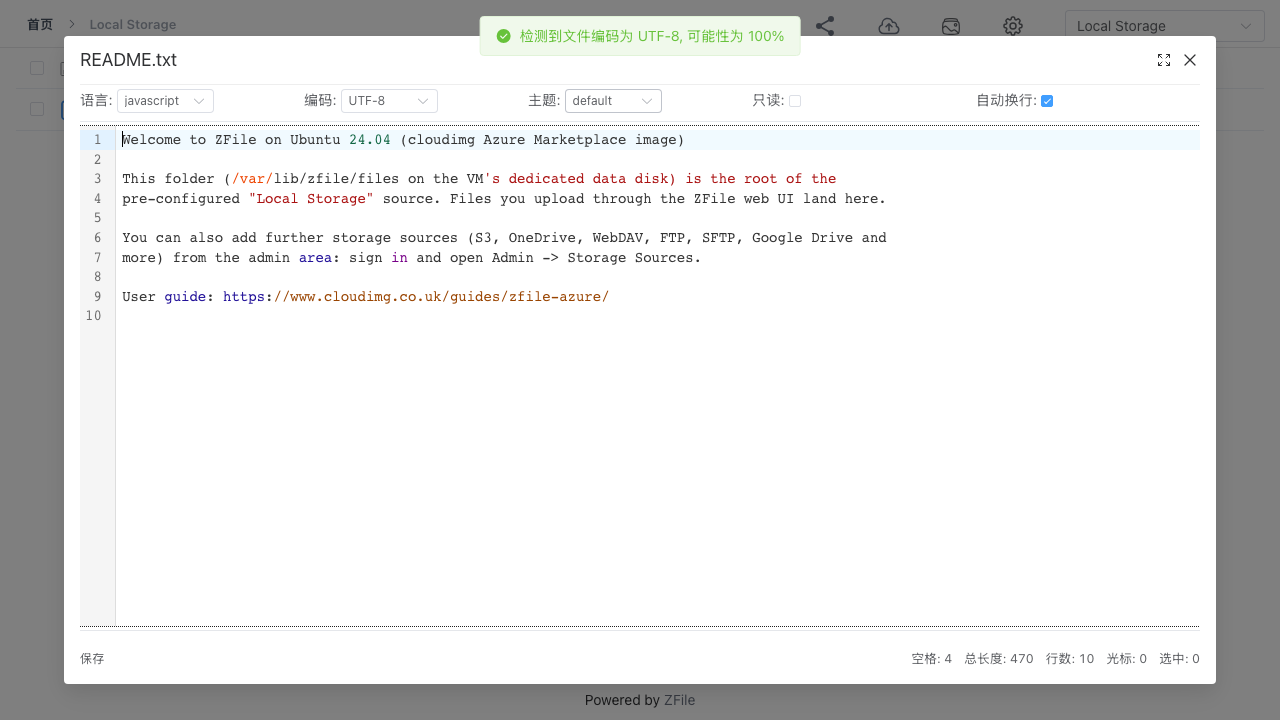
ZFile is an open source file listing and sharing server for individuals and small teams who want one tidy web view over all of their storage. It mounts many storage backends side by side, from the local disk to S3 compatible object storage, OneDrive, SharePoint, Google Drive, WebDAV, FTP and SFTP, and presents them as a single browsable site. Files preview directly in the browser, including images with a gallery mode, audio and video, text and code, PDF and Office documents, and share links, direct links and short links can be generated per file or folder, with optional passwords and expiry. A multi user permission system assigns specific storage sources or directories to specific users, making it a simple public file library or a private team file hub.
cloudimg builds ZFile entirely from the upstream MIT source, backend and web interface both, so the image contains only the open edition with the licence text shipped alongside the application. The appliance is secure by default: ZFile ships uninitialised with no admin account at all, and the public web surface stays offline until first boot has created a unique per instance administrator password into a root only file, so no default or shared credential ever exists. A ready to use local storage source is preconfigured on a dedicated data volume, the application itself is bound to the loopback interface behind a tuned reverse proxy that accepts large uploads, the base is fully patched with unattended security upgrades enabled, and every deployment is paired with a step by step deploy guide, backed by 24/7 cloudimg support.
Real screenshots taken while testing this image against its deployment guide.

What cloudimg adds to every version - Every image is built by cloudimg on a fully patched base with the latest security ...

What cloudimg adds to every version - Every image is built by cloudimg on a fully patched base with the latest security ...

What cloudimg adds to every version - Every image is built by cloudimg on a fully patched base with the latest security ...

What cloudimg adds to every version - Every image is built by cloudimg on a fully patched base with the latest security ...
AIStore is an open source object storage system from NVIDIA, built for the read heavy, high throughput access patterns o...
Alfresco Community Edition is an open source enterprise content management platform.