Base
Hardened build
minimal ports, security patches applied at build time

Production-ready Zoraxy reverse proxy with a loopback-only web management UI, unique per-instance credentials, and 24/7 cloudimg support for teams publishing services behind a hardened edge.
This image arrives installed, configured and hardened, so there is no manual setup before you can use it. It is built on a patched base, runs with credentials generated uniquely for your instance on first boot, and passes an automated health check before every release. Every deployment is backed by 24/7 support from cloudimg engineers.
Real screenshots taken while testing this image against its deployment guide.
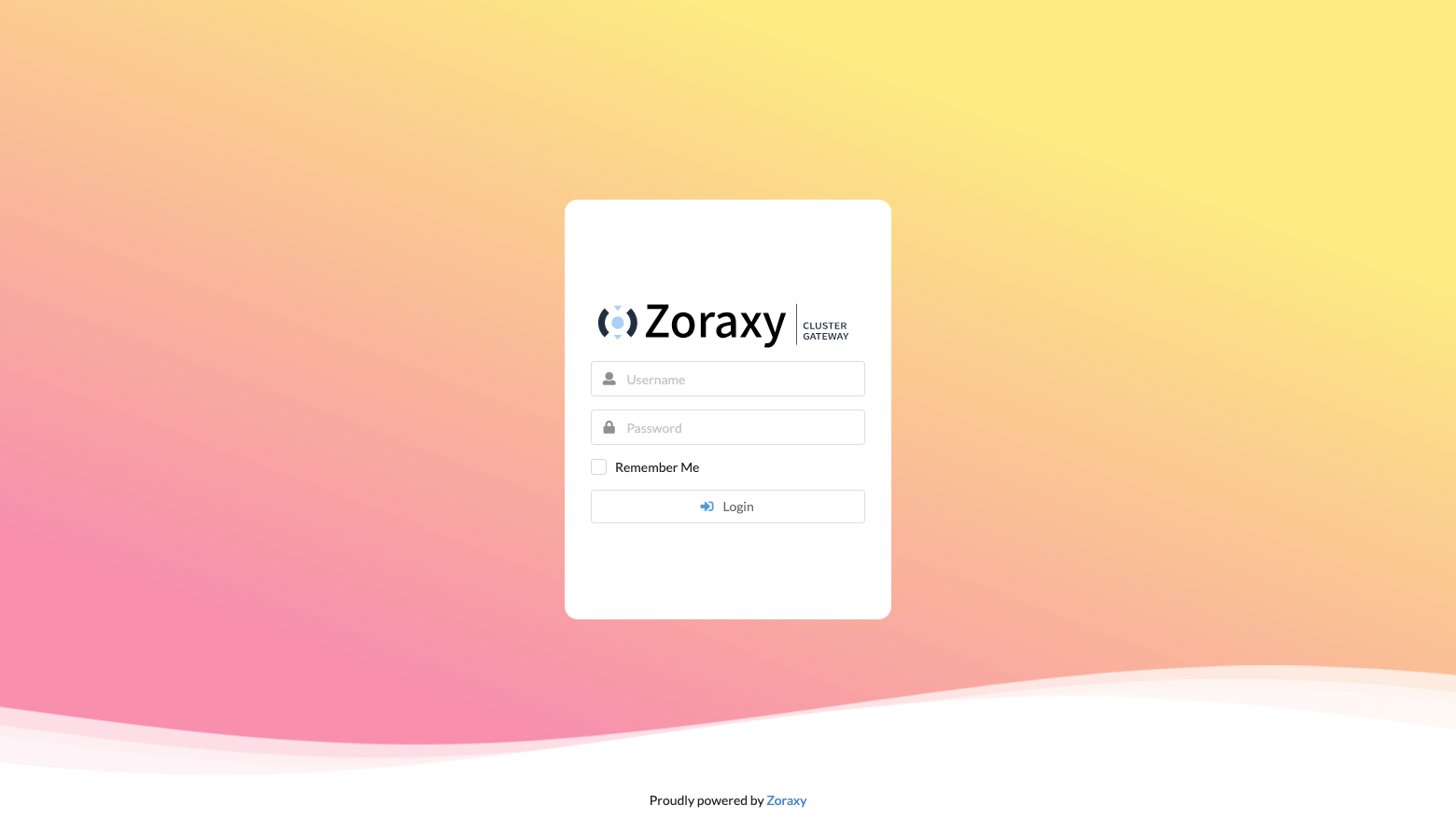
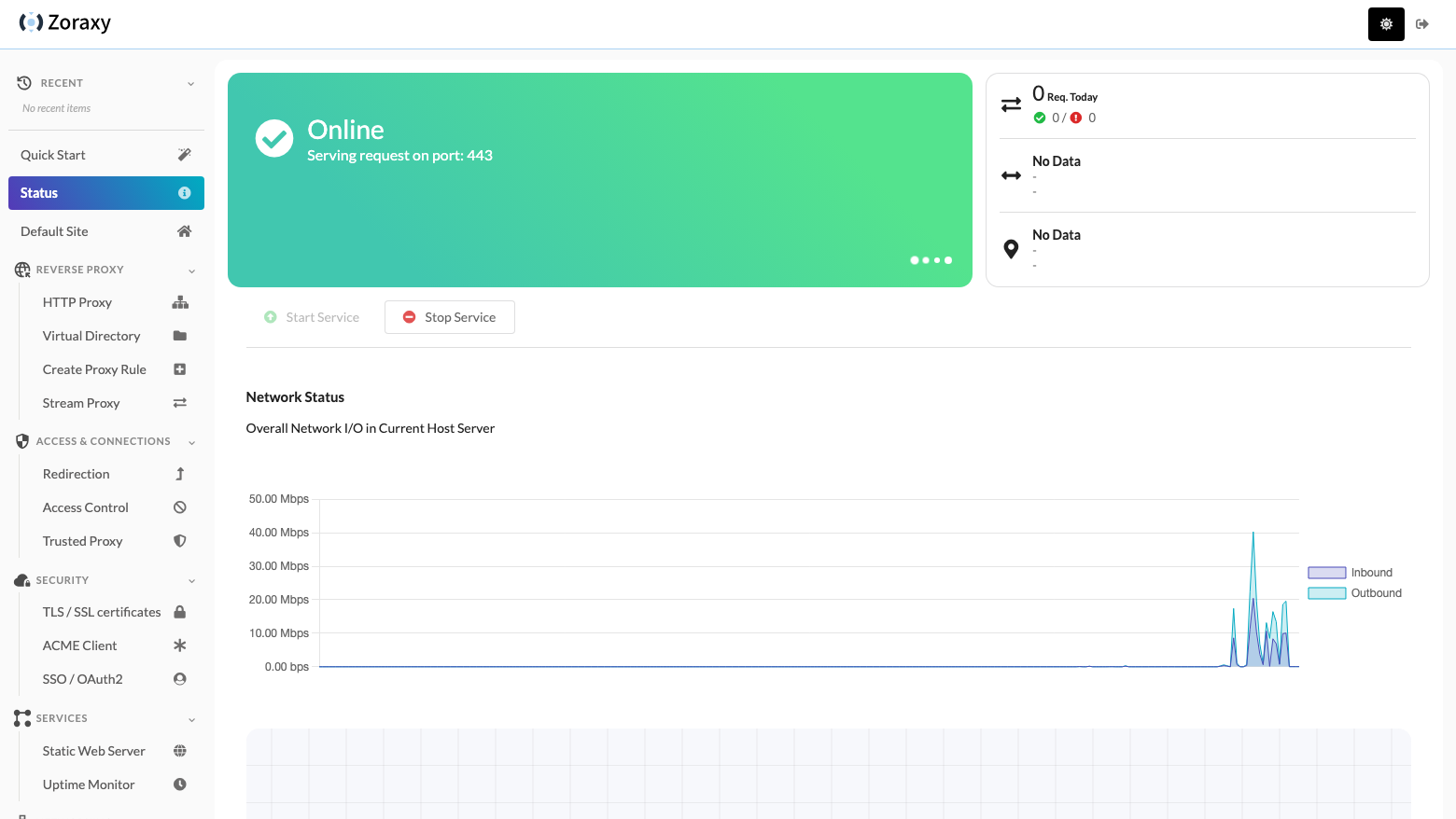
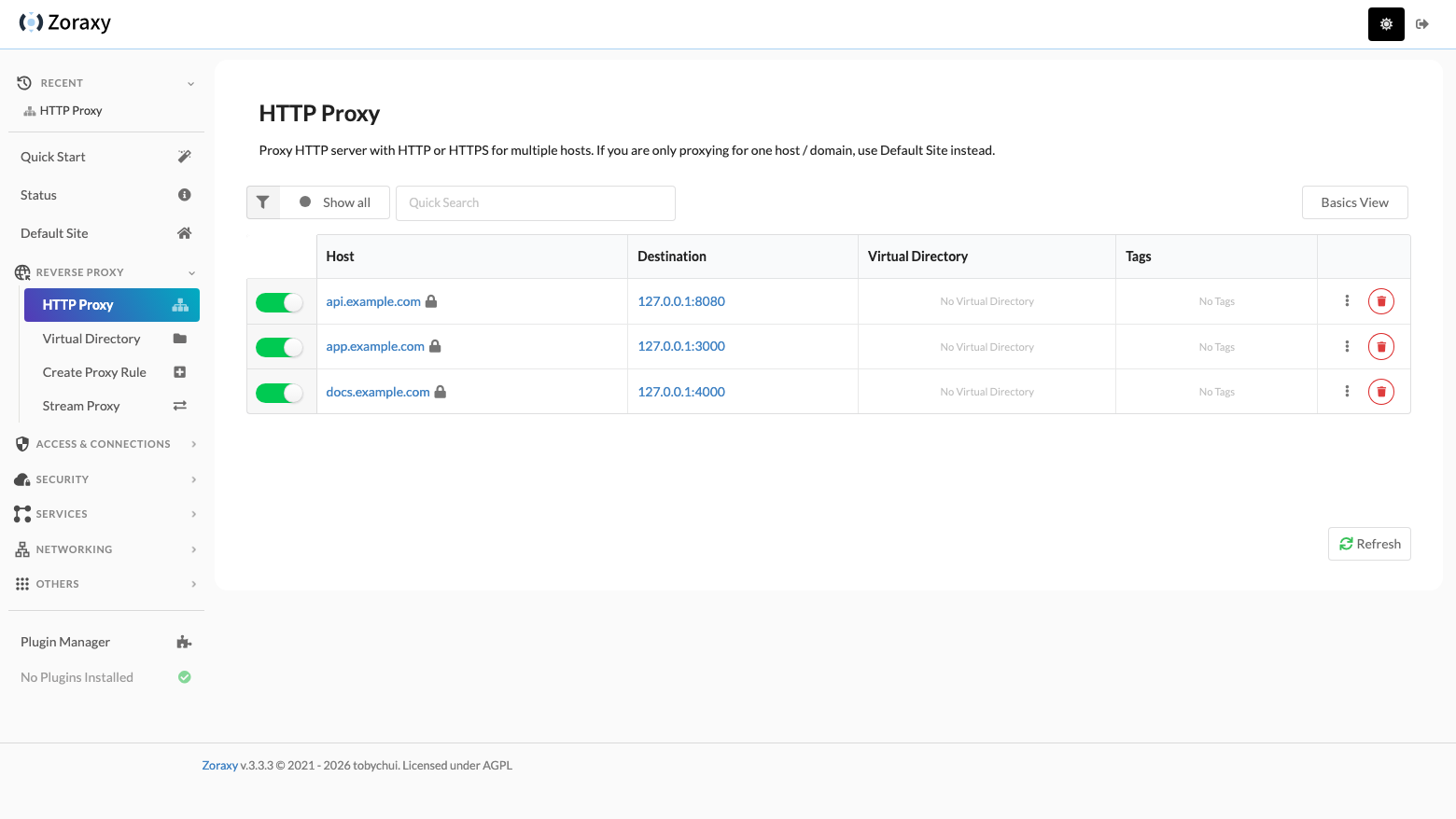
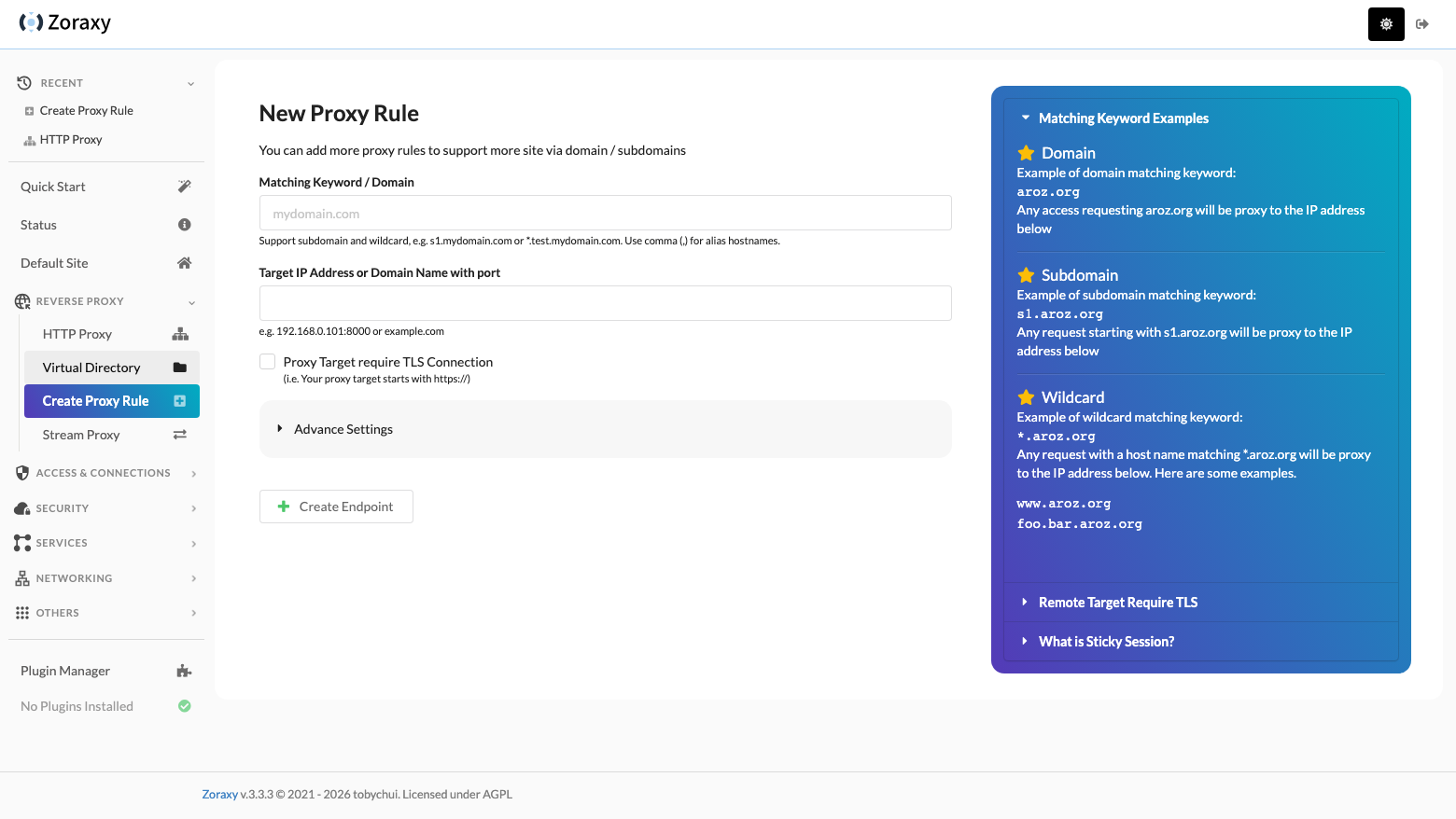
This is a repackaged open source software product wherein additional charges apply for cloudimg support services.
What Zoraxy Does
Zoraxy is a self-hosted reverse proxy for the services you already run. Instead of hand-editing config files, you point a browser at its management interface and define virtual hosts, upstreams, redirect rules, access lists and certificates from a form. This image delivers Zoraxy fully installed as a systemd service on an EC2 instance with its state on a dedicated EBS data volume, so a working edge is running within minutes of launch.
Named Integrations
Zoraxy uses Let's Encrypt as its ACME certificate provider for automatic TLS issuance and renewal, and any ACME provider you configure in its place. The image runs on AWS EC2 with all state on a resizable EBS volume, and the loopback-only administrative plane is reached through a standard SSH tunnel from your workstation.
What You Can Do With It
Who This Is For
SaaS teams consolidating microservices: if you run multiple internal services and need a single public entry point with host-based routing, TLS termination and load balancing, this image gives you a managed edge without maintaining proxy configuration files by hand.
Digital agencies hosting client sites: publish many client websites behind one hardened proxy with per-host rules, automatic certificate renewal and access-control lists, all managed from a browser rather than from config files.
Self-hosters publishing applications securely: if you run services on a single server and want to publish them over HTTPS without exposing an administrative console to the internet, the loopback-only management plane and per-instance credentials remove the most common attack surface.
How cloudimg Hardens It
The management interface is bound to the loopback address and is not published on the internet. It is absent from the security group, so it cannot be reached from outside the instance; you open it through an SSH tunnel from your own workstation, which the paired deployment guide walks through step by step. That single decision removes the most common failure mode for a self-hosted proxy, which is an administrative console left facing the internet.
Every instance mints its own administrator password at first boot, writes it to a root-only file, and registers it through the application's own first-run account window before that window closes. No credential, account store, node identity, proxy rule, upstream, TLS private key or certificate-authority account key is baked into the image, so two instances launched from it never share a secret. The network discovery scanner and the built-in static file server are both switched off by default.
Operational Shape
The application runs under systemd with automatic restart. All state, including the configuration store, the certificate store, request logs and plugins, lives on a dedicated EBS data volume that you can resize independently of the operating system disk and that survives instance replacement. Ports 80 and 443 carry your proxied traffic and are the only application ports open. A first-boot login banner tells you exactly where the credentials are and how to reach the console.
Verification and Support
Every build is verified end to end before release: the service starts from a cold boot, the generated credential is proven to authenticate, an unauthenticated caller is proven to be refused, and a real request is proven to travel through the proxy to an upstream and back. A step-by-step deployment guide is published free to read before purchase at www.cloudimg.co.uk/guides/zoraxy-aws/, and a 7-day free trial is available on this listing. cloudimg maintains the image, tracks upstream releases, and provides 24/7 technical support by email and live chat.
This image is intended for publishing services you operate. It is not a tunnelling, anonymising or traffic-relaying product.
The image builds the official 3proxy binary (pinned at build from the upstream release) and runs it under systemd as the...
The image builds accel-ppp 1.14.0 from the upstream source tag (commit 048d31cb, dated 25 January 2026), verified agains...

This image runs AdGuard Home, the open source network-wide DNS server that blocks ads, trackers and malicious domains fo...
The image installs the latest stable Anubis release, resolved at build time from the official GitHub release package and...

This image runs Apache Guacamole, the open source clientless remote desktop gateway.

This image runs Apache ShenYu, the high performance, reactive open source API gateway built on Java and Spring WebFlux.