Base
Hardened build
minimal ports, security patches applied at build time

Deploy a private, zero-knowledge password vault with built-in email aliases in your own VPC in minutes - not hours of manual Docker and TLS setup. A unique admin password and cryptographic secrets are generated on first boot, with 24/7 cloudimg support.
This image arrives installed, configured and hardened, so there is no manual setup before you can use it. It is built on a patched base, runs with credentials generated uniquely for your instance on first boot, and passes an automated health check before every release. Every deployment is backed by 24/7 support from cloudimg engineers.
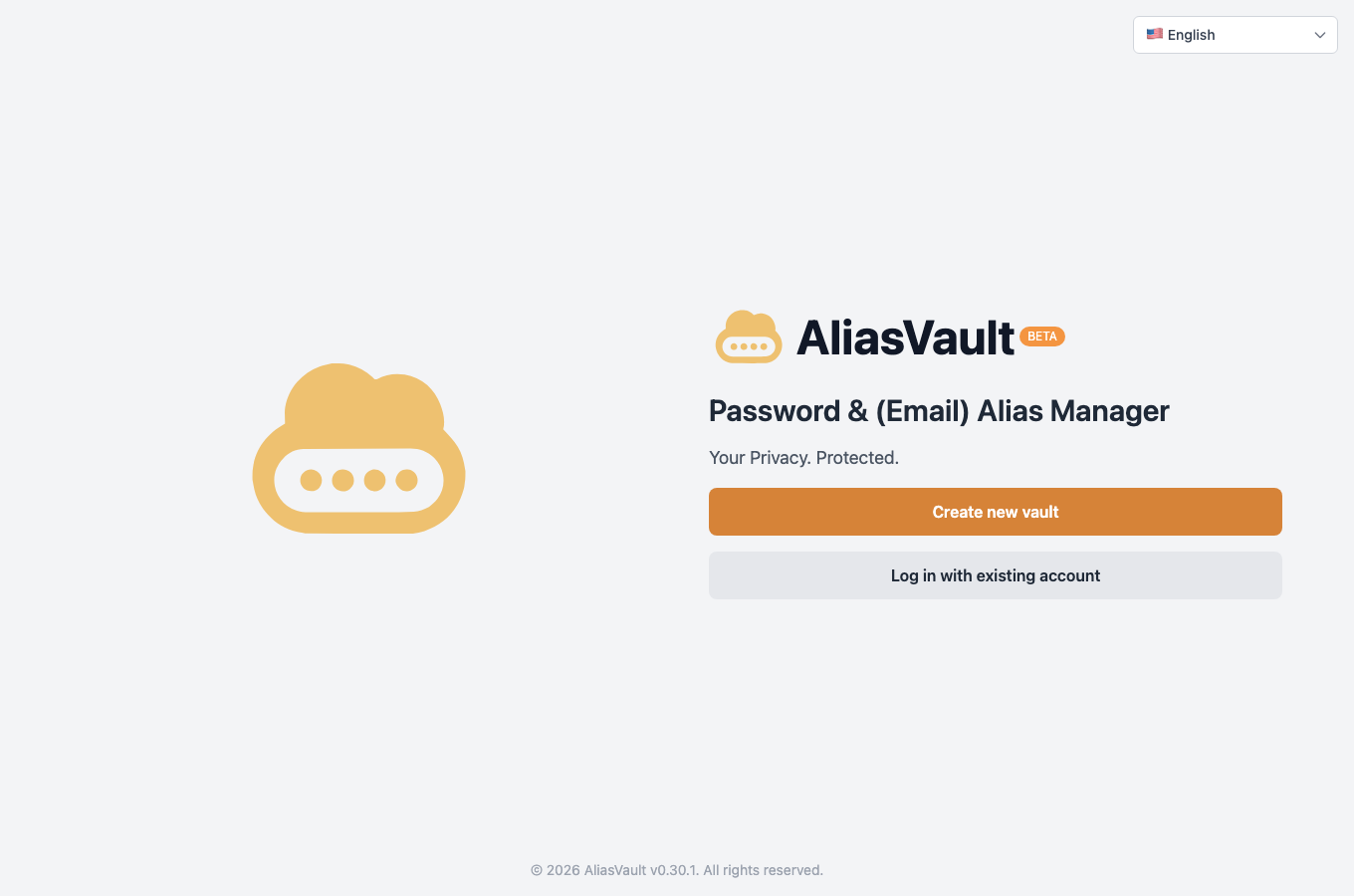
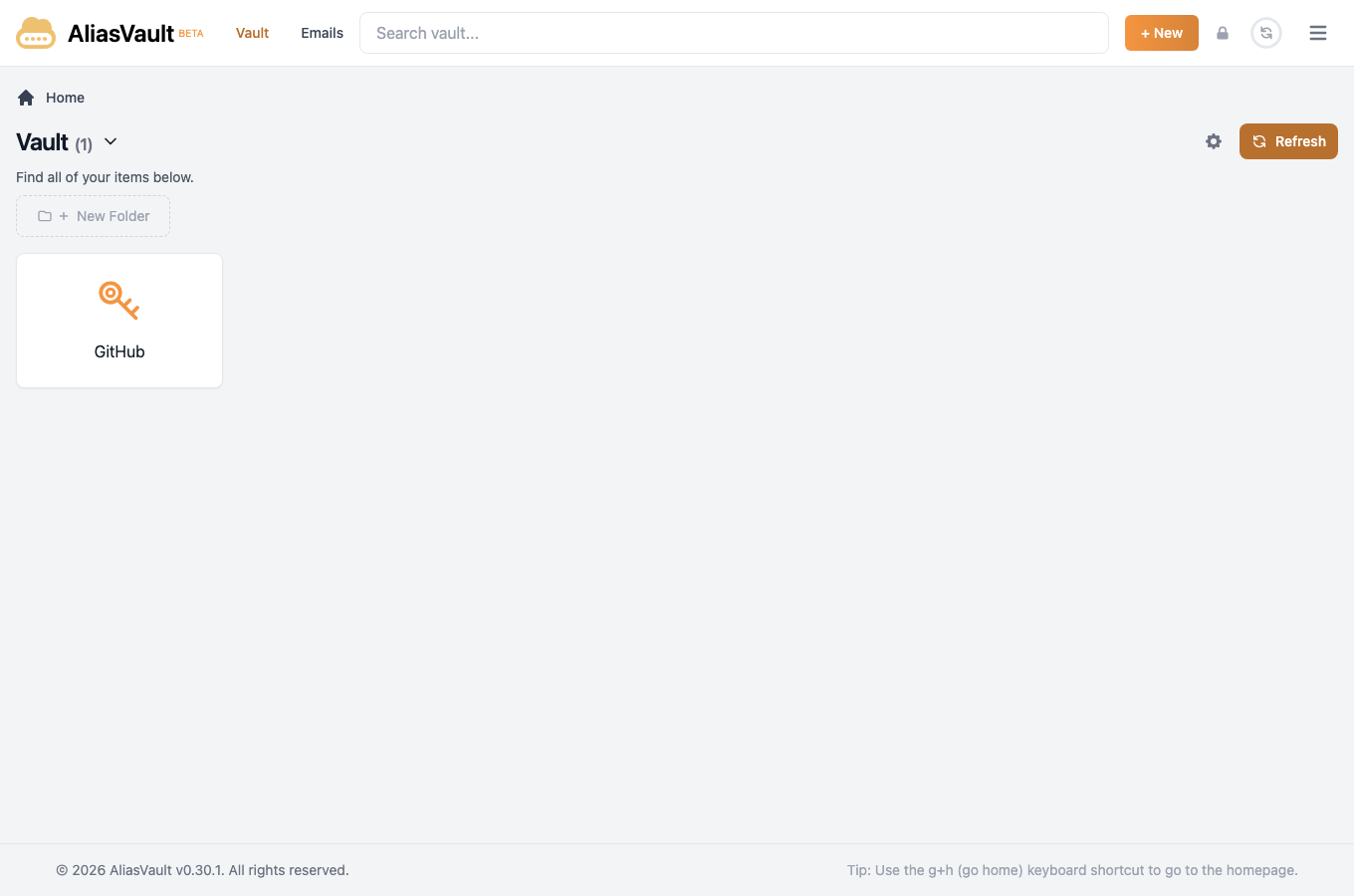
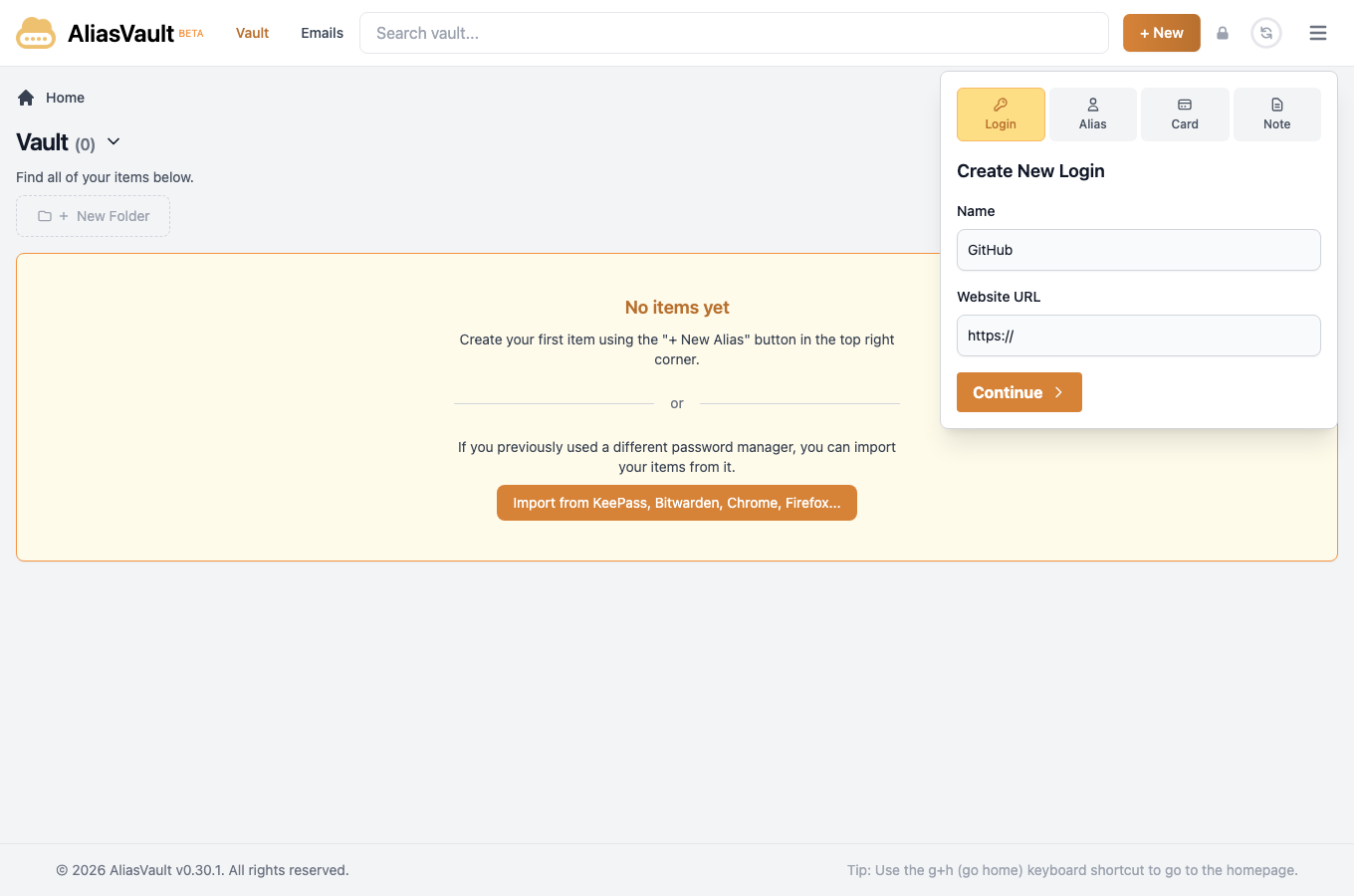
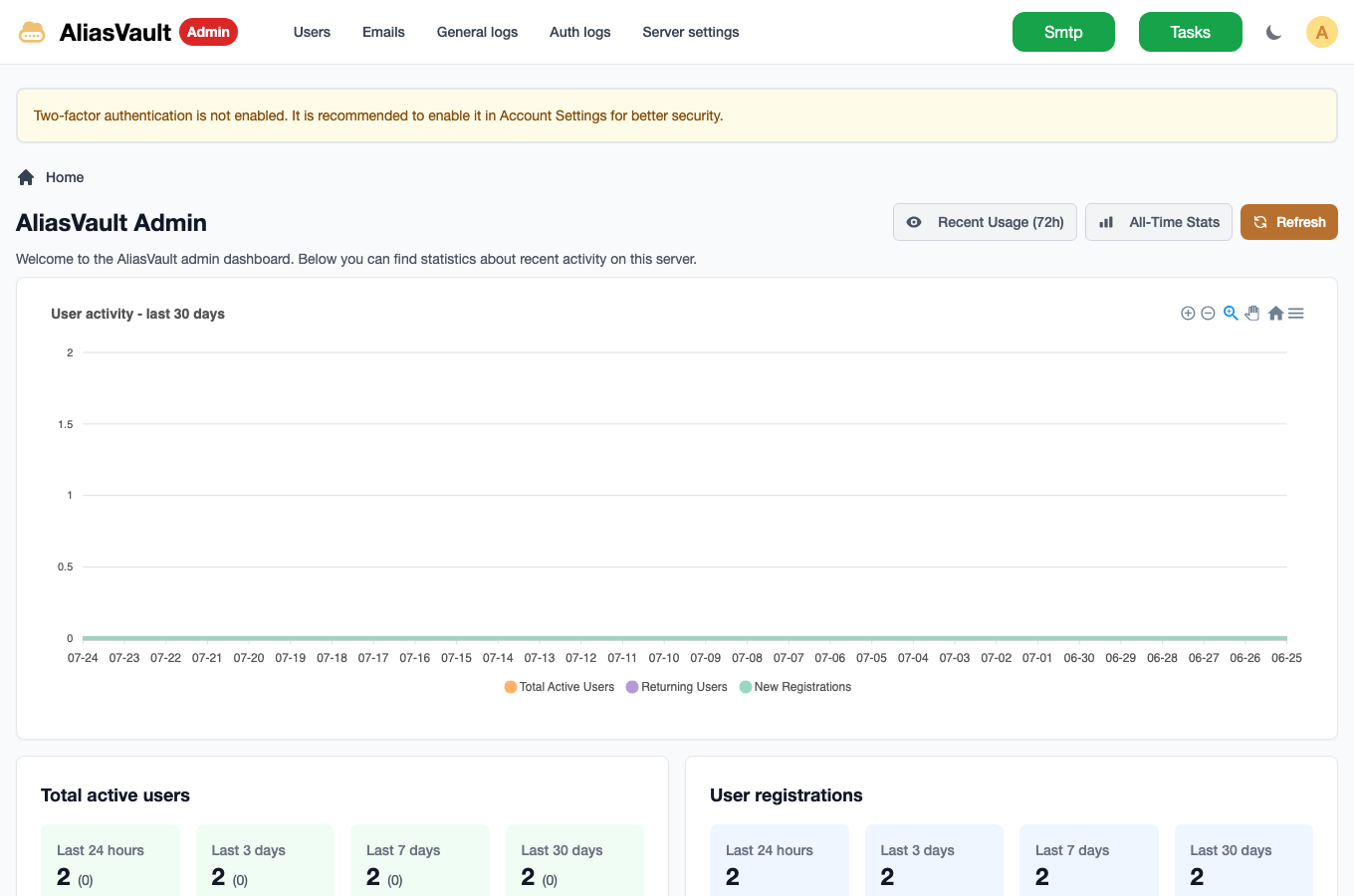
Real screenshots taken while testing this image against its deployment guide.
This is a repackaged open source software product wherein additional charges apply for cloudimg support services.
## Why This AMI Instead of Self-Deploying?
AliasVault is an open source, self-hosted password manager combined with a private email-alias service. For every website you sign up to, it generates a unique identity and a unique email alias, receives mail for that alias through its own built-in mail server, and stores the login in a zero-knowledge vault whose master password never leaves your device.
Deploying AliasVault yourself means installing Docker, wiring up an eight-image container stack, fronting the web client, admin panel and API behind a TLS reverse proxy, generating JWT, data-protection, database and admin secrets, and maintaining the stack over time. This AMI eliminates that effort entirely - your self-hosted vault is running within minutes of launch, not hours. You get a pre-hardened, tested configuration backed by 24/7 expert support, something community forums cannot provide.
The current release available is AliasVault 0.30.1.
## Application Stack
The official upstream AliasVault stack, pinned to the release, runs under one systemd service via Docker Compose on a private container network: a bundled PostgreSQL database, the web vault client, an admin panel, a REST API, a mail-receiving server and a background task runner, all fronted by an nginx reverse proxy that terminates TLS on ports 80 and 443. The mail server listens on ports 25 and 587. PostgreSQL is never published to a host port, so the database is reachable only inside the container network.
## Secure By Default
AliasVault stores your most sensitive credentials, so a shipped secret would be a serious risk. This image closes that gap:
## Use Cases
## What You Avoid By Using This AMI
## Licensing
AliasVault is free and open source under the GNU Affero General Public License v3.0 (AGPL-3.0). The verbatim licence text and a pointer to the corresponding source at the pinned release ship inside the image. There is no per-seat fee for the software; the cloudimg charge covers packaging, security patching, image maintenance and 24/7 support.
## Get Started
Launch the AMI, browse to the instance over HTTPS on port 443, and register your vault account. The deployment guide is at https://www.cloudimg.co.uk/guides/aliasvault-aws/ . For help with DNS configuration, mail port setup, TLS certificate replacement or any other deployment question, contact cloudimg support at support@cloudimg.co.uk.
All product and company names are trademarks or registered trademarks of their respective holders. Use of them does not imply any affiliation with or endorsement by them.

This image runs AIDE (Advanced Intrusion Detection Environment), the open source, GPL-2.0 licensed host-based file and d...

This image runs Apache Directory Server (ApacheDS) 2.0, the Apache Software Foundation's extensible, embeddable director...

This image runs Apache SpamAssassin, the open source, Apache-2.0 licensed anti-spam platform.

This image runs Authgear, the open source authentication server and identity provider.
This image runs Beelzebub, the open source low code honeypot and deception framework.

BloodHound Community Edition uses graph theory to reveal the hidden and unintended privilege relationships in an Active ...