Base
Hardened build
minimal ports, security patches applied at build time

BloodHound Community Edition, attack path analysis, ready to map privilege relationships on first boot.
BloodHound Community Edition uses graph theory to reveal hidden and unintended privilege relationships across Active Directory, Entra ID and Azure. Security teams use it to find and eliminate the attack paths that lead to domain compromise. Feed it SharpHound and AzureHound collector data and explore privilege escalation and lateral movement paths as an interactive graph, with a prebuilt query library and pathfinding.
cloudimg ships BloodHound CE hardened, fully patched and preconfigured, running the first party PostgreSQL graph backend with no GPLv3 or end of life component, with the security database on a dedicated data volume and a genuine sample dataset staged for immediate exploration. A unique PostgreSQL password, JWT signing key and administrator password are generated on first boot, and the admin password must be changed at first sign in, so no default login ever ships. Backed by 24/7 support.
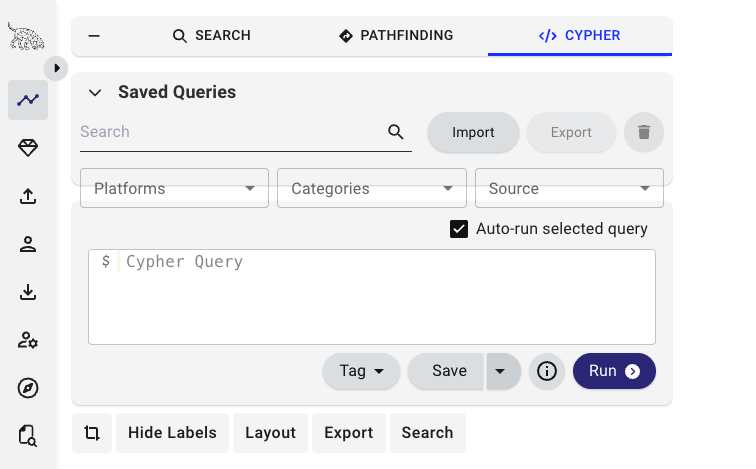
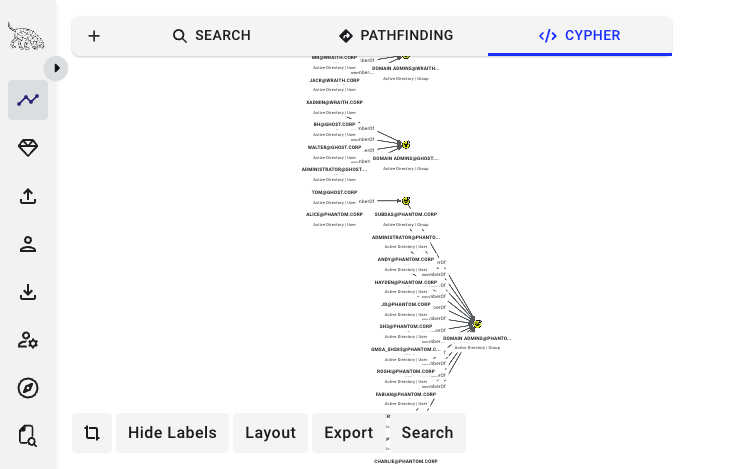
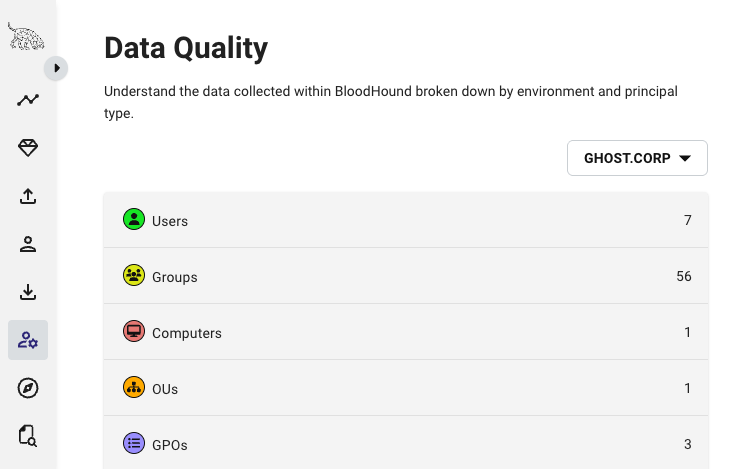
Real screenshots taken while testing this image against its deployment guide.
This is a repackaged open source software product wherein additional charges apply for cloudimg support services.
## BloodHound Community Edition - Attack Path Analysis
BloodHound Community Edition uses graph theory to reveal hidden and unintended privilege relationships in Active Directory, Entra ID, and Azure environments. Built on an open source project with a large and active community of security professionals, BloodHound is one of the most widely adopted attack path analysis tools in offensive and defensive security.
This pre-hardened AMI delivers a fully operational BloodHound CE instance in minutes - no manual Docker Compose configuration, no graph backend wiring, and no default credentials to rotate away.
## How It Works
Feed the platform output from SharpHound and AzureHound collectors and it maps every principal, group, computer, certificate template, and trust into an interactive graph. Trace the exact attack paths an adversary could walk to reach Domain Admins or any other high-value target. A built-in query library and pathfinding surface the shortest routes to compromise, so red teams can prove impact and blue teams can find and cut the edges that matter.
Under the hood, this AMI runs the official upstream BloodHound Go API and React user interface backed by a PostgreSQL graph database - installed, secured, and running from first boot.
## Why This AMI vs a Manual Install
Standing BloodHound up yourself means running a Docker Compose stack, choosing and wiring a graph backend, provisioning PostgreSQL, generating a JWT signing key and an administrator account, and rotating away every default the upstream compose ships. This image completes every one of those steps at build time:
## Security Hardening
## Concrete Use Cases
## AWS Integration
Deploy on any EC2 instance type; the recommended size is m5.large. Put the BloodHound UI behind an Application Load Balancer with your own TLS certificate and domain, back up the security database and computed graph using EBS snapshots or AWS Backup, and resize the dedicated data volume independently of the OS disk as your ingested datasets grow.
## Getting Started
1. Launch the AMI on an m5.large (or larger) instance
2. Retrieve the single-use admin password from the root-only file on the instance
3. Sign in to the BloodHound UI and set your permanent password
4. Upload SharpHound or AzureHound collector output
5. Explore attack paths in the interactive graph
For a guided deployment walkthrough or questions before purchase, contact support@cloudimg.co.uk.
## Open Source and Source Availability
BloodHound Community Edition is licensed under the Apache License, Version 2.0. This image ships the official upstream container image unmodified; the complete corresponding source is available from the upstream project at github.com/SpecterOps/BloodHound. cloudimg's charges are for the packaging, hardening, and support services described here, not for the software licence.

This image runs AIDE (Advanced Intrusion Detection Environment), the open source, GPL-2.0 licensed host-based file and d...

This image runs Apache Directory Server (ApacheDS) 2.0, the Apache Software Foundation's extensible, embeddable director...

This image runs Authgear, the open source authentication server and identity provider.
This image runs Beelzebub, the open source low code honeypot and deception framework.

The image installs the official Casdoor release, a single self contained Go binary that bundles its pre built web consol...

This image runs Certimate, the open source platform that automates the full life cycle of your SSL/TLS certificates.