Base
Hardened build
minimal ports, security patches applied at build time

Deploy a production-ready identity and single sign-on platform in minutes. Casdoor pre-configured with an embedded database, an nginx TLS front, secure first boot, and 24/7 cloudimg support.
This image arrives installed, configured and hardened, so there is no manual setup before you can use it. It is built on a patched base, runs with credentials generated uniquely for your instance on first boot, and passes an automated health check before every release. Every deployment is backed by 24/7 support from cloudimg engineers.
Real screenshots taken while testing this image against its deployment guide.
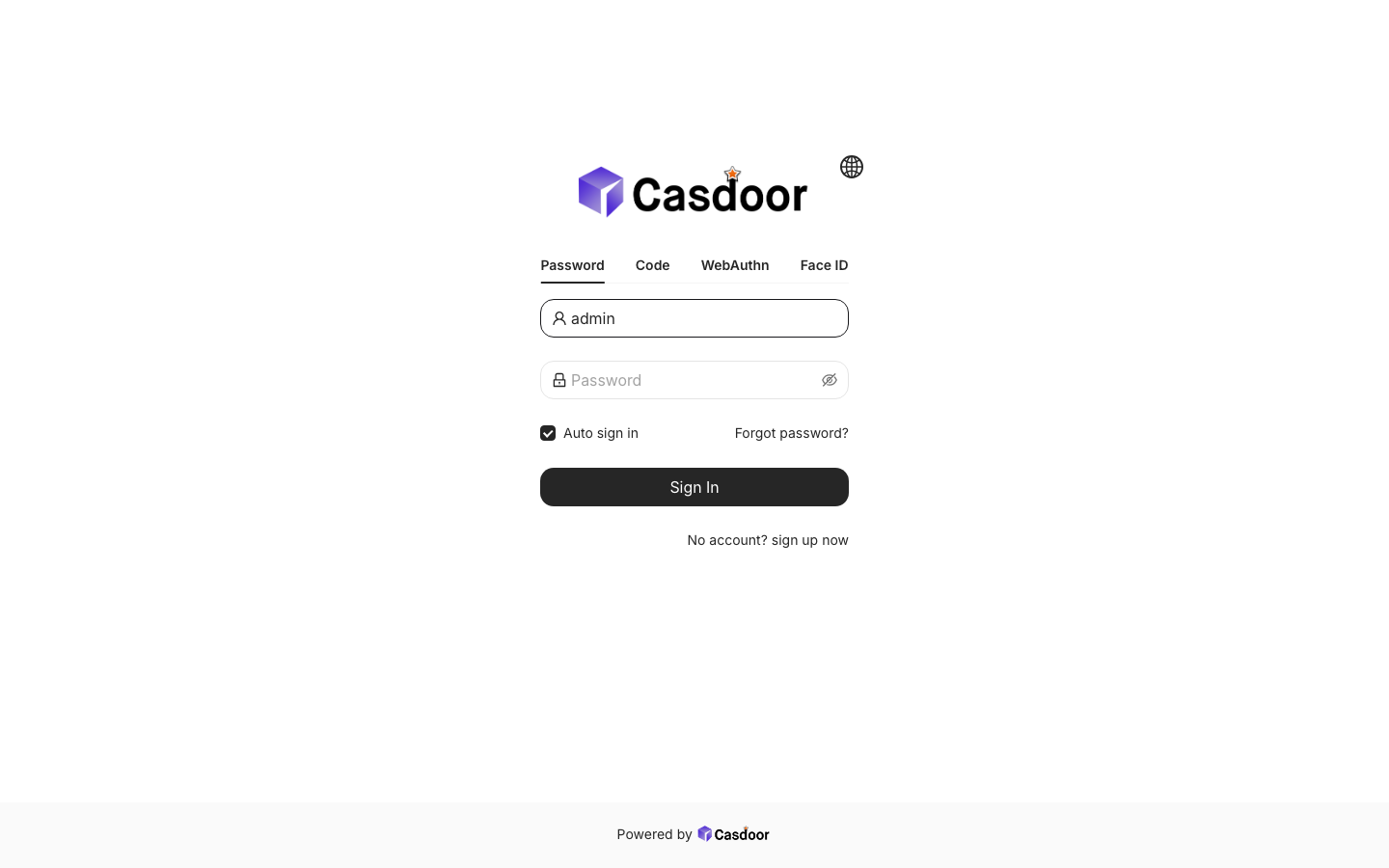
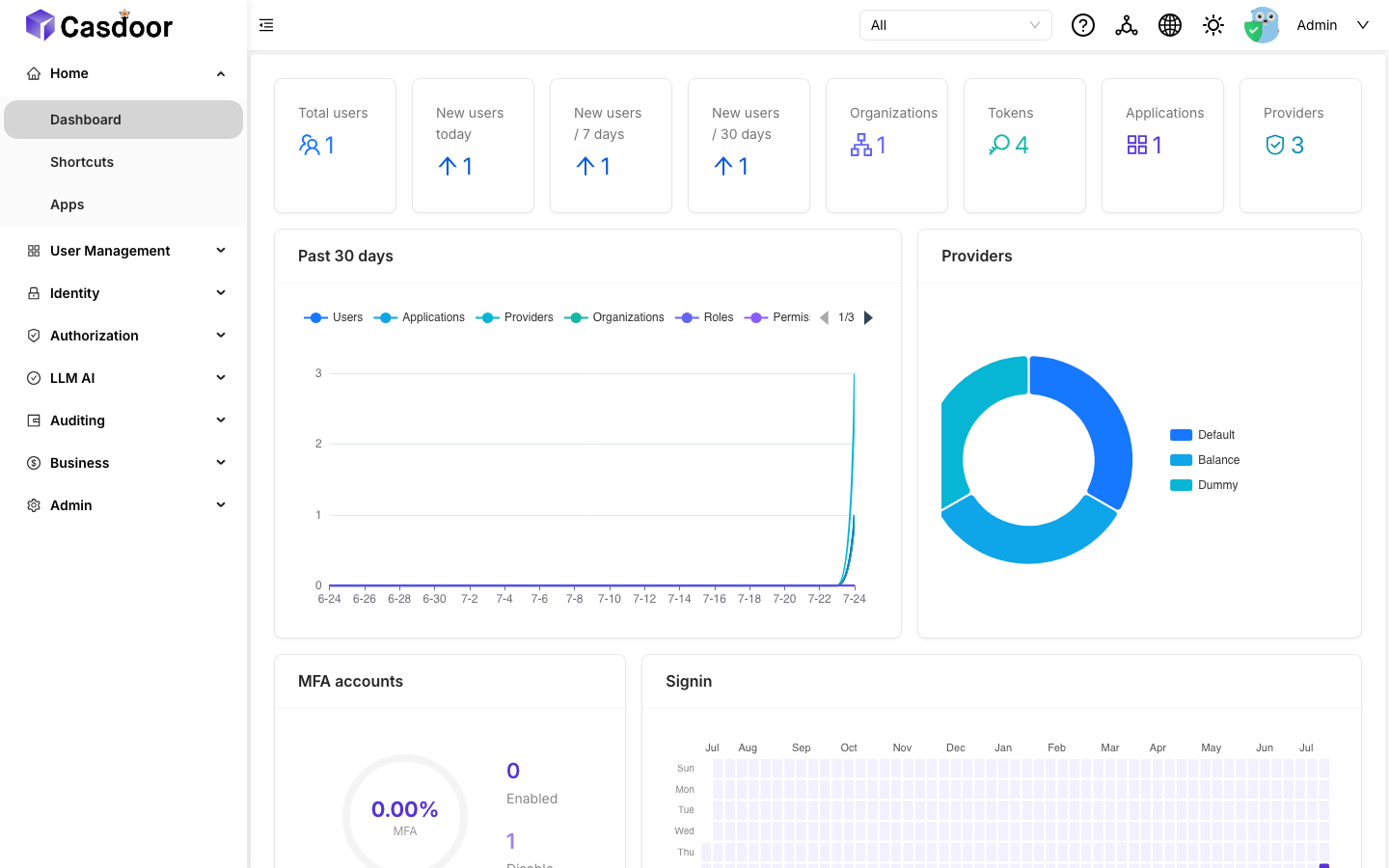
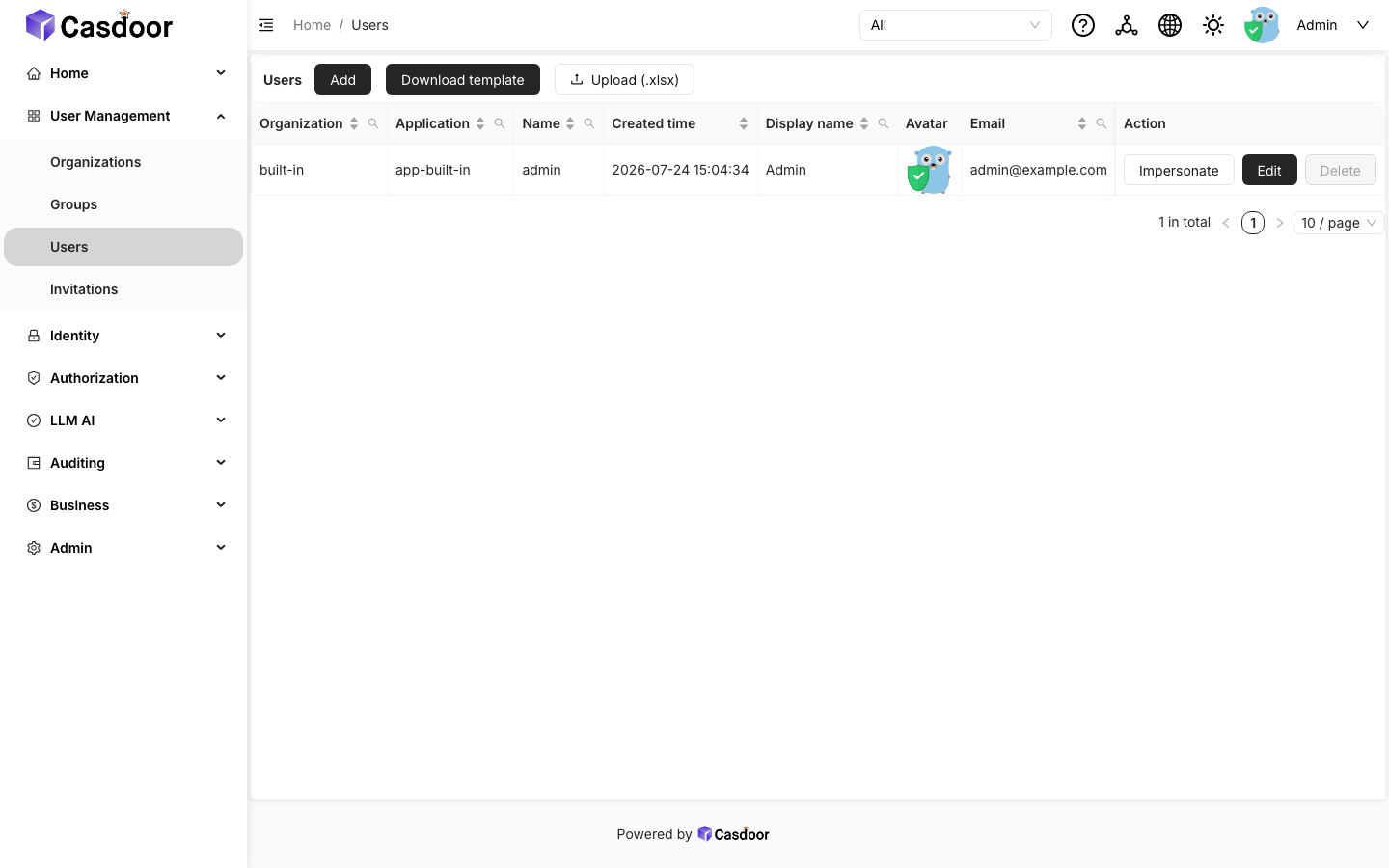
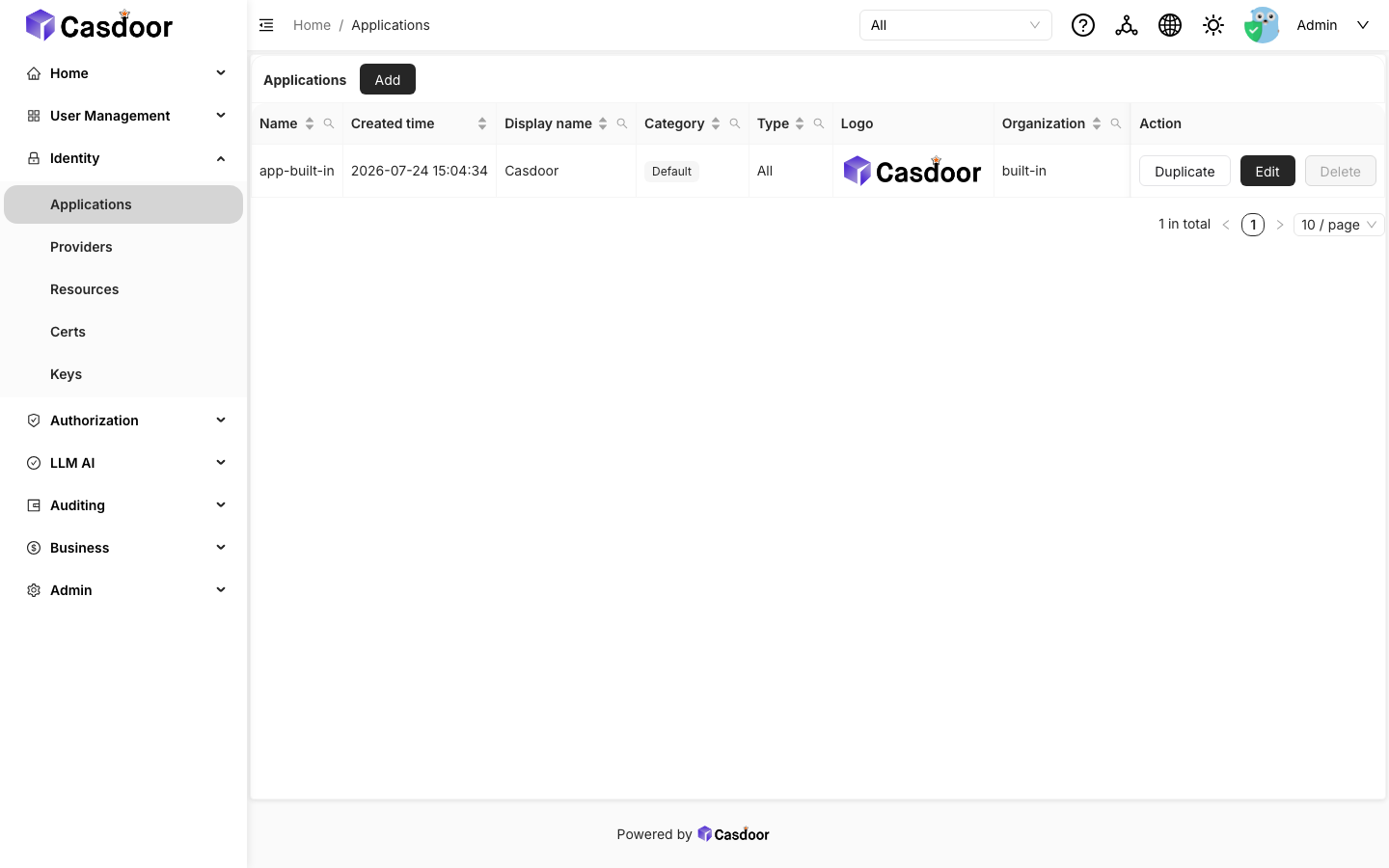
This is a repackaged open source software product wherein additional charges apply for cloudimg support services.
## Why This AMI Over Manual Deployment
Standing up Casdoor from scratch means downloading and verifying the release binary, writing the app configuration, choosing and wiring a database, generating cryptographic material, terminating TLS in front of it, and closing off the raw application port - hours of work that easily leaves insecure defaults in place. This AMI removes that effort: a complete identity and single sign-on server is running within minutes of launch, fronted by an nginx TLS reverse proxy, backed by an embedded database that needs no external service, and hardened so the raw application port is never exposed. Unlike a default Casdoor install that ships the well-known admin bootstrap account, every instance boots with that account's password rotated to a unique per-instance value and proves the default is rejected before it writes the credentials file. It runs as native systemd services with no Docker dependency.
## Application Stack
The Casdoor server is the official statically linked release binary, which bundles the pre-built web console and login user interface and uses an embedded SQLite datastore, so a single node needs no external database. It runs as a dedicated unprivileged service account. An nginx reverse proxy terminates TLS on port 443 and forwards to the application on loopback, and a host firewall keeps the raw application port off the network. Port 80 redirects to HTTPS and serves an unauthenticated health-check endpoint for load balancers.
## Identity and Single Sign-On
Casdoor is a full identity provider. It issues OpenID Connect and OAuth 2.0 tokens and also speaks SAML, CAS, LDAP and WebAuthn, so you can put one login experience in front of every application you run. The admin console manages organizations, users, applications, providers, roles, permissions, certificates, sessions and tokens. The standards-compliant OpenID Connect discovery document is published over TLS out of the box, ready for any relying party to consume.
## Ecosystem Compatibility
Casdoor connects to upstream identity providers including Google, GitHub, Microsoft Entra ID and Okta, and can front any application that speaks OIDC, OAuth 2.0, SAML or CAS. For production DNS and TLS, pair the instance with AWS Route 53 and install your own certificate from AWS Certificate Manager on the bundled nginx front. To scale beyond a single node, Casdoor can be pointed at an external database such as Amazon RDS for MySQL or PostgreSQL.
## Secure First Boot
On the first boot of your instance, a one-shot service resolves the instance address, regenerates a per-instance TLS certificate, sets the public issuer URL, starts Casdoor against an empty database so it bootstraps the built-in administrator, then immediately rotates that administrator's password to a unique per-instance value and verifies over TLS that the well-known default is rejected and the new password is accepted. The credentials are written to a root-only file. No shared or default login and no per-instance identity data ship in the image.
## Use Case: One Login for Internal Tools
A team that wants a single login in front of internal dashboards and applications - wikis, admin panels, CI systems, home-grown apps - registers each application in Casdoor and points it at the OpenID Connect endpoints. Users sign in once and are recognised everywhere, group and role membership is managed centrally, and joiners and leavers are handled in one place instead of per application.
## Additional Use Cases
## Getting Started
Launch the AMI, retrieve the generated administrator password from the root-only file, and visit the HTTPS endpoint to reach the Casdoor login page. Sign in as the administrator to open the admin console, then create your first organization and application and register a relying party against the published OpenID Connect discovery endpoint. The user guide walks through the console, adding users and providers, and swapping the self-signed certificate for your own.
## cloudimg Support
24/7 technical support by email and live chat. Our engineers help with deployment, OpenID Connect, OAuth 2.0, SAML and CAS configuration, connecting upstream identity providers, LDAP and WebAuthn, roles and permissions, TLS setup, moving to an external database, and bringing your own applications under single sign-on.
All product and company names are trademarks or registered trademarks of their respective holders. Use of them does not imply any affiliation with or endorsement by them.

This image runs AIDE (Advanced Intrusion Detection Environment), the open source, GPL-2.0 licensed host-based file and d...

This image runs Apache Directory Server (ApacheDS) 2.0, the Apache Software Foundation's extensible, embeddable director...
This image runs Beelzebub, the open source low code honeypot and deception framework.

This image runs Certimate, the open source platform that automates the full life cycle of your SSL/TLS certificates.

This image runs Checkov, the open source static analysis and policy-as-code scanner that finds security and compliance m...

This image runs Clair, the open source project for the static analysis of vulnerabilities in application containers.