
Apache Airflow - Workflow Orchestration
Overview
Launch production-ready Apache Airflow in minutes with zero setup. Single-node deployment with unique credentials per instance, backed by 24/7 cloudimg expert support.
See it running
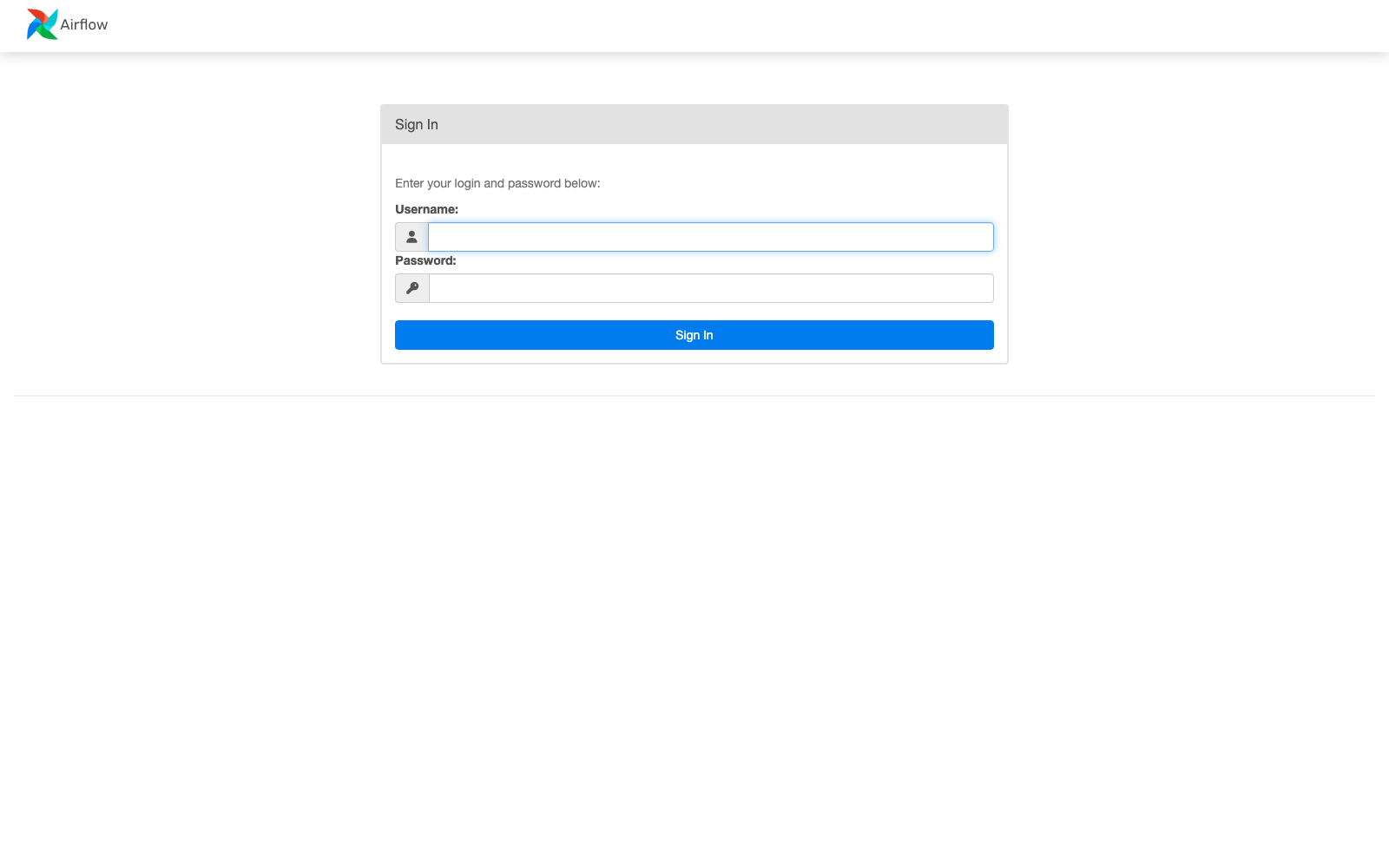
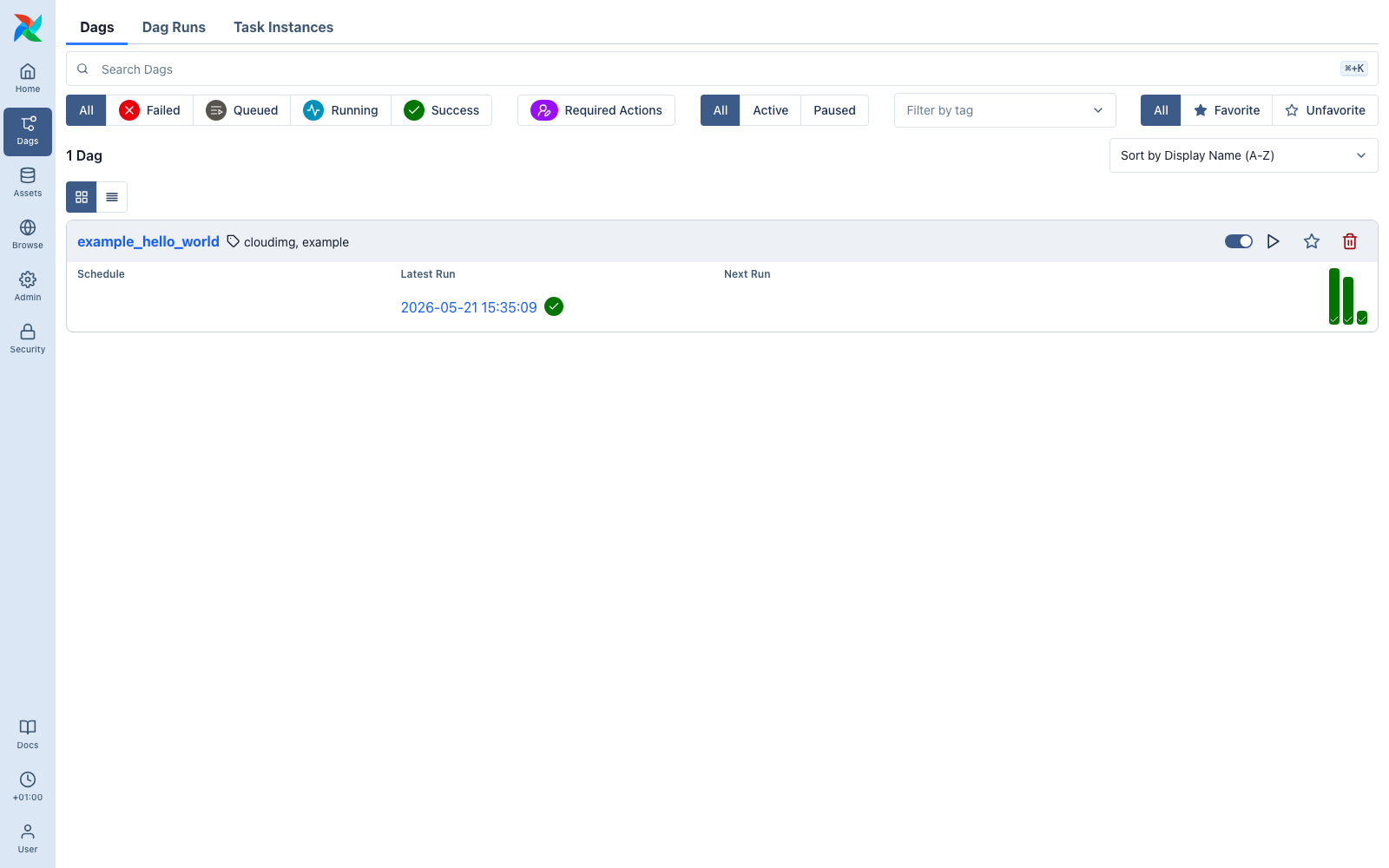
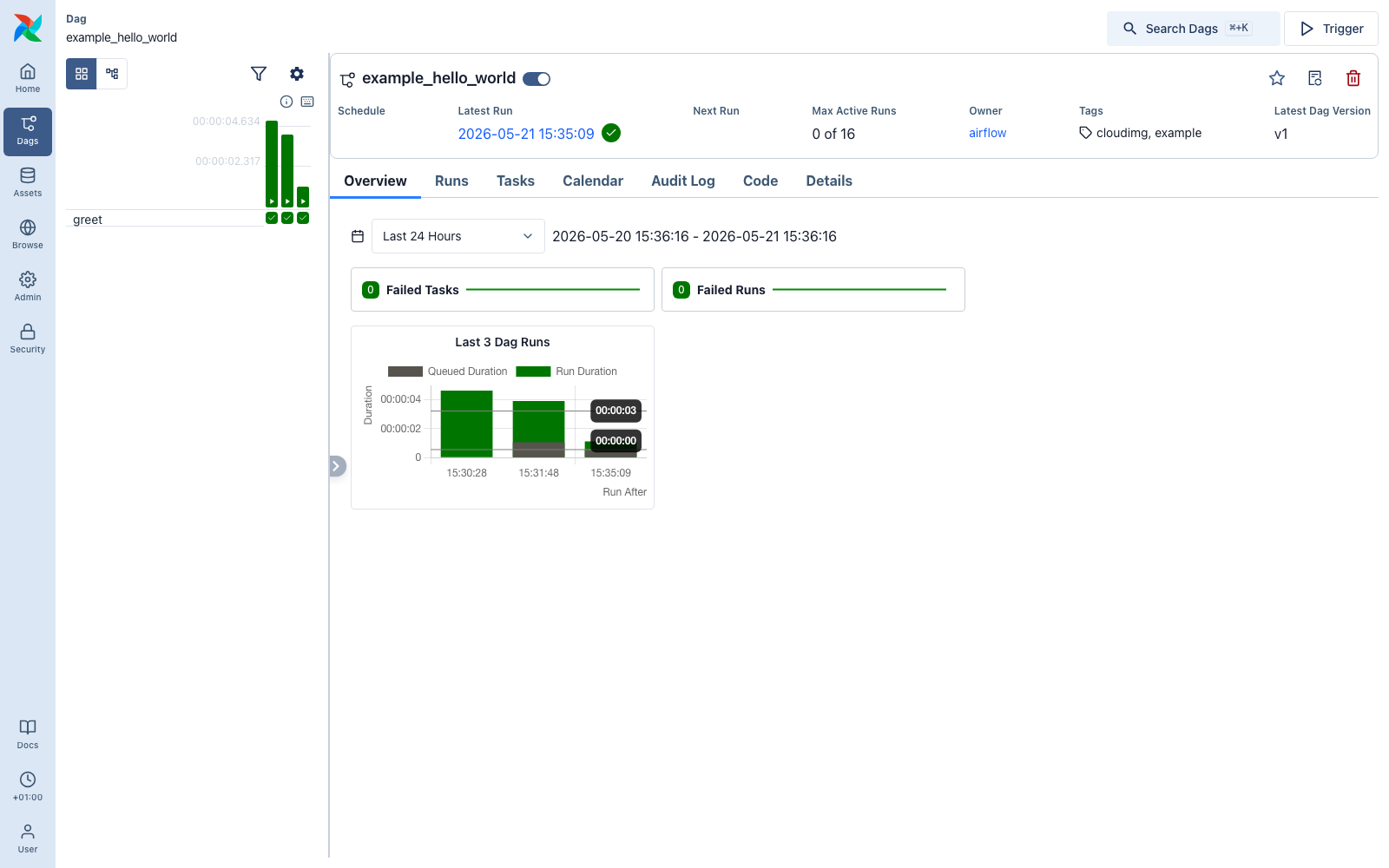
Real screenshots of this software running on the cloudimg image, taken while testing the deployment guide.
Description
This is a repackaged open source software product wherein additional charges apply for cloudimg support services.
## Why This Airflow AMI Over Self-Managed or Other Options
Apache Airflow is rated 4.4 stars on G2 with reviewers praising its flexibility - but also noting it "requires dedicated maintenance" and presents "setup challenges." This AMI eliminates those pain points. Unlike manual installation, you get a fully configured, production-ready Airflow environment running within minutes of launch - no dependency troubleshooting, no configuration drift, and no default credentials to forget to rotate.
Unlike managed services that abstract away control, this single-node deployment gives you full SSH access, complete customization freedom, and no vendor lock-in beyond standard EC2 infrastructure.
## Application Stack
- Apache Airflow 3.x (latest stable) installed into a dedicated Python virtual environment, pinned with the official Airflow constraints file for reproducible builds
- Local PostgreSQL metadata database - no external database dependency to provision or manage
- LocalExecutor - task instances run as subprocesses with no Celery or Kubernetes dependency, reducing operational complexity and cost for teams that do not need distributed execution
- systemd-managed services - the API server, scheduler, and DAG processor each run under dedicated unprivileged service accounts with automatic restart on failure
## Security and Hardening
Unique Credentials Per Instance: On first boot, a one-shot service generates a fresh PostgreSQL password and a fresh Airflow administrator password unique to that instance. Credentials are written to a root-only file. No shared or default credentials ship in the image - eliminating the credential-sharing risk common with other AMIs.
Unprivileged Service Accounts: Each Airflow component runs under its own restricted system user, limiting blast radius if any single process is compromised.
Network Security Guidance: Configure your EC2 security group to restrict port 8080 access to trusted IP ranges or place the instance behind an Application Load Balancer with TLS termination for encrypted access to the web UI. Enable EBS encryption on your instance volume for data-at-rest protection.
OS-Level Practices: The image ships with minimal installed packages and unattended security updates enabled to reduce attack surface.
## Getting Started
1. Launch the AMI on your chosen instance type with an EBS-encrypted volume
2. Ensure your security group allows inbound TCP on port 8080 from your IP
3. Wait approximately 2-3 minutes for the first-boot credential generation to complete
4. SSH into the instance and retrieve your credentials from the root-only file
5. Browse to http://your-instance-ip:8080 and sign in as the administrator
6. Begin authoring DAGs, triggering runs, and monitoring pipelines through the Airflow web interface
## Use Case Example
A data engineering team of 3-5 engineers running nightly ETL pipelines - ingesting data from S3, transforming with Python operators, and loading into Redshift - can operate hundreds of DAGs on a single node without needing Kubernetes or Celery infrastructure. This deployment suits teams that want Airflow's full power without the operational overhead of a distributed cluster.
## Additional Use Cases
- Scheduled batch processing and reporting
- Machine learning workflow automation and model retraining pipelines
- Cross-system task coordination across AWS services
- Data pipeline orchestration for mid-size teams without dedicated DevOps
## cloudimg Support
24/7 technical support by email and live chat. Our engineers provide expert assistance with Airflow deployment, upgrades, executor configuration, DAG authoring, performance tuning, and metadata database administration. Book a free 15-minute onboarding call to get personalized guidance for your use case.
Apache Airflow and Apache are trademarks of the Apache Software Foundation. All other product and company names are trademarks or registered trademarks of their respective holders. Use of them does not imply any affiliation with or endorsement by them.
Key Features
- Apache Airflow preinstalled and ready, with a local PostgreSQL metadata database and the LocalExecutor, and no manual setup required
- Hardened first boot generates fresh PostgreSQL and Airflow administrator passwords for every instance and stores them in a file only the root user can read
- 24/7 technical support from cloudimg, with expert assistance for Airflow deployment, configuration, upgrades and DAG authoring
Related Technologies
Related Products
Apache Archiva Repository Manager
This image runs Apache Archiva, the open source build-artifact repository manager - a central, governed store for the bi...
Appsmith Open-Source Low-Code Platform
This image runs Appsmith Community Edition, the open source low-code platform for building internal tools, admin panels,...
Appwrite
Appwrite is an open source backend as a service platform, a self-hosted Firebase alternative that gives developers a com...
changedetection.io - Website Change Monitor
This image runs changedetection.io, the self-hosted service that monitors web pages for changes and notifies you when so...
CloudBeaver - Web Database Manager
CloudBeaver CE is a web-based database manager - a browser edition of the popular DBeaver desktop tool - that lets you c...

Docker CE on Windows - Containerization Platform
Docker Community Edition is the free, open source container runtime that allows you to package applications and their de...