Appwrite
Overview
Appwrite, the open source backend as a service platform, preinstalled as the official self-host Docker Compose stack with the database, authentication, storage, functions and realtime APIs and the Appwrite Console, all published on port 80 by the bundled reverse proxy. Every secret is rotated and a fresh Console root account is created on first boot. Backed by 24/7 cloudimg support.
See it running
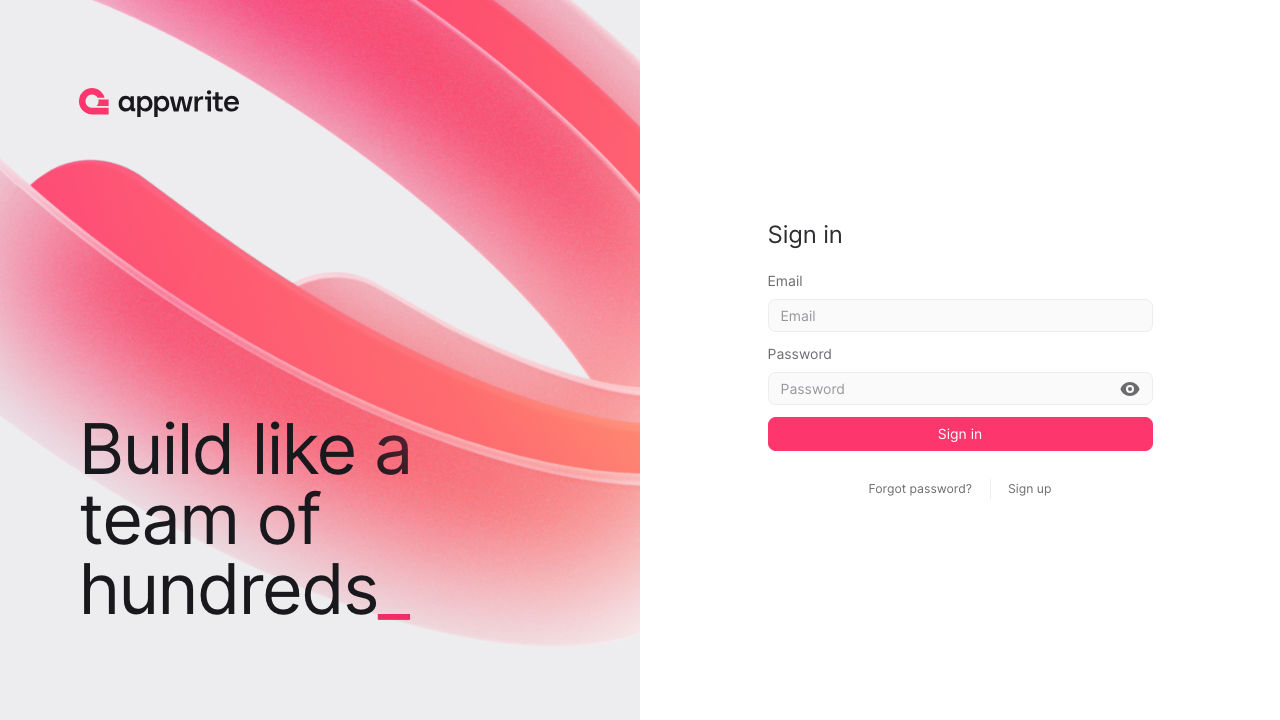
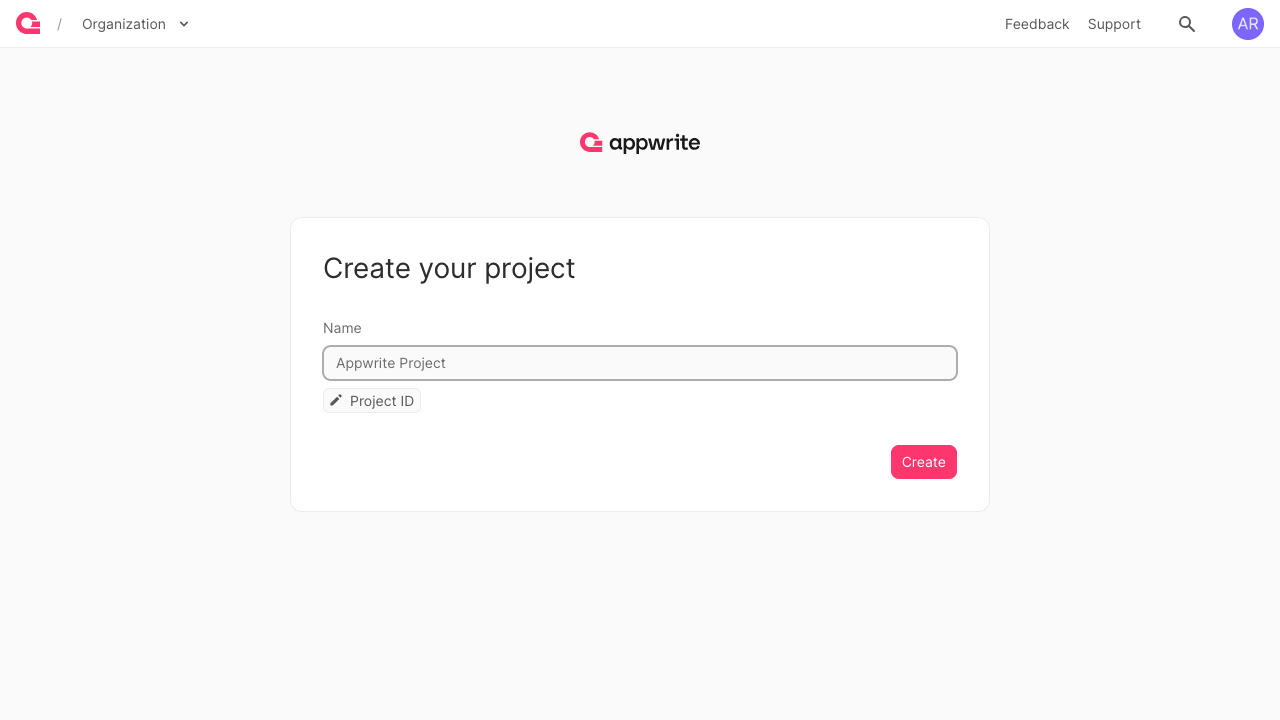
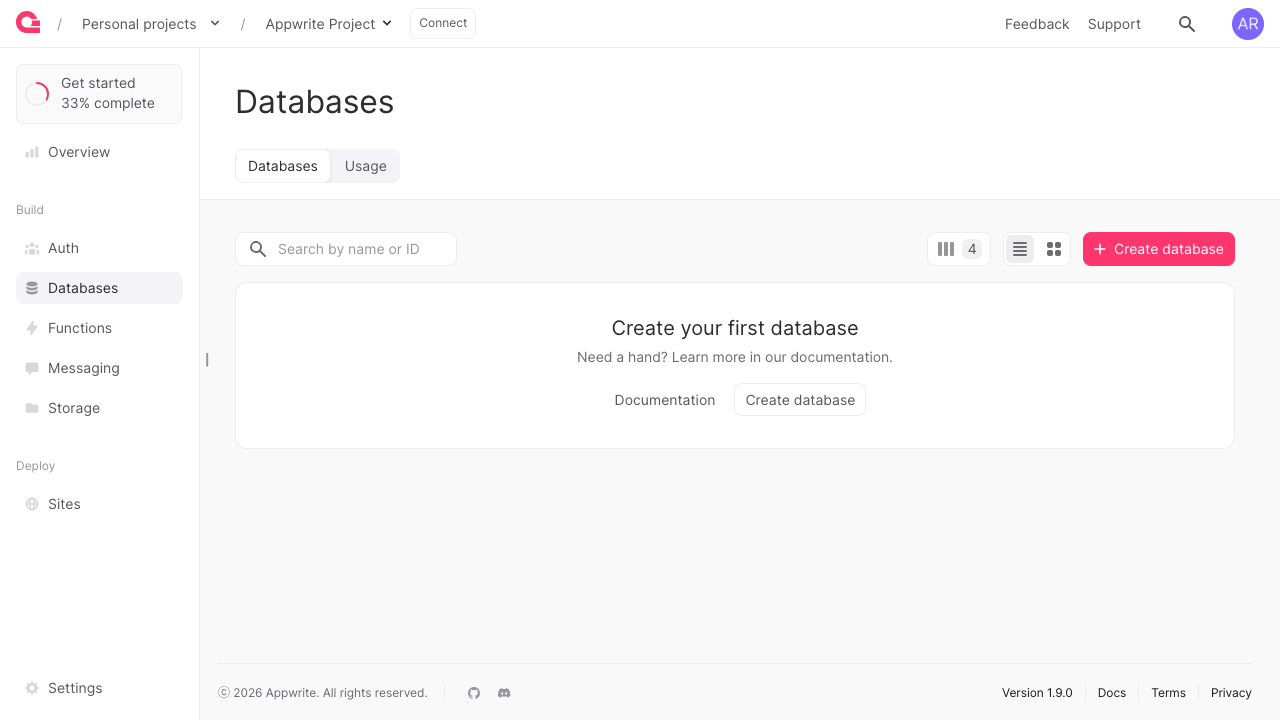
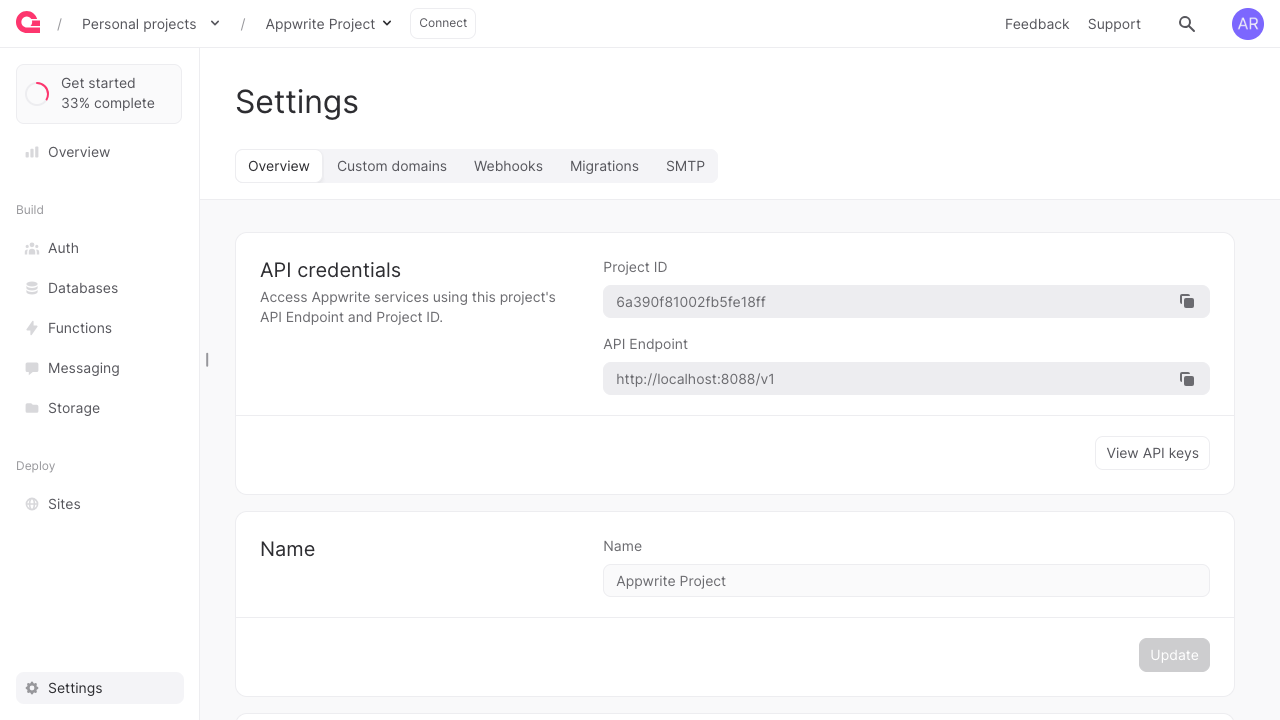
Real screenshots of this software running on the cloudimg image, taken while testing the deployment guide.
Description
This is a repackaged open source software product wherein additional charges apply for cloudimg support services.
Overview
Appwrite is an open source backend as a service platform that gives developers a complete backend out of the box: user authentication with many login methods, a hosted database with fine grained permissions, file storage, serverless functions, messaging and realtime subscriptions, all behind a clean REST, GraphQL and Realtime API and a polished web Console. This image delivers the official Appwrite self-host Docker Compose stack fully installed and configured, so a complete backend is running within minutes of launch.
Application Stack
The complete Appwrite platform runs as a Docker Compose stack: a bundled Traefik reverse proxy that publishes the Console and the API on port 80, the Appwrite API container, the Appwrite Console web application, the realtime websocket service and the full set of Appwrite worker containers for audits, webhooks, deletes, databases, builds, certificates, functions, mails, messaging and migrations, plus the OpenRuntimes executor, MongoDB for the database and Redis for the cache, queues and pub/sub. Docker Engine and the Docker Compose plugin are installed from the official Docker package repository.
A Complete Backend
Manage users and teams, model your data in collections with attributes, indexes and per document permissions, store and serve files with image transformations, write serverless functions in many runtimes, send email, SMS and push messages and subscribe to realtime events, all from the Appwrite Console or the client and server SDKs. The auto generated REST, GraphQL and Realtime APIs let your web, mobile and server applications talk to the backend with a few lines of code.
Dedicated Storage Tier
The MongoDB database, the Redis data and all uploaded files and Appwrite storage live on a separate, independently resizable data volume, so the stateful tier can be grown without disturbing the rest of the instance.
Secure First Boot
On the first boot of your instance a one shot service rotates every secret in the stack, unique to that instance: the API encryption key, the executor secret and the database and cache passwords. It then creates a fresh Console root account with a generated password and locks Console registration to that first account. No shared or default secrets and no preexisting login ship in the image.
Ready To Use
The Appwrite Console and the API are served on port 80 through the bundled reverse proxy. Browse to the instance, sign in with the generated Console root credentials, create your first project and start building. Point the Appwrite client and server SDKs at the instance to use the database, authentication, storage, functions and realtime APIs.
cloudimg Support
24/7 technical support by email and chat. Help with deployment, projects and API keys, authentication providers, the database and permissions model, storage, serverless functions, messaging, realtime, TLS and backups.
Use Cases
Backend as a service for web and mobile applications. A self hosted database with authentication, storage and serverless functions. User and team management. File storage and delivery. A self hosted open source alternative to proprietary backend platforms.
Appwrite is a trademark of Appwrite, Inc. MongoDB is a trademark of MongoDB, Inc. Redis is a trademark of Redis Ltd. All other product and company names are trademarks or registered trademarks of their respective holders. Use of them does not imply any affiliation with or endorsement by them.
Key Features
- The complete Appwrite platform preinstalled as the official self-host Docker Compose stack: the database, authentication, storage, serverless functions, messaging and realtime APIs and the Appwrite Console, all published on port 80, no manual setup required
- Build a backend in the Console with users and teams, collections with per document permissions, file storage and serverless functions, with the MongoDB database, Redis and all uploads on a dedicated independently resizable data disk
- Hardened first boot rotates every secret in the stack for each instance and creates a fresh Console root account with a generated password locked to first user registration, with 24/7 cloudimg support
Related Technologies
Related Products

Apache Airflow - Workflow Orchestration
This image runs Apache Airflow as a single node deployment. Airflow is installed into a dedicated Python virtual environ...
Apache Archiva Repository Manager
This image runs Apache Archiva, the open source build-artifact repository manager - a central, governed store for the bi...
Appsmith Open-Source Low-Code Platform
This image runs Appsmith Community Edition, the open source low-code platform for building internal tools, admin panels,...
changedetection.io - Website Change Monitor
This image runs changedetection.io, the self-hosted service that monitors web pages for changes and notifies you when so...
CloudBeaver - Web Database Manager
CloudBeaver CE is a web-based database manager - a browser edition of the popular DBeaver desktop tool - that lets you c...

Docker CE on Windows - Containerization Platform
Docker Community Edition is the free, open source container runtime that allows you to package applications and their de...