Base
Hardened build
minimal ports, security patches applied at build time

Apache Seata, a distributed transaction coordinator for microservices, ready to keep a business operation consistent across services and databases the moment it boots.
Apache Seata is an open source distributed transaction solution for microservices. At its centre is the Seata Server, a Transaction Coordinator that services register with so that a single business operation spanning several microservices and databases either commits everywhere or rolls back everywhere, rather than leaving data half updated when one step fails. It supports four transaction modes, AT for automatic compensation with no application code changes, TCC for explicit try, confirm and cancel logic, SAGA for long running workflows, and XA for standard two phase commit, so teams can pick the model that fits each service.
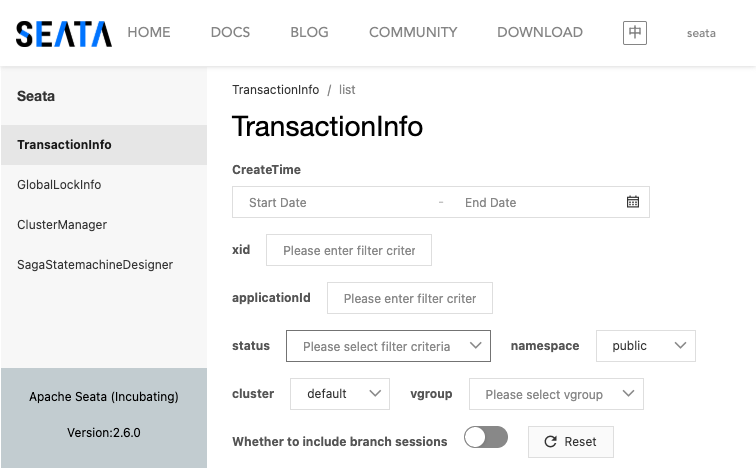
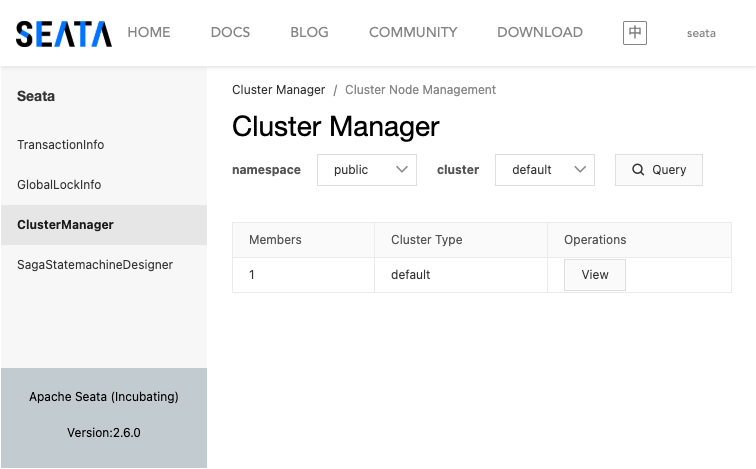
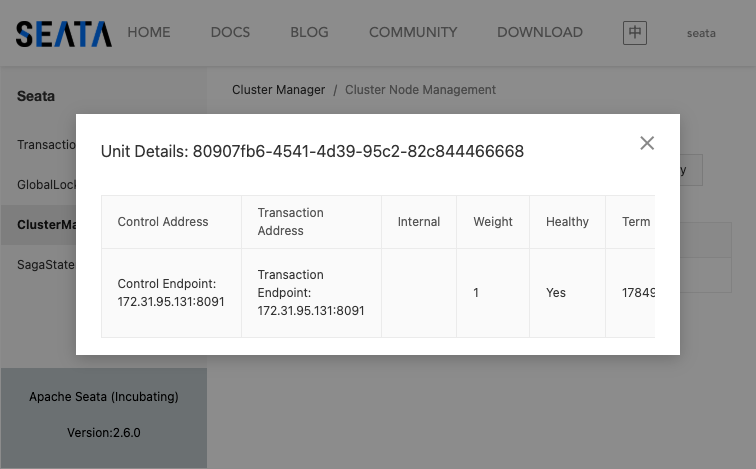
The coordinator exposes a service endpoint that resource managers and transaction managers inside your applications connect to, and a web console for browsing global transactions, global locks and the coordinator cluster. It suits engineering teams building a microservices platform who need reliable data consistency across service boundaries without hand rolling their own compensation and recovery logic.
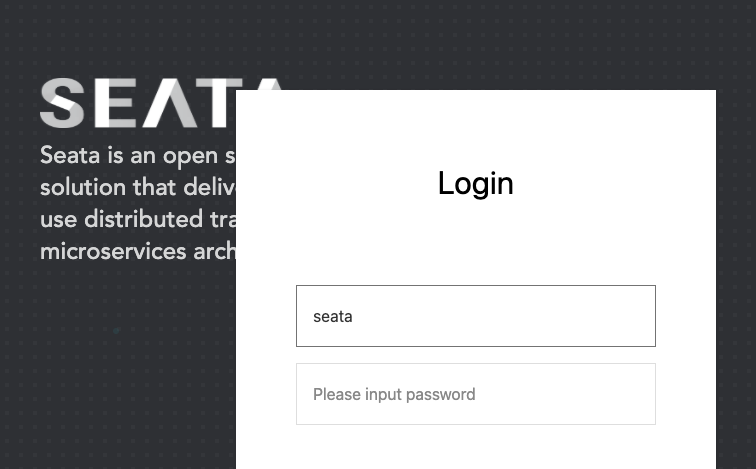
cloudimg delivers the Seata Server fully installed and running in standalone file store mode, so it is self contained with no external database to provision before it answers. The image is secure by default: the web console binds to the loopback interface and is fronted by a reverse proxy, and on the first boot of every instance a unique console password is generated, written into the server environment and recorded in a root only file, so the upstream default login never governs a running server and no two instances share a credential. The coordinator endpoint is published for your own microservice clients to connect to, the base is fully patched with unattended security upgrades enabled, and every deployment is paired with a step by step deploy guide and backed by 24/7 cloudimg support.
Real screenshots taken while testing this image against its deployment guide.
This is a repackaged open source software product wherein additional charges apply for cloudimg support services.
## Apache Seata - Distributed Transaction Coordinator AMI
Apache Seata is an open source distributed transaction solution for microservices. This AMI delivers a fully configured Transaction Coordinator so a business operation spanning several services and databases either commits everywhere or rolls back everywhere - with zero manual setup.
### The Problem This Solves
When a single business operation touches multiple microservices and databases, partial failures create data inconsistency - orders charged but never fulfilled, inventory decremented but shipments never created. Seata's Transaction Coordinator guarantees all-or-nothing semantics so your data stays consistent without hand-rolled compensation logic.
### Why This AMI Instead of a DIY Install
### Application Stack
### Security
Secure First Boot: A one-shot service generates a fresh console password and token-signing key unique to each instance, writing them into configuration before services start and storing the password in a root-only file.
Console Isolation: The web console is bound to loopback and reachable only through nginx on port 80. Restrict that front, plus coordinator RPC port 8091, to trusted networks with your security groups, and terminate TLS at nginx or your load balancer.
Encryption at Rest: Enable AWS EBS encryption on the root volume to protect configuration and transaction state.
### Use Cases
### Architecture Overview
Port 80 (nginx) forwards over loopback to the Seata NamingServer console (web UI and registry). Port 8091 is the Seata Transaction Coordinator RPC endpoint for client connections. All services run under a dedicated unprivileged account via systemd.
### Getting Started
1. Launch the AMI and connect via SSH as the default user for your OS variant.
2. Retrieve the generated console password: sudo cat /root/seata-credentials.txt
3. Browse to http://
4. Point your Seata clients at
See the paired cloudimg deployment guide for security-group rules, TLS termination and client SDK configuration.
All product and company names are trademarks or registered trademarks of their respective holders. Use of them does not imply any affiliation with or endorsement by them.

This image runs 1Panel, the modern open source web control panel that manages a Linux server entirely from the browser.
This image runs Apache APISIX, the high performance, scalable open source cloud native API gateway built on NGINX and et...
Apache ZooKeeper is a high performance coordination service for distributed applications.

Appwrite is an open source backend as a service platform, a self-hosted Firebase alternative that gives developers a com...

This image runs Authelia, the open source authentication and authorization server that provides single sign-on and multi...

cloudimg's etcd Amazon Machine Image delivers etcd 3.5 fully installed as a single-node deployment with Role-Based Acces...