
Apache Spark Single-Node Cluster
Overview
Launch a ready-to-run Apache Spark 4 analytics engine in minutes - no cluster setup needed.
See it running
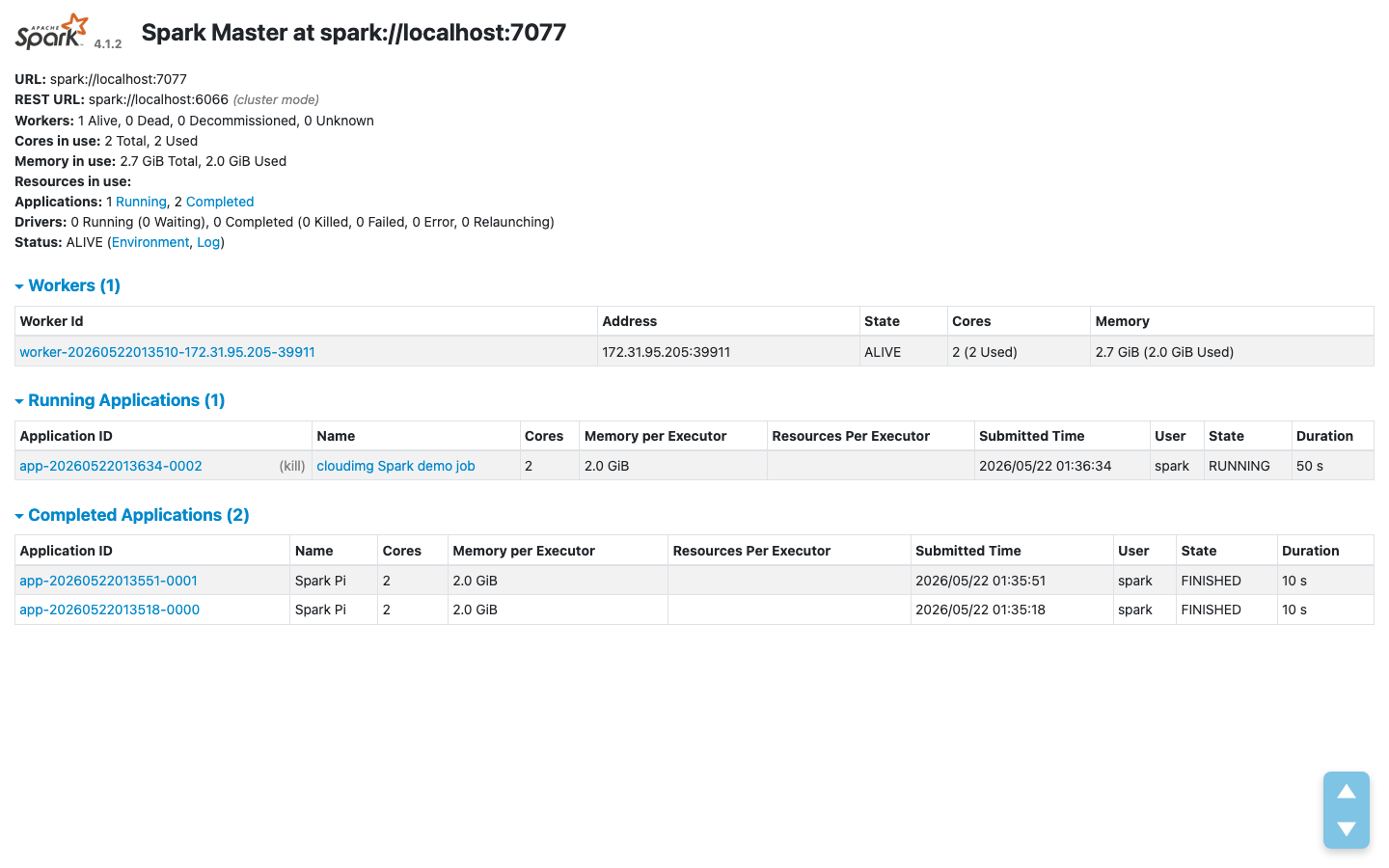
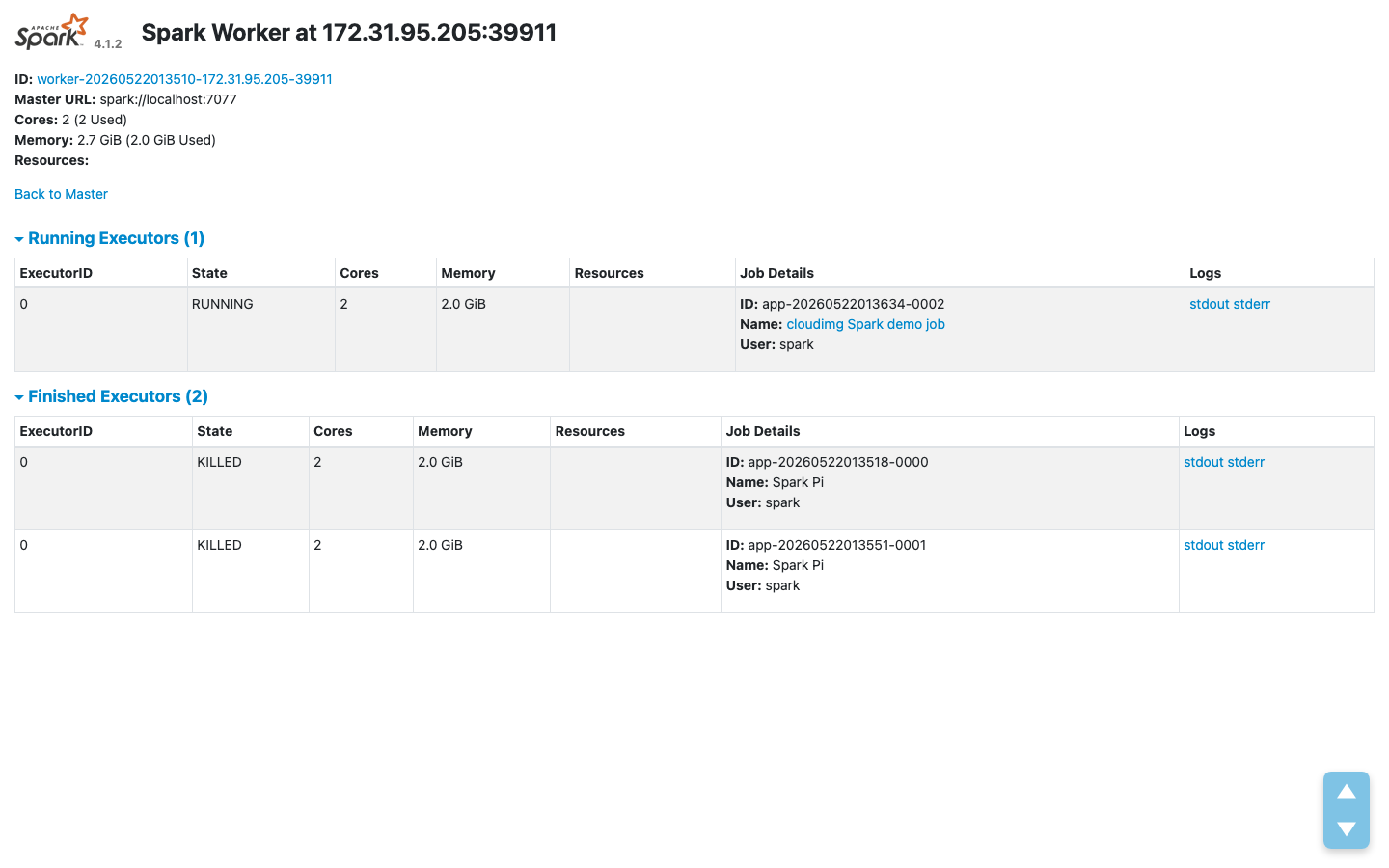
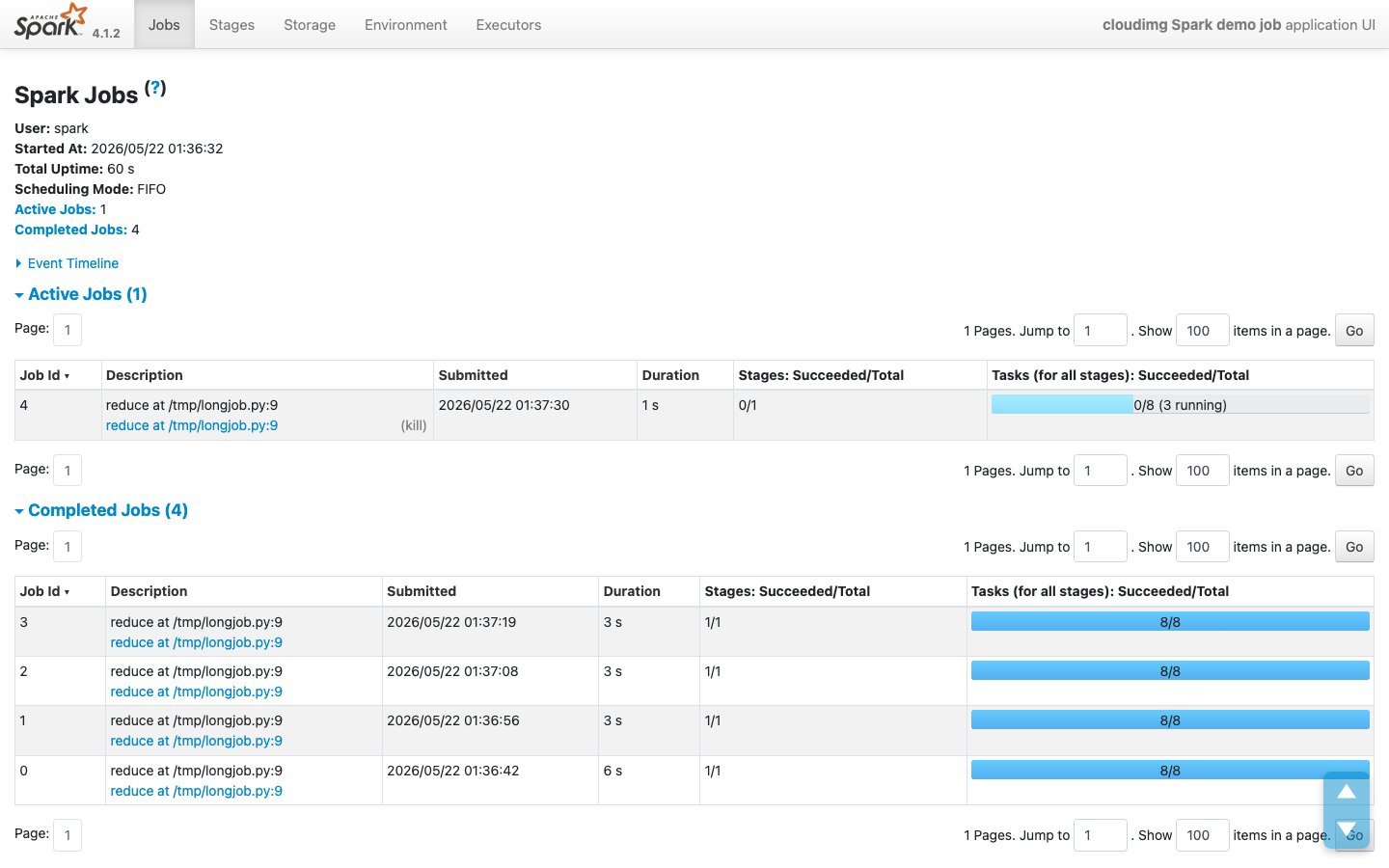
Real screenshots of this software running on the cloudimg image, taken while testing the deployment guide.
Description
This is a repackaged open source software product wherein additional charges apply for cloudimg support services.
Overview
Apache Spark is the open source unified analytics engine for large-scale data processing. This AMI delivers Spark 4 fully installed and configured as a single-node standalone cluster on EC2, giving data engineers and small teams a working analytics engine without cluster orchestration overhead, Kubernetes dependencies, or managed-service lock-in. Submit your first spark-submit job or PySpark session within minutes of launch - not hours of configuration.
This is a repackaged open source software product with additional charges for cloudimg support services.
Why This AMI Over Alternatives
Unlike managed services that add cluster spin-up latency and per-cluster pricing, this image gives you full root access to a production-grade Spark installation on a single instance you control. There is no vendor lock-in beyond EC2, no orchestration layer to manage, and no multi-node complexity for workloads that fit a single powerful instance. For dev/test environments, proof-of-concept pipelines, or cost-sensitive production workloads, you get predictable compute costs with expert support included.
Application Stack
- Apache Spark 4 with the standalone cluster manager
- Spark master and Spark worker running as systemd services under a dedicated unprivileged spark user (automatic restart on failure, no external orchestrator needed)
- Java 17 providing the JVM runtime for every Spark process
- Python 3 installed for PySpark
- spark-submit, spark-sql, spark-shell, and pyspark CLI tools ready to use immediately
AWS Integrations
This Spark image works with core AWS data services:
- Amazon S3 - Read and write data directly from S3 buckets for scalable, durable storage of input datasets, intermediate results, and output files. Use S3 as your data lake layer without managing HDFS.
- Amazon EBS - The dedicated data volume leverages EBS for independently resizable, encrypted storage. Enable EBS encryption to protect Spark worker data, SQL warehouse contents, and daemon logs at rest.
- AWS IAM - Attach IAM instance profiles to control access to S3 buckets, DynamoDB tables, and other AWS resources without embedding credentials in your Spark jobs.
Ready to Use
The Spark distribution, configuration, systemd units, and standalone cluster are all in place at boot. The master web UI is served on port 8080, showing the cluster state, workers, and every running or completed application. Submit your first job with spark-submit or start an interactive PySpark session immediately.
Security and Hardening
- Spark processes run under a dedicated unprivileged user - not root
- No passwords or shared credentials baked into the image
- Supports EBS encryption at rest for the data volume
- Recommended deployment behind a security group restricting port8080 (master UI) and port 7077 (master RPC) to trusted CIDR ranges only
- cloudimg support can assist with enabling TLS for master-worker communication and configuring Spark authentication
- On first boot, a one-shot service writes a non-secret information file and marks itself complete - no secrets are generated or stored
Dedicated Data Volume
A separate, independently resizable EBS data volume holds the Spark worker work directory, the SQL warehouse, and daemon logs. This prevents disk-full failures during large shuffles or extended job runs by keeping cluster data isolated from the operating system disk. Resize the volume as your workloads grow without reprovisioning the instance.
Example Use Case: Nightly ETL Pipeline Development
A data engineer prototyping a nightly ETL pipeline reads raw CSV or Parquet files from an S3 bucket, transforms them with PySpark, and writes cleansed output back to S3. The single-node cluster handles datasets up to hundreds of gigabytes on memory-optimized instances. Once validated, the same spark-submit scripts can be promoted to a multi-node cluster with minimal changes.
Additional Use Cases
- Large-scale batch data processing and ETL
- Interactive analytics and ad hoc SQL over large datasets
- Data engineering pipeline development and testing
- Machine learning feature engineering
- Proof-of-concept clusters before scaling to multi-node deployments
Getting Started
Book a free consultation with cloudimg engineers to discuss your Spark deployment requirements, architecture review, or guided pilot setup. Our team can help you select the right instance type, configure security groups, enable encryption, and optimize job performance for your specific workload.
All product and company names are trademarks or registered trademarks of their respective holders. Use of them does not imply any affiliation with or endorsement by them.
Key Features
- Apache Spark 4 launches as a fully configured single-node standalone cluster with the master and worker supervised by systemd. If a process fails, systemd restarts it automatically - no external orchestrator, no Kubernetes dependency, and no multi-node complexity. Unlike managed services with cluster spin-up overhead, your analytics engine is accepting jobs within minutes of instance launch, giving data engineers immediate productivity.
- Java 17 and Python 3 are pre-installed and version-matched so spark-submit, spark-sql, spark-shell, and PySpark all work immediately with zero version reconciliation. This eliminates the hours typically spent resolving JVM and Python compatibility issues on a fresh install. The dedicated EBS data volume keeps shuffle data and logs separate from the OS disk, preventing disk-full failures during large jobs and supporting EBS encryption at rest.
- 24/7 technical support from cloudimg engineers with a one-hour average response for critical issues. Get expert help with Spark deployment, cluster configuration, job tuning, enabling TLS and authentication, and performance optimization. Unlike community-only support on free AMIs, you have a dedicated team ready to assist with production issues around the clock.
Related Technologies
Related Products

Apache Superset BI Platform
This image runs Apache Superset, the open source data exploration and business intelligence platform, as a complete sing...
ELK Stack - Log Analytics and Observability
Once your instance is running and has passed both status checks (2/2), connect using SSH:
Hadoop Big Data Stack - HDFS MapReduce YARN
The Hadoop Big Data Stack AMI by cloudimg provides a fully preconfigured Apache Hadoop ecosystem ready to run on Amazon ...
Oracle Database 11g Enterprise Edition
Once your instance is running and has passed both status checks (2/2), connect using SSH:
RStudio Desktop IDE for R - Windows Server
Wait for the EC2 instance to pass 2/2 status checks (this may take several minutes for Windows instances).

Matomo Analytics - Self-Hosted Web Analytics
This image runs Matomo, the leading open source, privacy-first web analytics platform and a fully featured self-hosted a...